How to add and find Radio Stations and how to add them to Roon

I found a quick and easy way to find streaming internet radio stations and to add them to Roon

  1. Go to e.g. https://www.internet-radio.com (or Google for other internet streaming station)
  2. Find a station you like, and hover over the small .pls logo (right under the big red PLAY icon).
    Right click and copy this link (for example: https://www.internet-radio.com/servers/tools/playlistgenerator/?u=http://us1.internet-radio.com:8180/listen.pls&t=.pls)
  3. Go to Roon -> Internet Radio -> Click on the blue “+ Add a Station” sign upper left corner. New windows opens. Paste the URL you just copied from no. 2 above into Roon. Name the station, and click “Add Station”. Now your Radio Station is present in Roon, just Go to Internet Stations, highlight your station, and press play.
  4. Enjoy
3 Likes

Thank you! I was wondering where to find stations.

You can also add stations from a TuneIn web page URL.

This thread contains links to favourite and high quality streams provided by users.

Forgive my ignorance, but can you give me the url for wqxr so i can add it to my radio stations?

Thanks,

David

Where do I find internet radio on the Roon page?

Um - here?

Please disregard. Found it.

Cheers
Darren.

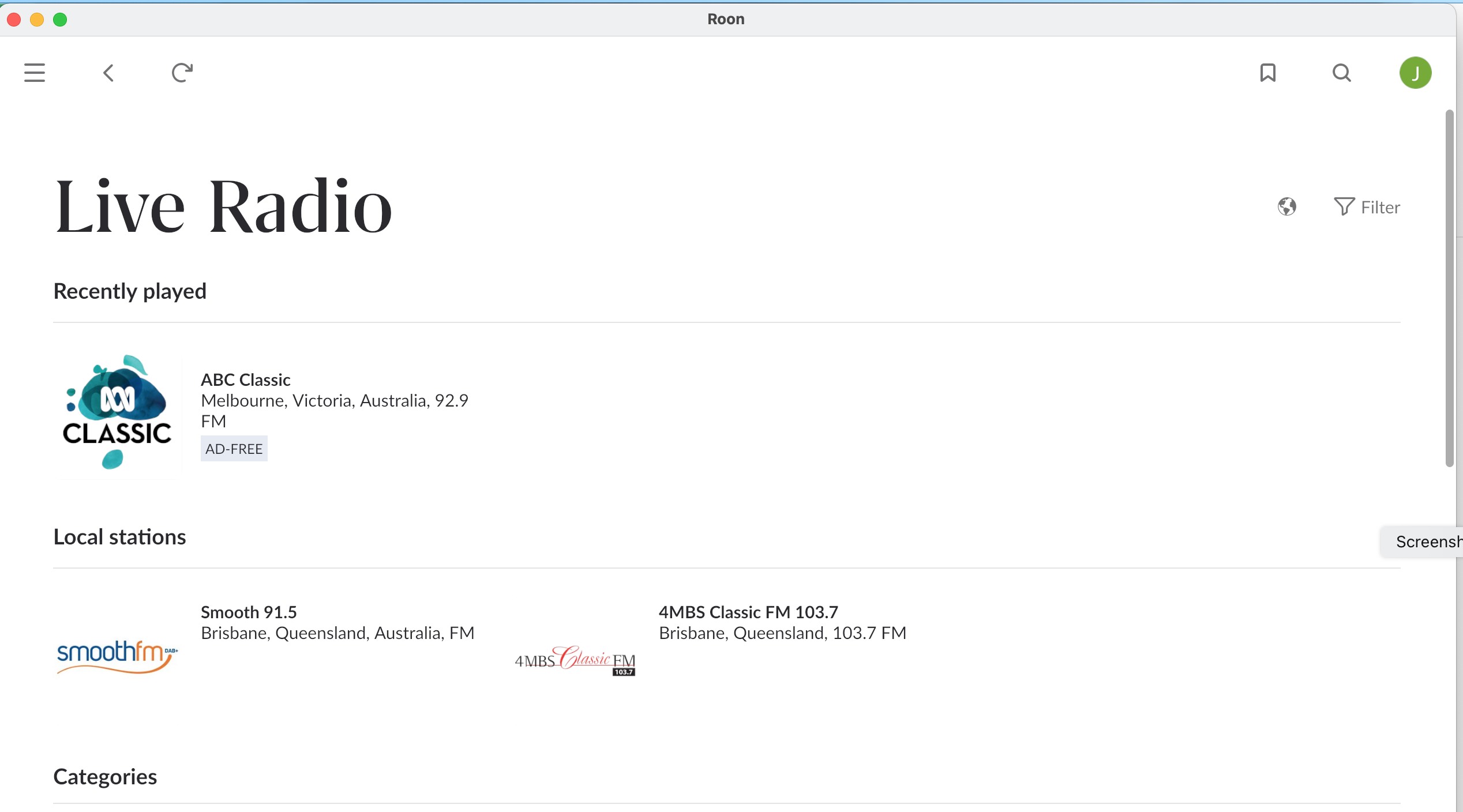
I’ve been trying to add new radio stations to Live Radio. The guide provided, unless I’ve got it mixed up which is quite possible, says copy the relevant url, then click the blue plus button at the top on the Live Radio page. Despite looking at various options of doing so I can’t find the blue + button on that page. Attached is a screen shot of the relevant page. Thanks very much.

Julian
Live Radio is curated by community volunteers. You should send your suggestions to this group.

https://community.roonlabs.com/c/live-radio/80

As has been said - the “Live Radio” section is curated. You don’t add your own stations here, but you can ask the curators to add the station to the directory for everyone to use.

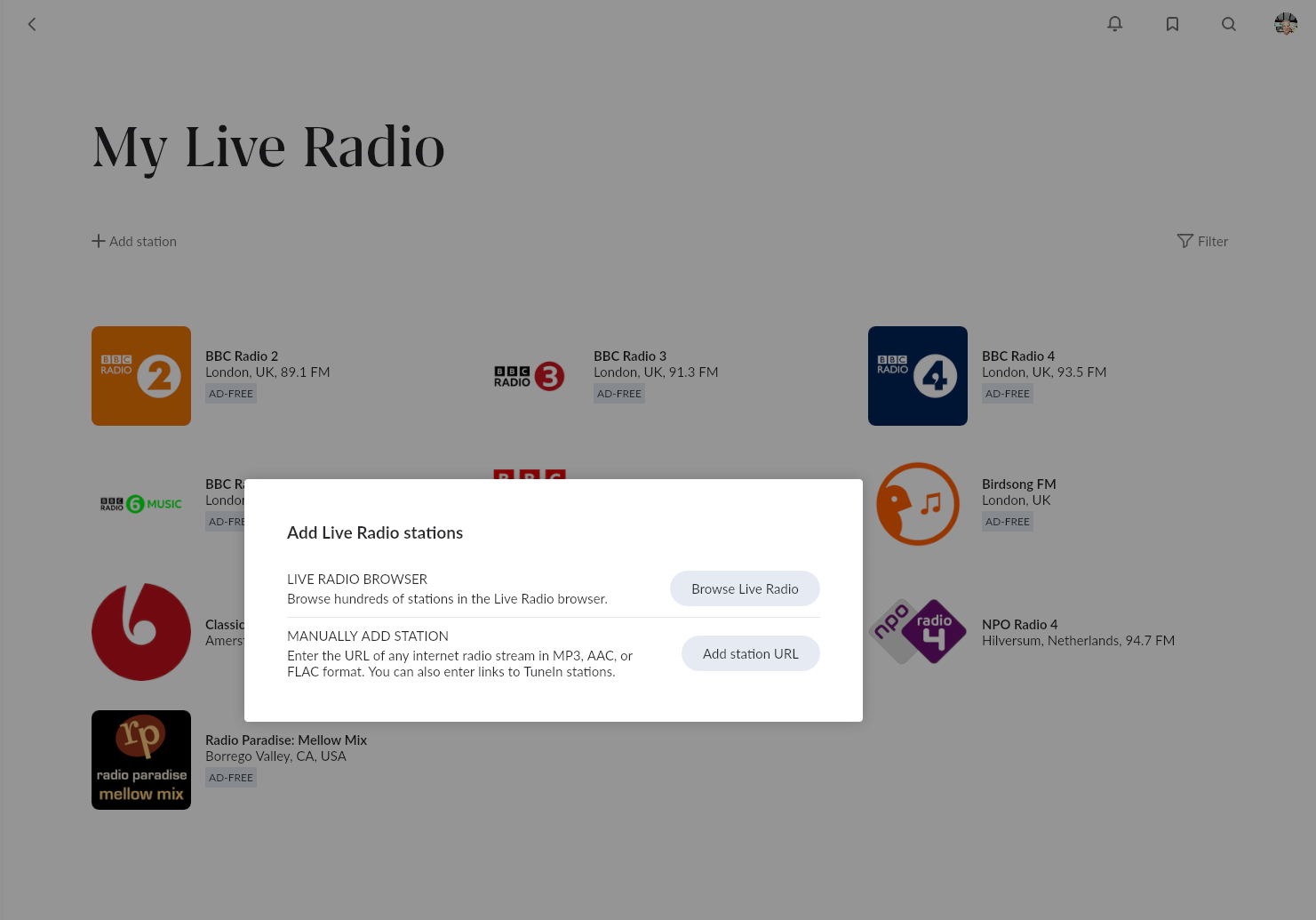
You can add radio stations to “My Live Radio” manually - this is a separate section in Roon. Radio stations can be added manually to this section, or you can browse the curated directory and add stations that appear in there.

Took me a minute to find the actual add thing. Maybe the menu has changed a bit in the past 9 years (2016 OP, it’s 9/2025 now)

In Roon > My Library section > “My Live Radio” > + Add station

To find the radio stream, I had pretty good luck over here https://streamurl.link/

College radio stations https://www.ldial.org/

There are other ways to find a stream link by “examine” page and start hovering over stuff looking for the link. That can be a little tedious with layers and layers of code.

1 Like

I’ve never seen Roon like this?
What is it?