I have an Arcam rPlay network streamer (product page link) which feeds into my living room HiFi sound system. With its own (iOS) app “DTS Play-Fi” the streamer works and can play perfectly from Qobuz.
Now I would like to make the rPlay work with Roon. The streamer is approx. 7 years old but claims to be able to receive music from sources via AirPlay, so it should be possible to connect it to Roon.
However when I try to add the rPlay as a Audio destination to Roon via Settings → Audio I cannot make it work: The rPlay (I called it “rPlay-Tuby”) sometimes appears in the Audio panel as available, but when I try to enable it the streamer might show up for a little while as enabled, but never play Roon music - and after a few minutes it will just disappear from the Audio panel in Roon.
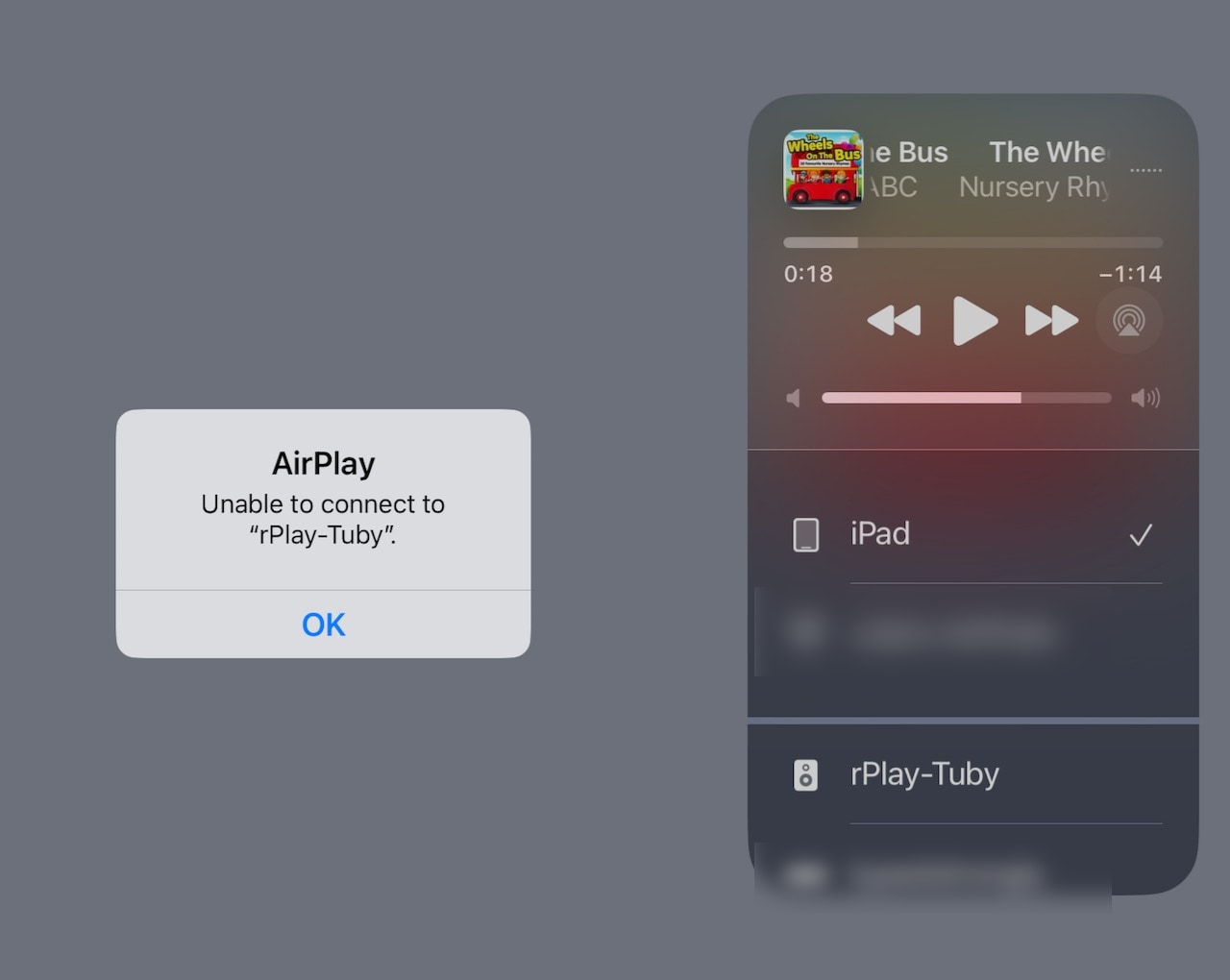
Also when i use my iPad to connect to the streamer via Airplay (tapping “rPlay-Tuby” in the iOS Airplay list, I always get an connection error: