I got this awhile ago and just now trying to install it. I bought it from reseller in Germany so I can’t see if it has any information re license. Have ethernet going to my router and the Lan led is solid green. I installed Roon Bridge on my Core. Don’t see it after adding Roon Bridge and rebooted my Mac. Are there any other ways (Apps/sw) where I can find Roon extensions?
You need to go into Roon->Settings->Extensions and enable it and then you should see the options for the licence manager
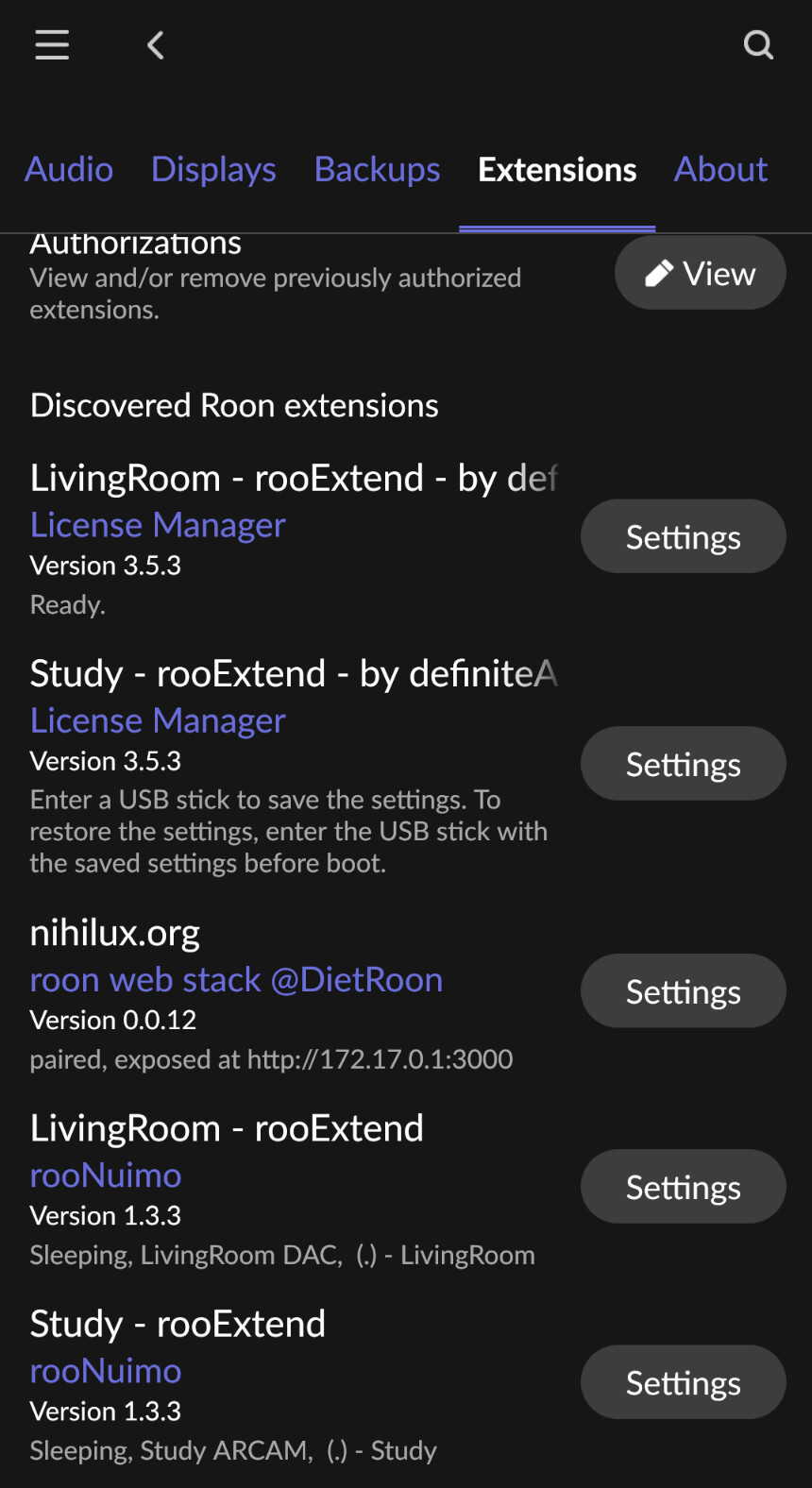
I just checked again under extensions and it doesnt show any
I don’t think I installed the License Manager or the extensions beause the email I received was in German which I neither speak or read. The reseller was from an EU country. Maybe I can contact that reseller and verify my purchase?
Hey @Randall_Sanders1 the creator of the software is @DrCWO and he is on the site here
The extensions are built-in and would normally connect to your Roon server if on the same subnet and just await authorisation
1 Like
Hi Randall,
and welcome to the rooExtend Community 
Here you find my main support thead that splits up in one thread for each of my Roon Extensions. So please post further requests in the category that fits.
Please connect your rooExtend-Box at the WAN Port to your router with an Ethernet Cable. next connect power via USB-C. It should deliver more than 12W at 5V.
Now watch the LEDs at the front of the rooExtend-Box.
Please read in the Manual of the rooExtend-Box at page 53 what should happen with the Red LED and report back how far you got.
When did you buy the rooExtend-Box?
Best DrCWO
1 Like
There is nothing under Settings/Extensions but an empty folder. I’m going to reconnect the RooExtend and look again.
Is there an email address I can send it to?
Directly from whoever directed me.
Subject: Rechnung RE2403951 zu Auftrag #1155 vom 10.04.2024
Hello Randall Sanders,
Thank you for your order.
Enclosed you will find invoice RE2403951 for delivery note LI2406817 from order #1155 dated 10.04.2024.
Best regards
Your Audio Trade Team
Hello Randall Sanders,
Thank you for your order.
Enclosed you will find invoice RE2403951 for delivery note LI2406817 from order #1155 dated 10.04.2024.
Best regards
Your Audio Trade Team
Hi Randall I mean inside Roon app, go to settings and then extensions and have a look at what is there.
Maybe post a screenshot of that screen here as I did above for you
I think I sent it. I did notice both leds Red and Green are solid now. Just plugged it bak in.
I noticed both Red and Green LEDs are solid neither flashing.
I see you are talking to the good Doctor now, he is the best person to help you in that case
Now Red led is still solid and now Green led js also solid
The leds have gone out now with no changes.
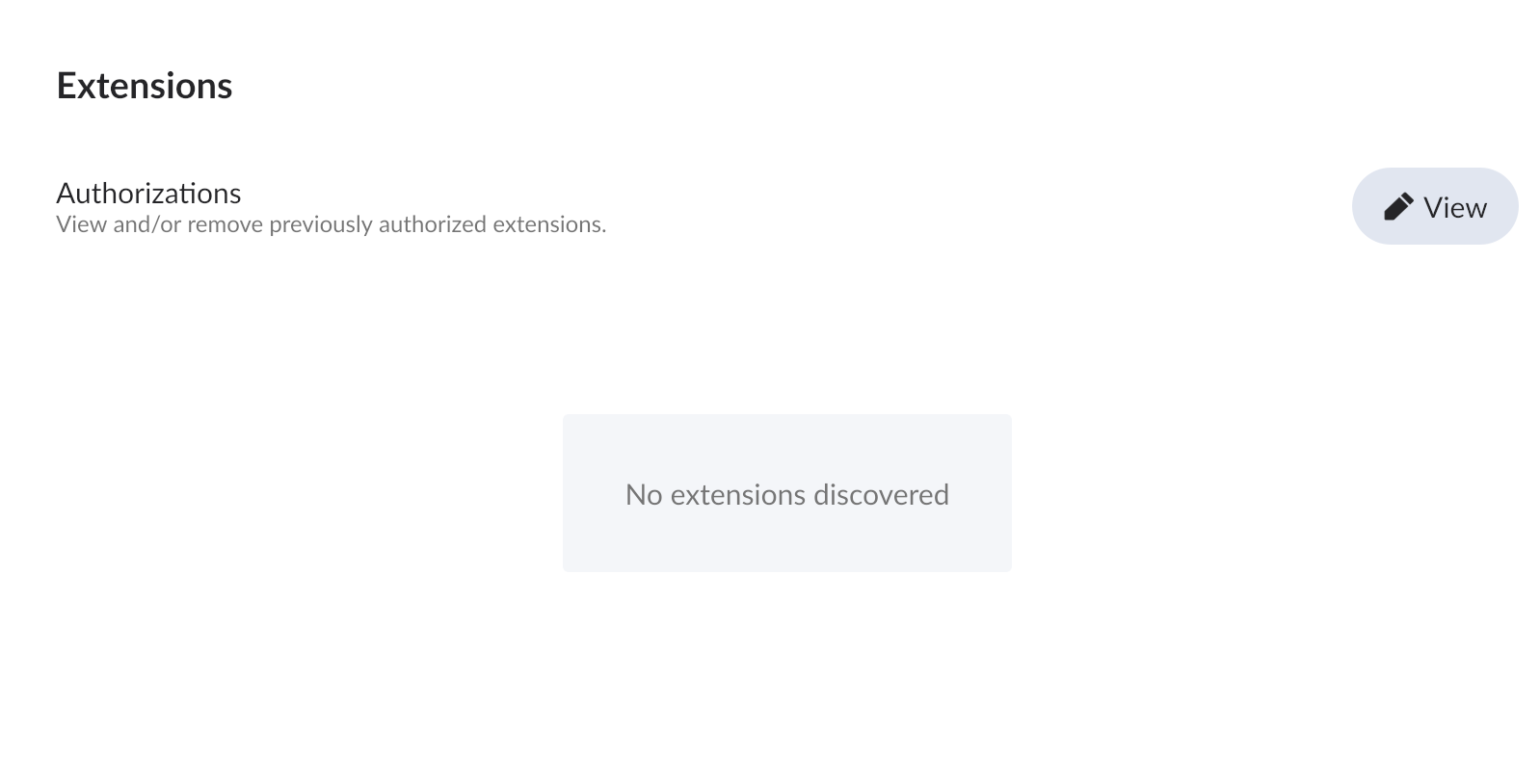
OK that does suggests there might be an issue with the image on the card.
Dr CWO can help you with that