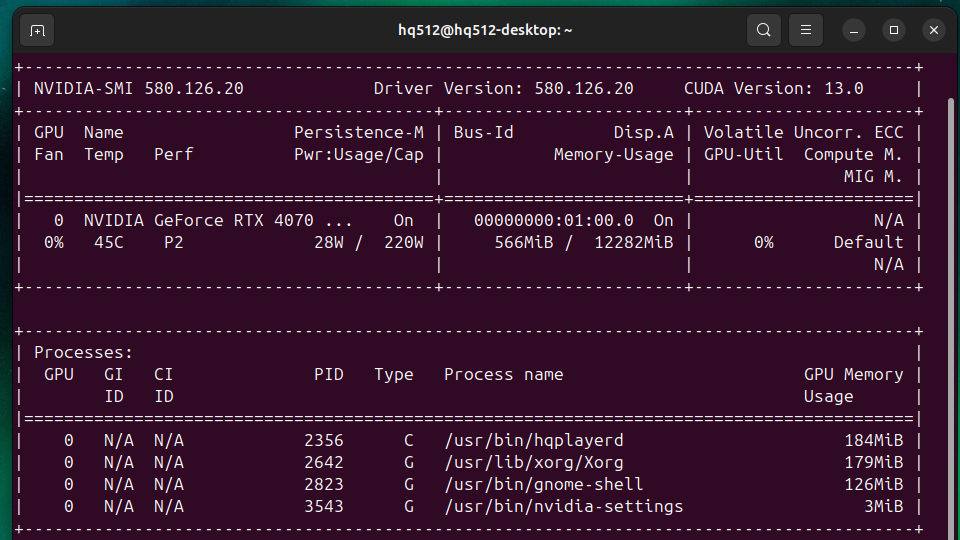
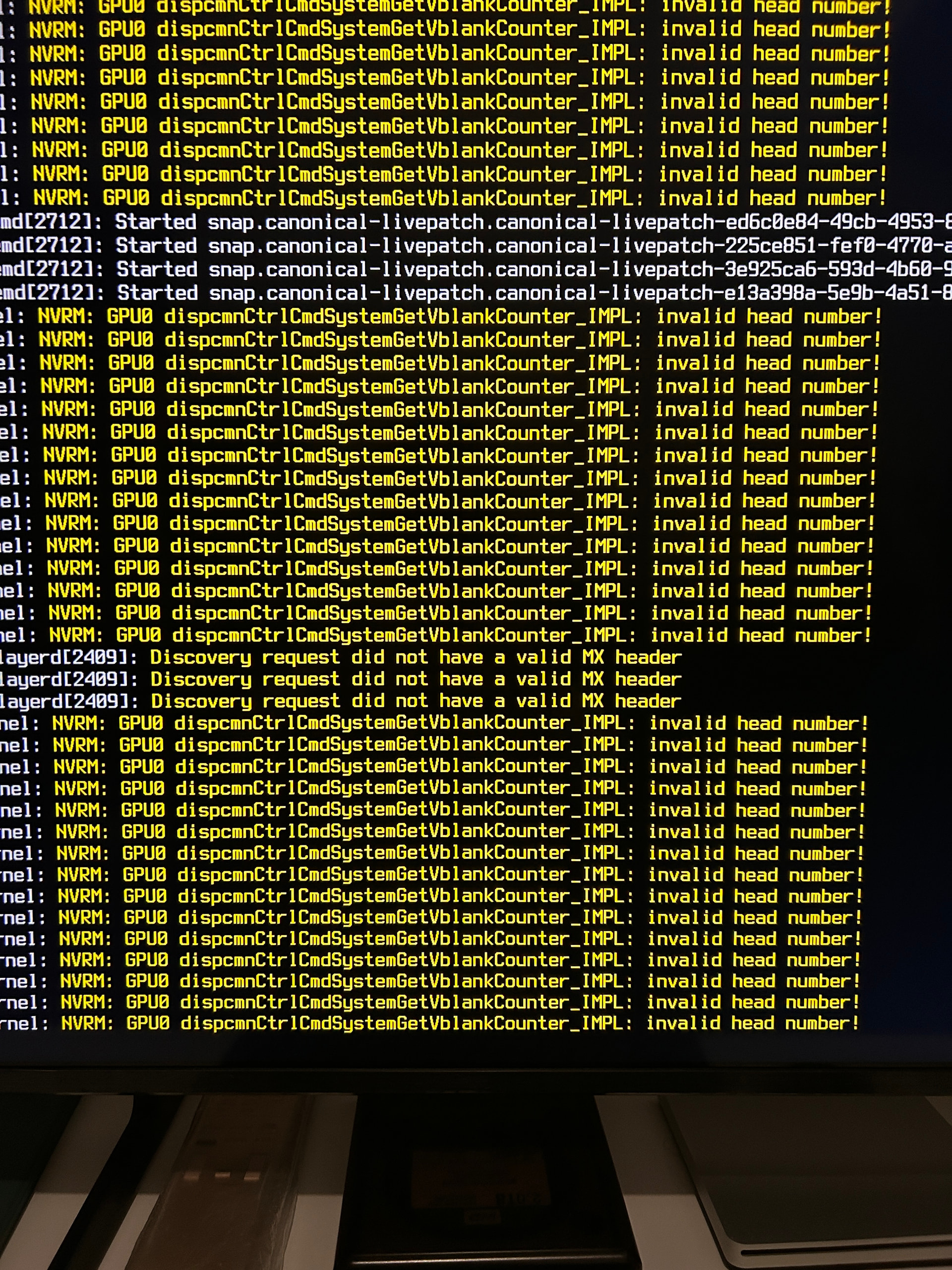
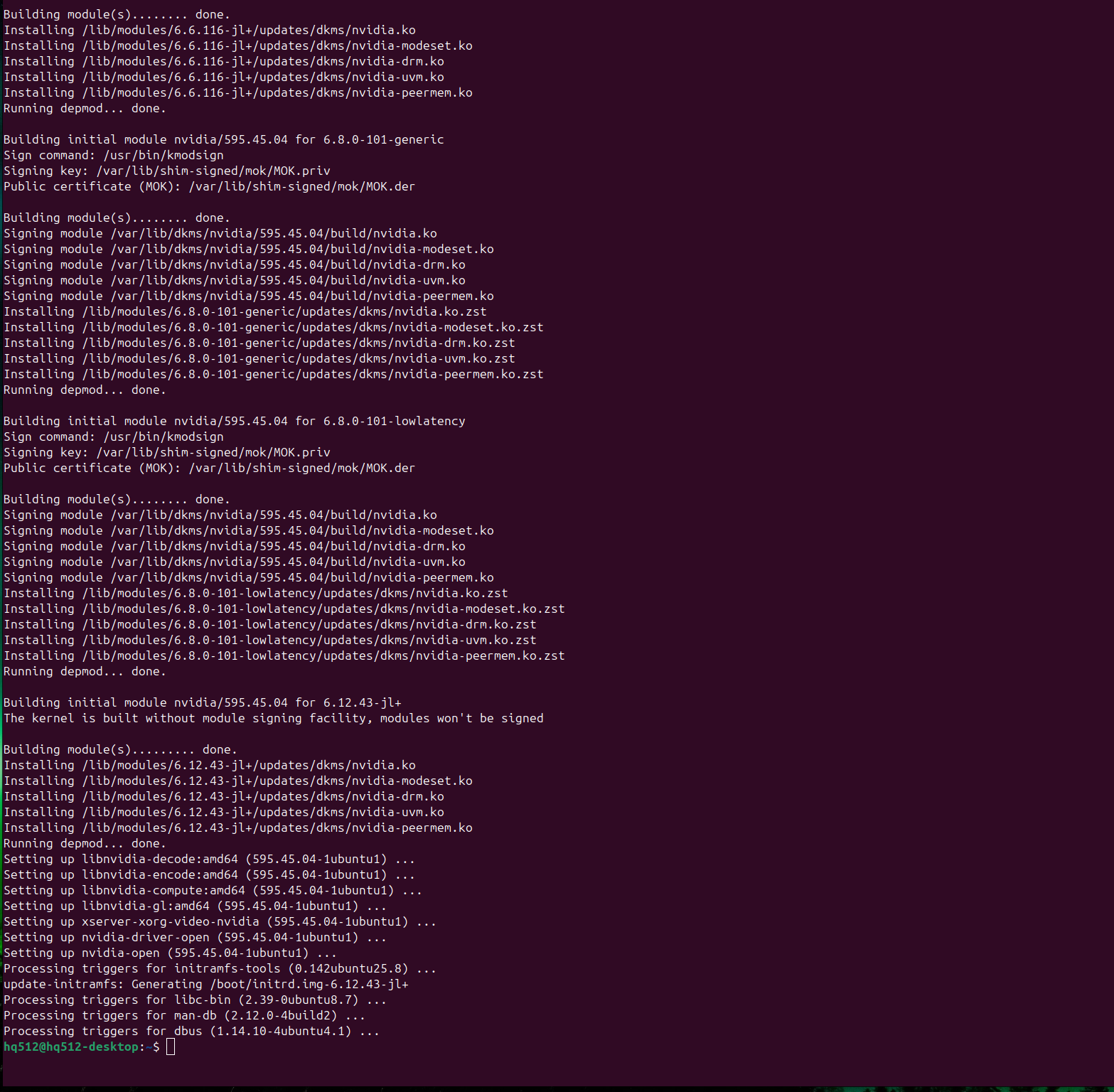
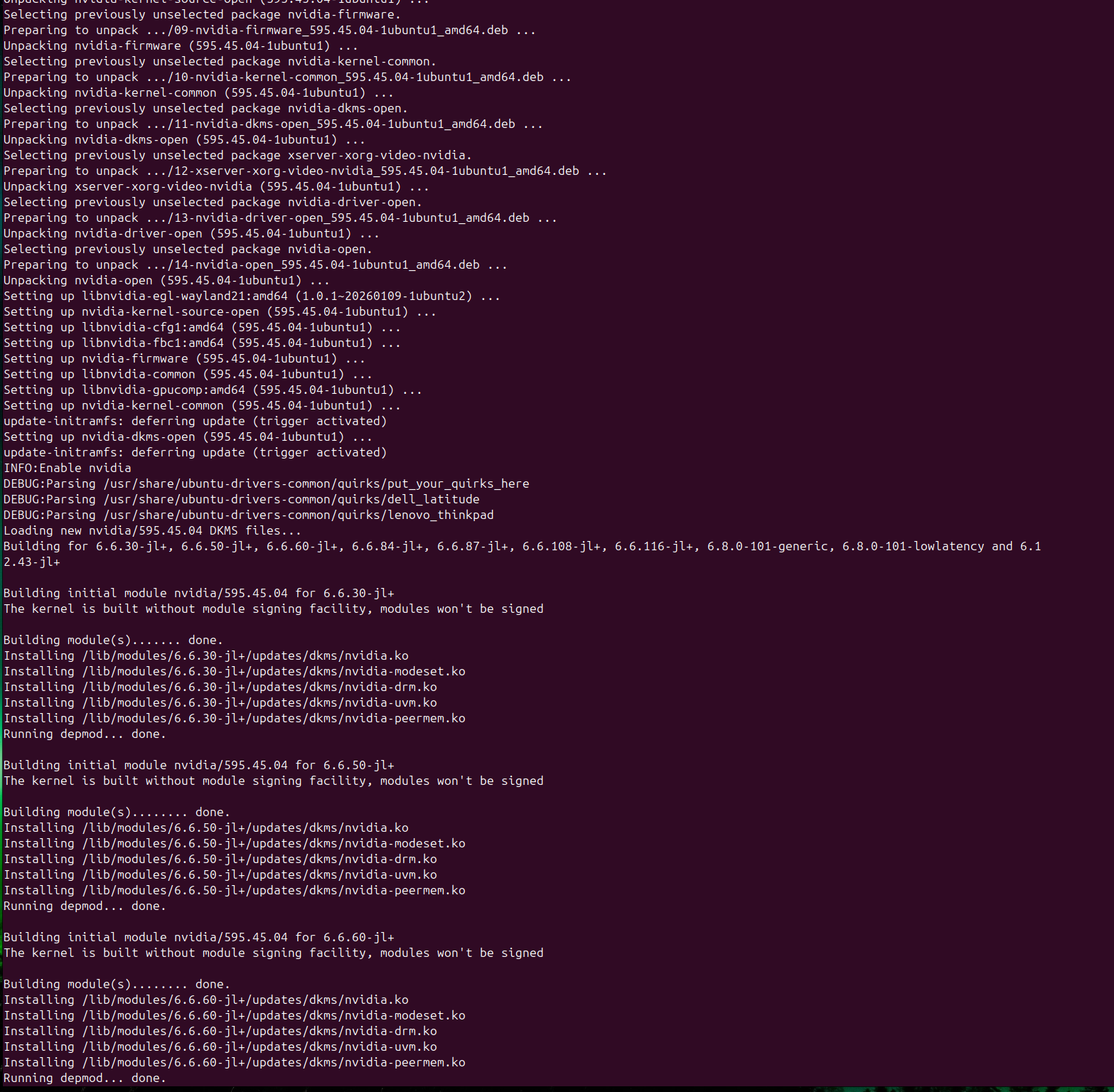
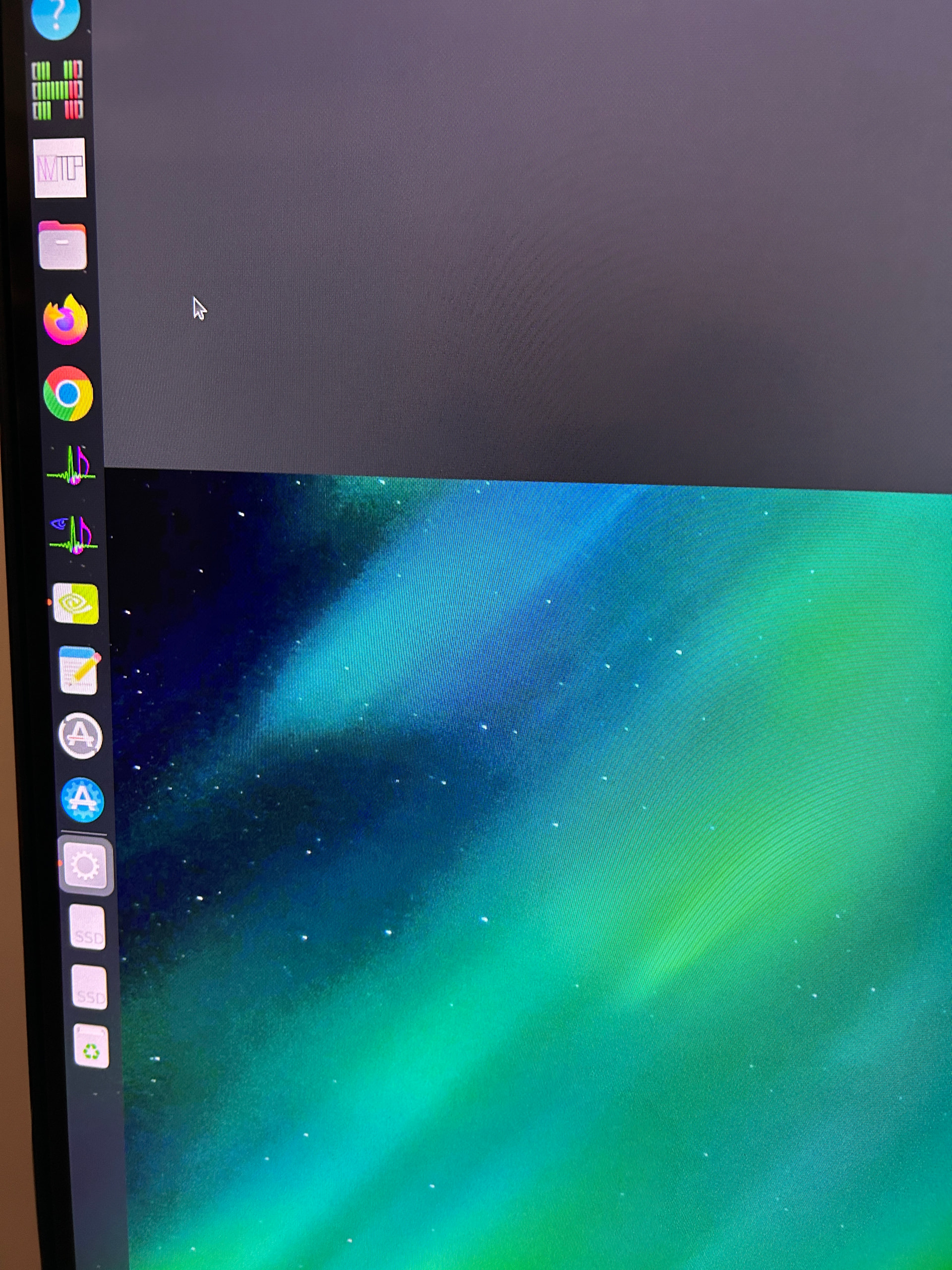
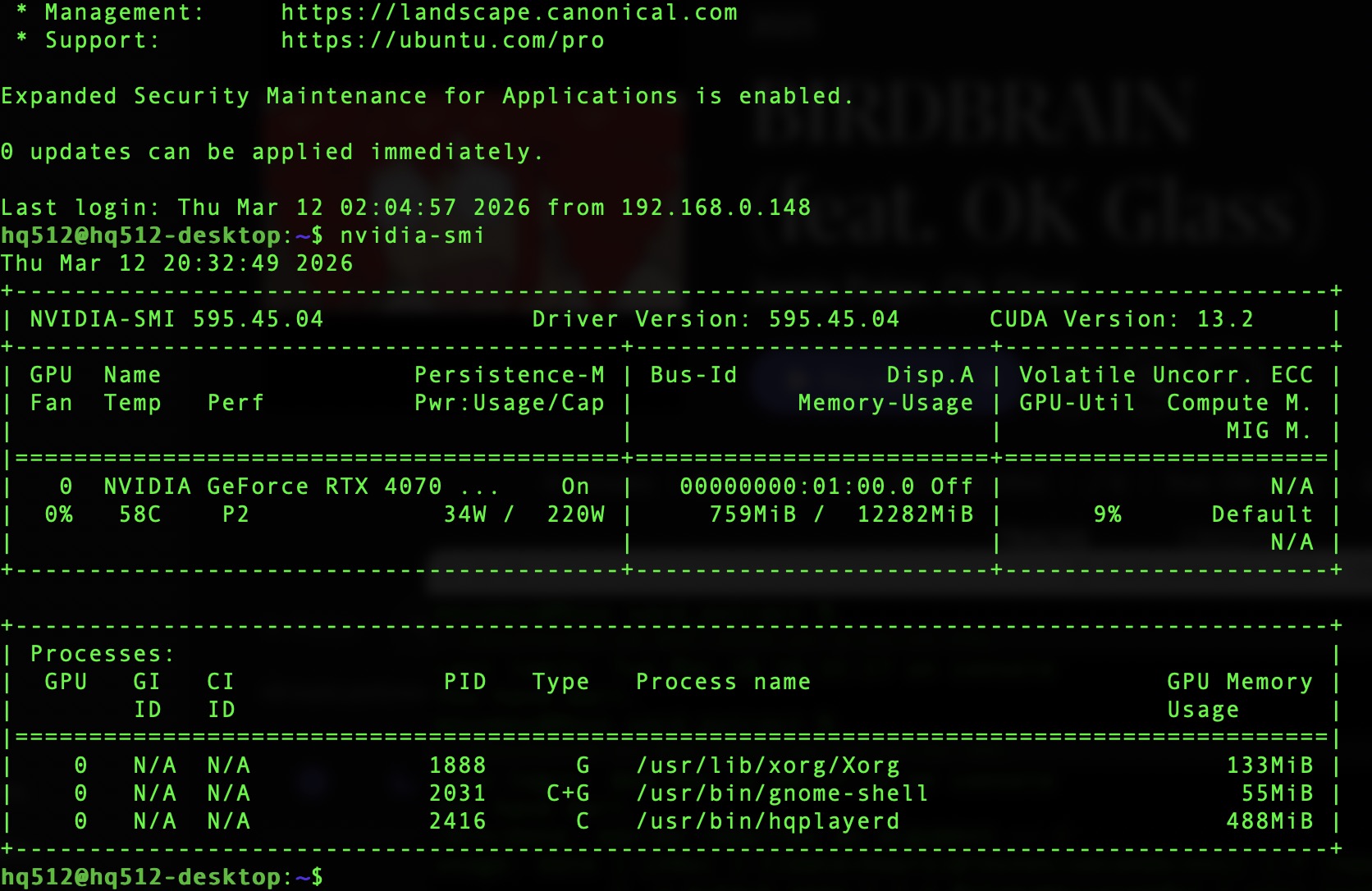
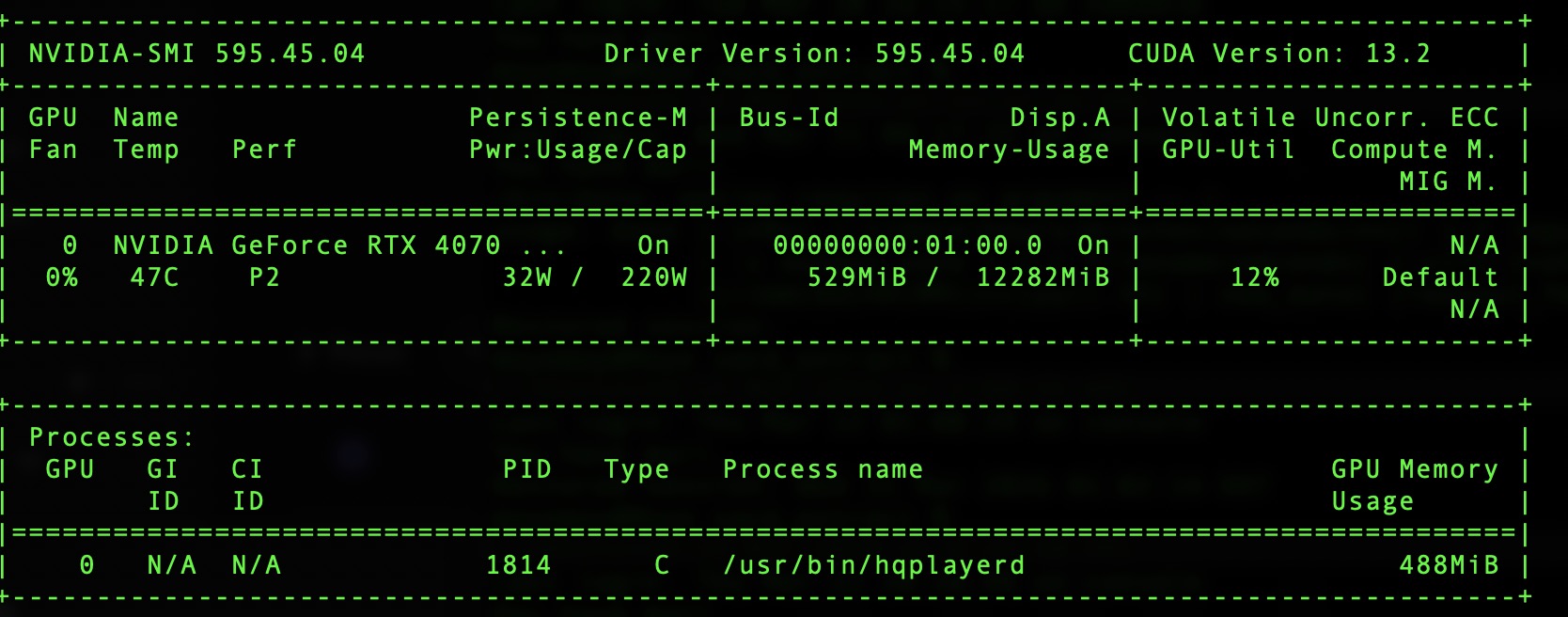
After updating drivers using Ubuntu App update, adding a new NVIDIA CUDA version, I restarted and after login then all my apps keep hanging and wont open. On terminal all works and hqplayer embedded is running fine. Anyone any ideas?
Sounds like a bug in the driver, or in the packaging. If the X.org drivers are not in sync with the kernel module, none of the OpenGL accelerated applications will open. Such as HQPlayer Client or Chrome in your screenshot.
Just wondering what is the source of such driver and whether you have possibly conflicting driver packages.
Canonical provides one set of drivers through their GUI, these are ones they package based on something coming from Nvidia. While Nvidia also provides their set of driver packages. These two shouldn’t be mixed.
I use the latter one, as it is better in sync with CUDA. And if someone has read my instructions here about driver installation, then it’s about the Nvidia provided packges.
Canonical used to be quite a bit behind, but I don’t know if they’ve been catching up a bit lately.
I found the HQPlayer 5 Client app now displays the processing speed.
Cool!
Just to confirm, the larger figures represent faster processing speed, right?
And perhaps below 1.0x implies there’s not enough computational power to run the particular settings.
Yes, exactly. Depending on settings, and load from other applications, speed can vary enough that a longer run average value shown may not tell everything. So values over 1 don’t necessarily guarantee that there are no dropouts.
If you have a graphical desktop, and you install just the “nvidia-driver” package, but not the others, you will have a problem.
For full driver set for desktop, just install “nvidia-open” package. It will pull in all necessary packages. Mine is currently on version “595.45.04-1ubuntu1”.
And “nvidia-driver-590” is the old closed kernel driver. Now if you mix this with any “nvidia-open” things some other way, you have a problem. You should install just “nvidia-open” since you have a graphical desktop. That is enough and covers everything needed. Nothing else needs to be installed.
So I recommend to “apt remove nvidia-driver-590 cuda-runtime-13-1 libcufft-13-1” and then “apt autoremove –purge” and then start over with “apt install nvidia-open”.
This is because HQPlayer Embedded doesn’t use OpenGL graphics rendering on top of Xorg. It talks straight to the kernel driver. But for graphical desktop OpenGL rendering there is also Xorg driver that needs to talk to the kernel driver. If the Xorg driver and kernel driver versions don’t match exactly, the OpenGL rendering doesn’t work.
For example HQPlayer Client and Chrome browser require OpenGL for hardware accelerated graphics rendering.
So it is mandatory to pull both the kernel driver and the Xorg driver from a common meta-package. Which is “nvidia-open” in this case. But this goes wrong if there’s something else installed that is conflicting.
So run “dpkg -l | grep nvidia” and “dpkg -l | grep cuda” and check that you don’t have anything else installed with these names apart from nvidia-firmware package which you can leave there. If there’s something else, remove it all before starting fresh with “nvidia-open”. And then do not install anything else. This will also keep you always up to date with latest driver automatically. So don’t install any drivers through the graphical interface.
In normal cases, HQPlayer Embedded is running on a headless system without Xorg at all, so only text console and no graphics. (for example minimal Ubuntu Server, Fedora Server or Debian)
Thank you.
Regarding the “20kHz” toggle switch on the Client, I found that its use consumes quite a bit of computational power. What would you say about the filter?
I searched for some description in the Desktop manual, but I couldn’t find any…
It is a relatively steep filter cutting just above 20 kHz. How much power it takes depends on the source format. It can also run on Nvidia GPU if you have such possibility.
But for something like 96k or 192k source it’s load is almost unnoticeable.
I see.
I tried several different source formats, and the one that caused issues (meaning it pushes down below 1.0x) was DSD64 sources. Others seem fine.
Is there a way to pass it all to the GPU?
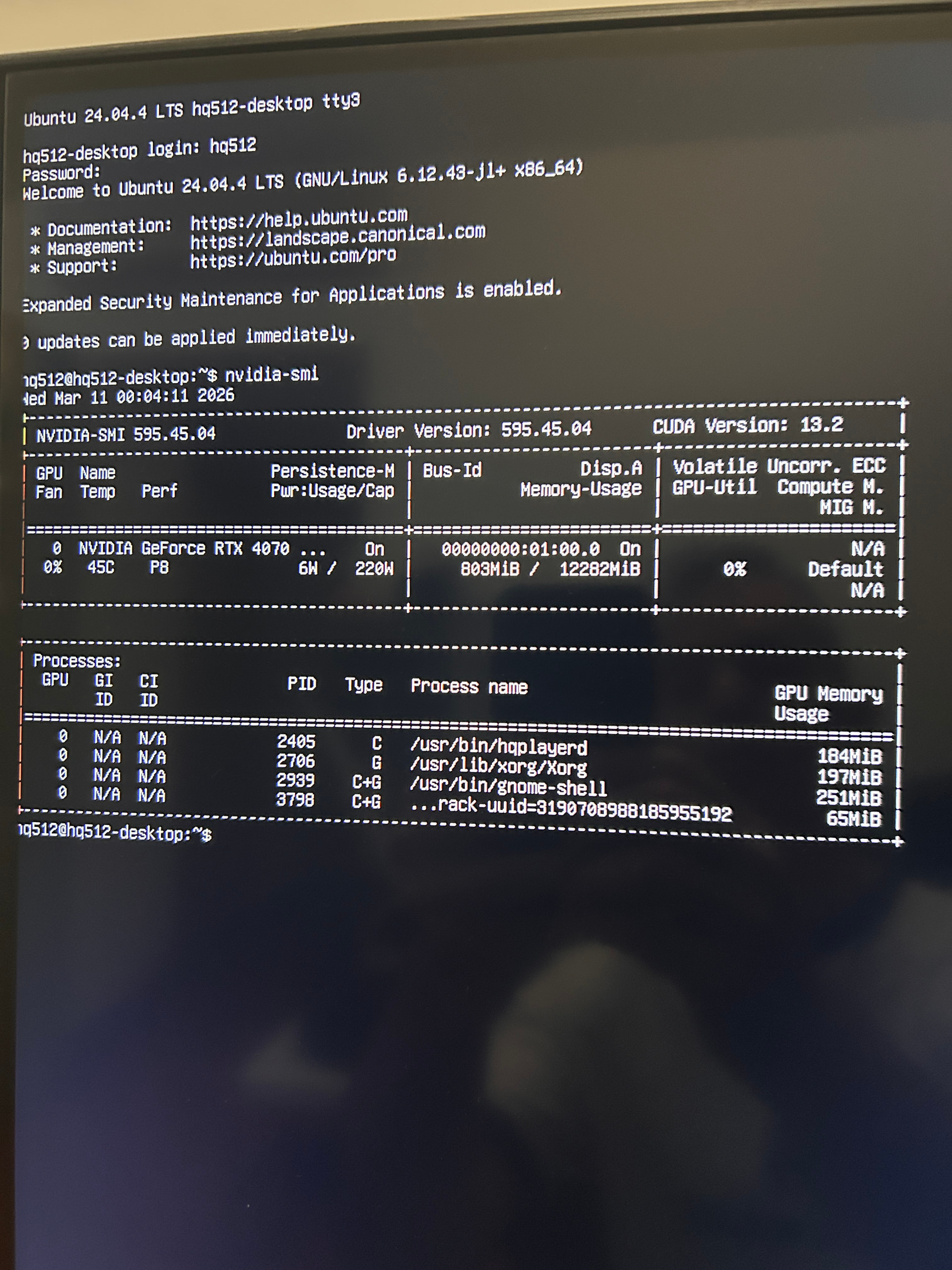

 Any recommendations to fix? Should I remove and reinstall the driver again?