Just set it to “1” instead of “auto”. If you use nano to edit, and it is not a patched one, remember to “sudo chown hqplayer /etc/hqplayer/hqplayerd.xml” afterwards. Otherwise saving changes from the web interface will start failing…
1 Like
Hmm…
I chowned and restarted afterwards, but I see no difference in the speed drop when using the 20kHz filter with DSD64 files.
I just ran this command, nothing else
Screenshot
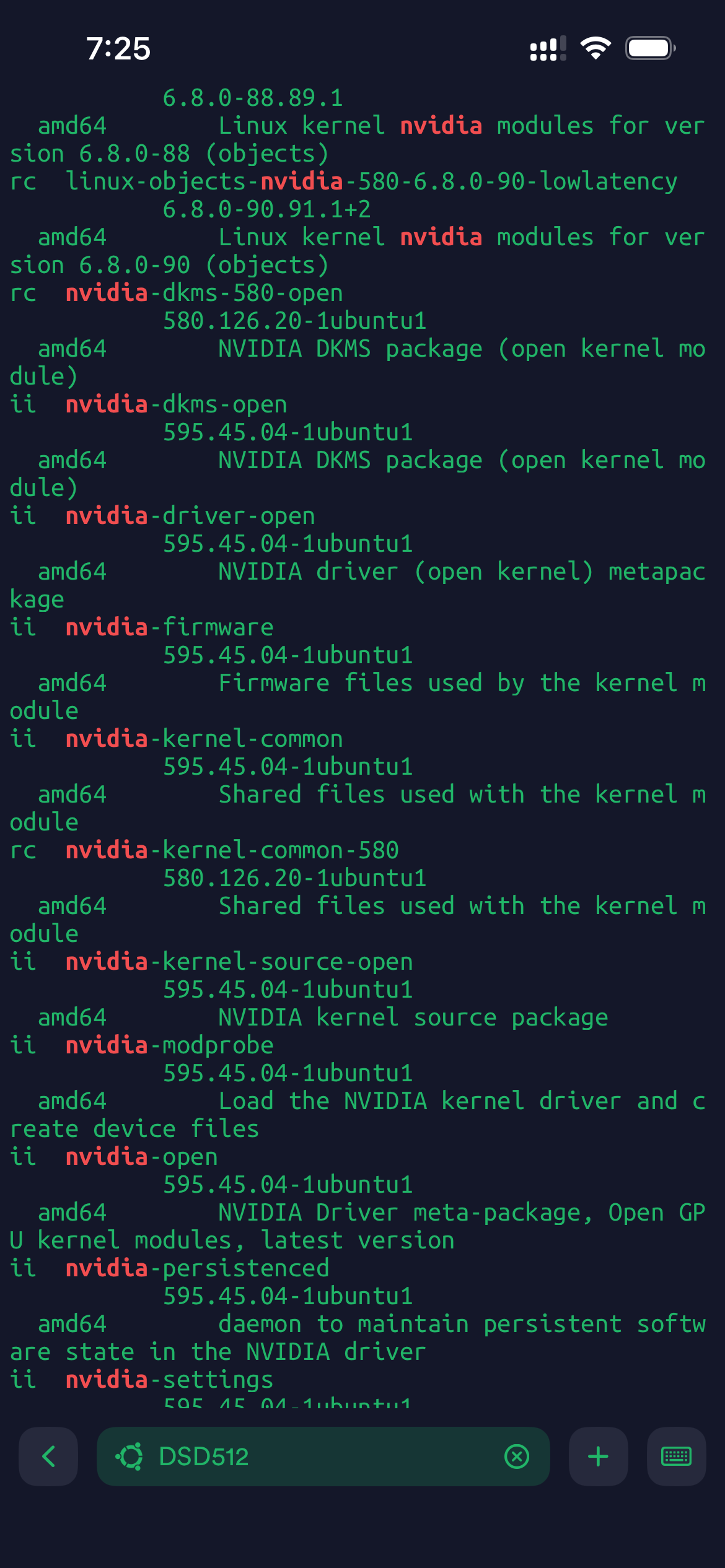
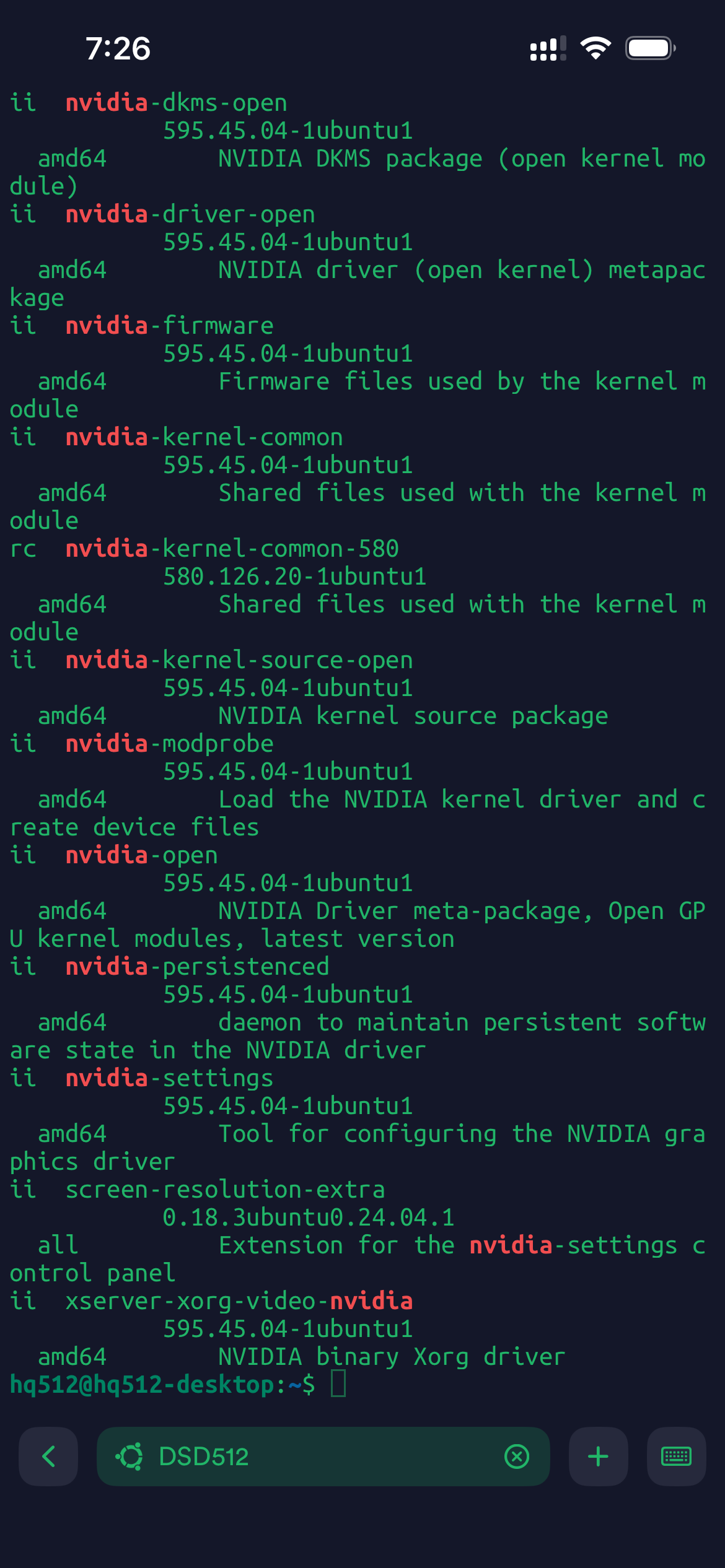
I see this:
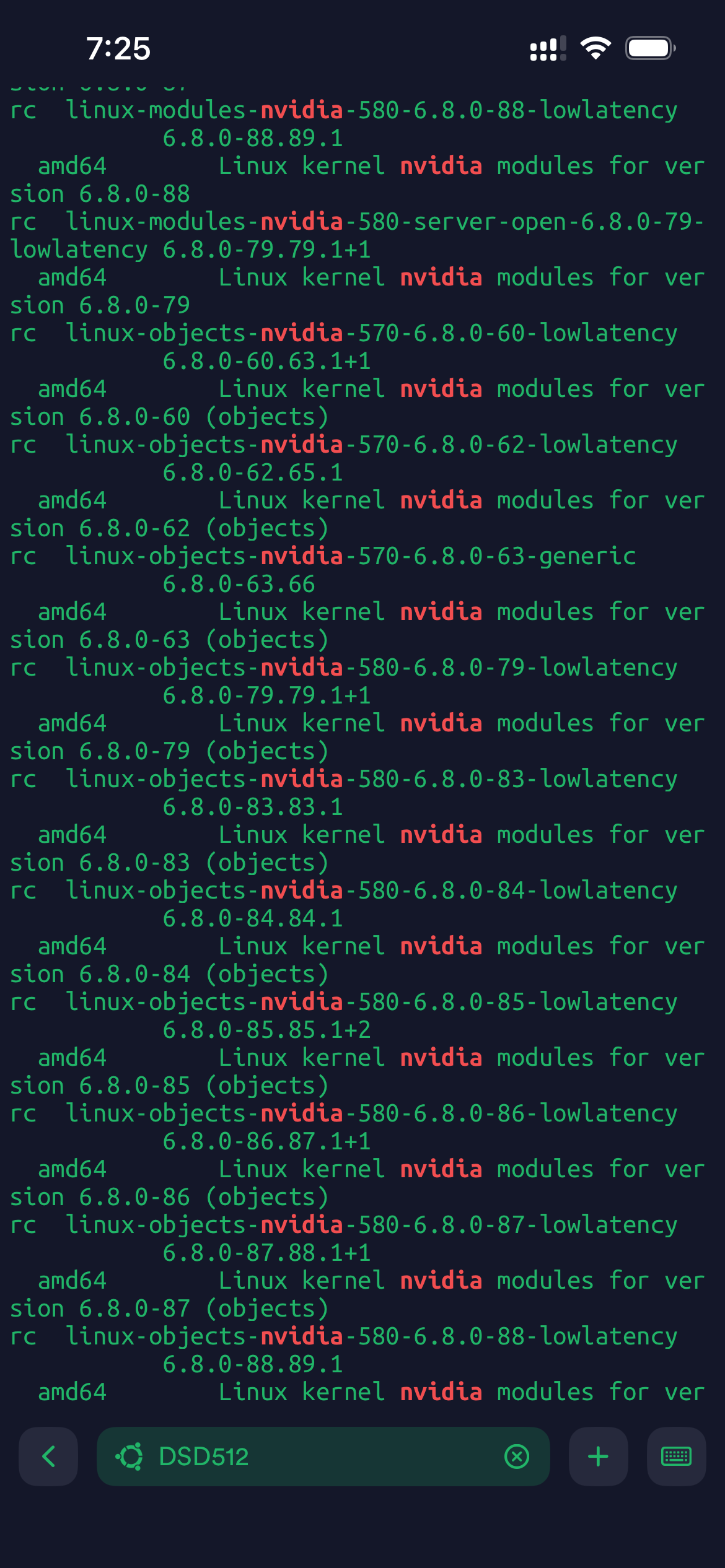
linux-modules-nvidia-580-6.8.0-88-lowlatency
6.8.0-88.89.1
amd64
Linux kernel nvidia modules for ver
sion 6.8.0-88
rc linux-modules-nvidia-580-server-open-6.8.0-79-lowlatency 6.8.0-79.79.1+1
amd64
Linux kernel nvidia modules for ver
sion 6.8.0-79
rc linux-objects-nvidia-570-6.8.0-60-lowlatency
6.8.0-60.63.1+1
amd64
Linux kernel nvidia modules for ver
sion 6.8.0-60 (objects)
rc linux-objects-nvidia-570-6.8.0-62-lowlatency
6.8.0-62.65.1
amd64
Linux kernel nvidia modules for ver
sion 6.8.0-62 (objects)
rc linux-objects-nvidia-570-6.8.0-63-generic
6.8.0-63.66
amd64
Linux kernel nvidia modules for ver
sion 6.8.0-63 (objects)
rc linux-objects-nvidia-580-6.8.0-79-lowlatency
6.8.0-79.79.1+1
amd64
Linux kernel nvidia modules for ver
sion 6.8.0-79 (objects)
rc linux-objects-nvidia-580-6.8.0-83-lowlatency
6.8.0-83.83.1
amd64
Linux kernel nvidia modules for ver
sion 6.8.0-83 (objects)
rc linux-objects-nvidia-580-6.8.0-84-lowlatency
amd64
6.8.0-84.84.1
Linux kernel nvidia modules for ver
sion 6.8.0-84 (objects)
rc linux-objects-nvidia-580-6.8.0-85-lowlatency
6.8.0-85.85.1+2
amd64
Linux kernel nvidia modules for ver
sion 6.8.0-85 (objects)
rc linux-objects-nvidia-580-6.8.0-86-lowlatency
amd64
6.8.0-86.87.1+1
Linux kernel nvidia modules for ver
sion 6.8.0-86 (objects)
rc linux-objects-nvidia-580-6.8.0-87-lowlatency
6.8.0-87.88.1+1
amd64
Linux kernel nvidia modules for ver
sion 6.8.0-87 (objects)
rc linux-objects-nvidia-580-6.8.0-88-lowlatency
6.8.0-88.89.1
sion 6.8.0-88 (objects)
rc linux-objects-nvidia-580-6.8.0-90-lowlatency
6.8.0-90.91.1+2
amd64
Linux kernel nvidia modules for ver
sion 6.8.0-90 (objects) rc nvidia-dkms-580-open
580.126.20- 1ubuntu1
amd64
Do I need to run?
sudo apt purge linux-objects-nvidia-580
sudo apt purge linux-objects-nvidia-570
sudo apt autoremove
reboot
“apt autoremove –purge” should clean up some old leftovers from there.
You can also clean up those pending “rc” things with:
dpkg -l | grep ^rc | cut -d ' ' -f 3 | xargs dpkg --purge
1 Like
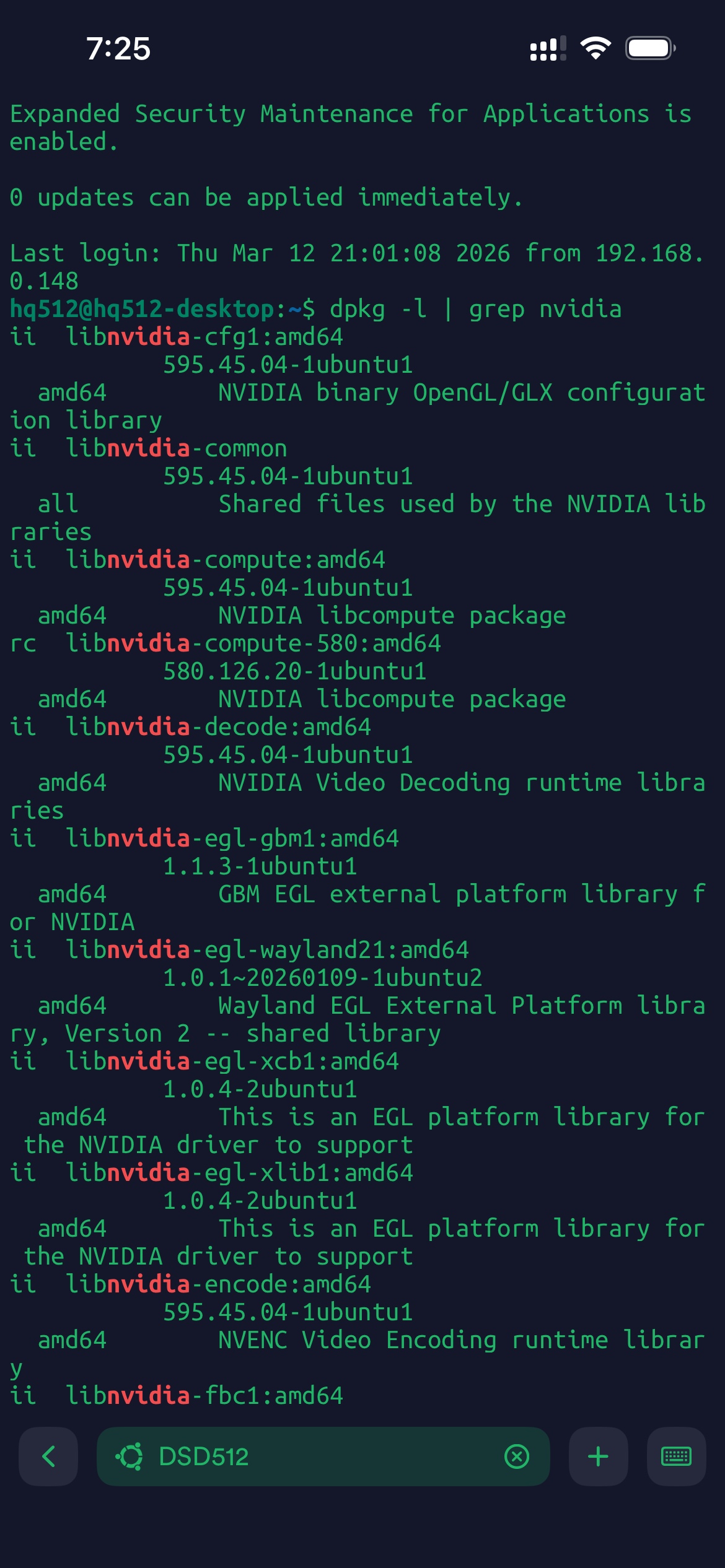
hq512@hq512-desktop:~$ dpkg -l | grep nvidia
ii  libnvidia-cfg1:amd64                          595.45.04-1ubuntu1                       amd64        NVIDIA binary OpenGL/GLX configuration library
ii  libnvidia-common                              595.45.04-1ubuntu1                       all          Shared files used by the NVIDIA libraries
ii  libnvidia-compute:amd64                       595.45.04-1ubuntu1                       amd64        NVIDIA libcompute package
ii  libnvidia-decode:amd64                        595.45.04-1ubuntu1                       amd64        NVIDIA Video Decoding runtime libraries
ii  libnvidia-egl-gbm1:amd64                      1.1.3-1ubuntu1                           amd64        GBM EGL external platform library for NVIDIA
ii  libnvidia-egl-wayland21:amd64                 1.0.1~20260109-1ubuntu2                  amd64        Wayland EGL External Platform library, Version 2 -- shared library
ii  libnvidia-egl-xcb1:amd64                      1.0.4-2ubuntu1                           amd64        This is an EGL platform library for the NVIDIA driver to support
ii  libnvidia-egl-xlib1:amd64                     1.0.4-2ubuntu1                           amd64        This is an EGL platform library for the NVIDIA driver to support
ii  libnvidia-encode:amd64                        595.45.04-1ubuntu1                       amd64        NVENC Video Encoding runtime library
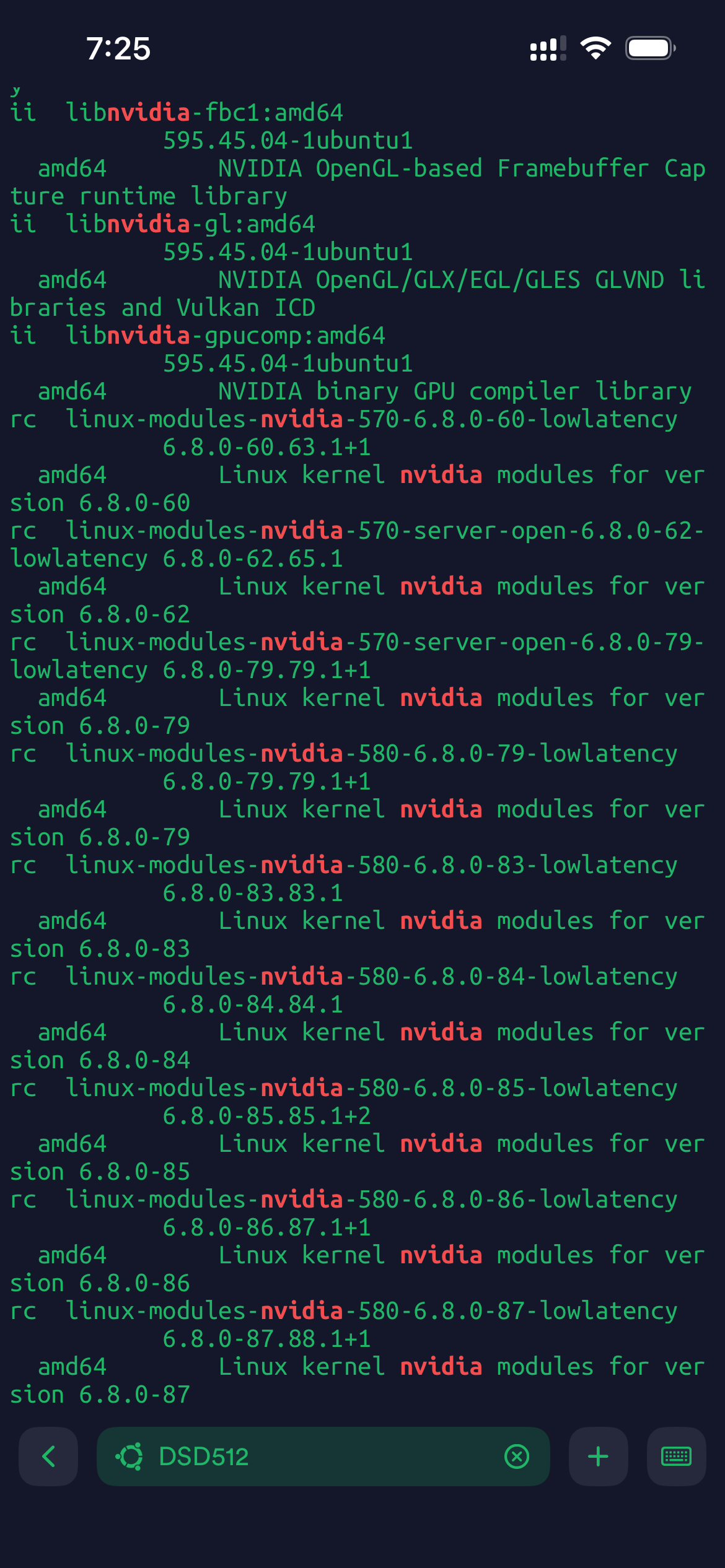
ii  libnvidia-fbc1:amd64                          595.45.04-1ubuntu1                       amd64        NVIDIA OpenGL-based Framebuffer Capture runtime library
ii  libnvidia-gl:amd64                            595.45.04-1ubuntu1                       amd64        NVIDIA OpenGL/GLX/EGL/GLES GLVND libraries and Vulkan ICD
ii  libnvidia-gpucomp:amd64                       595.45.04-1ubuntu1                       amd64        NVIDIA binary GPU compiler library
ii  nvidia-dkms-open                              595.45.04-1ubuntu1                       amd64        NVIDIA DKMS package (open kernel module)
ii  nvidia-driver-open                            595.45.04-1ubuntu1                       amd64        NVIDIA driver (open kernel) metapackage
ii  nvidia-firmware                               595.45.04-1ubuntu1                       amd64        Firmware files used by the kernel module
ii  nvidia-kernel-common                          595.45.04-1ubuntu1                       amd64        Shared files used with the kernel module
ii  nvidia-kernel-source-open                     595.45.04-1ubuntu1                       amd64        NVIDIA kernel source package
ii  nvidia-modprobe                               595.45.04-1ubuntu1                       amd64        Load the NVIDIA kernel driver and create device files
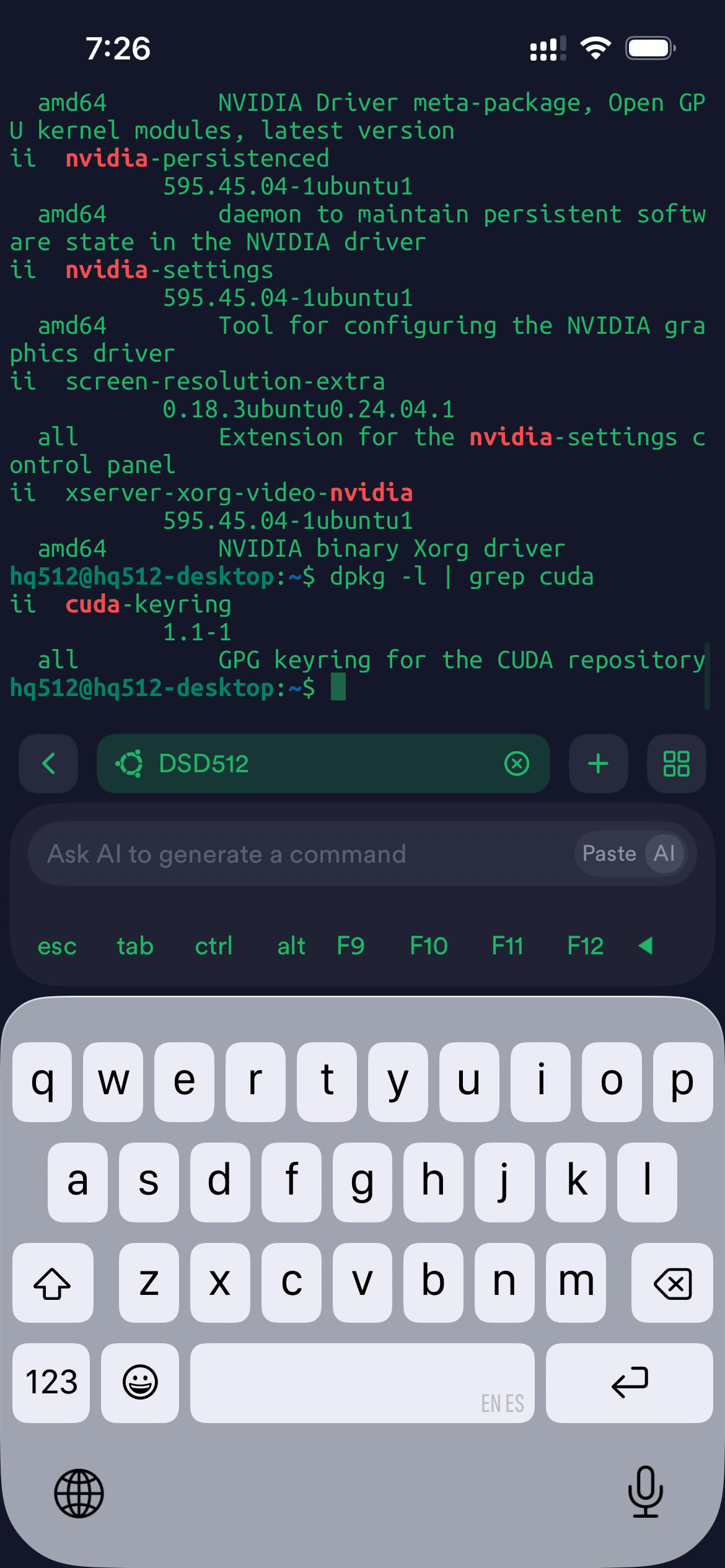
ii  nvidia-open                                   595.45.04-1ubuntu1                       amd64        NVIDIA Driver meta-package, Open GPU kernel modules, latest version
ii  nvidia-persistenced                           595.45.04-1ubuntu1                       amd64        daemon to maintain persistent software state in the NVIDIA driver
ii  nvidia-settings                               595.45.04-1ubuntu1                       amd64        Tool for configuring the NVIDIA graphics driver
ii  screen-resolution-extra                       0.18.3ubuntu0.24.04.1                    all          Extension for the nvidia-settings control panel
ii  xserver-xorg-video-nvidia                     595.45.04-1ubuntu1                       amd64        NVIDIA binary Xorg driver
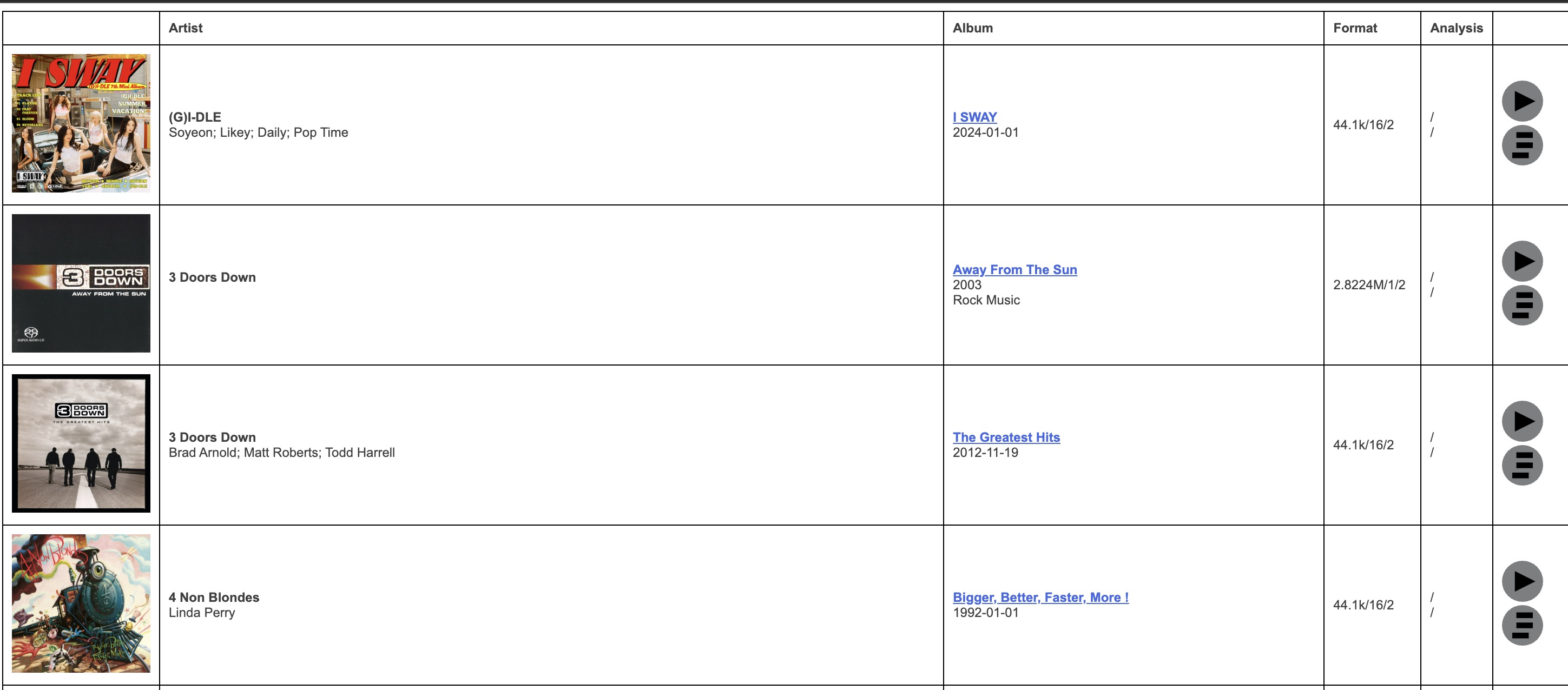
All good! And finally able to mount my library! Many thanks and also thanks to @IgorSki for the tip!
2 Likes
Now you should be good just periodically doing “apt update ; apt dist-upgrade ; apt autoremove –purge ; apt clean”. As a root (you can go there with “sudo su -”).
When there’s new HQPlayer release, just install the package and “apt install -f ; apt autoremove –purge” to keep the system up to date and clean.
I have that cleanup command from my previous post as a script called “clean-rc.sh” which I also call periodically. On Debian this is not necessary, but Ubuntu leaves some junk behind over time that is better cleaned up.
1 Like
Much appreciated!
My Pi5 installation was updated to 5.17.1, and now my license isn’t being accepted. After I upload the hqplayerd.xml, I see the Success message. When I reboot the Pi, I’m still on the Trial version. Is anyone else experiencing this issue? I’ve also tried manually copying the hqplayerd file with Linux File Systems for Windows, same result after the reboot. I tried copying the hqplayerd file and renaming it to license.xml, same result after the reboot. Is there a mirror for older versions? My system was fine before the update.
hqplayerd.xml is the settings file. License file is called hqplayerd5-key.xml
These two files have a different content.
Sorry, I was typing quickly. It’s the hqplayerd5-key.xml file. Can I roll back to the older version somehow?
Same way as you installed the update…
Big question, want to clean up old kernels.
To remove old kernels like 6.6.30-jl+ is this ok?:
sudo apt remove linux-image-6.6.30-jl+ linux-headers-6.6.30-jl+
sudo apt autoremove --purge
sudo update-grub
reboot
hq512@hq512-desktop:~$ dpkg --list | grep linux-image
ii  linux-image-6.12.43-jl+                       6.12.43-00012-g0c304d5e232c-1            amd64        Linux kernel, version 6.12.43-jl+
ii  linux-image-6.6.108-jl+                       6.6.108-00011-gf4be289bcaa1-1            amd64        Linux kernel, version 6.6.108-jl+
ii  linux-image-6.6.116-jl+                       6.6.116-00013-g0c24a7bcff48-2            amd64        Linux kernel, version 6.6.116-jl+
ii  linux-image-6.6.30-jl+                        6.6.30-00012-g83f5d207ad07-2             amd64        Linux kernel, version 6.6.30-jl+
ii  linux-image-6.6.50-jl+                        6.6.50-00009-g25fa156f34cc-5             amd64        Linux kernel, version 6.6.50-jl+
ii  linux-image-6.6.60-jl+                        6.6.60-00010-g846aeb4bd462-7             amd64        Linux kernel, version 6.6.60-jl+
ii  linux-image-6.6.84-jl+                        6.6.84-00010-g25e59d8069da-8             amd64        Linux kernel, version 6.6.84-jl+
ii  linux-image-6.6.87-jl+                        6.6.87-00010-g0b662c35649c-3             amd64        Linux kernel, version 6.6.87-jl+
ii  linux-image-6.8.0-101-generic                 6.8.0-101.101                            amd64        Signed kernel image generic
ii  linux-image-6.8.0-101-lowlatency              6.8.0-101.101.1                          amd64        Signed kernel image lowlatency
ii  linux-image-generic                           6.8.0-101.101                            amd64        Generic Linux kernel image
ii  linux-image-lowlatency                        6.8.0-101.101.1                          amd64        lowlatency Linux kernel image
You don’t need the two last steps. But I would recommend to remove the old kernels except latest and latest-1. Otherwise you may run out of space on your /boot partition eventually, if it’s a separate one.
P.S. Yes, remove all those obsolete old ones, they just waste disk space…
1 Like
Whenever I install a new kernel, I remove the latest-2 one. So I have just two versions of mine, the latest and latest-1.
Doing some troubleshooting with Copilot, I’m being told the key file should be automatically renamed to “license.xml” after I upload the hqplayerd5-key.xml file with the web UI and reboot the Pi. But it looks like that isn’t happening.
I just reflashed the image and went through the whole process again, and am still in Trial mode. So I shut down the Pi, loaded the sd card back into Linux File Systems, and am seeing the license file hasn’t be renamed:
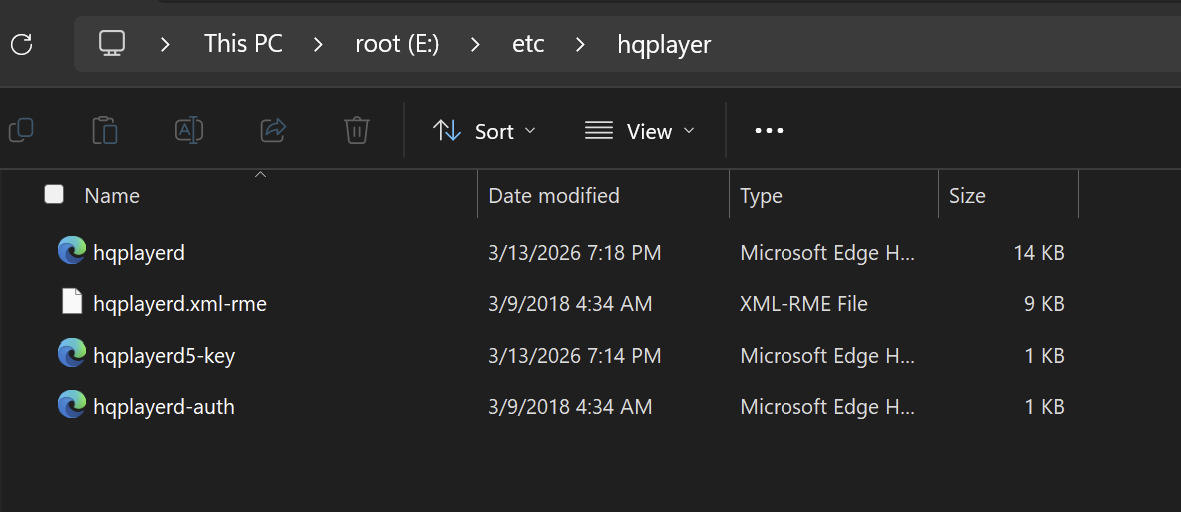
I don’t understand what this means. Where can I download a version prior to 5.17.0 or 5.17.1?
I can appreciate that you’re busy, but I paid for this program and it isn’t working after the update. I’m simply asking for support here.
AI is a good way to get a lot of incorrect answers in a self-confident tone…
Is the hardware fingerprint still the same as when you ordered the license? Or has it changed for some reason?
Previous version is always available at the same place where you downloaded the latest one.
This is the same hardware I’ve always used.
If the info I received in my own troubleshooting was incorrect, I’m open to being made aware of the correct info, this is why I mentioned it was Copilot.
I feel like this conversation has become confrontational for some reason. I’m just trying to figure out why this is not working.
I looked for older versions of the Pi5 images in the downloads folder, but don’t see anything prior to 5.17.0. I tried that version as well and experiencing the same issue. Are there versions older than that available somewhere other than the downloads folder?
First check if the fingerprint shown on /about page matches with the one in your key file. If not, you’d need to ask us for an updated key file. Email us the original key file and the new hardware fingerprint.
For example adding/removing/enabling/disabling hardware can change the fingerprint.
No, only the current and current - 1 versions are available. At the moment 5.17.1 is the current version, and 5.17.0 is the previous version.