What is the best practice to update the library when new music is added?
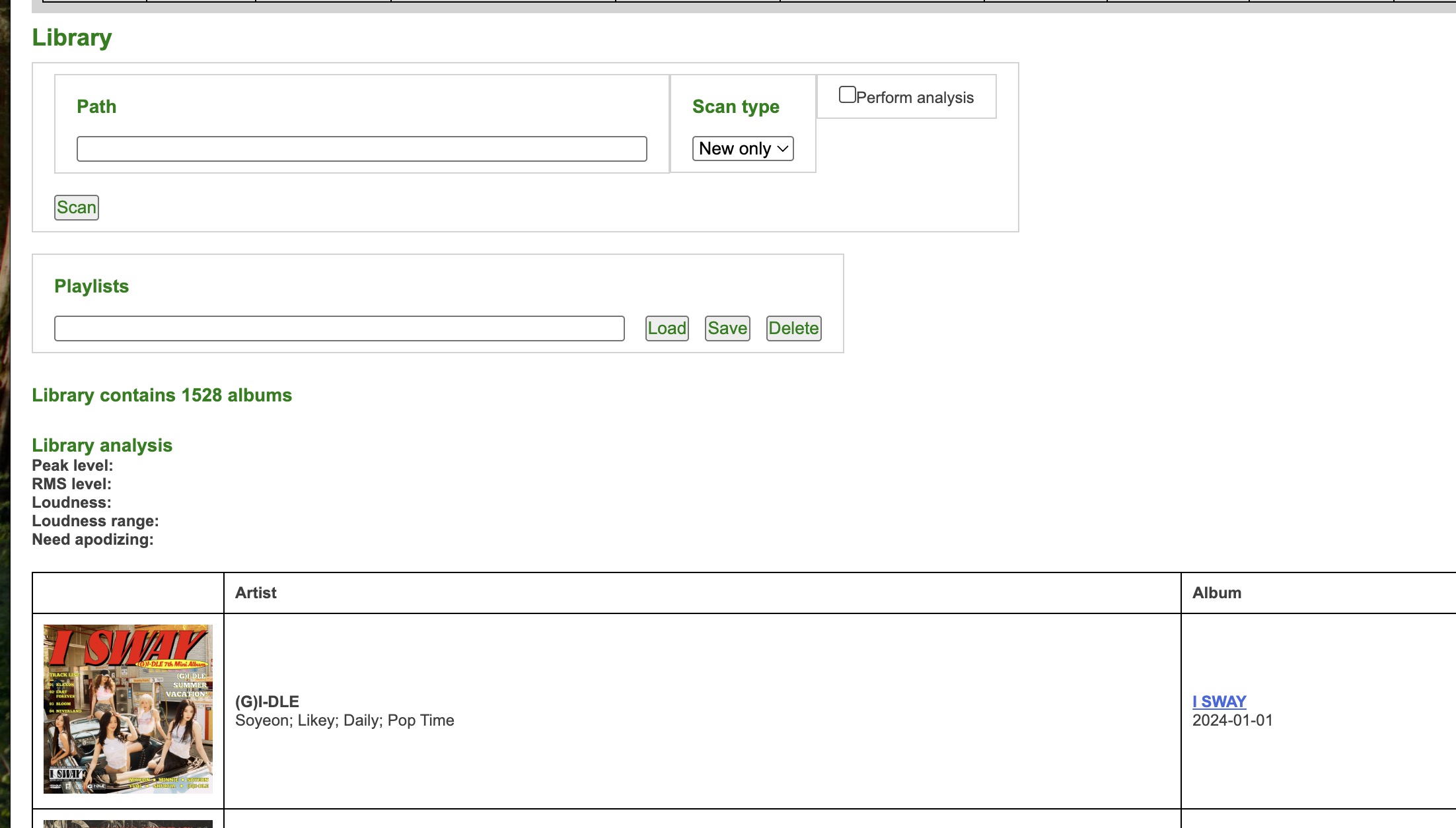
Last time caused me duplicate albums using Update:
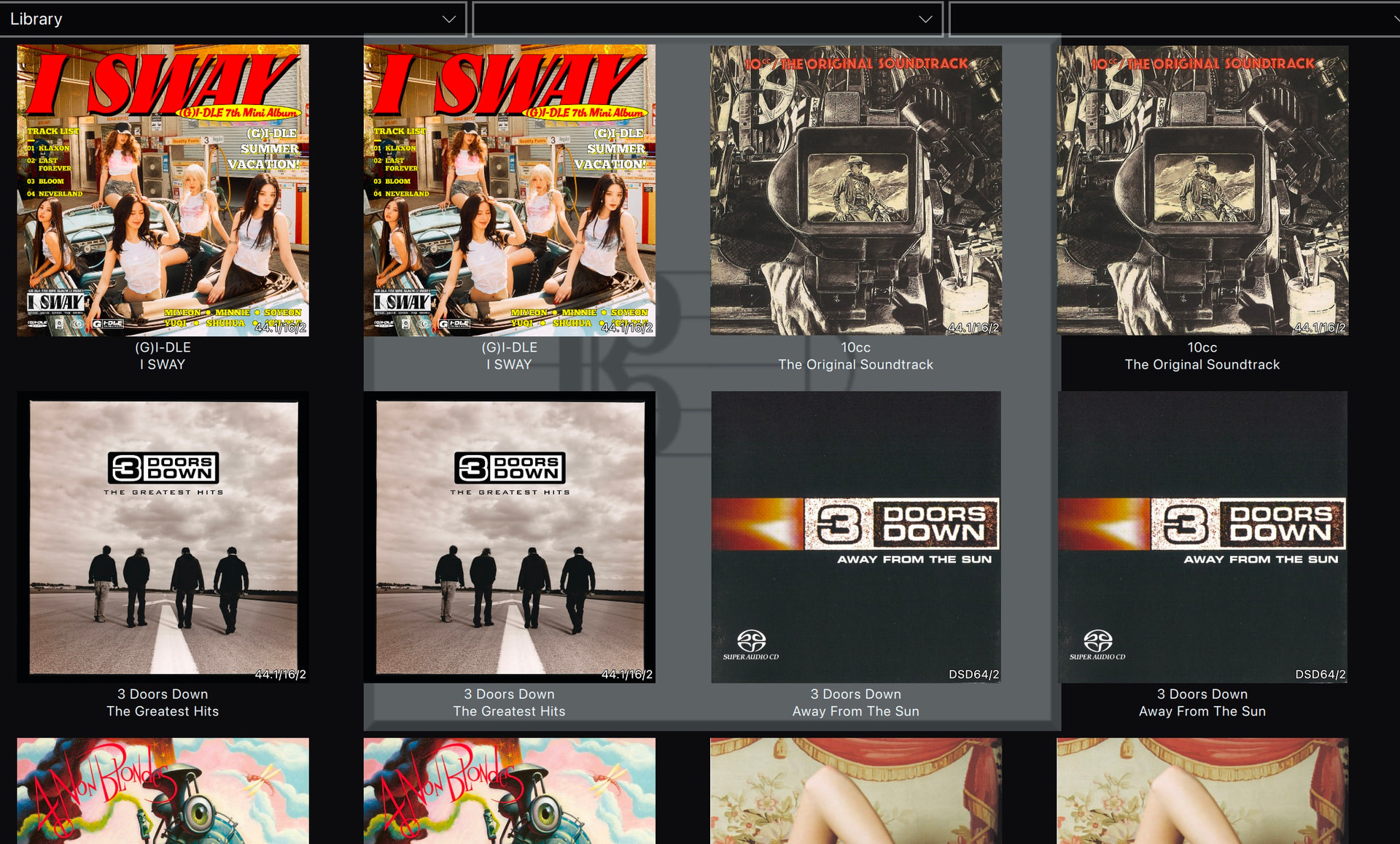
So I fixed it using the Clean option
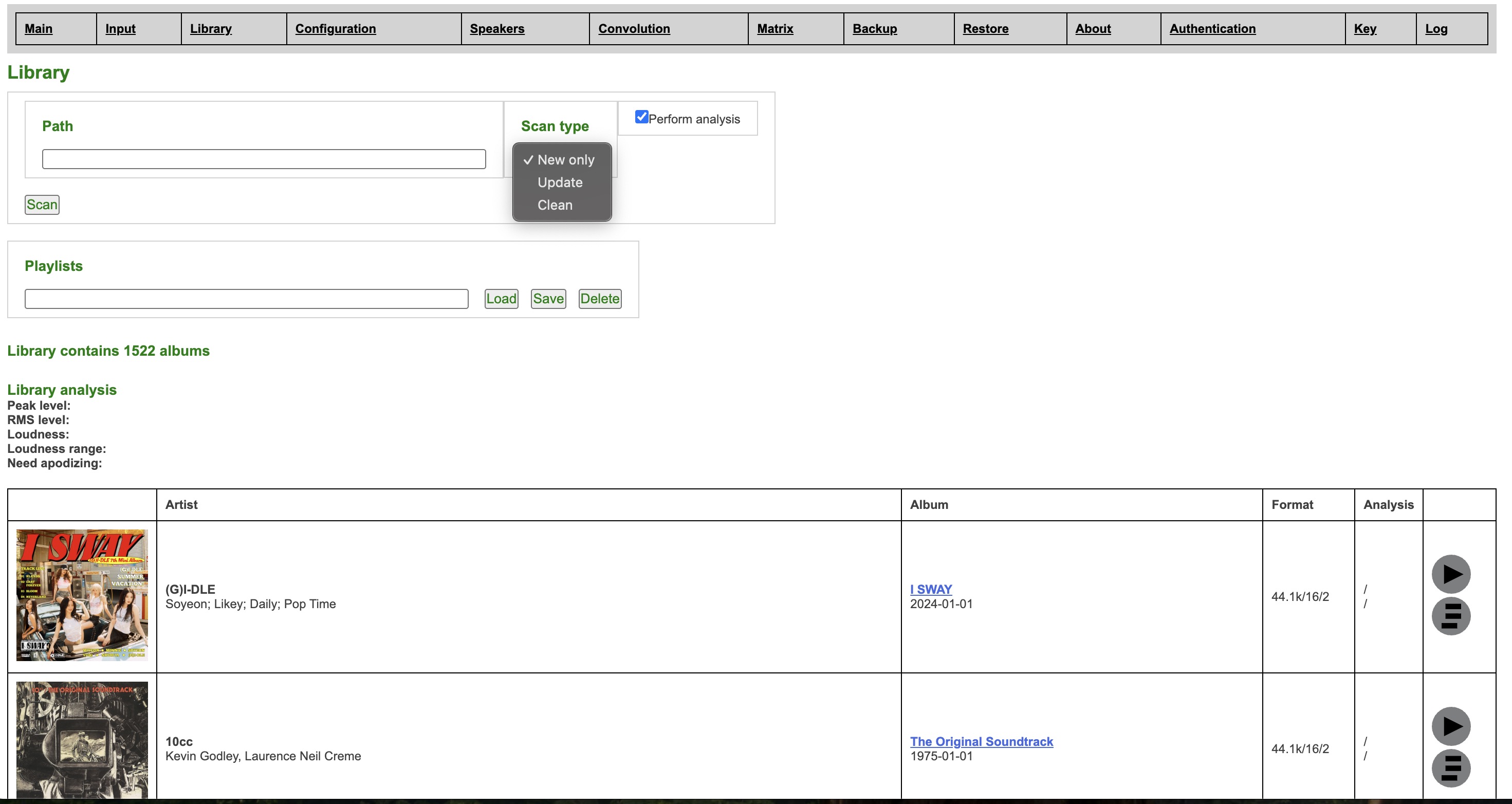
I saw its New Only, Update will make duplicates if its the same path
What is the best practice to update the library when new music is added?
Last time caused me duplicate albums using Update:
So I fixed it using the Clean option
I saw its New Only, Update will make duplicates if its the same path
Is there an easy way to check that I have the graphics card on an x16 lane from the terminal?
I tried several commands (suggested by AI…) but couldn’t understand how to read the output. 
I will probably get another Z790 motherboard (which is supposedly on its way from the U.S. to Japan but has been stuck somewhere for three weeks already…), and I’ll check the slots more carefully when I switch to that one.
Neither of those options should create any duplicates, unless the file locations have changed. After scanning, you need to refresh the Client by reconnecting to the server. I have not seen any duplicates appearing on my systems.
“Update” will re-read the metadata, and optionally also perform analysis if that was missing earlier. It will also drop data for items that have been removed from the storage.
“New only” only looks for previously unknown content and skips the content that is already in the library database.
You can do
sudo lspci -vvv | less
And there you can find entry like in my case:
LnkCap: Port #0, Speed 16GT/s, Width x16, ASPM L0s L1, Exit Latency L0s <512ns, L1 <4us
Another thing to be aware of, check the motherboard manual… a lot of boards new boards have a 16x slot that will only run at 8x if you populate the nvme slot closest to the cpu.
This is the pain of the “consumer” CPU models, IOW Core-family. It is short on the PCIe lanes.
For example my old Xeon W-2245 workstation has maximum RAM size of 1 TB over 4 memory lanes (ECC) and has 48 PCIe lanes, plus of course AVX-512. While for example i9-14900K has maximum RAM size of 192 GB over 2 memory lanes (non-ECC) and 20 PCIe lanes.
14900K is much faster CPU, but the I/O capacity of the W-2245 is still higher. On RAM, the 14900K with my current 64 GB of DDR5-6400 CL32 beats on the practical memory speed still, even though the W-2245 has double the number of lanes (it is just older with slower DDR4 RAM). Where 14900K in particular beats the W-2245 is the single core turbo speed (important for modulators). But yeah, these are something like 5 years apart…
I remember reading somewhere that the 13 and 14 gen chips could have supported ECC but the boards were the limiting factors and they choose to keep the option off the consumer boards.
I’m anxious to see how much benefit the super cores in the G5 will be with hqplayer.
I could justify the update as my newest M is an M1 Max but the 14900k I just built recently is doing very well with what I ask of it. So maybe I wait for the G6. lol.
Me too, I will try to get an M5 Pro to test / tune. Maybe time to replace this MBP M1Max with keyboard worn to all shiny instead off original matt…  (absolutely great laptop still)
At least for HQPlayer cases it is now clear that there’s no point in investing M5Max, since it just gets fattier GPU which is of no use for HQPlayer (well, Client uses it for rendering the graphics, but it is not that heavy).
I knew that, and I thought I wasn’t careful enough when I built the machine.
But thanks for the reminder!
And also consumer-oriented MOBO has very limited expansion capability associated with limited PCIe lanes. One of the reasons I choose Xeon W3400 series CPU is the W3400 has bunch of PCIe lanes (112 lanes, up to 7 PCIe 5.0 x16 slots) and 8-channel DDR5 ECC RDIMM. Although if configured as full 8-channel DDR5 the memory speed would be fixed to 4800 but still can get not-too-shabby memory bandwidth (I used Intel’s MLC tool and figured out I got all reads, peak injection memory bandwidth ~233GB/s).
Am new to HQPlayer using the trial (want to buy if I can get it working) and hoping someone might know what’s going on in my situation 
I’m having a problem playing higher sample rates. 384k works fine, but with 768k the music won’t even start. I’m using a Holo Audio Cyan 2 dac and running embedded in Roon. The weird thing is, this happens both when using my iFi Zen Stream via USB , but also directly from my laptop via USB. I don’t think it’s my cpu though because it only shows 5-10% usage when streaming at 384k.
Anyone have any idea what might be going on?
What laptop? RAM amount, CPU model?
What operating system? What is your HQPlayer config look like?
Zen Stream is limited to max 384k…
Which OS do you have on the laptop? Is HQPlayer running directly there? Cyan 2 connected directly through USB?
Windows laptopn? And you have latest Holo Audio driver installed? And using ASIO backend with “SDM Pack” set to “none”?
I’ve been working on a reply the past day, and it started working! I don’t know what happened, but I’m not complaining haha. This is direct via usb from my laptop.
Although now I’m getting pops and crackles  from looking online this seems to mean my laptop is too weak? My specs are:
i7-11800H @ 2.30GHz
32.0 GB RAM
RTX 3050 Laptop GPU (4 GB)
Which OS and what kind of HQPlayer settings are you trying to use?
That machine should do pretty well for normal use cases.
Hi Jussi,
New issue. Now have an Aqua Formula XHD v2 and HQPlayer on a networked Mac Mini M2 Pro sending to Innuos Pulsar. Been using it with native formats without HQPlayer.
I assume output should be set to PCM default.
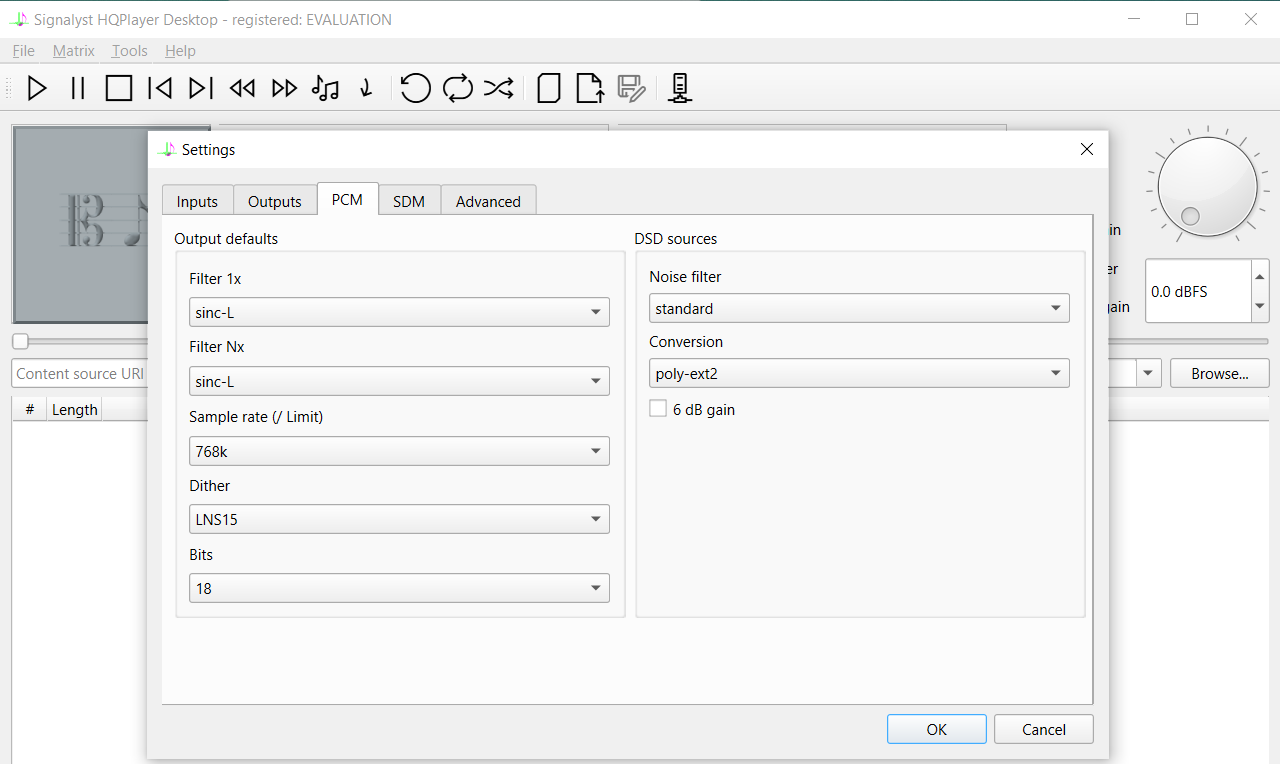
Google AI says optimum is 384/24 PCM. What PCM filter, dither and bits settings should I use?
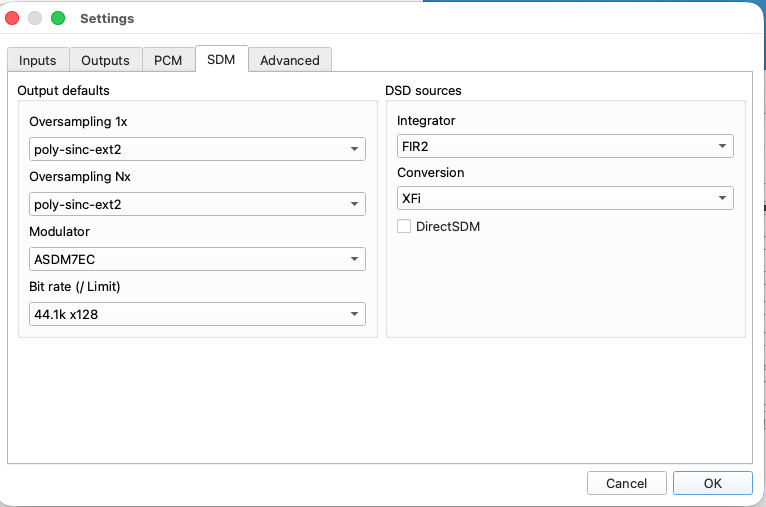
I have about 10 DSD files. What should I set SDM to?
Any other settings I need to know?
Regards
Yes, 352.8/384k, but without measurements I wouldn’t set number of bits higher than 18. I would recommend NS5 or NS9 dither.
The output mode should be always PCM, so DSD sources would be converted to PCM by HQPlayer. The default settings for this are good (medium/poly-ext2, or medium/poly-gauss-long).