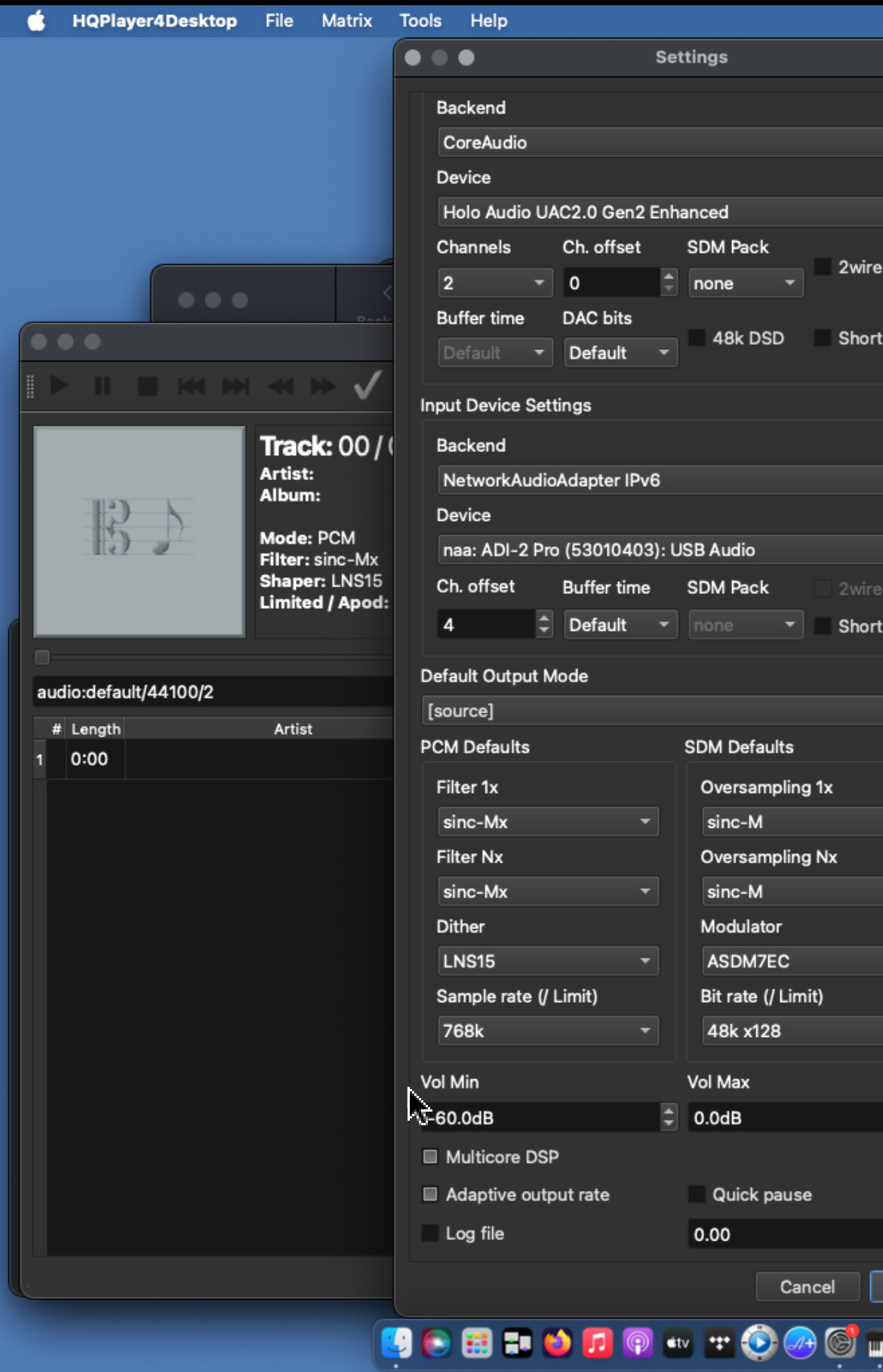
Greetings @jussi_laako and NAA experts. Need your help getting RME ADI-2 Pro FS BE input to HQP working.
After some fiddling (there isn’t a setup guide as far as I know) following forum posts, I managed to get it working except for sample rate switching. Please see attached settings screenshot, and my observations below and let me know what I’m doing wrong.
I never managed to get it working connected direct to the Mac via Core Audio. In any case, I understand that NAA is needed for auto rate switching, so I focused on that.
with NAA, selecting ADI-2 Pro [SPDIF] causes HQP to hang w beach ball. I have to rename settings.xml to get it back up again.
selecting the serial numbered ADI-2 deviceID and setting channel offset to 4 works fine, but only with fixed sample rate. The ADI-2 is set to multichannel to enable digital input to USB output.
using audio:default/0/2 as I suggested on a forum post doesn’t work. Message similar to “requested rate 0 not found using 192 instead”
NAA is running on an NAA OS mini pc that works perfectly for output (usually drives my Holo May at 1.5M). The image is from September 2021, will update it to latest as soon as I can. Don’t know if this is an issue.
Besides this problem, I would also like to know if a single NAA OS host can manage two devices for input and output (on separate USB ports)? Or is it one NAA host per USB device?
Few basic questions please. Should I use ssh to access the NAA host and make these edits? Is there documentation for the networkaudiod config file? Just to make sure I get it right.
Notice in my screenshot the device shows up in HQP as “ADI-2 Pro (53010403)”. Is this the string I should use where you have DAC51050442? Or is it DAC53010403, just replacing the serial number? Are you also using an ADI-2 Pro or an ADI-2 DAC? Hence this question.
Finally, is there a reason you have sync element AES on the digi coax input?
I just read somewhere Jussi wrote that changes to NAA OS are not persistent. Are you using HQP OS, or editing the networkaudiod file to enable “rate 0” automatic switching also works w NAA OS?
Only on the “ramfs” image. For the regular image, and always on the RPi4 image the changes can persist just fine. So no need to use HQPlayer OS image for this.
If you use the NAA OS (or HQPlayer OS) image. All the needed lines are preconfigured in networkaudiod.xml, you just need to edit the device id and uncomment the lines. So remove the preciding “<! --” sequence and the trailing “-- >” sequence (I had to insert spaces to these here, otherwise it confuses the forum software).
So, back in the sadle after major submerged time period and anxious to get most things finally working. Happy with my Linux Ubuntu LTS 22.04 Desktop and HQPlayer Embedded (4). The thing remaining is to save up for the update to generation 5 (hopefully start of next year) and how to get my NAS working with HQPe. Today I finally managed to mount the music folder from my NAS in the Linux file manager, but I simply cannot understand how to get HQPe to scan the music folder. I do not know if it sufficient just to mount the folder image in the file manager (?) or if there is an intermediate step to perfom? HQPe does not start to load the library in any case. I guess there is someone who know what need to be done to unlock the load library from HQPe. As there is no mount network tab in this particular HQPe compared to the HQPe/OS image, I simply assume that if the Linux Ubuntu OS can read the content in the NAS music folder, so should the HQPe, when asked to scan the path (smb://NAS/music)?
You need to mount the remote filesystem first on Linux directory hierarchy. This requires that you place the correct line in /etc/fstab and then tell HQPlayer to scan the mount point location.
“smb://NAS/music” doesn’t point to any valid local path, so it won’t work.
For example, in my case, I have music mounted on “/music” path.
Thanks guys, however I am not at the level to understand your kind advises. I have mounted the remote filesystem, I think, by using the desktop Ubuntu File Manager and in there connected the NAS server remote directory to the filemanager locally. I typed smb://NAS/music in connect to server and clicked connect, Ubuntu replied by asking for the login user name and password, I typed it and Ubuntu connected and displayed the NAS server music folder content correctly. Hence I thought I established the Ubuntu OS local file manager access to the Synology NAS server remote directory where the music is.
Then I thought, I had to do exactly same procedure for scanning, ie typing the same adress (smb://NAS/music) in the scan path and hit enter, cuz the OS already established the pc-server connection.
If this is not the right procedure, I do not know in detail how to establish a mount point and create SMB creds file. I know you guys are not keen on teaching basic Linux handling, but perhaps an exception? I guess I have to dive in to the wonderful terminal to make this right?
If I type the necessary info needed here, perhaps one of you could reply with the required command lines and typing of the scan path to make things happen the right way?
Adress to NAS; 192.168.1.69
Path; //NAS/music
Inside /music there are additional subfolders and these contain the artists, albums and tracks. But I guess that will not create a problem for Linux or HQPe to figure out that it supposed to mount and scan all under /music?
Thanks in advance
Just updated my virtualised instance to 5.3.0 and looks like my fingerprint changed.
Is there an easy way to change my license to the new fingerprint or do i have to email @jussi_laako ?
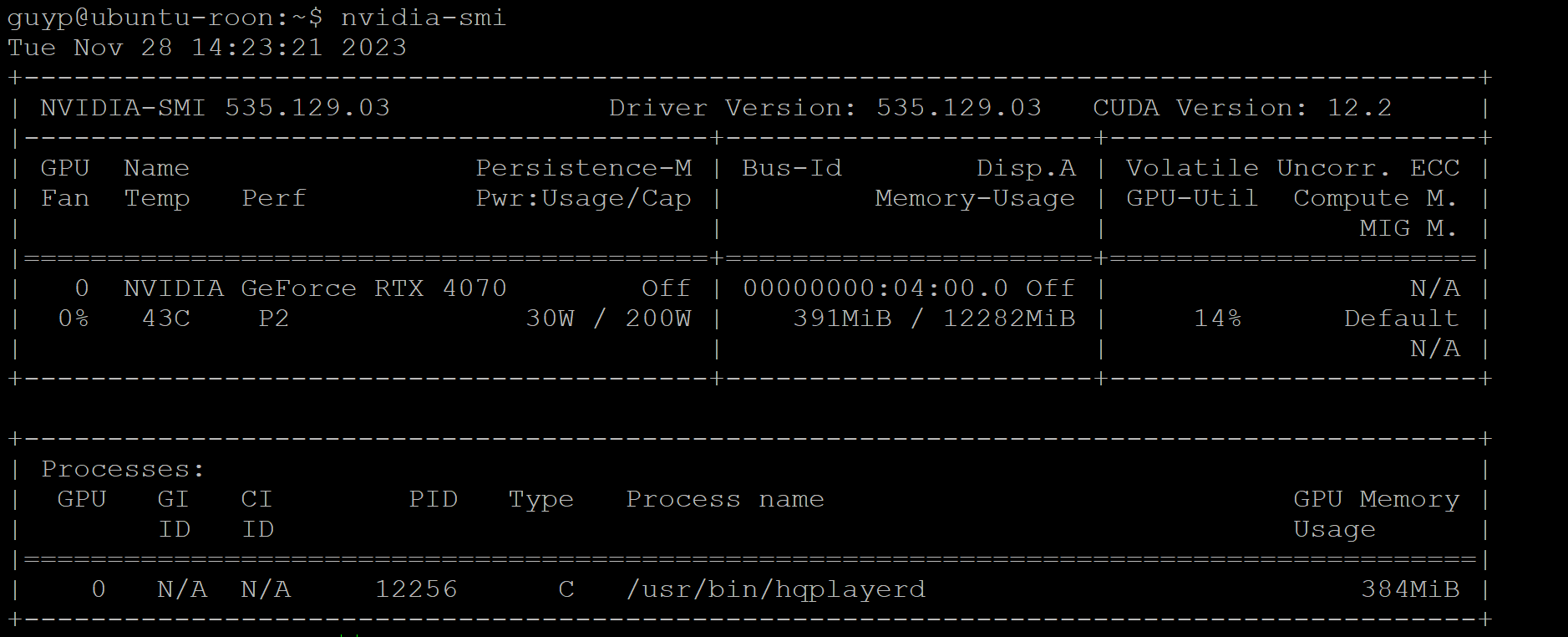
Interesting, I added Sinc-L @512 to start and HQPe never starts to play, just gives up via ROON. Running a TR3960x and RTX4070. Am I missing something or is my HQPe resources not up to the task?
No, likely your file manager established connection (through gvfs) to the server. But this is not visible to HQPlayer. This is above the OS level. It is just like establishing connection to Google Drive from your web browser, but it doesn’t mean that HQPlayer would see your Google Drive contents.
However you can confirm whether the mount exists and where it is by opening terminal and running “df”.
HQPlayer will look into all subfolders under the specified scan starting point.
If it happens for each update, I recommend getting the USB dongle in such case. That way you don’t need to ask. And the fingerprint won’t change as the dongle is the fingerprint then.
Generally without the USB dongle, you can ask reasonable (about 1 - 2) number of key updates per year.
Looks normal for those settings and that GPU. You have 14% GPU load.
Your source is 44.1k family? Because sinc-L cannot convert between rate families, so 48k family won’t play unless your DAC is cable of doing correctly doing DSD at multiples of 48k (rare) and you have explicitly enabled this in HQPlayer settings.

 I guess I have to dive in to the wonderful terminal to make this right?