Hey fellow tinkerers,
A quick note: I’m posting this to share a personal journey and my subjective results. I know and respect the “bits are bits” philosophy that’s popular in this community, but this thread is for those of us who enjoy tinkering with software and network topologies to discover possible effects on sound quality (real or imagined).
Here is the direct link to the full instructions:
- High-Level Summary: Post #8 in this thread
- Overview: An Introduction to Building a State-of-the-Art Diretta Streamer
- Full Guide: Building a Dedicated Diretta Link with AudioLinux on Raspberry Pi
For years, I was a firm believer that in any digital endpoint, the DAC dictates at least 90% of the sound quality. The transport, I thought, was a minor player.
I was wrong.
After spending the last four months on a new DIY project, my perspective has completely flipped. I am now convinced that typically more than half of endpoint performance can be attributed to the transport.
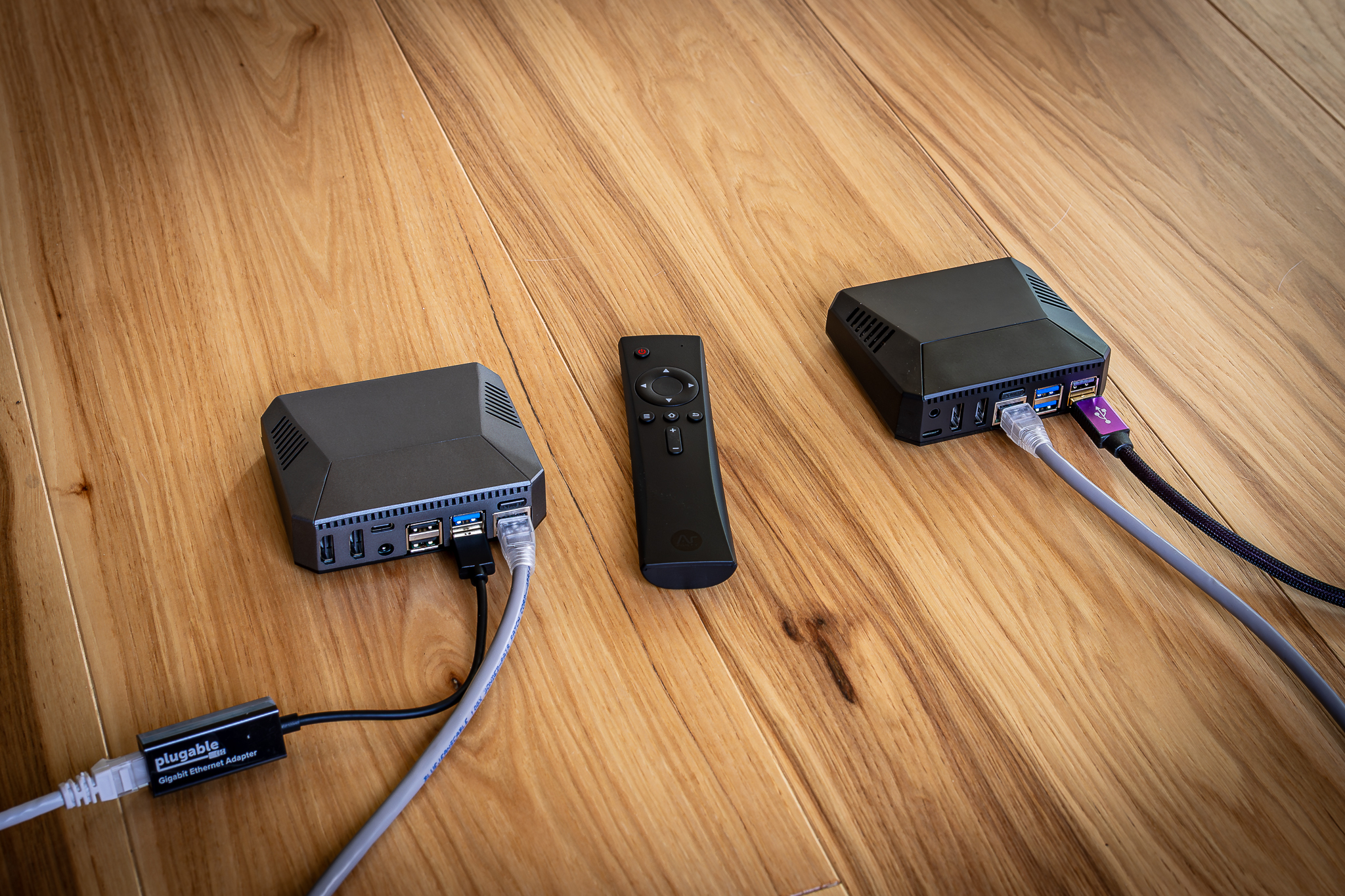
The project is a dual-Raspberry Pi Roon endpoint using the Diretta protocol. The reason I’m posting is that this is no longer an exotic, high-dollar experiment. The cost to “kick the tires” on this at 44.1 kHz is now squarely in tinkerer territory for many Roon subscribers:
- ~$225 for the parts (think two RoPieee builds plus an adapter)
- $69 for the AudioLinux subscription
For under $300, I’ve heard a quantum jump in sound quality, and it’s making me re-evaluate my entire system and thinking around digital audio.
I’ve got a lot more to share on how and why this technology works (turns out that our home networks are “too fast” for audio data), but I’ll start with a simple question:
Has anyone else here felt that a streaming transport made a bigger difference than a DAC upgrade?
Edit: Let’s keep responses civil and friendly. I will be flagging inappropriate and off-topic comments for moderators to remove. Thanks.



 )
)