Is there a way to go back?
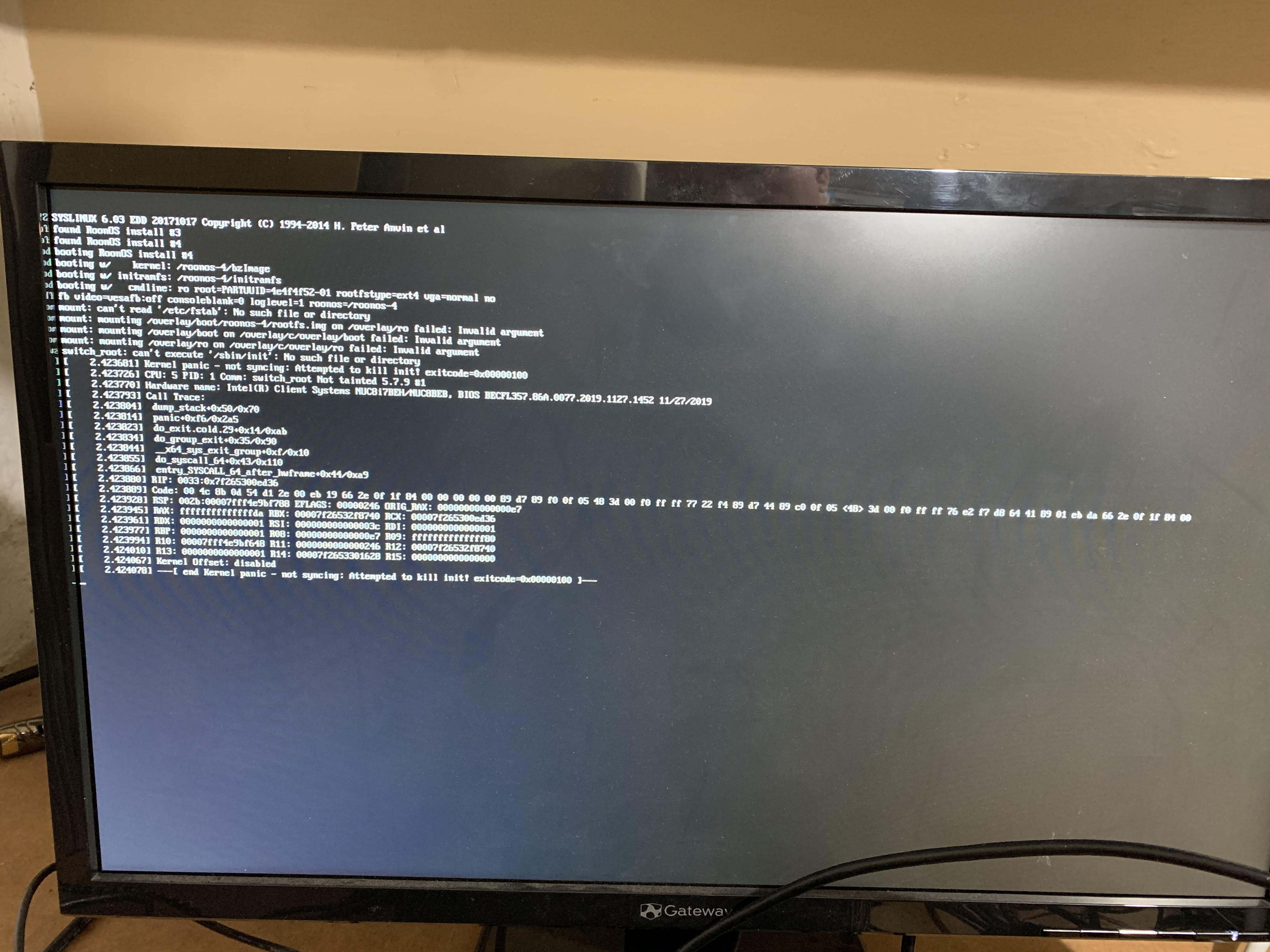
No there is not.
I created a new USB drive with the Roon Rock software using Rufus and booted off the USB drive. This gave me the option to recover the ROCK boot drive. I then had to restore from backup, which I was able to do after rebooting the ROCK server. The backup said it completed successfully, but it then redirected to the login screen. When I login, it says that I can only authorize one device and if I want to use the current device, I have to deauthorize my existing server. I don’t think I want to do that. I can I log into my existing server that I restored from backup?
Yes, deauthorize… You can’t hurt anything.
Did you have any luck?
yes. Thanks. Deauthorizing the old server did the trick.
I think I might have the same issue? I just updated my Roon Rock NUC. It’s not appearing on the network. Hooked it up to my TV and I have a screen similar to yours. What’s the next step then @Jay_Torborg ?
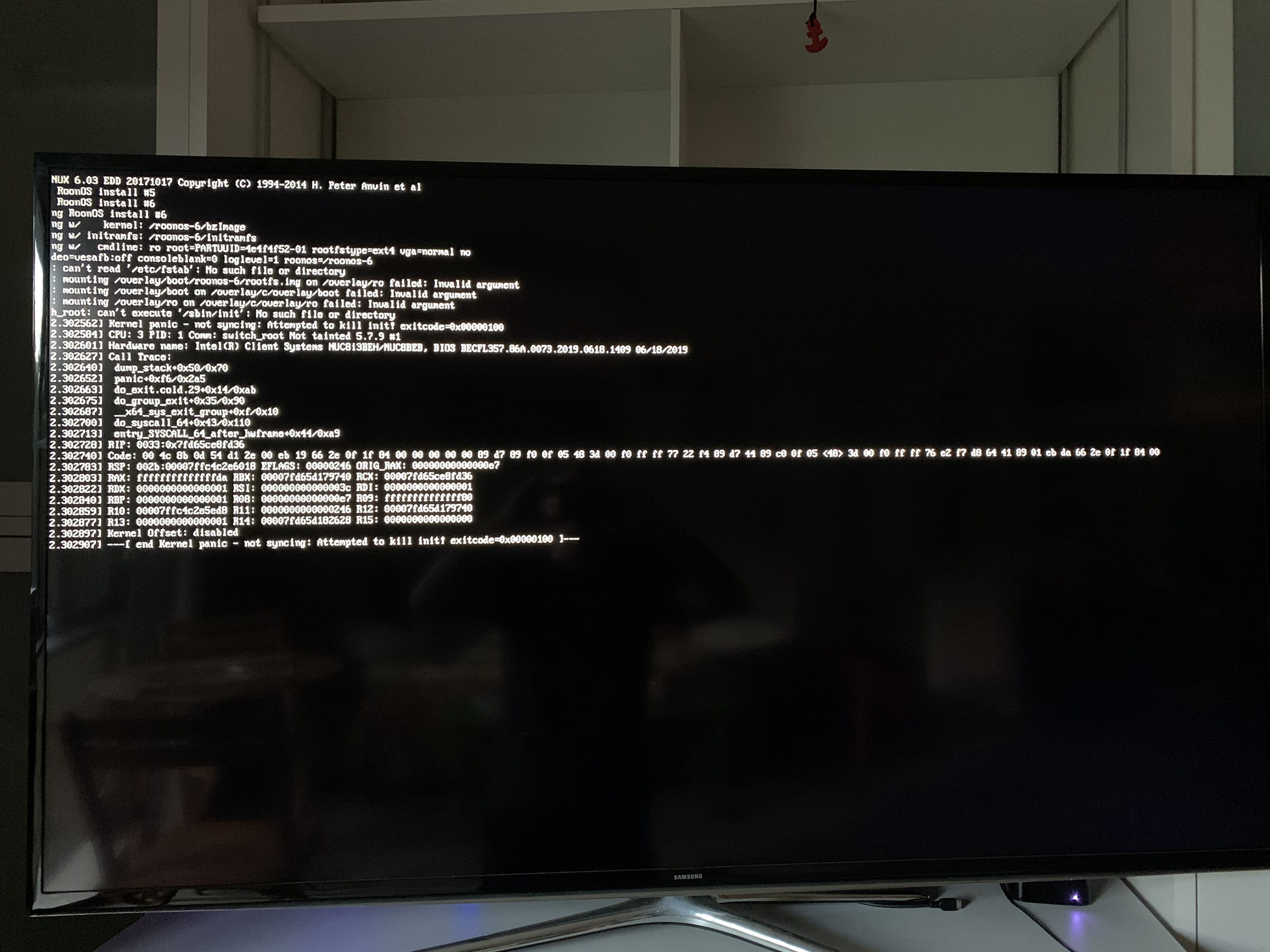
Hey @Dameon_Jamie , @Jay_Torborg
Would you mind to share hardware spec of your NUCs (including SSD make / model ) ?
@Dameon_Jamie - similar to Jay, we suggest you to try to make ROCK recovery via USB installer.
Hi @vova .
Specs:
NUC8i3BEH
1 x Transcend 128GB M.2 NVMe Solid State Drive 1800MB/s Read, 1500MB/s Write
1 x Crucial 8GB (1 x 8GB) PC4-19200 (2400MHz) DDR4 SO-DIMM RAM - CL17 2400MHz, 8GB (1x8GB) 260-Pin SO-DIMM, Single Ranked, x8 Based, Unbuffered, Non-ECC, 1024Meg x64, 1.2V
I ran the Roon ROCK recovery from the USB installer as suggested. I went ahead and updated the BIOS before I did that, something I had been putting off because everything was working fine. This is the fist incident I have had since original install 1 year ago this month.
It appears that I have made a full recovery. Everything is working. DO I need to check anything to make sure all my settings are restored?
Also, I have the notification that an update is ready to be downloaded and installed for my Roon Optimised Core Kit. How can I safely do this? Why did this update fail? Would you like time to investigate before signing off on my updating the Rock OS?
Thanks for info. I would urge you to not update until we understand what the issue is.
Roger that!
Hello Vova,
wouldn’t it be wise to retreat the update until the issue is found and solved. Speaking as a concerned NUCI7 user and having red that the issue also occurs to these NUC’s?
Just thinking aloud - I wonder if the good folk at Roon get some sort of ‘call back’ from successful installations?
If so, it would be interesting to know what percentage of updates are successful* and on what hardware. I’m running an 8i5BEH and I’m certainly not giving this update a go until I know more!
Michael
(*I appreciate that unsuccessful updates don’t seem to leave the NUC in any sort of state where it could ‘call home’!)
Thanks for the heads up! I’m not touching the update with a bargepole!
As of now we are talking about less than 20 reports against several thousands of successful updates
@Dameon_Jamie, @Jay_Torborg by any chance did you have additional storage attached to the box ( internally or externally) ?
That’s interesting (and somewhat comforting) - thank you.
@vova My storage is on a Synology DiskStation DS218j
@vova Also, at the time of the update I had an Apple SuperDrive attached to the NUC.