Yesterday I had 2011 albums in “My Albums” in my Roon display, today I have 1943.
I did not delete any, and I do not have any albums in focus.
What happened?
Without some additional information there is no way to know for sure. But, off the top of my head and while you wait for official support…
Do you have a streaming service? Are the files missing all from that service? If so, then maybe there is a login issue with that service.
Or,
Do you have more than one data sources setup in Settings/Storage? If so, might one of them gone offline. Go to Settings/Storage and check to see all the storage locations show as available.
Or,
Under settings/general what is the Show Hidden Tracks and Albums value set to. If it had been Yes and got set to No then that would have hidden some albums. Try setting it to Yes (if it is not already).
Or,
Other than that, you might try rebooting the Nucleus and see if that returns things to normal.
I don’t think roon will have deleted your source files as it doesn’t touch them.
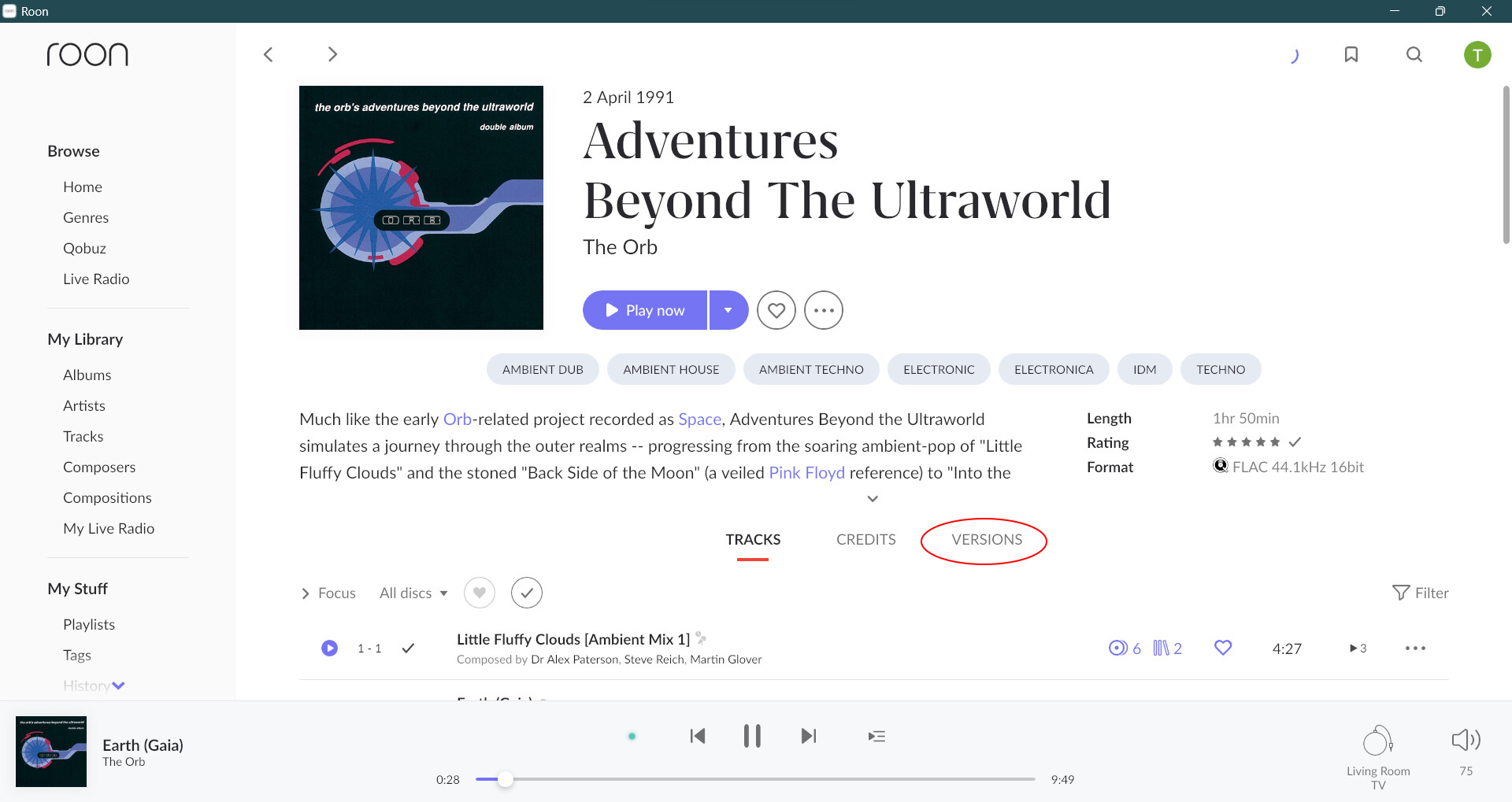
Instead a number of updates to your library may have occurred. Sometimes, for example, when you upload albums roon will mistakenly split them into two or more albums. It is possible during a scan roon re-assembled them. But more likely during a scan, maybe after an edit, roon has decided that some of your albums are duplicates. So several albums may have been collected together under your VERSIONS tabs: