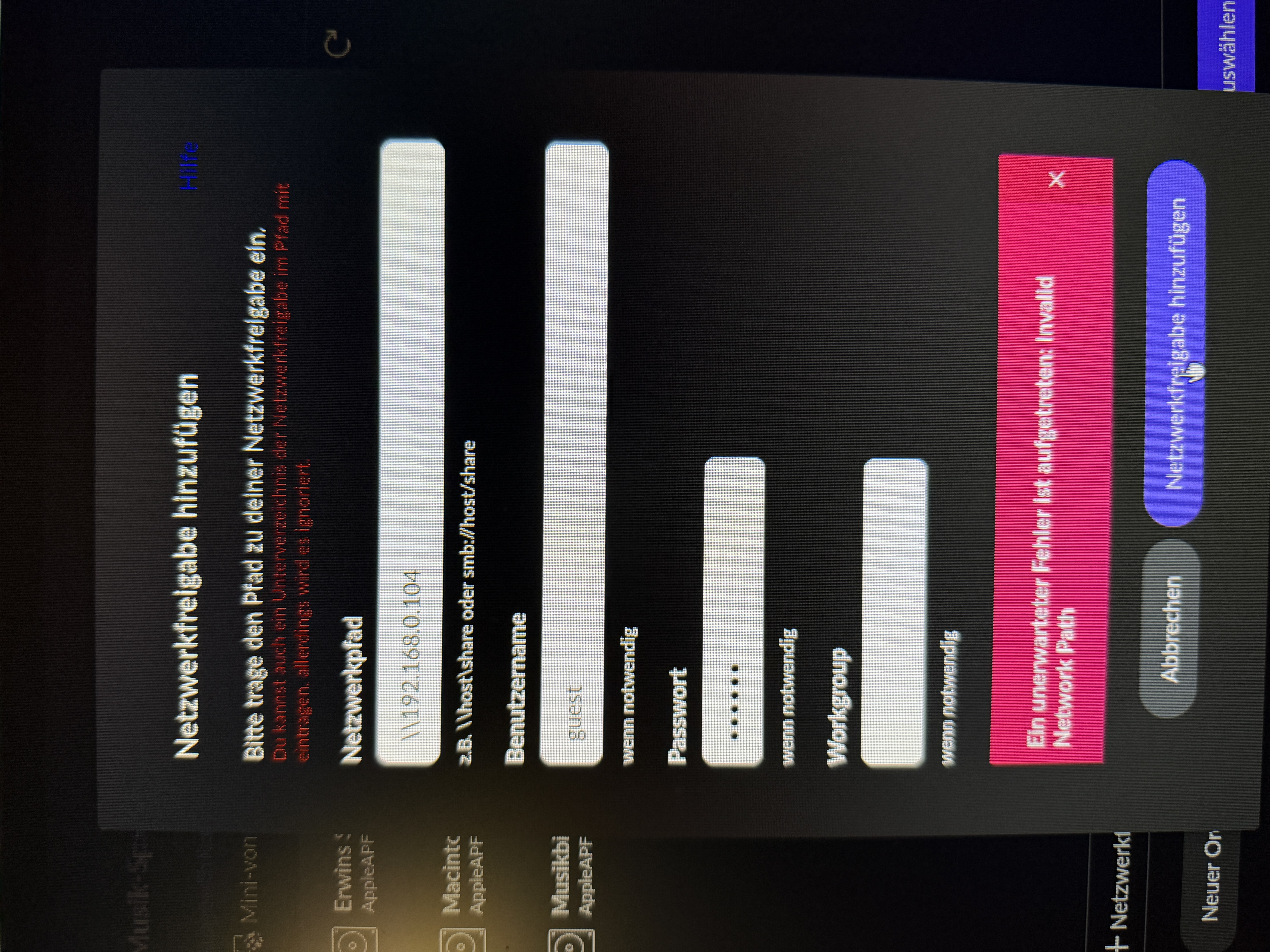
· lost connection to Innuos zen mk3 (Roon Bridge), invalid network path. Roon Server is a Mac mini. Have connection to my zen and my music folder, but not in Roon.
It tells you that your network path is invalid because … the network path is invalid.
You need to enter it in the form that it’s given as an example below the entry box. It needs a host (such as the IP you entered) AND the name of the share. You can’t just leave out the name of the share and expect it to work.
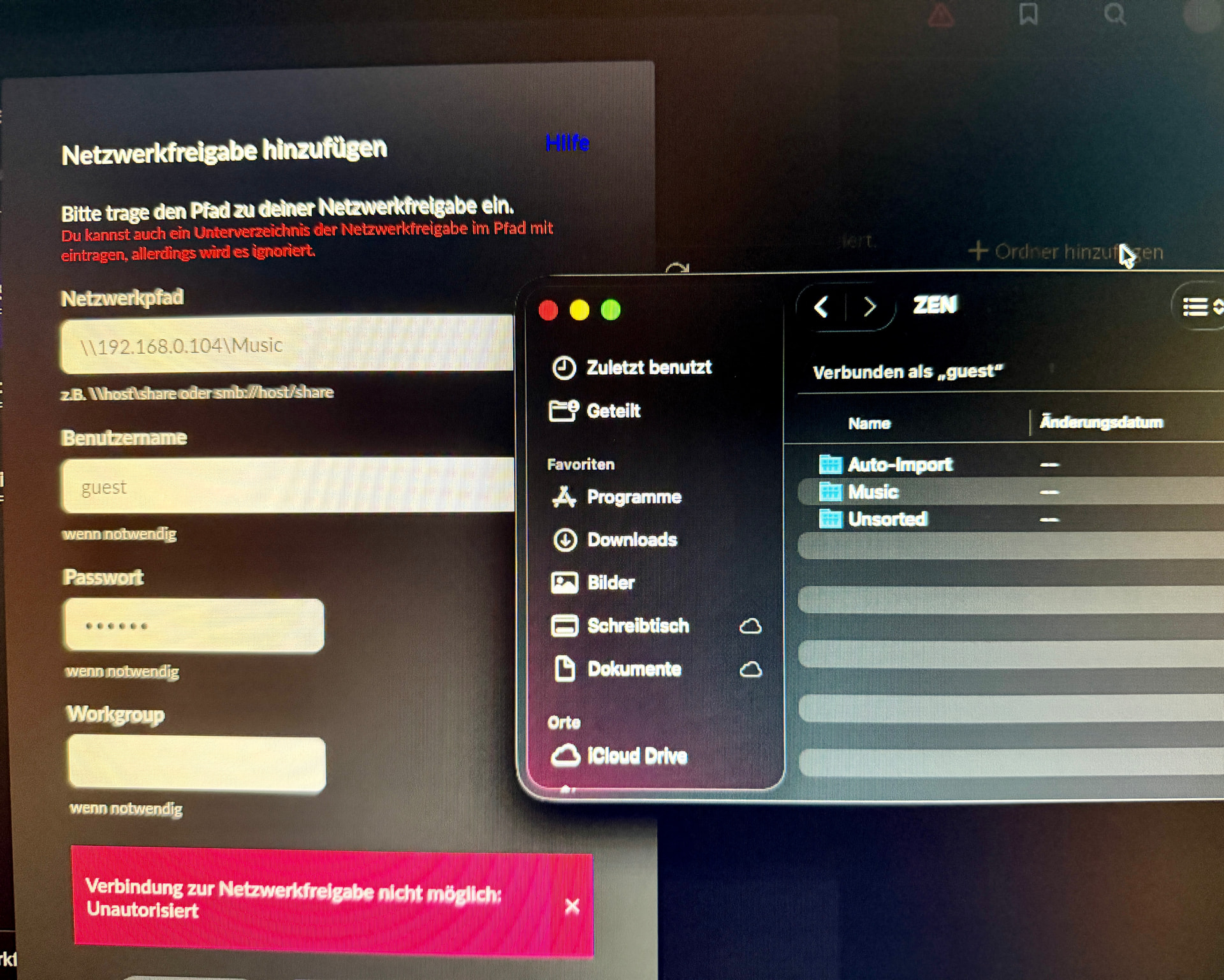
Hmm, at least the error is different now. Assuming that “Music” is the correct share name, the “Netzwerkpfad” entry may now be correct. At least it doesn’t say “Invalid network path” anymore, which is good.
What it now says is that there is an authorization error and therefore it can’t connect to the share (“Verbindung zur Netzwerkfreigabe nicht möglich: Unautorisiert”):
This sounds like a simple username/password error to me. What is the password you entered, “innuous” “innuos”? That’s the default password as given in the documentation:
Did you have to enter a password when connecting from the Mac?
Another possibility might be that maybe the Zen only supports the old SMBv1 protocol version, and Roon may have dropped support for v1. I don’t know if that’s true:
(And the Mac would still be able to fall back to this version, so it would not affect the Mac). As suggested in this post, maybe ask Innuos support about it.
Otherwise I don’t know - official Roon support will be back after the weekend.