We’ve activated diagnostic logging for your account and server. Logs show a large volume of playlists and m3u objects, so we’ll need a little more information to pin this down.
What is the name of the playlist you’re attempting to export as an M3U? Does this same problem occur with other playlists, or all playlists?
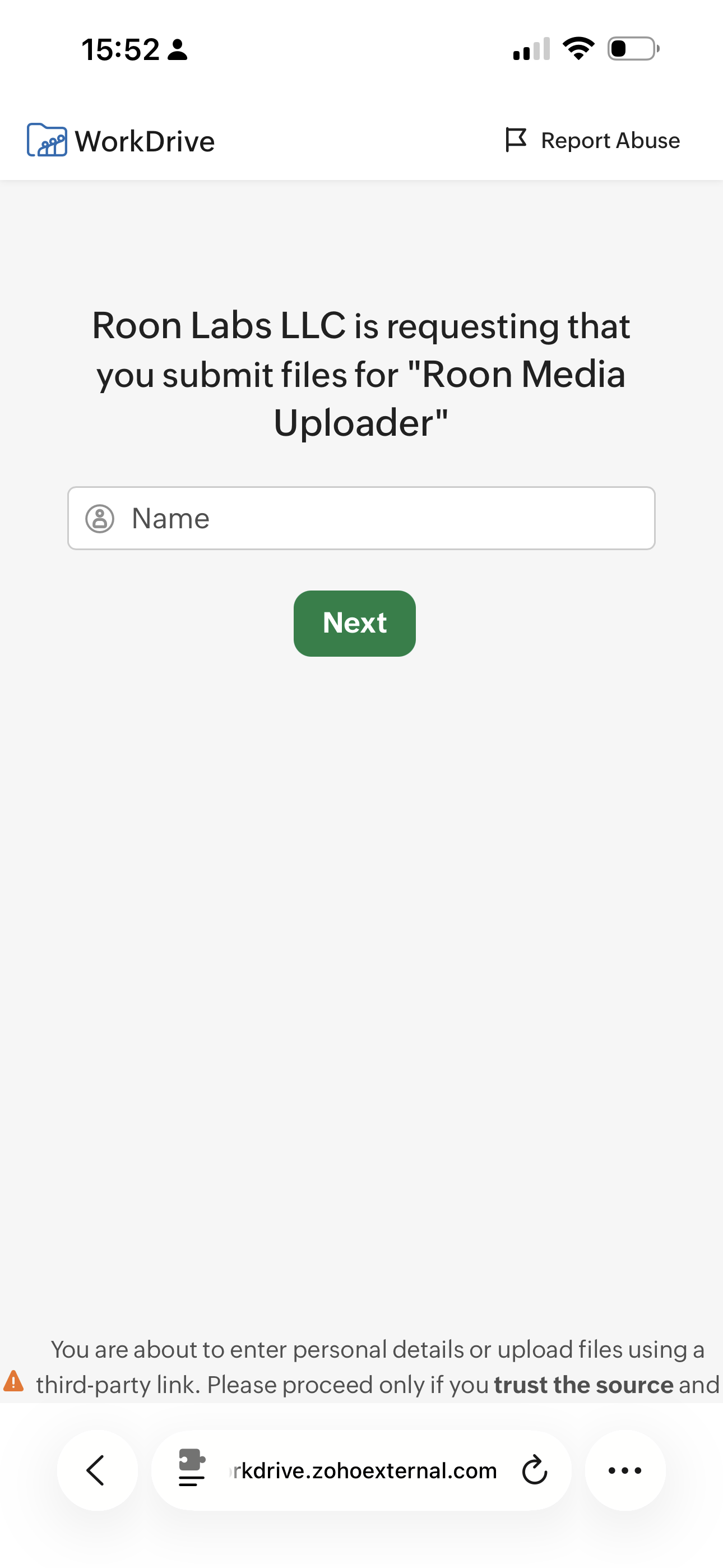
It’s not likely we’ll need the specific files to reproduce this internally, but for due diligence, can you please upload any of the files you’re attempting to export as part of the m3u using our secure uploader here?
It copies over to the designated folder all the appropriate song files but does not place a m3u file in the folder . Thus I cannot export to another programme to play the playlist! Plus the upload link to your site does not activate anything.
I choose the playlist in Roon. Export as a m3u with music files (the only m3u option) and it dors its thing. When viewing the destination folder all the playlist songs are there, in their folders… but there is no visible m3u file there! Therefore, when attempting to import the said music playlist into another app., it fails. I have found a workround in the form of a small utility called M3U Edit. That allows those music files created by Roon export to be loaded and then it exports to your designated folder (same as source) and it bery quickly creates the m3u file perfectly. I can then import this into Audirvana Origin. It works. So, why won’t Roon allow the same process natively? Just create the file without having to duplicate music files…it does the duplication of the music files but does not make the m3u file that othet apps use for importing playlists. Bob
Roon support have said they will investigate the export issue, for which they requested you upload some files to them. Note they don’t work weekends.
I and @Suedkiez(we are not Roon staff but are experienced users) were asking about the Roon upload link that you said did not work … in an effort to help you get those files over to Roon.
Thank you for your help. I have figured out the link and uploaded some files.
I have also just found that Roon places the m3U files in a folder called Playlist within the destination folder! So, that part is solved.
It still remains a mystery why the app will not just create the m3U file without needing to duplicate the music files into another locations!! A bit odd I think.
Glad to hear you tracked down the M3U file in the “Playlist” subfolder, so the export was working as intended all along, and the upload link is sorted too.
On the file duplication: that’s expected behavior, not a bug. Roon’s Folder Export is designed to copy the music files to your chosen location and generate the M3U alongside them, producing a self-contained, portable copy of the playlist. There currently isn’t a native option to export just the M3U referencing your existing library files in place, so your M3U Edit workaround is a sensible way to get exactly what you’re after for Audirvana.
That said, you’re not alone in wanting M3U-only export. There’s a long-standing feature request for exactly this, and I’d encourage you to add your voice (and a vote) there so our team can gauge demand:
I’ll go ahead and consider this one resolved, but let us know if anything else comes up.
Thank you Sir! Glad you clarified the current approach. I await a Roon update that provides the export of playlists in a simplified form so that we can all exlore our music over all playforms.