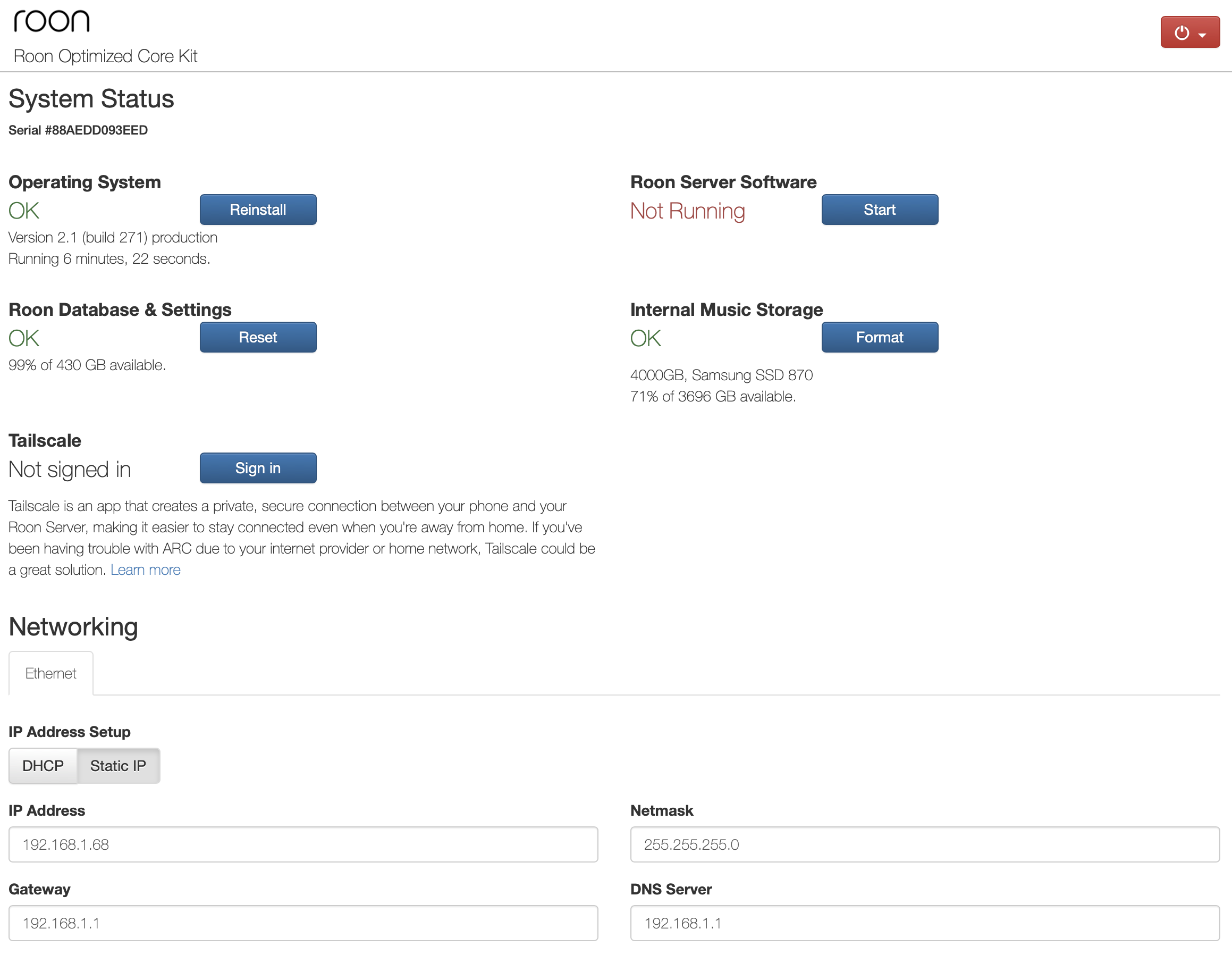
Roon is on it. It seems that it’s just the display in the web UI is wrong showing Stopped even though it’s actually running. (Definitely the case for me).
Discussed here in Early Access because it affects EA too and was reported there first:
In this case, the Roon Server must be running, despite the incorrect display in the ROCK web UI, else this would not be possible.
Meaning that this is a different problem:
The thing is that the Roon Server IS running, despite what the web UI says. So the solution for the Mac connection problem will not come from fixing the simply incorrect display.
We are aware of an issue with the RoonServer showing as not running and we are working on this, but as for the underlying issues, can you provide more details.
On your Mac Roon app, if you go to disconnect and try to find the server again, it doesn’t show up at all? Have you tried to reboot your ROCK and the behavior is the same?
Hi Noris, it does find the server, but if I click on it either nothing happens or it goes to the earlier webpage with no further result (i.e. connected nowhere still). I have rebooted once more, like before, no change. I also re-installed roon on Mac by downloading latest Mac version.
I think that might be two different issues. Can you message me about the roon remate app on mac not connecting. That seems odd since iPhone/iPad still work.
Hi @Stephen, I already did this early morning to your colleague @noris…
[Moderator note: topics now merged see above].
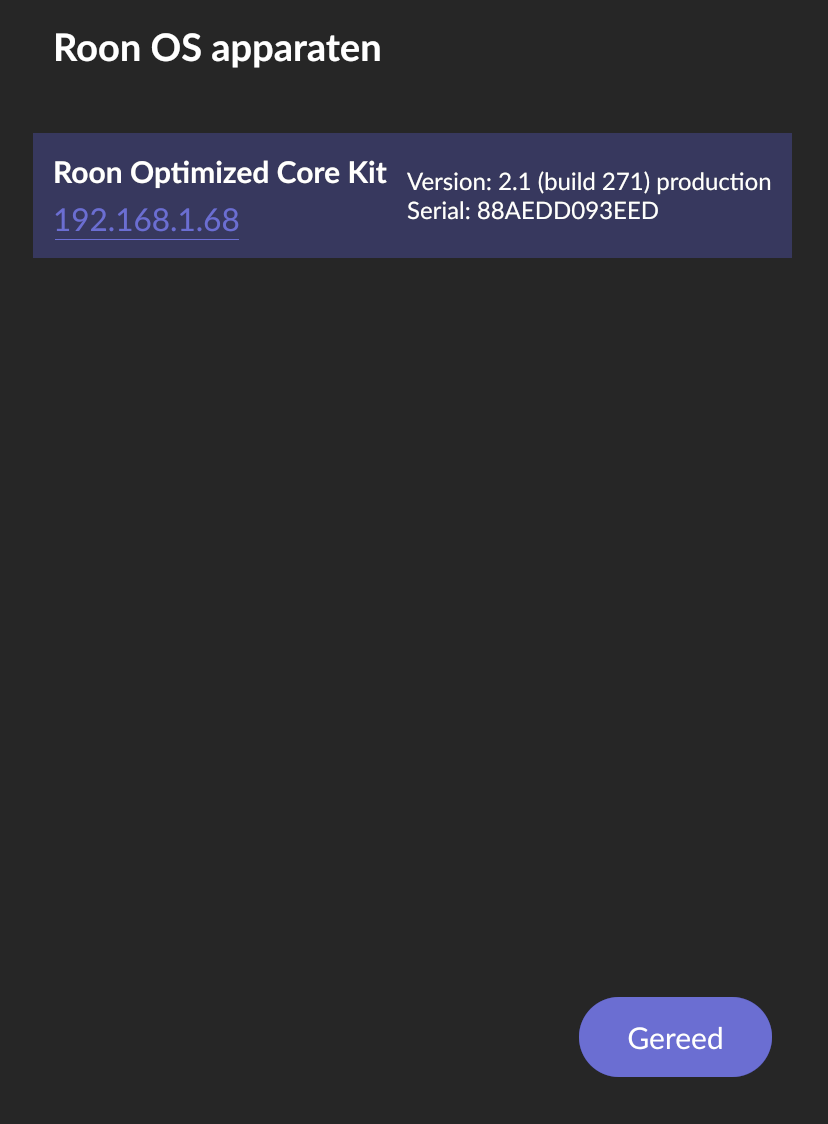
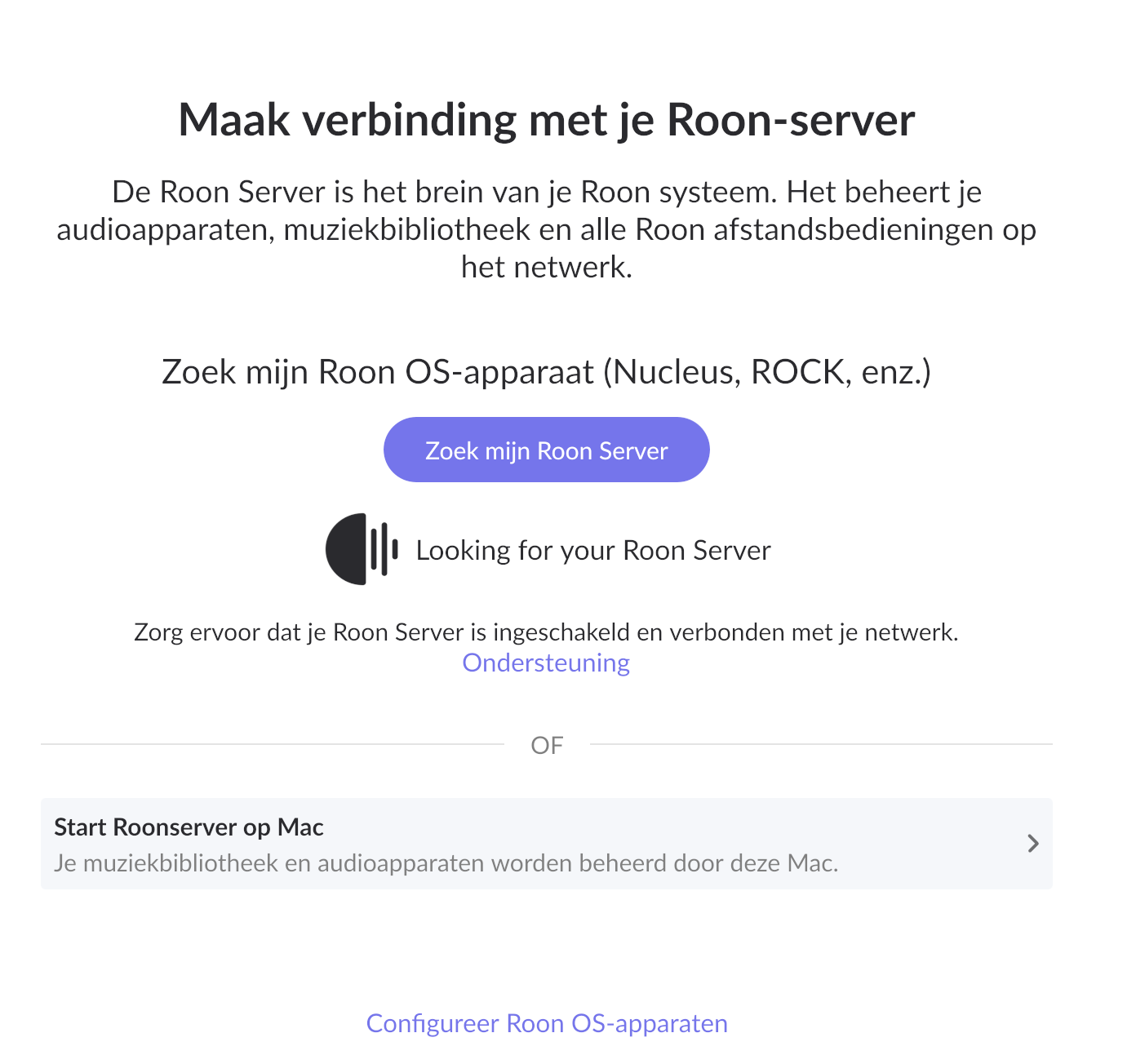
I re-installed roon for (Mac) desktop, and tries to look for the server (rock on my NUC), cannot find it and when I clock " configure" it does find it, but when clicking on it, it jumps to the web-page of roon core kit, where server is not running. See screenshots below in correct order.
This is since latest update, hope it helps to pinpoint.
Hi Carl, that’s fine, although I strongly suspect this is related to faulty server software which is more than only incorrectly displaying “not running”. What I could do to trouble shoot further is remove Roon Remote from another Iphone I have, re-install and see whether that one can connect? If also not working that has to do with new connections to faulty server sw. If can connect, than both Mac remote and server to be updated? Let me know if this would help.
Hi, I’ve just testen on another iPhone: removed Roon remote, re-installed. It then did find the Roon Server, I could connect and works. So, (preliminary) conclusion: indeed 2 problems: (1) server status not correctly displayed (say not running while it actually is) and (2) Roon Remote app for Mac not able to connect to server (where iPhone app does). The latter seems more urgent for most as this makes Roon from Mac unusable.
Agreed, I’m not the only one though. Very unfortunate that such updates cause trouble that cost lots of time and degrade functionality & user experience.
Yeah but there are „can’t connect my remote“ posts every day, updates or not, but perhaps more after updates. Most of the time it’s a local problem.
So I’d suggest opening a separate tech support case (Support > Get Help) specifically for your „Mac remote doesn’t connect to running ROCK server“ issue. This is not the same as the „Roon Server crashes immediately on startup on Mac after update“ or „ROCK shows wrong ‚not running‘ status since update“ issues.
This thread was hidden by @Carl and the post merged into the „Roon Server crashing on startup on Mac“ topic, but I think this was a mistake because obviously your Roon server is running on ROCK and not the Mac.
As I’ve said many times, there is no doubt that your Roon Server is running because your iPad and iPhone can connect to it.