My Roon Nucleus One connects automatically to my Roon Ready Marantz AV10 without HDMI. Is there a disadvantage to this versus using an HDMI. If I used an HDMI cable, what settings would need to change in Roon for the AV10 to recognize the HDMI cable coming from the Nucleus One?
In case you won’t ever want to listen to DSD or multichannel or even both together, connecting your AVR via Ethernet (roonReady) should be just fine and is usually hassle free.
But keep in mind almost no AVR supports DSD multichannel via roonReady Ethernet, yours isn’t an exception here. Though, most of them play such just fine through other ports.
This one/main other port is actually HDMI. But, be aware, there’s never a guarantee. Try your options and chose the one which works best in your environment.
There’s no spec. setting you have to change when switching. It’s just about selecting your desired endpoint. In case you’d choose HDMI make sure you select “HDMI0”.
Good luck 
I could not figure out how to make sure the HDMI port was working for Roon. I unplugged the hdmi port and roon was still playing through ethernet. I am unclear what to do on the AV10 to make it recognize that roon ready should play through the HDMI port rather than ethernet.
You enable the HDMI port in Roon > Settings > Audio and then choose it as Roon’s output zone. Then Roon sends the audio to this zone (and not through the Roon Ready network zone that I suppose you had selected).
I suppose you’ll also have to switch the Marantz input to HDMI
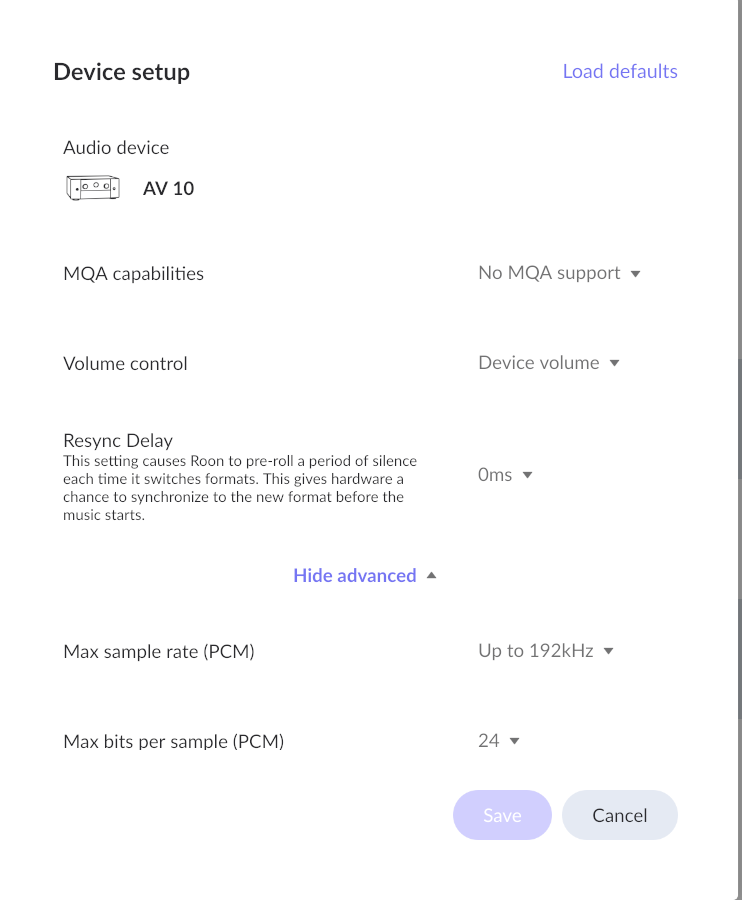
Read the links I posted? You are already in the device setup. That may not be necessary. You need to enable the HDMI device somewhere here:
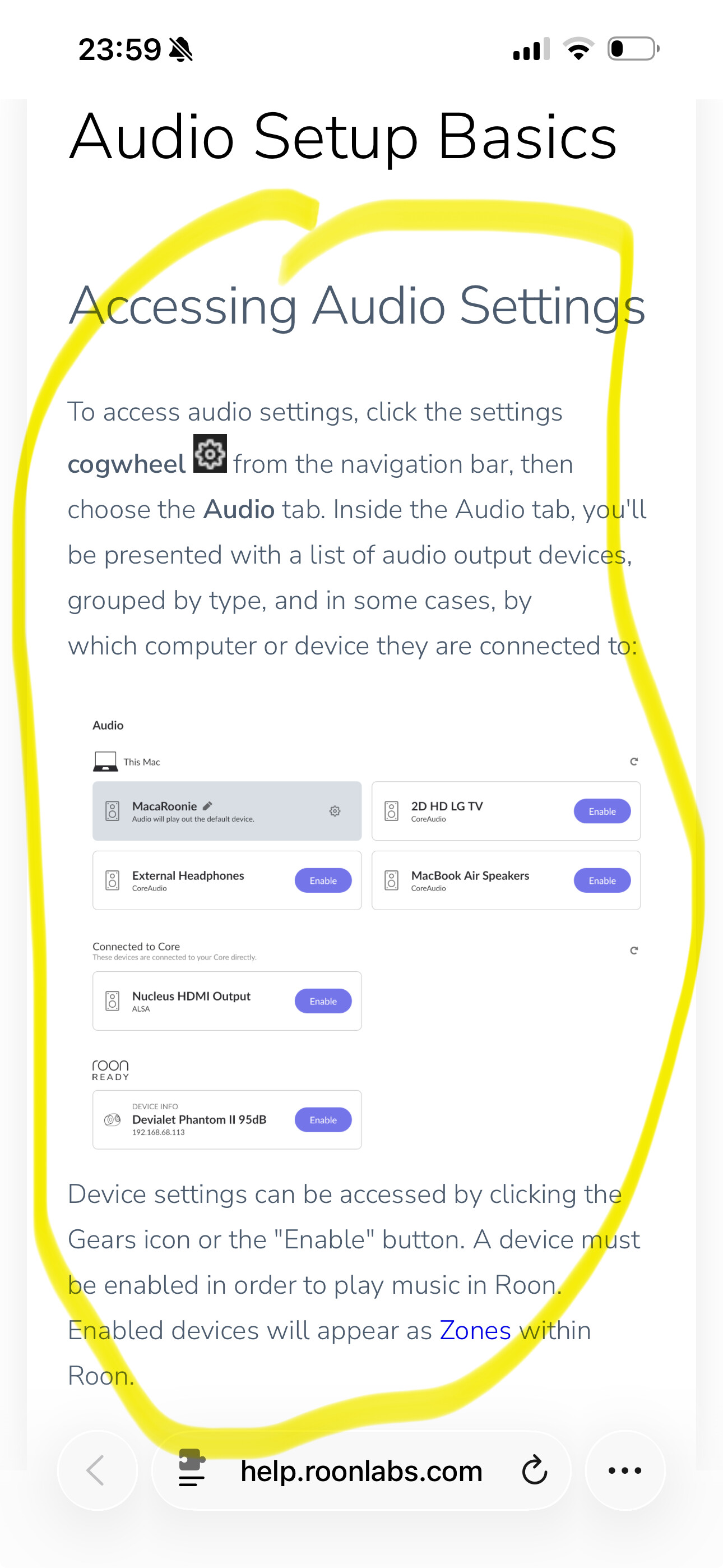
It looks like this in Settings > Audio. There may be several HDMI devices, you probably want HDMI0 on this case:

Then switch to this zone that’s corresponding to the HDMI device in the zone switcher:
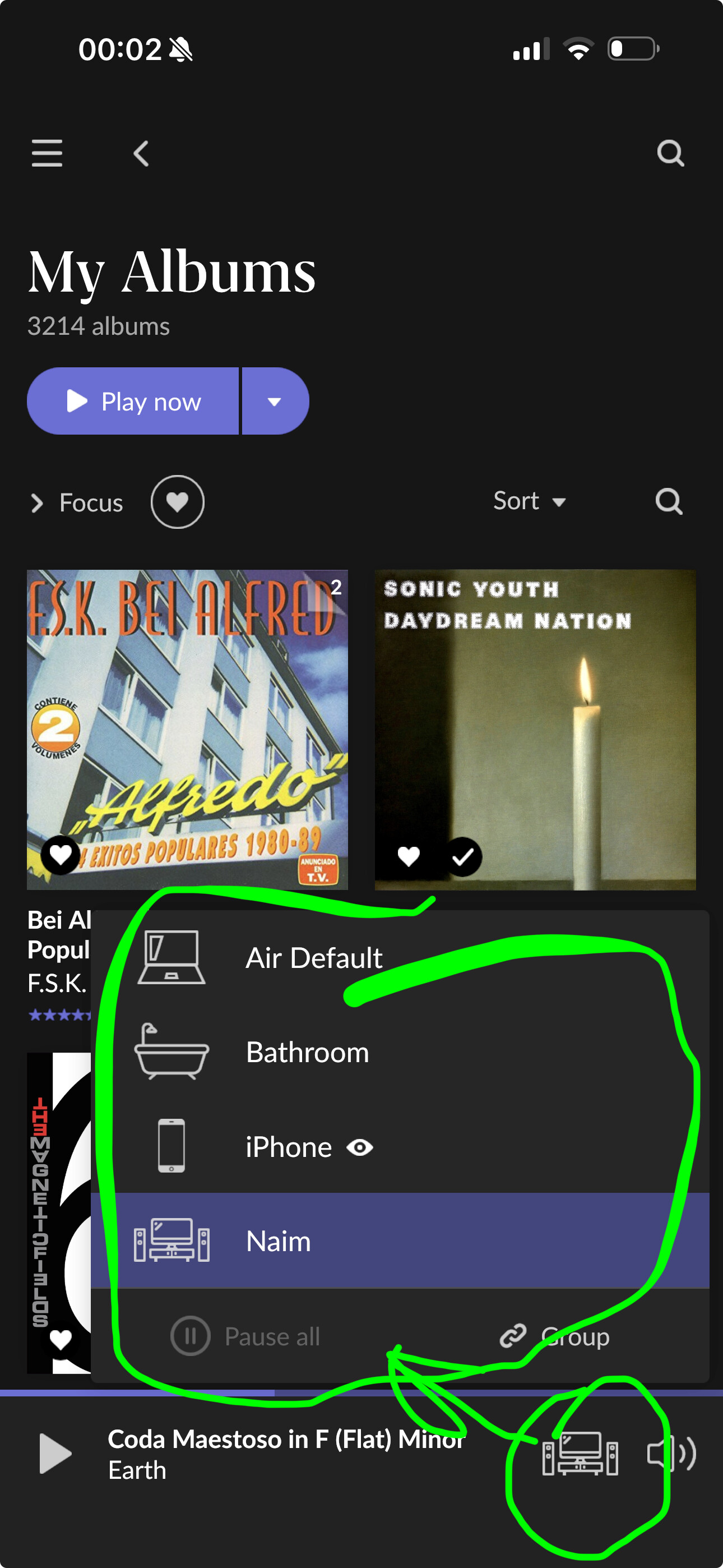
I have selected the AV10 and Roon plays through the AV10 processor. Why I don’t know how to do is how to configure the output from the Roon Nucleus source to go to HDMI rather than ethernet. I guess I can look at the av10 configuration settings to see if it is controlled there.
I know. It shows up as AV10 and the music will play from the Roon Nucleus through the AV10. What I cannot understand what to do is to direct it through the attached HDMI cable vs playing through ethernet. I don’t have a choice in the zone switcher menu. The choice I have is AV10. Thats it… I want AV10, but I want it to accept the signal from the HDMI vs ethernet.
The roon ready architecture on the AV10 plays throught the ethernet from the Nucleus and not the hdmi.
Sounds like either you haven’t enabled the correct device or you haven’t chosen it as a zone.
When you enable the HDMI device in Settings > Audio, you can give it a name. Enter a descriptive name you can recognize later in the zone menu, like „AV10 HDMI“ or something:
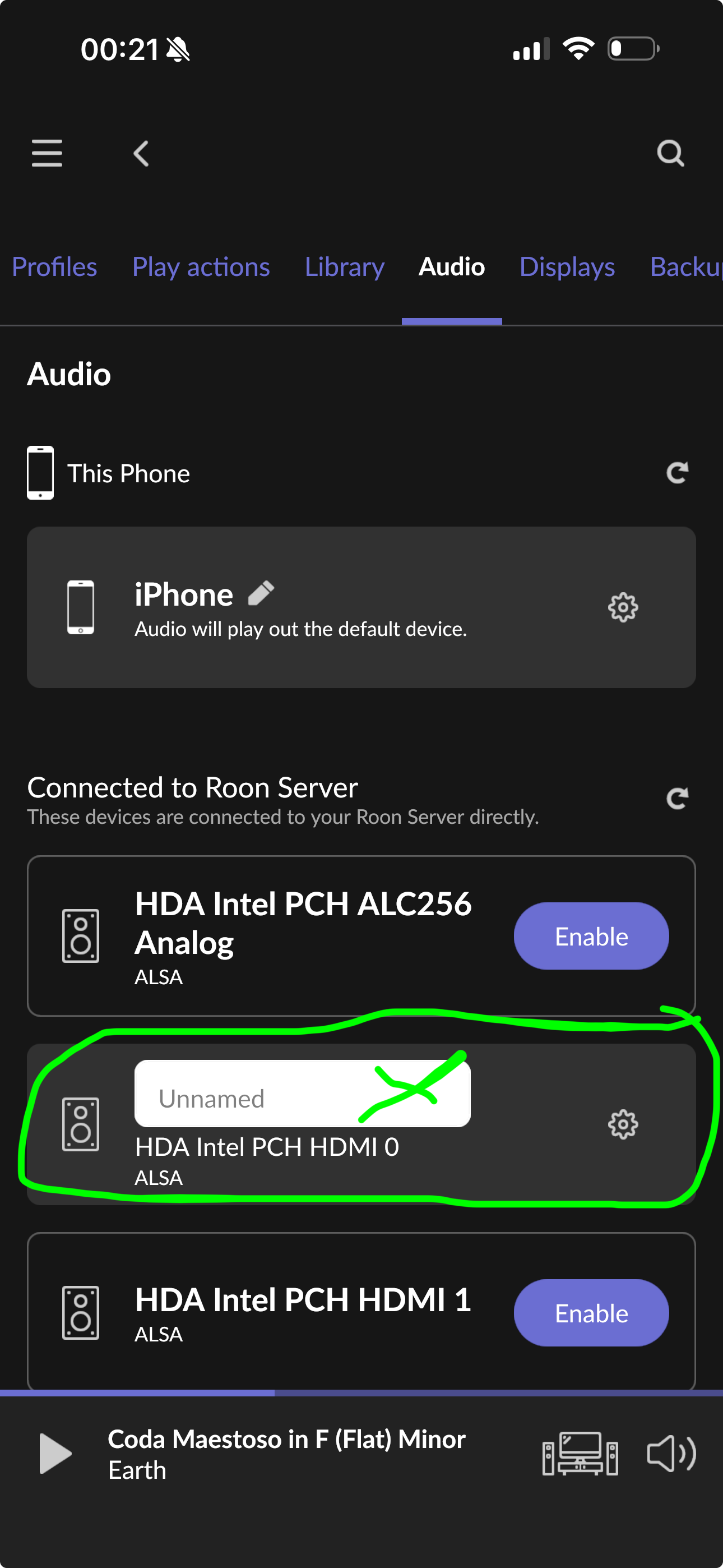
If you can’t figure it out, please post screenshots of what you see in Settings > Audio and in the zone menu after opening it.
Edit: Perhaps you could also temporarily unplug the Ethernet cable from the AV10, then it can’t play through this and perhaps there might be less potential for confusion what it’s playing through
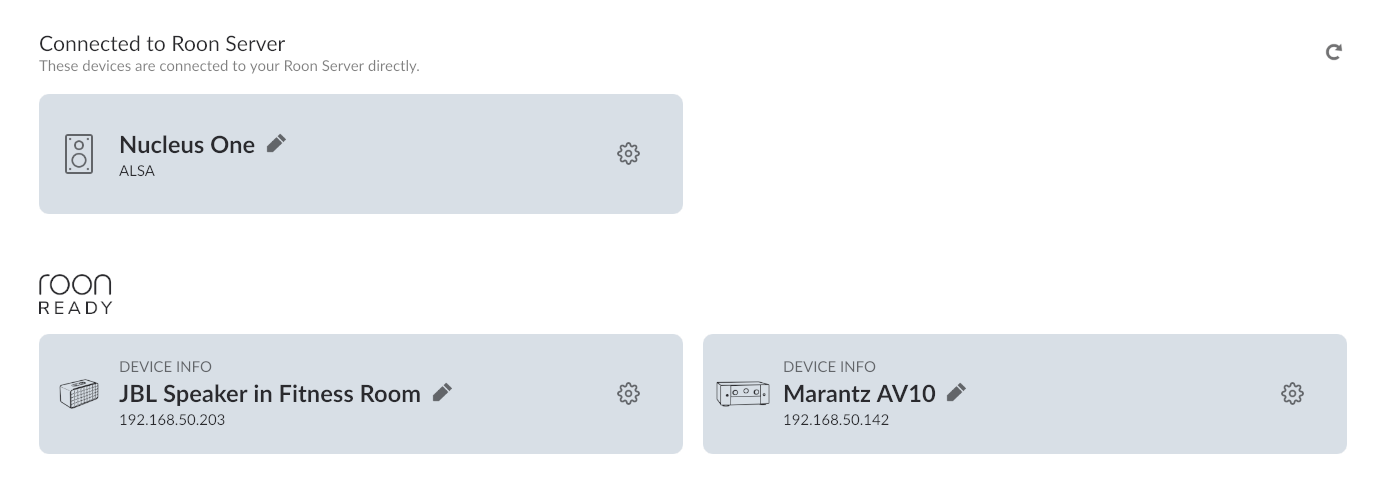
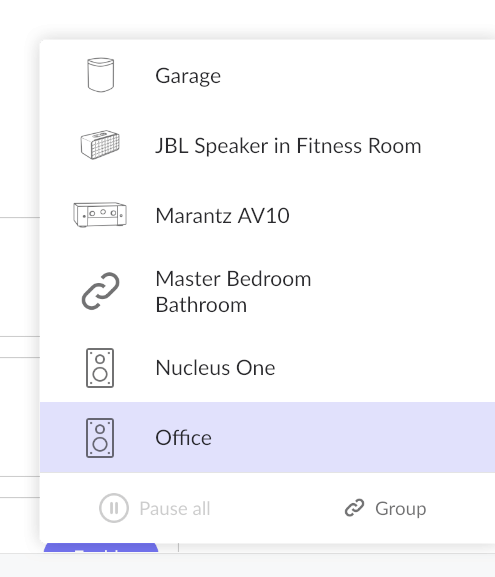
Thanks. I can see the problem. It doesn’t show any HDMI outputs at all that you could enable:
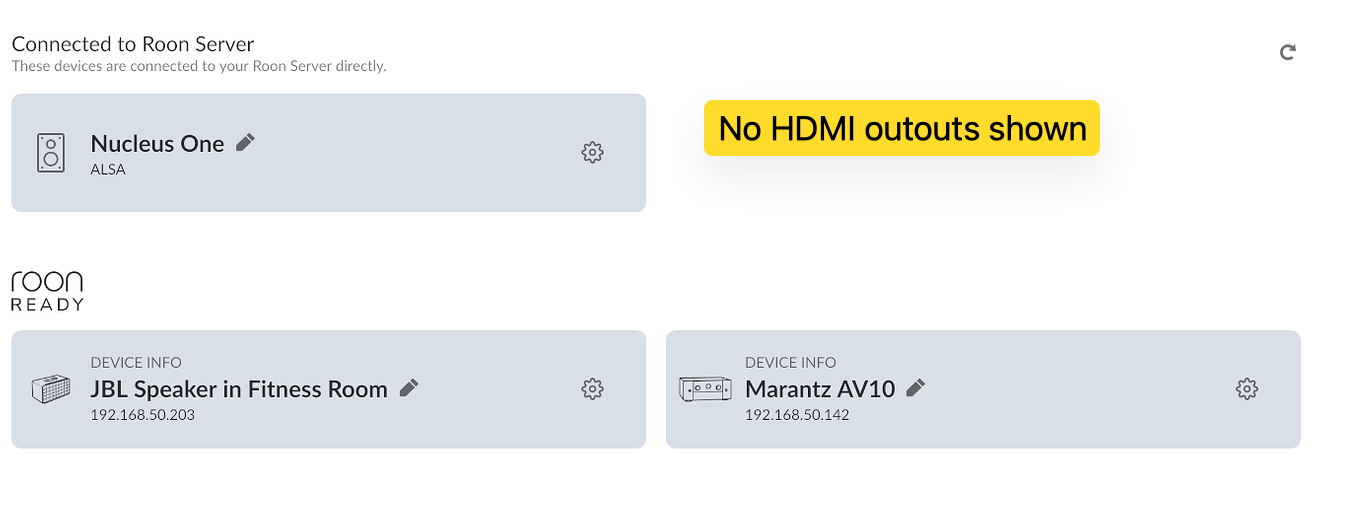
I can find one or two similar cases on the forum before, and it had to be fixed by recreating some data folders on the Nucleus, but I suggest that you open a support ticket and let pro staff take a look at this. Follow the process to open a ticket:
What kind of Roon Core do you use ?
HDMI means the HDMI output in your Roon Core computer.
It’s a Nucleus One as mentioned in the first three words of the topic 
I will do that. Thanks.