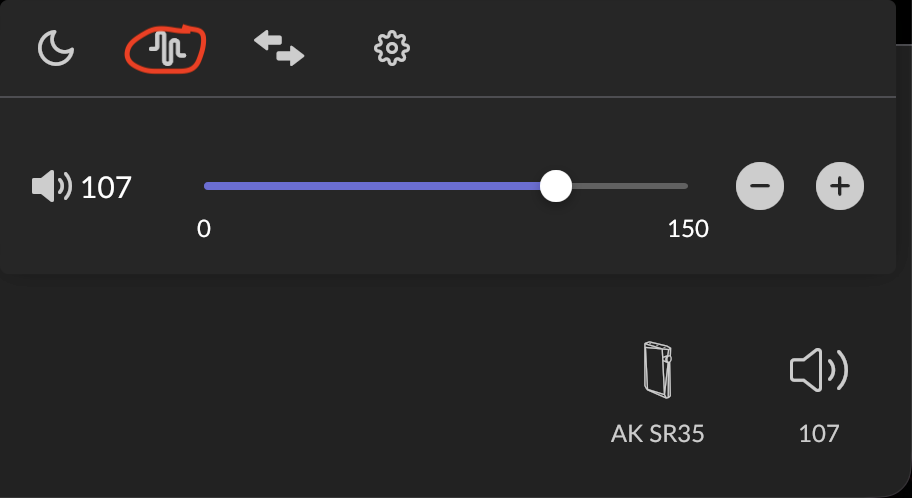
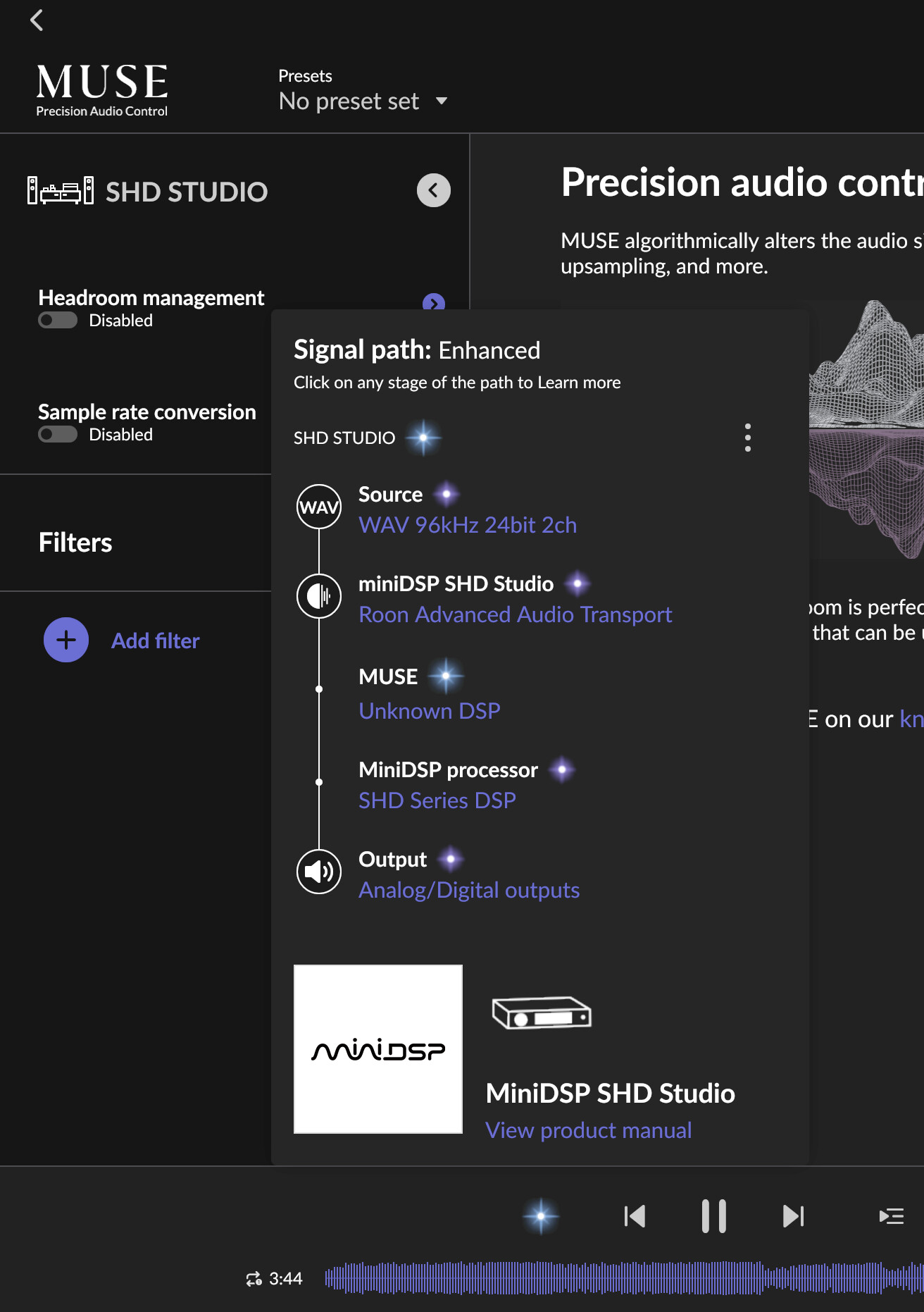
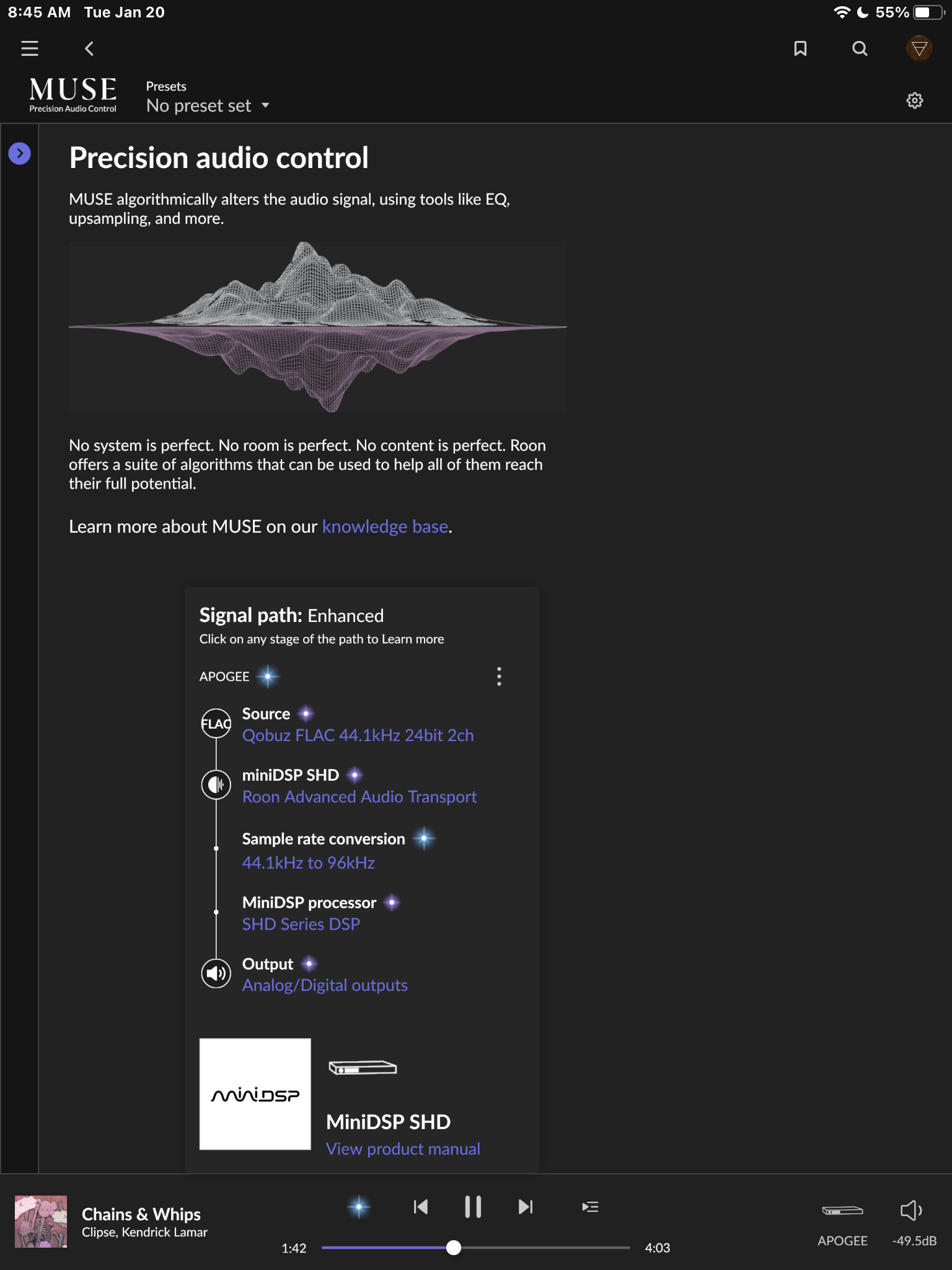
At some point, MUSE DSP was added to the signal path, and lossless was no longer displayed in the signal path. This is only visible when minidsp SHD studio is set as the final roon endpoint, MUSE DSP will not appear when playing roon directly from ipad or mac
Other users say that updating roon to the latest version solves the problem, but I keep all OS and firmware versions up to date.
It’s no longer lossless because you are altering the signal with MUSE. It is now Enhanced. It should be better than lossless if the MUSE settings you are using actually improve the SQ. If not, turn off the MUSE settings.
It looks like MUSE may simply be a placeholder label for the Dirac Live processing on the SHD. If that’s the case, then either miniDSP isn’t exposing the DSP stage in a way Roon can fully interpret, or Roon isn’t correctly mapping the internal signal path reported by the device.
Yes, the right presets can improve sound quality. However, since I already use the presets I need on my miniDSP SHD, I don’t want Roon to have additional MUSE presets enabled. Disabling the MUSE presets, as you suggested, seems to work, but I haven’t found a way to disable them yet.
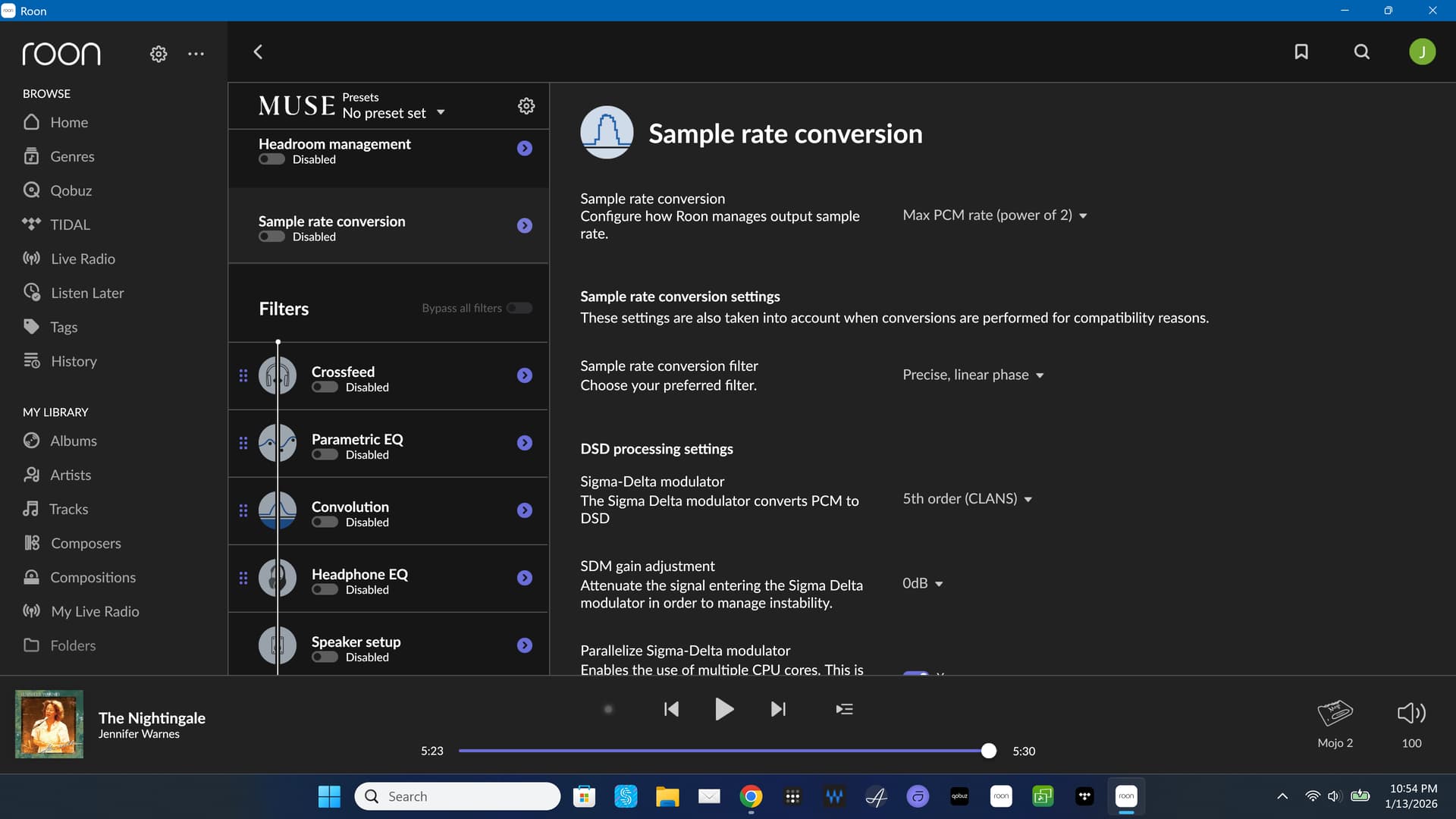
I’ve disabled the three filters that are enabled by default, and turned off headroom management and sample rate conversion. Is there anything else I should do?
That makes sense
However, since the miniDSP SHD series is officially Roon Ready certified, I thought this was an issue that the Roon and miniDSP teams would need to work together to resolve, so I asked.
Seeing that MUSE is a subcategory of miniDSP SHD, it seems that Roon has been calling all DSPs MUSE at some point.
I agree. Unfortunately, it’s unclear who would be responsible for addressing this, Roon or miniDSP.
Based on the signal path shown, the transformation appears to be happening outside of Roon, within the miniDSP itself. If this were a Roon-side (user-configured) DSP stage, MUSE would appear earlier in the signal chain, before the audio reaches the device, since that processing would occur on the Roon server.
In this case, however, the DSP stage is shown after the stream reaches the endpoint, which suggests the processing is happening on the client/device side rather than within Roon.
The signal chain looks a bit different today because of software updates to volumio (which is where the roon endpoint is implemented) from miniDSP.
miniDSP stated a year ago in an email I sent
Correct, they are the one displaying this information. Muse is the generic word for DSP processing. We don’t have any other processing in place (i.e. only miniDSP controls the DSP processing inside)
Basically saying that they are not responsible. I did not press the issue because core functionality is not affected.
From our side, we’ve shared these findings with the team that works with our hardware partners so they’re aware of the behavior you’re seeing with the miniDSP SHD signal path display.
At this point, since the DSP stage appears after the stream reaches the endpoint, it’s consistent with processing happening on the device side rather than within Roon itself. We’ll keep this on our radar, and any updates from either side will be reflected in future releases as appropriate.
Please do let us know once you hear back from miniDSP — that information will be helpful for next steps.
Can you please use the directions found here and send over a set of logs to our File Uploader? Once logs have been uploaded, please let us know so that we can check the server for your files, thanks!
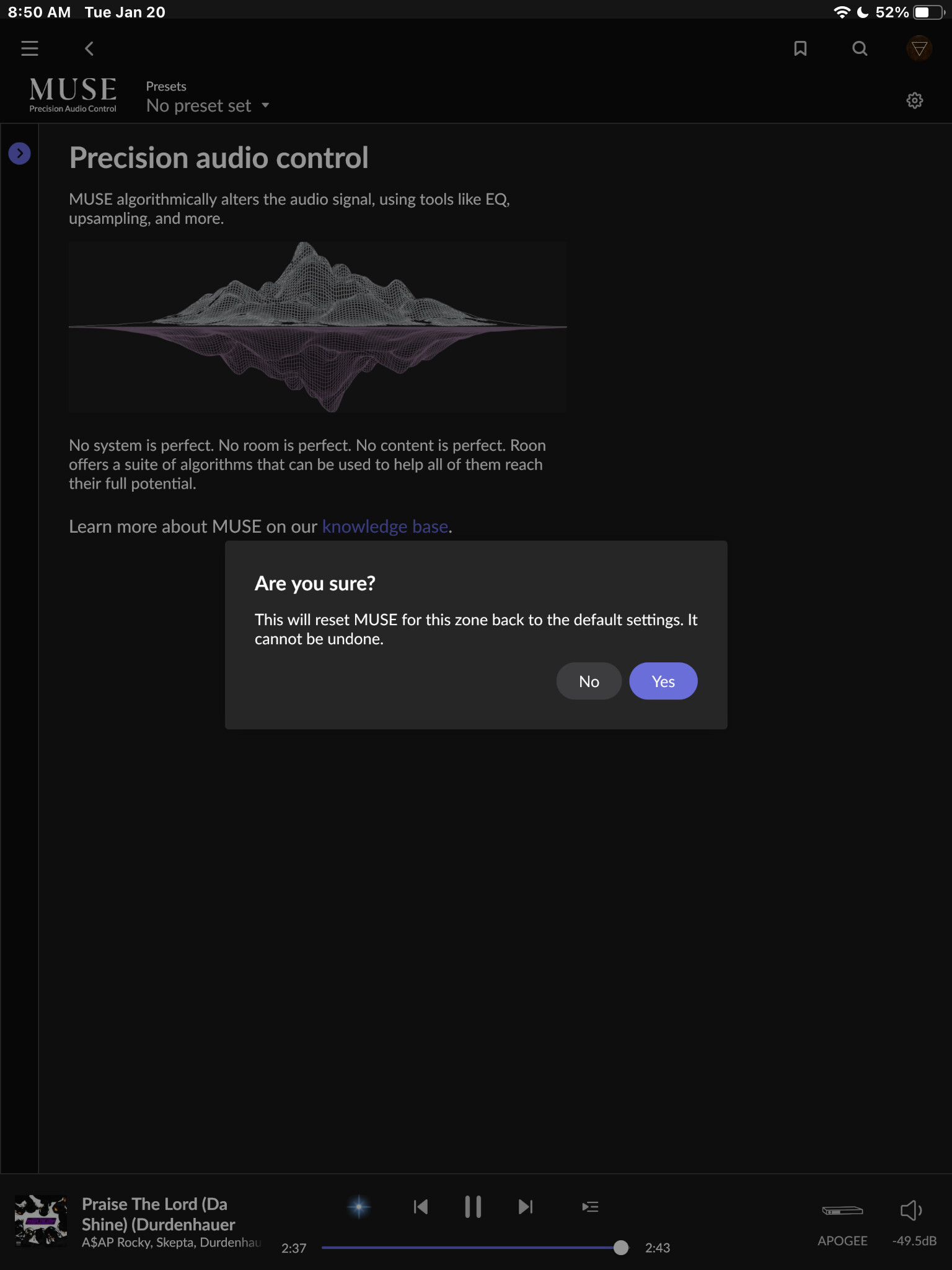
I have the SHD non Studio version. I however did notice the MUSE showing in my signal path without any options enabled. A reset of MUSE cures the issue in my system
What you’re seeing in the signal path is not MUSE processing being applied by Roon.
Based on the signal path screenshots, the sample rate conversion is occurring after RAAT hands the stream off to the endpoint. This means the processing is being applied inside the miniDSP device itself (DAC / endpoint level), not within Roon’s DSP engine.
Roon is simply see and reporting that the audio stream is being altered downstream, which causes the signal path to be shown as Enhanced. The “MUSE” label in this case is acting as a generic indicator of device-side DSP, rather than a Roon-enabled MUSE feature.
In short:
No Roon-side MUSE enhancement is active
Processing is happening on the miniDSP endpoint
Signal path display is behaving as expected given the device-reported changes
Thanks for sharing your observations — they’re helpful for confirming this behavior across SHD variants.