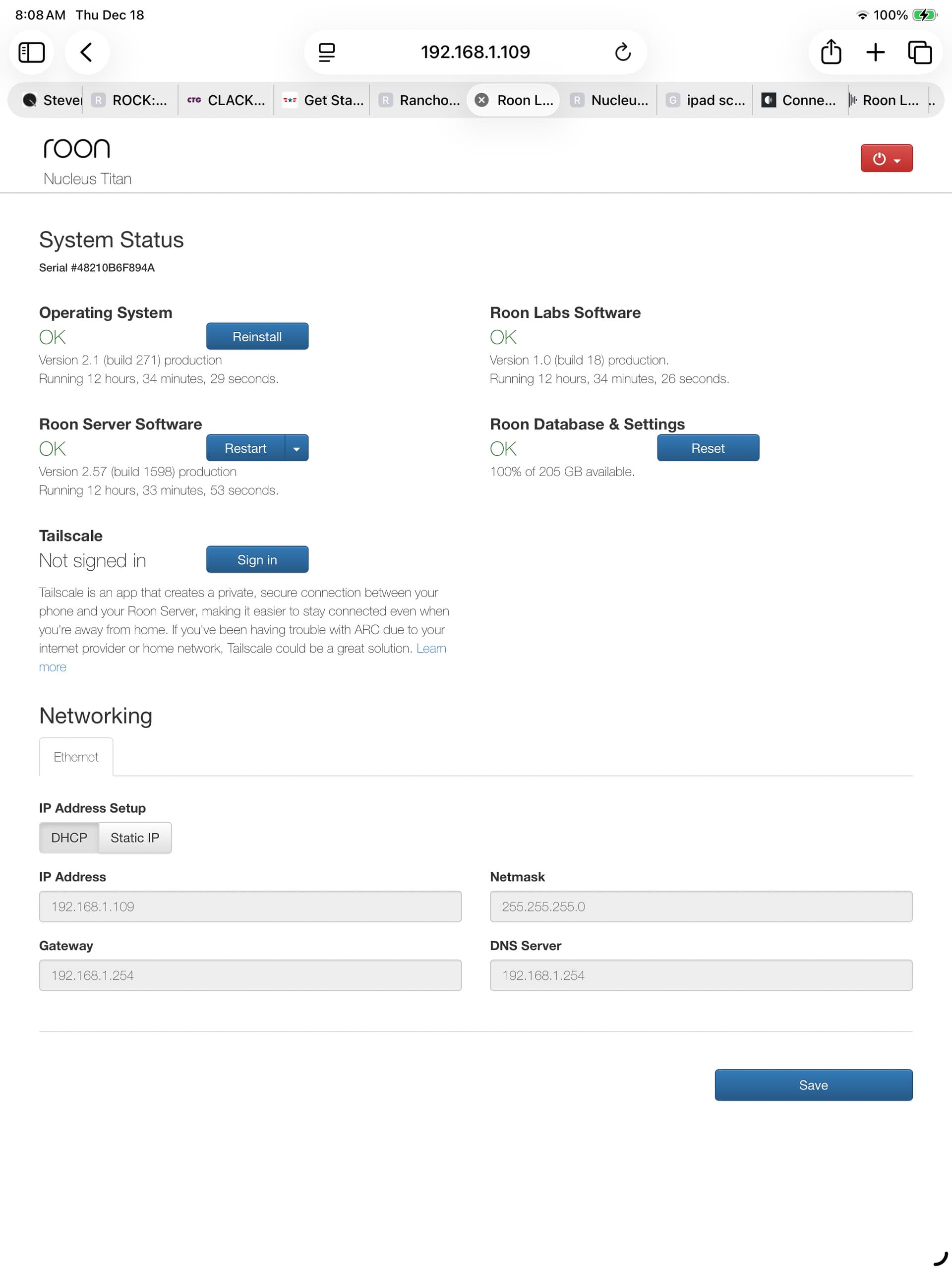
Installed a 2TB WD SATA drive. Going to storage I can’t create a folder for my music. I hit folders and it’s blank and I can’t create one.
If I try from my computer to drag and drop into Roon, it says there’s no folder to put them in.
I’ve had two different drives in it and I can’t create a folder or format because it doesn’t seem to see the drives. One of the drives was from my prior Nucleus.
AceRimmer
("I’m not just a hero; I’m a legend!")
2
The drives have to be formatted through the web Gui I believe then they should be visible to Roon.
Than I presume that or the SATA-drive or the SATA-cable is bad. Can you change either or both of them to do a test to see if a drive is popping up in the GUI?
Could be the cable, but the mention of ‘One of the drives was from my prior nucleus’ suggests a ‘new’ machine. Could be the sata drive isn’t enabled in the bios.
I would suggest starting a Support thread link here [ Support], click the Get Help button and answer the questions. As you have seen from the discussion there could be several different reasons and support has the ability to look at your system logs which we do not have. We can only ask questions.