· The Nucleus boots up and I can connect to it in the Roon app without issue, but I have a question about configuration/storage/attached devices
Describe the issue
I installed a new Samsung 870 EVO 2 TB (2.5-inch SATA) SSD in my Nucleus One today. The drive does not appear anywhere in the web administration interface. The Storage tab shows only “Roon Database & Settings” (86 GB), with no second drive and no Format option.
What I have tried:
Shut down, unplugged, removed and reinstalled the SSD, checked the connection, and powered back on. No change. Connecting from a Mac to smb://NUCLEUSONE/Data/Storage/InternalStorage returns “The share does not exist on the server.”
System details:
Nucleus One, serial #10FFE0D303D1 Roon Server 2.74 (build 1719) production Roon OS 3.0 (build 287), up to date Mac on the same local network
The SSD is new and has never been formatted or used elsewhere. Could you check the logs to see whether the Nucleus detects the drive? Thank you.
Thanks for the detailed report. I checked the diagnostics from your Nucleus One, taken right after you reinstalled the drive. The Nucleus doesn’t detect any SATA device at all: the internal SATA port reports no link. That’s why the drive isn’t shown in the Storage tab and the InternalStorage share doesn’t exist yet. The drive has to be detected before it can be formatted.
Since this happens at hardware level, it’s either the connection or the drive itself. Could you please help with these checks:
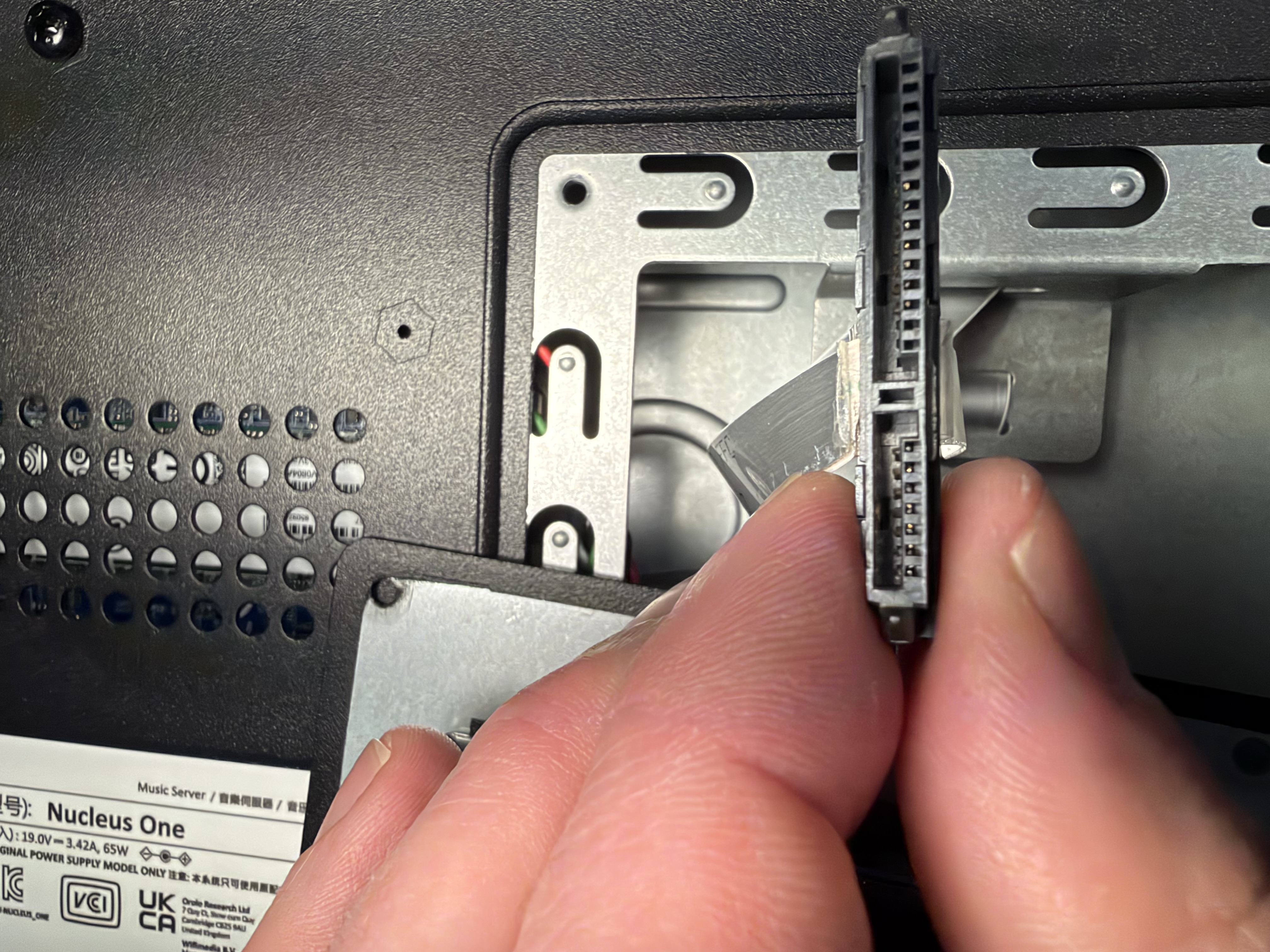
Yes, please send photos of the drive installed with the SATA cable connected, and a close-up of the connector on the cable. Damage to the small plastic connector isn’t always easy to spot, so photos help.
If you can, please test the SSD in another computer or in a USB enclosure to confirm it’s detected there.
For reference, here’s the installation guide:
If the drive works elsewhere and the connector looks damaged, we can arrange a replacement SATA cable.
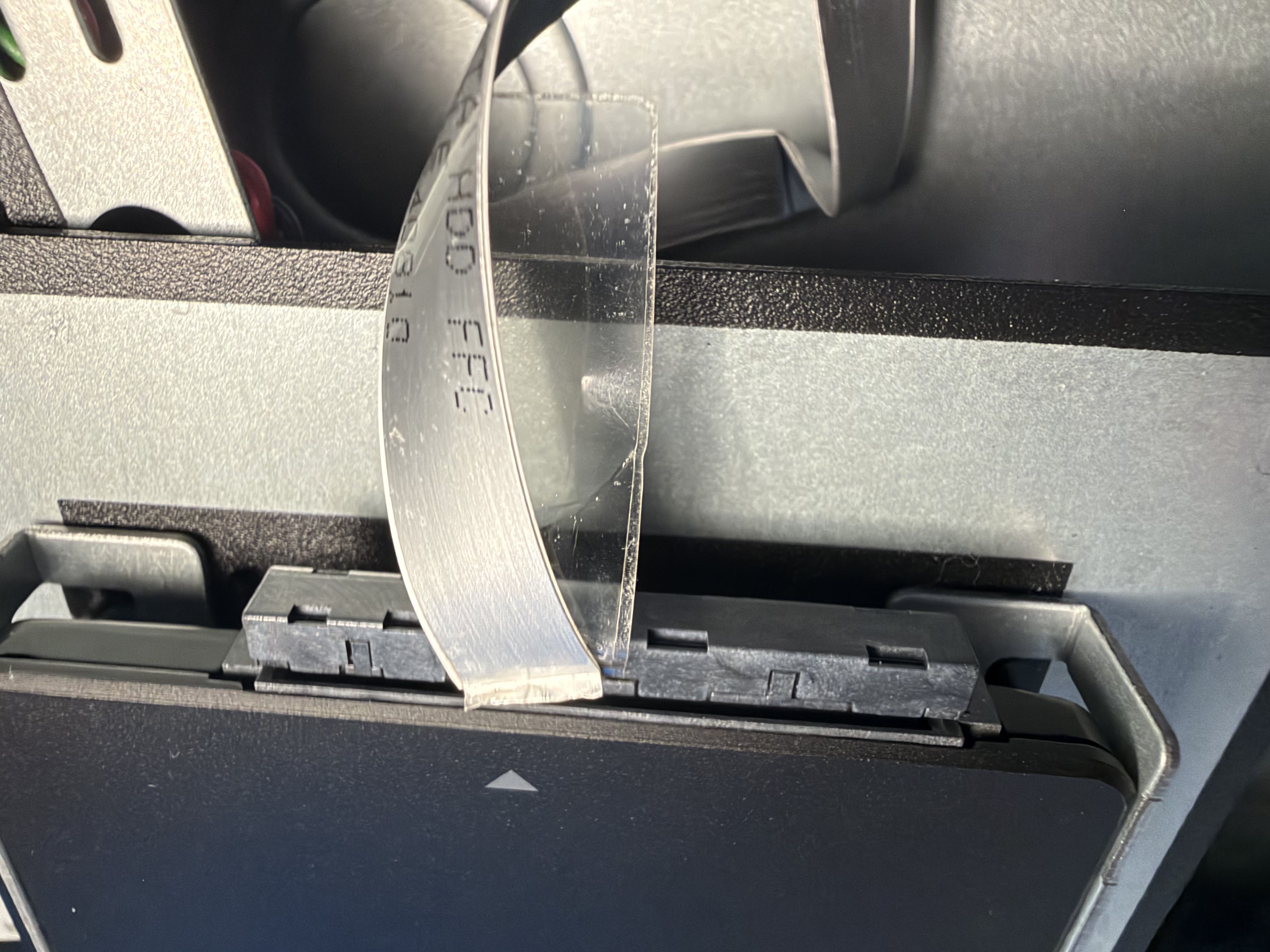
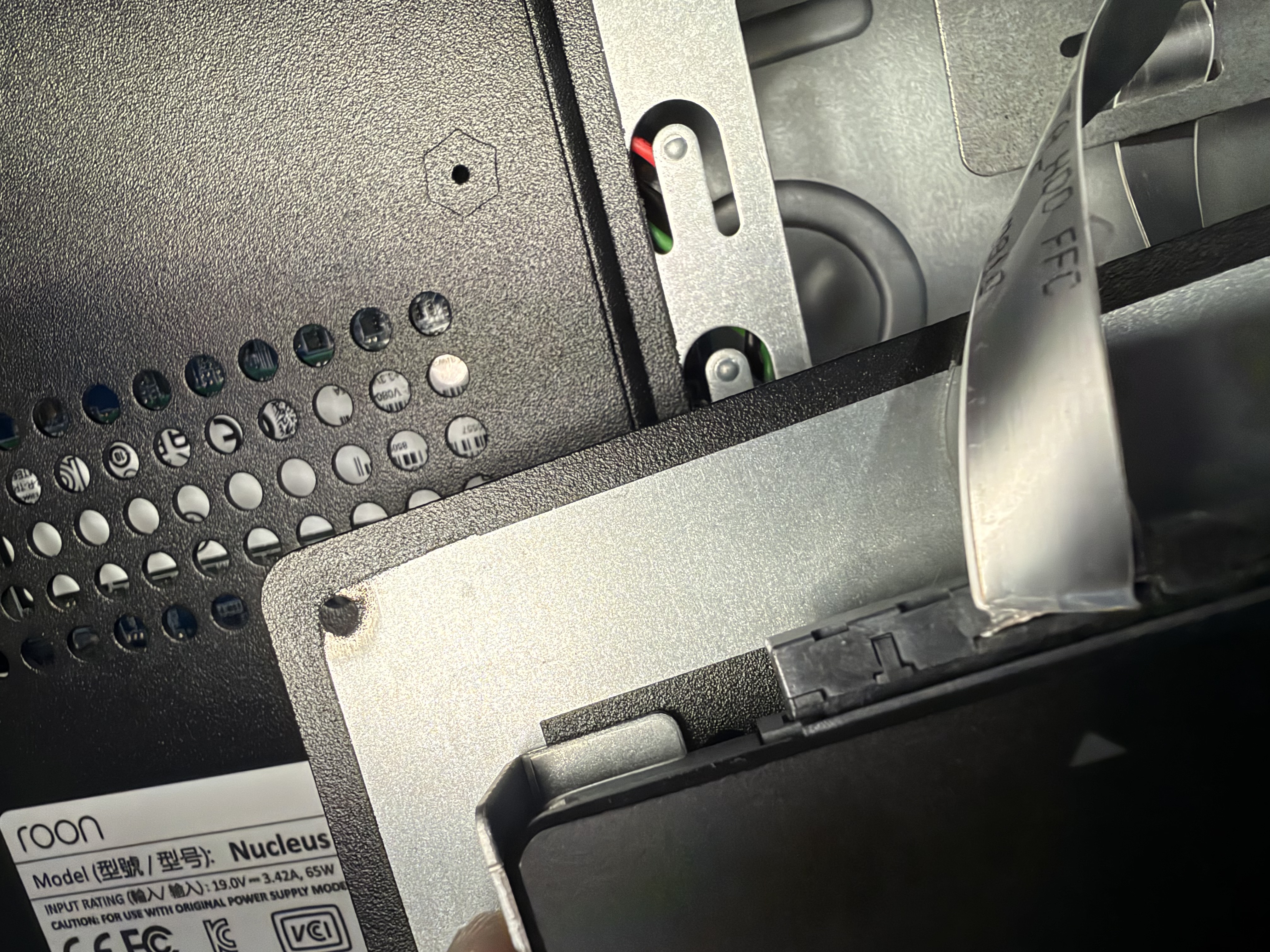
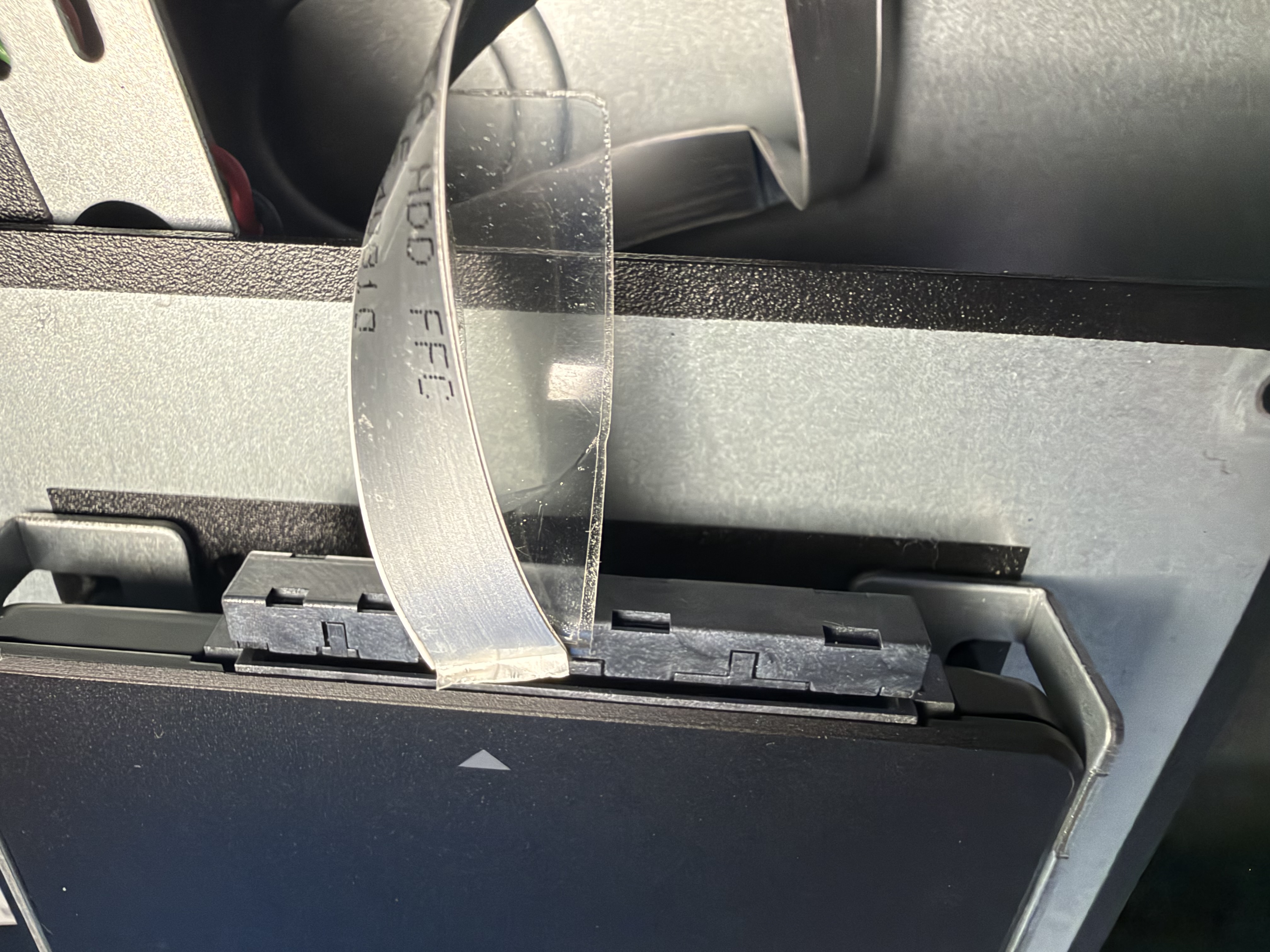
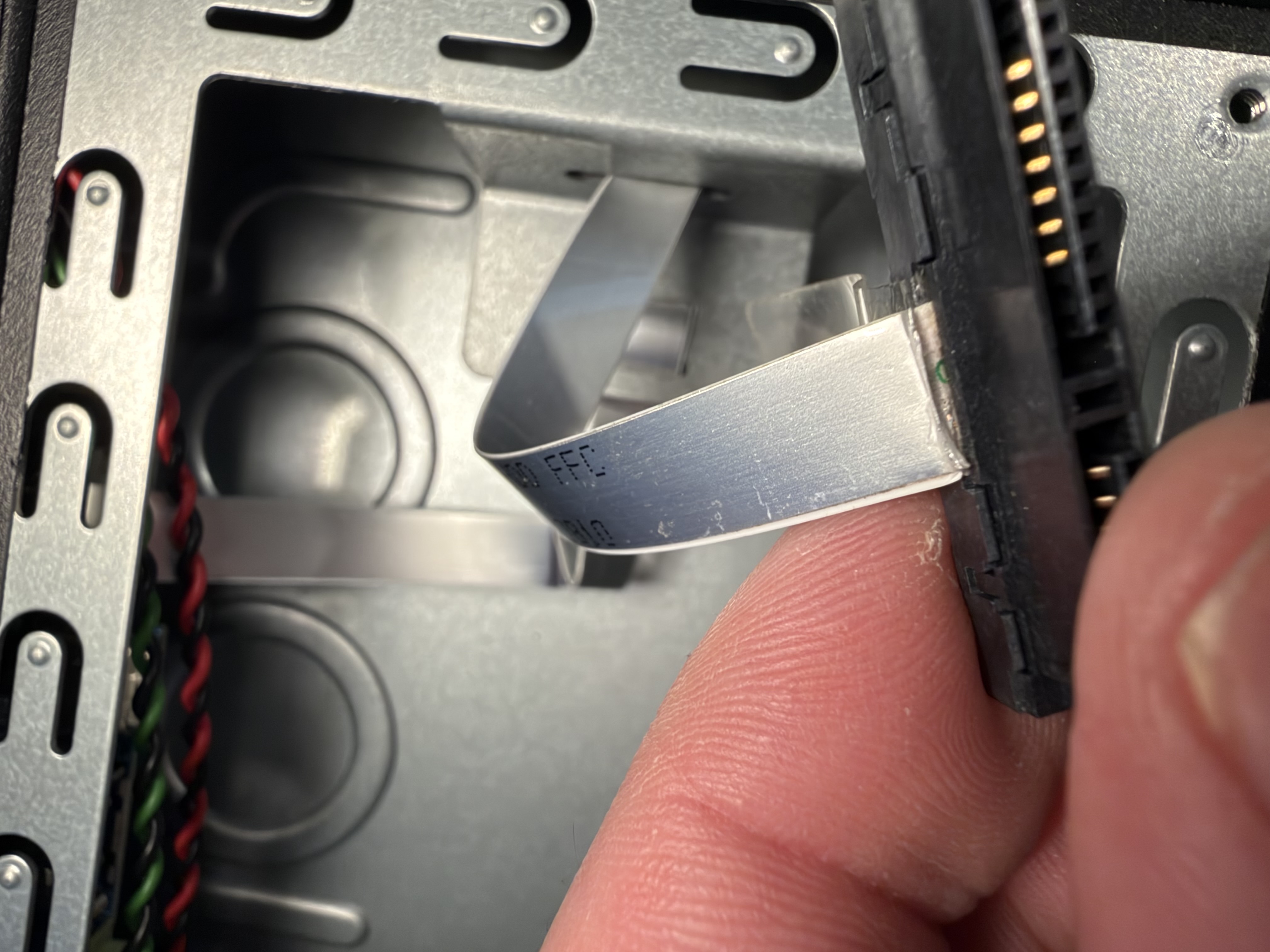
Here are pictures of the SSD and connectors. The closest thing to a potential problem I see is that the Nucleus One grey cable is very slightly off. But I have no frame of reference. I’ve inquired at my job whether they have a SSD enclosure so that I can avoid purchasing one unnecessarily. Thank you
Thanks for the photos, they made it clear. In the close-up of the connector (the photo where you’re holding it), the flat ribbon cable has started to separate where it enters the connector housing. That’s enough to break the connection, and it matches what we saw in the diagnostics: the Nucleus doesn’t detect any drive on the internal port. Your SSD is very likely fine. The Nucleus One uses its own flat ribbon cable (labelled “HDD FFC”), so a standard SATA cable can’t be used in its place.
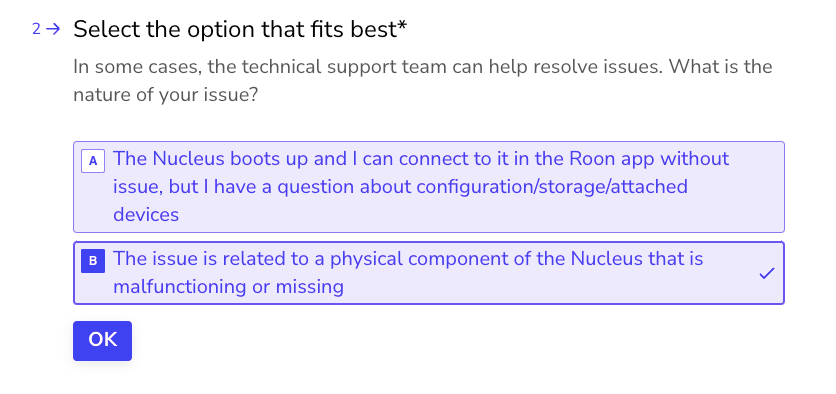
The best next step here is to get in touch with our RMA department directly, as they’re in charge of all hardware-related Nucleus issues. To do so, open the Typeform link below and select ‘Other’ followed by ‘This issue is related to a physical component’.