· The Nucleus boots up and I can connect to it in the Roon app without issue, but I have a question about configuration/storage/attached devices
Describe the issue
I am a longtime ROON user. Currently running ROON with my Lenovo Think book computer connected via ethernet. Music source is a Lyngdorf TDAI3400, connected via ethernet with it's own cable. Yesterday I received my new Titan. I connected the titan with my ethernet cable from the lyngdorf, then I ran HDMI and USB from the titan to the lyngdorf. I went to the "roon.link/nucleus" link and signed in. All I get when I sign in is my account page. I never saw any "choose my core" popups .... Ultimately I opened ROON on my computer and got No Sound, but it appeared something was playing.. Then I reconnected another ethernet cable to the lyngdorf and had music but it was just my system and nothing to do with the Titan. (1) Do I still need to have the lyngdorf connected directly to my router or does my ethernet connect to the titan and then from the titan to the lyngdorf via HDMI or USB? (2) do I need to delete the roon app from my computer and then reload it somehow? I am SO sorry to be being "that guy" but this is way over my head and I just don't get how to sort thru all the info on the community page to not find my issue... I apologize for my lack of understanding... I love ROON! love the sound and I love the artist layout and info!! but holy smokes do I NOT like fiddling with technology.... ALSO please take a look at the Ethernet connection on the back of the titan, it takes VERY small fingers to release the cable connection and it is not easy to see the back of the titan unless you have full view access. I hope this isn't too confusing!! Thanks for your help!!!
You have two main options for connecting your Lyngdorf:
Option 1 (Recommended): Connect both the Nucleus and the Lyngdorf to your router. You do not need a direct cable between them. This uses RAAT technology, which offers the best stability and user experience, allowing for better control and grouping.
Option 2 (Direct Connection): Connect the Lyngdorf directly to the Nucleus Titan via USB or HDMI. In this setup, the Nucleus plays to it like a standard DAC. We recommend this only if you require multichannel audio (e.g., 5.1 or 7.1), as RAAT is limited to 2 channels in this context.
Regarding the Roon app, you do not need to delete it. Simply go to Settings > General > Disconnect, and then select your new Titan Server.
Remember to create a backup of your old database before the transition.
Let us know if you have further questions on the setup.
Thanks I will try! also I have 1 better quality ethernet cable, I can order a 2nd but for now which unit will benefit most from the better cable, the Titan or the lyngdorf?
Neither. If it is an Ethernet cable, and not broken, it works all the same. Neither unit supports anything faster than 1Gb connection, and Lyngdorf does not need anything faster than 100Mb anyway, so any old Cat 5e cable will do.
Okay!! finally, after Tidal kept saying I didn’t have an active subscription! now how do I get/transfer my artists to the Titan?
appreciate the assistance
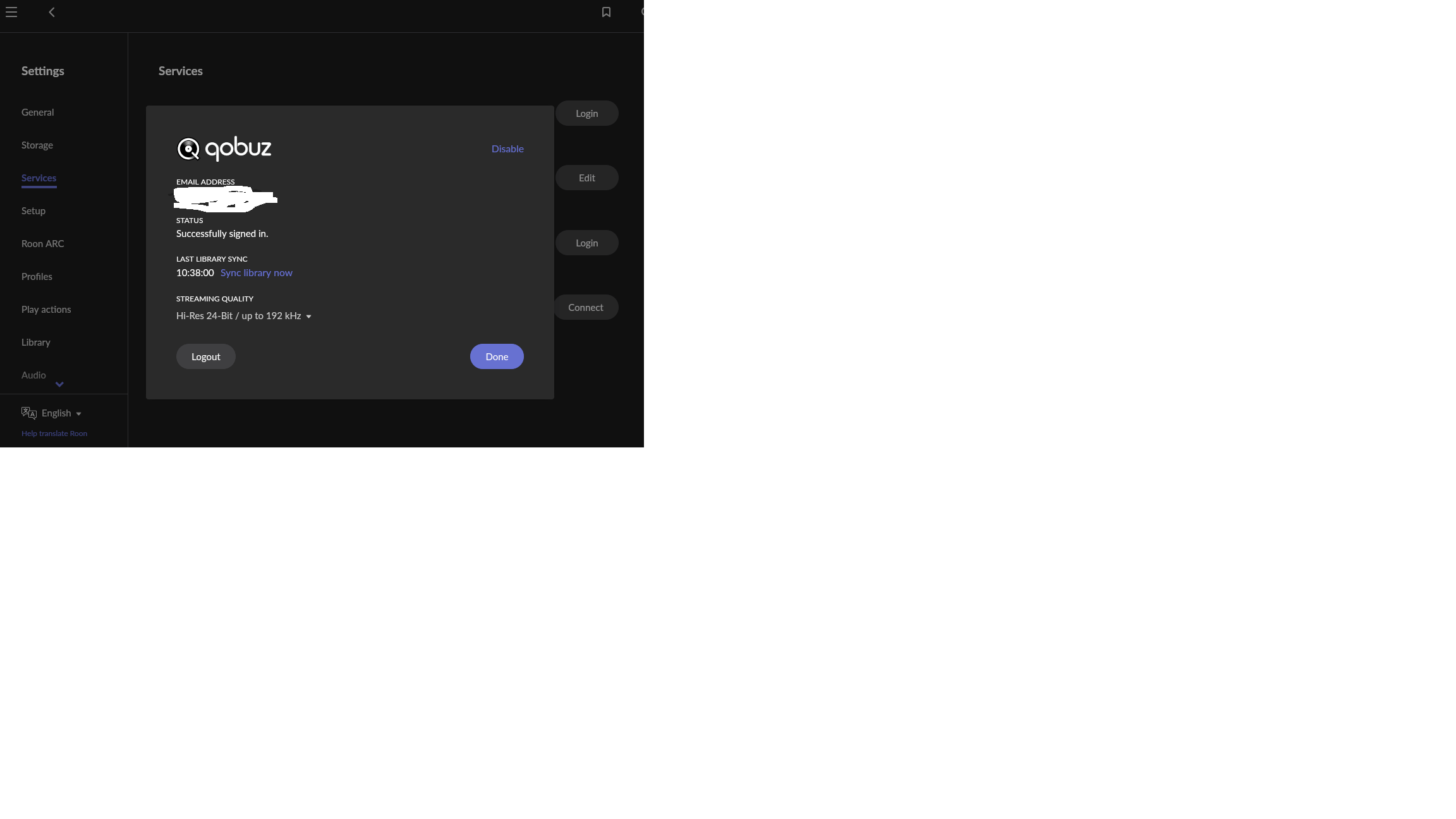
1 more silly Q… now I only have Lossy format for playback quality! How do I get it set ack to highest quality? I can’t find how to change it o Roon orTidal
Do you have a saved backup from your prior Roon Server setup? You’ll want to restore from a saved backup, and then go into Roon Settings>Storage and update any stale folder paths.
Here are a few KBs around backups that will likely help you with next steps: