Playback errors/track skipping on Bluesound Soundbar+ Roon-ready zone (Airplay zone on same device works fine)

Hi Roon support team,

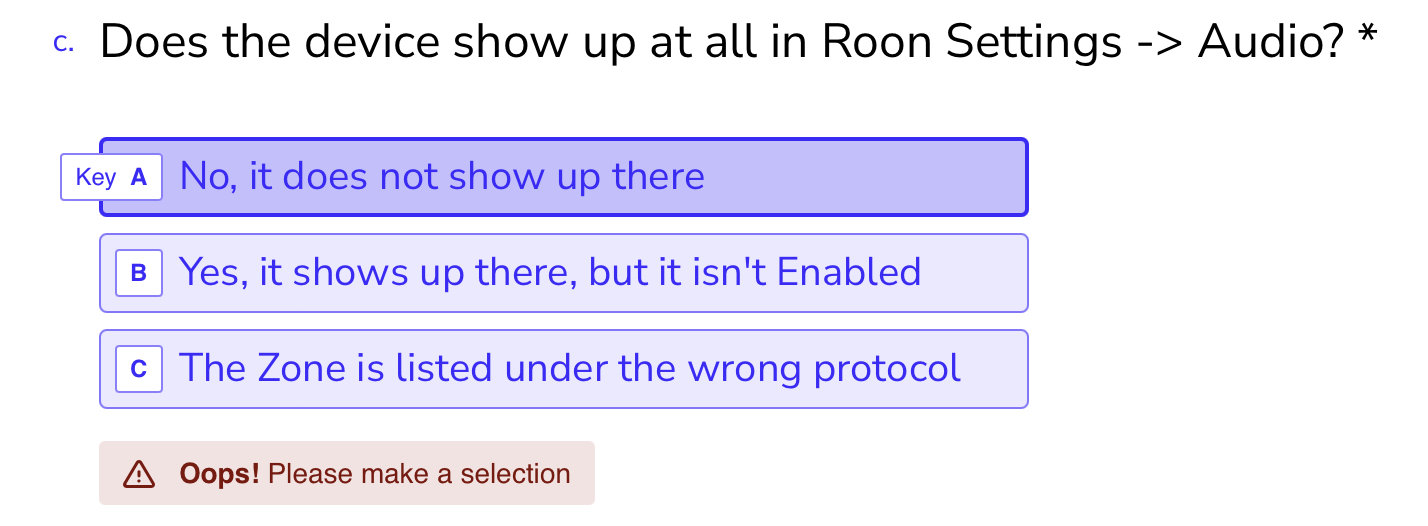
Unfortunately, the form flow for getting help and creating a case is broken:

None of the options apply, my affected zone shows up and stays enabled, it just does not work for more than a track or two:
Server:
I run Roon Server on a Ubuntu (24) VM on an Unraid system. Library is on an SMB share on the same Unraid Server, mounted to the VM as a local volume, so not using Roon’s own network drive option. I have assigned 4-8GB RAM and the VDisk sits on an SSD. There should be no performance issues.

Network:

Server and router have a 2,5GBit link. Roon VM runs in bridge network mode. All network zones are connected via WiFi. There is strong signal, it’s a new mesh (Sagemcom) with 3 nodes and dedicated backhaul.

The same Unraid server also runs Plex (Docker) and streams 4K HDR video content without issues to an Android TV and an Apple TV box that sit right next to the Bluesound Soundbar+. There is no VPN involved.

Troubleshooting/Details:

All playback to my Airplay-based zones works fine for both local library files (17K tracks)and Qobuz, also to the same Bluesound Soundbar+ device and its Airplay2 zone. Transcoding shows running at +80x speed.

But when I attempt to use the Roon Ready zone, playback stutters and then stops after a track or two, then all other tracks are skipped and I am getting a ‘Too. many playback errors’ message. I need to restart the Server or Soundbar+ to get any Roon-ready playback started again. But same issues repeat.

This happens for all content, no matter the resolution or library/Qobuz.

The Bluesound Soundbar+ runs the latest FW.

I bought the Roon-ready Bluesound system for its native support and to avoid the squeezebox/extension issue I had with my HEOS amp.

Any help would be greatly appreciated.

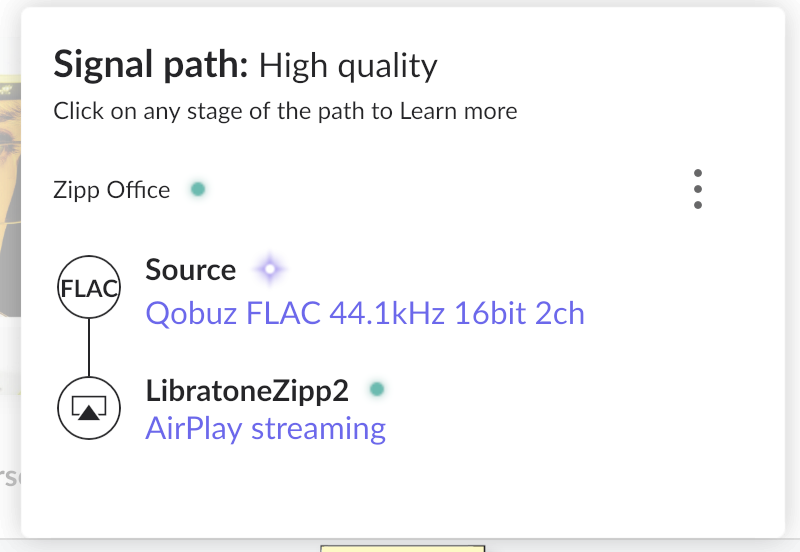
Edit: The Soundbar+ is connected to the main Router/AP which is maybe 5-6m away behind a wooden door. So the mesh nodes are not even involved. Airport Zones further away and on mesh nodes perform fine (including a now vintage Libratone Zipp Wifi with Airplay 1 in compatibility mode enabled , which means its the first time this runs stable on any setup for years)

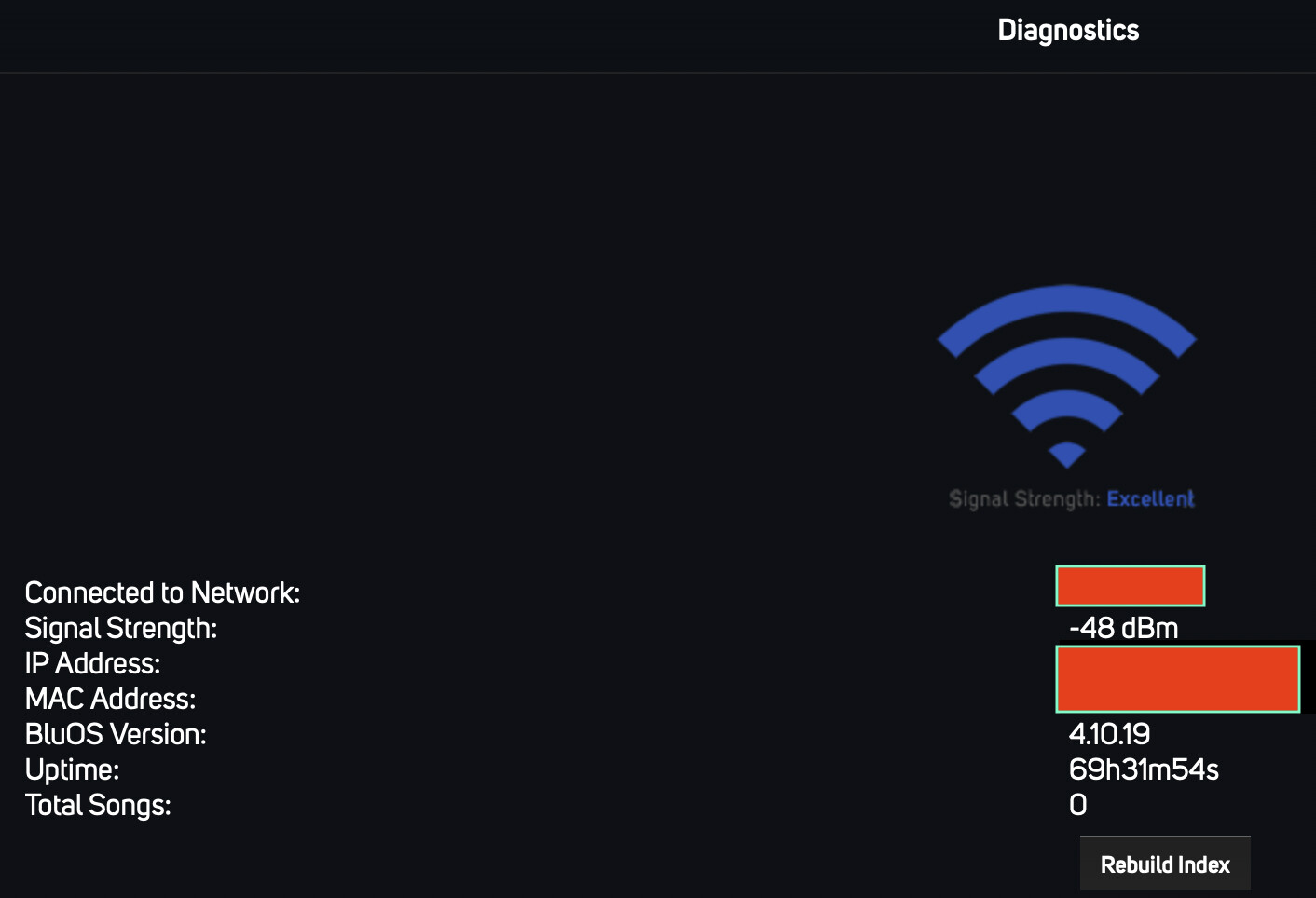
Edit 2: the Bluesound device does show ‘excellent’ Wifi signal:
Good day @SneakingHysteria !

I hope you’re doing well today.

We’re sorry to see you face such an issue.

We’ve have just enabled the diagnostics data report and could’ve spotted that many of your local files are reported as corrupted files.

Regarding your Qobuz streaming we might see in report that it indicates quite often network issues which stops playback.

What would we recommend you to do:

  • Try to download another album which you are 100% sure is not corrupted and try to play it locally in your zones with RAAT to check if that is going to be smooth.
  • Try to change DNS to the best one on your server, it might find a closer/better Qobuz’s server for streaming, we recommend using Google’s or Cloudflare’s DNS solutions.
  • You also may want to try using VPN such as Tailscale or any other to check if it eliminates network instability for your streaming service, here is an instruction for setting it up: https://help.roonlabs.com/portal/en/kb/articles/tailscale-setup-instructions-linux-roonserver#STEP_ONE

    Looking forward to your reply!

    Regards.

Hi @alex_h,

Thanks for looking into this.

If corrupted files are the issue, I assume they would not work via Airplay zones either - but the same tracks that my Bluesound Soundbar struggles with work fine via Airplay to this or other devices.

Same for Qobuz, I am now streaming Qobuz via Roon to the mentioned Libratone Zipp for the Past 3 hours without any issues - and this is via a mesh node on a different floor.

So the issue seems to be specific to Bluesound and Roon Ready playback.

The skipped files list under Settings/Library shows around 60 files, but they are not the ones I experience issues with.

As for Tailscale, how would this help with LAN playback issues? I don’t have any issues using ARC (the Unraid server is already on my Tailscale network).

Hi @SneakingHysteria,

Can you reproduce the same issues when running Roon Server directly on the host machine instead of inside a virtual machine?

As far as I understand, VMs are supported. And I see no other symptoms that would have me blame the VM setup as it is fast and responsive. And as pointed out, the entire setup works without issues with all other zones, just not the Bluesound Soundbar+. The server runs a few other important services under Unraid so taking it down and install linux directly just to test a far fetched theory is frankly too much effort for an expensive self hosted service like Roon. I migrated to a VM because all I got from my previous support queries around recurring database corruption was ‘run a supported setup’.

Containers and virtual machines are not supported – I use a Podman container, but have a local installation available for diagnosis.

Everything you describe is pointing toward a networking problem. Comparing Roon with the native app is meaningless because the stream is only traversing your Wi-Fi connection once. In contrast, Roon requires two hops: router → server, and server – endpoint.

If you’re using AirPlay, bandwidth is essentially capped, but if you’re performing DSP in Roon, this could be the cause of your issue. I think you may find community assistance in Tinkering helpful.

I am not comparing Roon with the native app. I compare streaming the same Qobuz (within Roon) and local Roon content to other Airplay-based Roon audio zones (so all with the same network hobs).

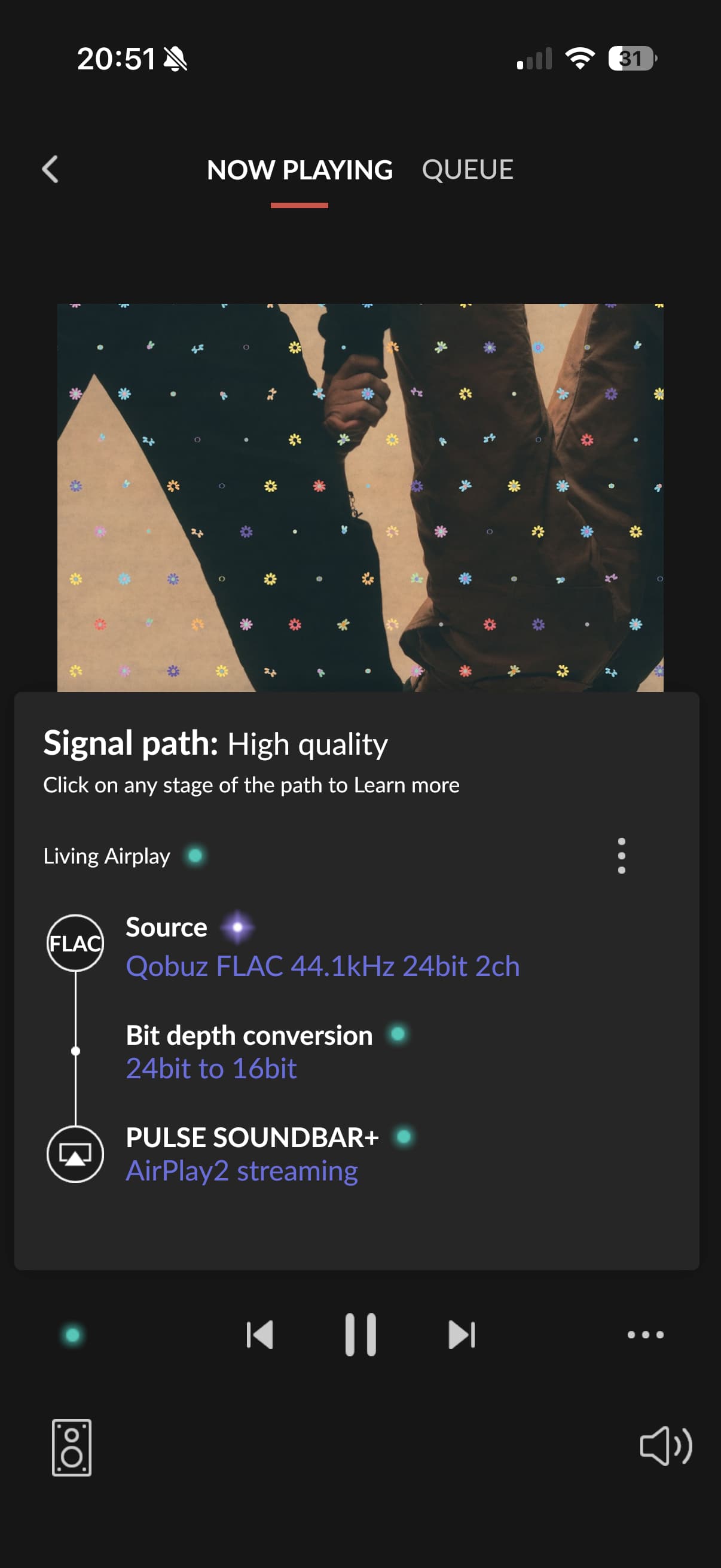
And today I played 2hrs of Qobuz 44/24 tracks via Roon to the same Bluesound Soundbar+ and its Airplay-powered zone. No issues.


But as soon as I transfer to the Roon-Ready zone, playback stops and al tracks get skipped.

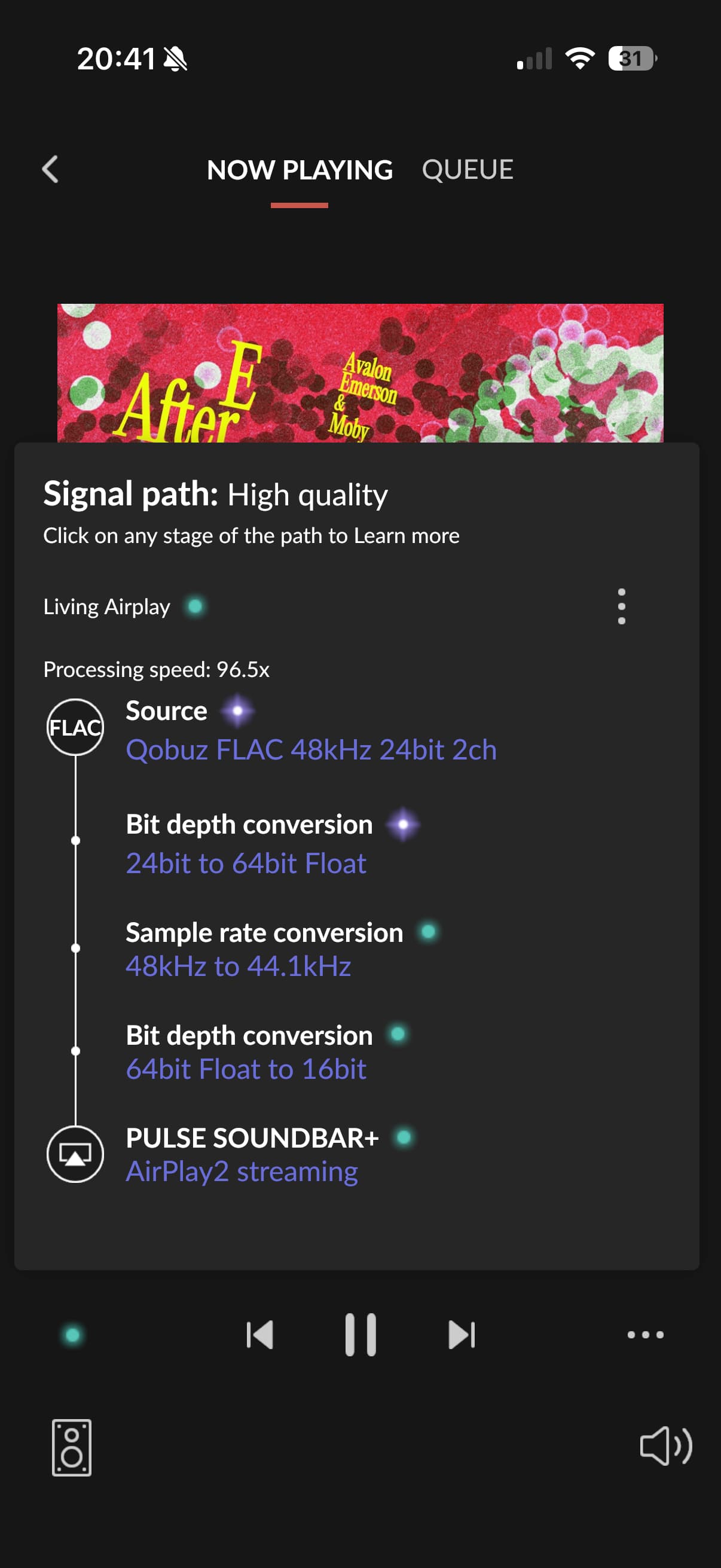
For Airplay zones, Roon still handles downsampling from 24 to 16bit? So I am not clear on why playing back 44/24 (even with all its endpoint-specific EQs etc) would suddenly be a completely different load scenario?

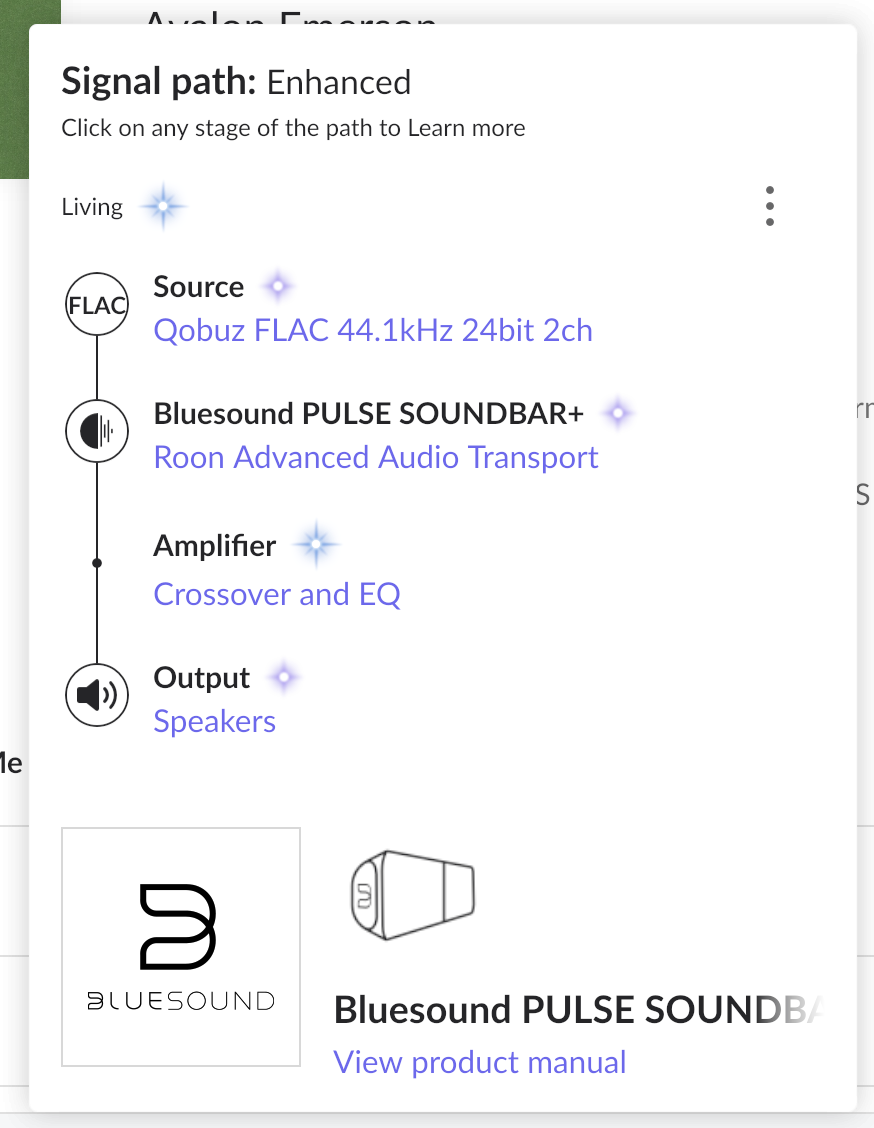
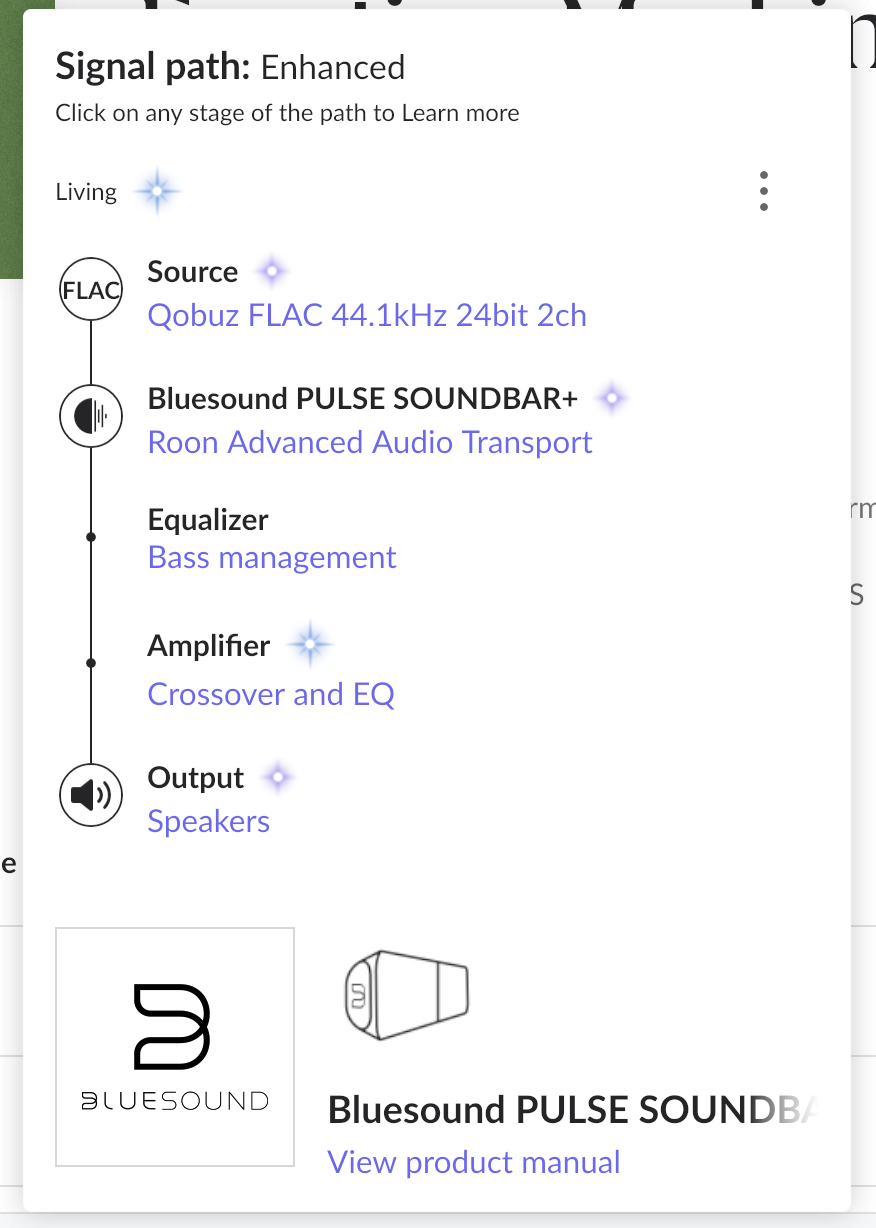
Since you say AirPlay is working, can you please share the signal path for RAAT, i.e., when you get failures?

Yes, had to restart the Bluesound for anything to work again as it did not play at all, hence no path. But here they are. Initially it just had Amp enhancement, then it added bass EQ after a few seconds of playback (I have a Sub+ connected to my Soundbar+):


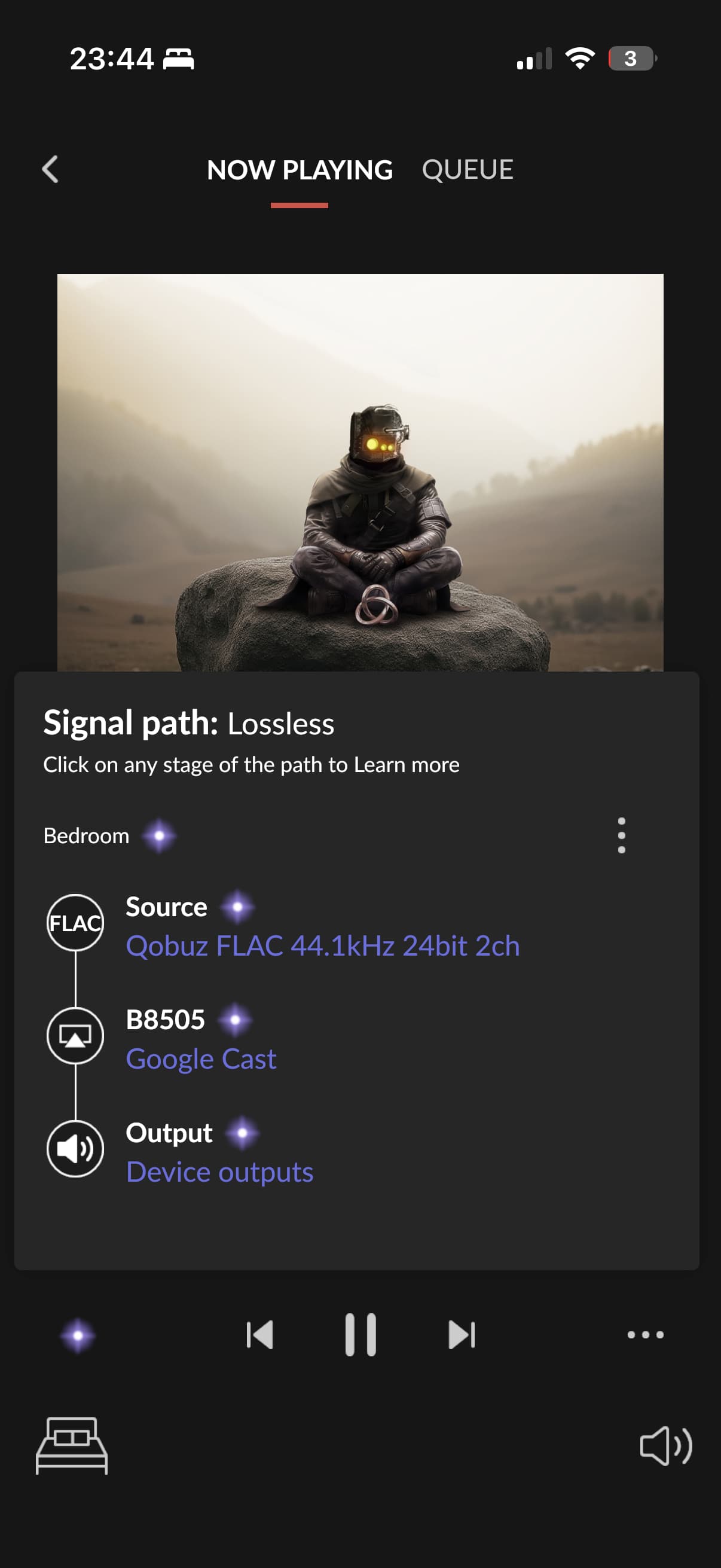
And playback to a Chromecast endpoint also seems to work fine. This is lossless 44/24:

Hello @SneakingHysteria,

Thank you for the update.

As mentioned earlier, running Roon on a VM setup is not officially supported. Please move the server to a bare-metal setup, reproduce the issue again, and let us know the exact timestamp when it occurs.

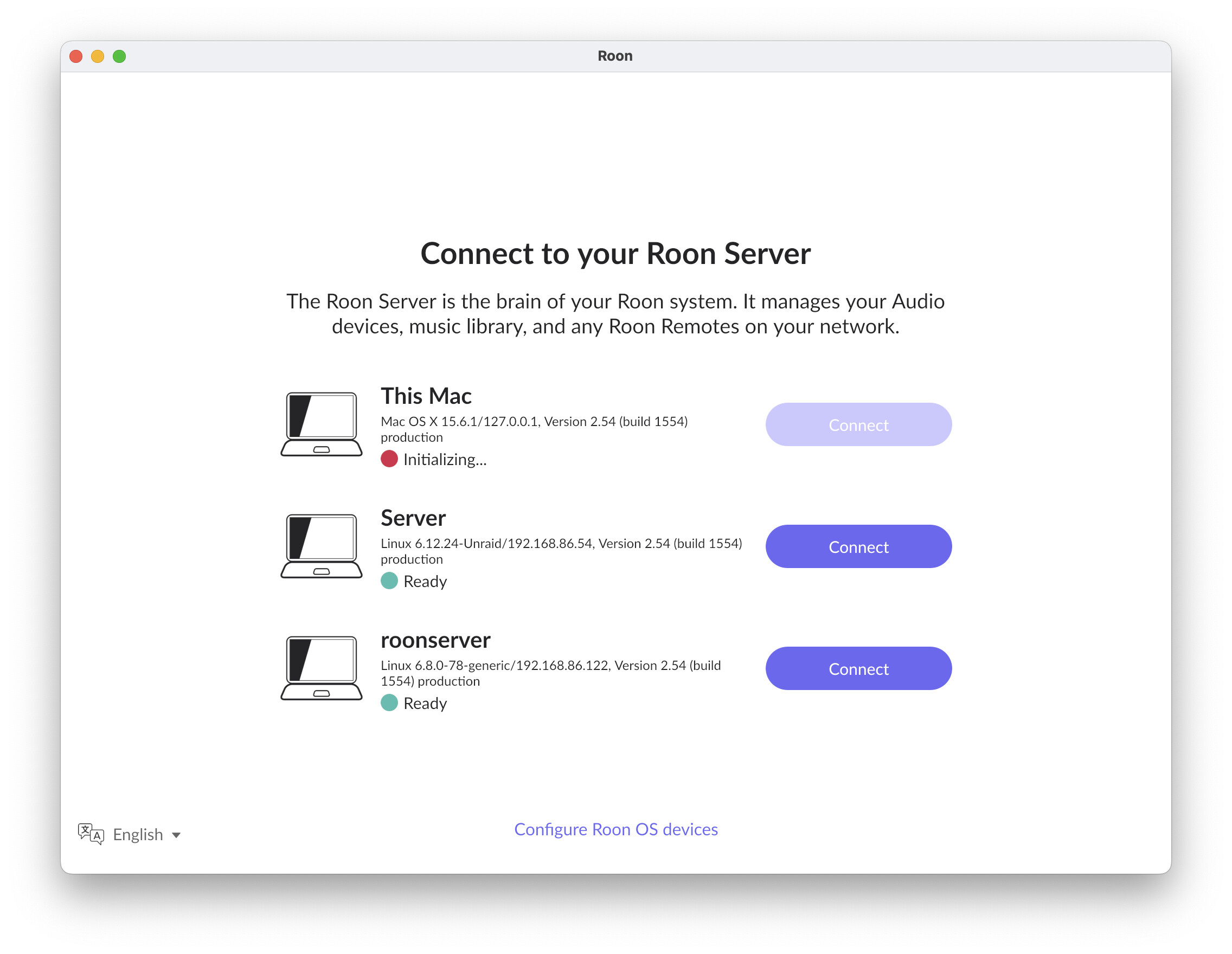
I tried to set up a server on my MacBook Pro M1. It is stuck here. Reboots, a complete uninstall (including user/library/roon delete) and fresh start from your DMG has not helped.

Logs:

Hello @SneakingHysteria

Please follow the steps below

  • Exit out of Roon
  • Navigate to your Roon’s Database Location
  • Find the folder that says “Roon” and “RAATServer”
  • Rename “Roon” to “Roon_old” and “RAATServer” to “RAATServer_old”
  • Reinstall Roon from our Downloads Page

After this, try just to log in to the Roon Server and check the behaviour.

Hi Vadim,

Apparently a few more folders needed to be removed. Afterwards, I was able to connect to the test server. My library is still on the Unraid server, accessed via Roon’s network share option. I also connected my Qobuz account to the new server.

To my surprise, I am able to stream enhanced 192/24 Qobuz content to my Bluesound Soundbar+. This, despite both test server and endpoint being on Wifi only, the server not being in the best position either (with merely 1-200 Mbps) down/upstream on Wifi).

That said, I really need Roon to run on my dedicated server, not my MacBook. But I understand that this is now a case for the Tinkering zone now as I do not want to install Roon on a bare metal server.

1 Like

And to close the loop, after much help from @mackid1993 on Reddit, I think I found the culprit. I am now using his docker for my Roon Server (also listed as an Unraid community app) and while it ran a tad smoother than my previous VM, the issues did not go away.

He then suggested to check my NIC settings. I had bridging enabled, with my used 2.5Gbit port and an unused 1Gbit port in the bridge group. I disabled bridging, so now the Unraid host only uses the port that is physically connected. This immediately resulted in much less CPU and RAM usage on the host and I can now successfully play Qobuz 192/24 content on my Bluesound endpoint!

So now I finally have a setup that seems to work :crossed_fingers: and runs on the hardware it should. Yes, not supported, but it works. And frankly, Roon really needs to review this policy as bare metal only is not acceptable in 2025 - but I do understand that virtualisation introduces complexity that is very time intense to troubleshoot. Thanks all for your support.

3 Likes

Yeah, so glad I was able to help with that. No offense to you at all whatsoever, but this is case in point why Roon does not like us using dockers and VMs. It’s just such a networking heavy application and once you add that second network layer there, it really can cause a lot of issues. It’s not like Plex where it’s just so simple networking wise. Roon and RAAT are really complex.

1 Like

Thanks for closing the loop as this will, no doubt, help others in future. Whilst I don’t think Roon should support all VMs or containers, I do think an official container image would go a long way to help the situation.

But, as @mackid1993 says, Roon is very chatty. My Podman container simplifies matters because I can run unprivileged and use the host network with no NAT (close to what you’re doing now.)

I’m going to suggest moving the thread to Tinkering once Roon staff has replied because I reckon more tinkerers will find this there.

I mean, it would not be hard for Roon to build their own container. It’s not really that complicated. And then they would really be able to control all of the dependencies on their own, ensuring essentially very minimal possible issues. Given the prevalence of Docker these days, it’s kind of silly for Roon to not have an official container. You can’t be selling a self-hosted tool like this and not offering Docker as an option in 2025.

I’m a big fan of Roon. I paid for Lifetime. I will continue to use it. But not supporting Docker is foolish, I think. An official container really should exist.

2 Likes

Hello @mackid1993

Thank you for the update.

The Feedback > Feature Suggestions section of the forum is the only way for us to clearly see what our users really want. However, since 2017 we have seen only 9 votes for the Docker image, which makes it difficult to understand if this feature is truly important for a wider audience.

@SneakingHysteria

We are happy to hear that you have figured out the issue. Enjoy your music!

I am moving the thread to the Tinkering for visibility

Why would Roon OS have a docker0 network interface?