thanks a lot for your reply. Nevertheless, I tried these steps which are listed below without any success:
Solution:
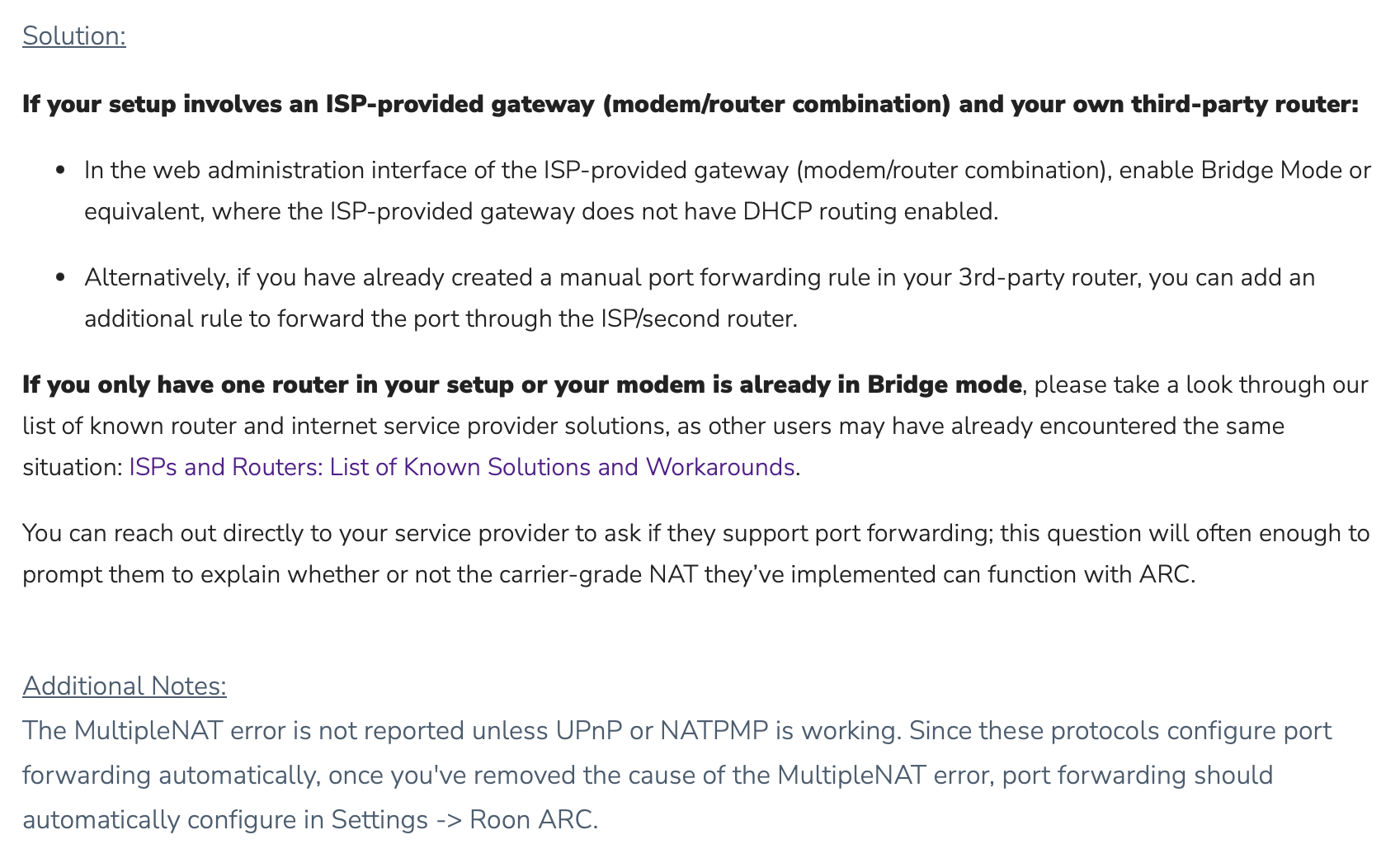
Turn on UPnP on your router and try to run Roon’s port forwarding test again.
Try to set up manual port forwarding in your router.
Make sure the IP/Port matches in any port forwarding rule you create.
Double-check to make sure you don’t have any VPNs, Firewalls, or other network filtering software blocking Roon.
Check if your modem is in Bridge mode.
Restart your network hardware and update firmware.
Additional Notes:
This error often results from VPNs interfering with UPnP and NATPMP.
Afterwards I called my ISP to provide a static IPv4 address which they have declined since they are not providing a static IPv4 address. However, they turned the DS Lite connection off, hence I am just connected via IPv6.
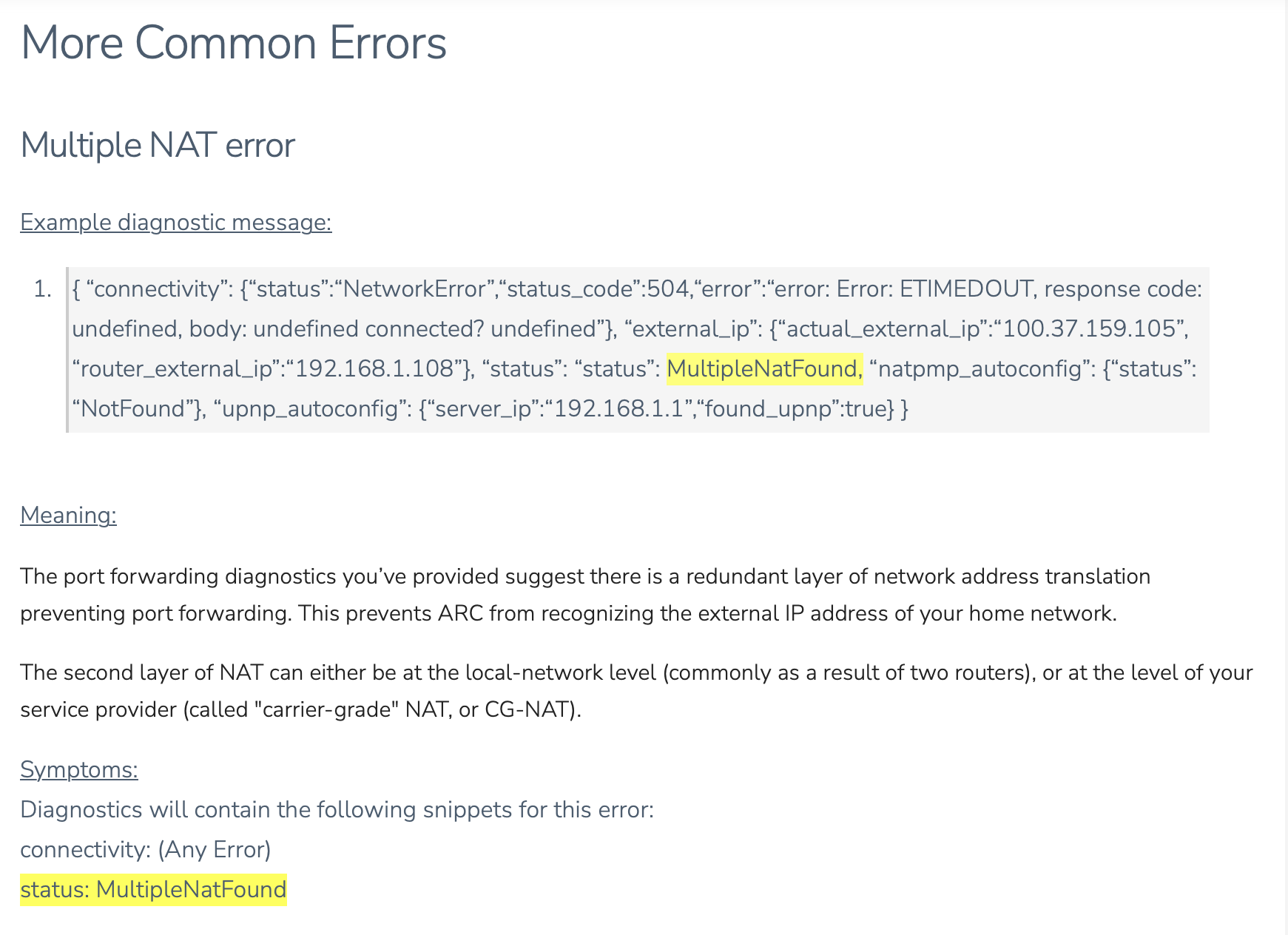
As you’ve done the other steps, the multiple NATs were most likely on the ISP side, i.e. the DS Lite.
However, the regular ARC as released does not yet work with IPv6. There is an Early Release version that shall fix this. You may want to switch to this, see here:
Awesome. It would be great if you could leave feedback in the other thread (add which ISP you have) hopefully this can become the production version soon