Hi @DrCWO,
First of all, I want to thank you for your magnificent work on rooExtend. It’s an incredible tool that has greatly enhanced my Roon experience, and I truly appreciate all the effort and dedication you’ve put into developing it.
I need your help with a problem I can’t seem to resolve.
The problem:
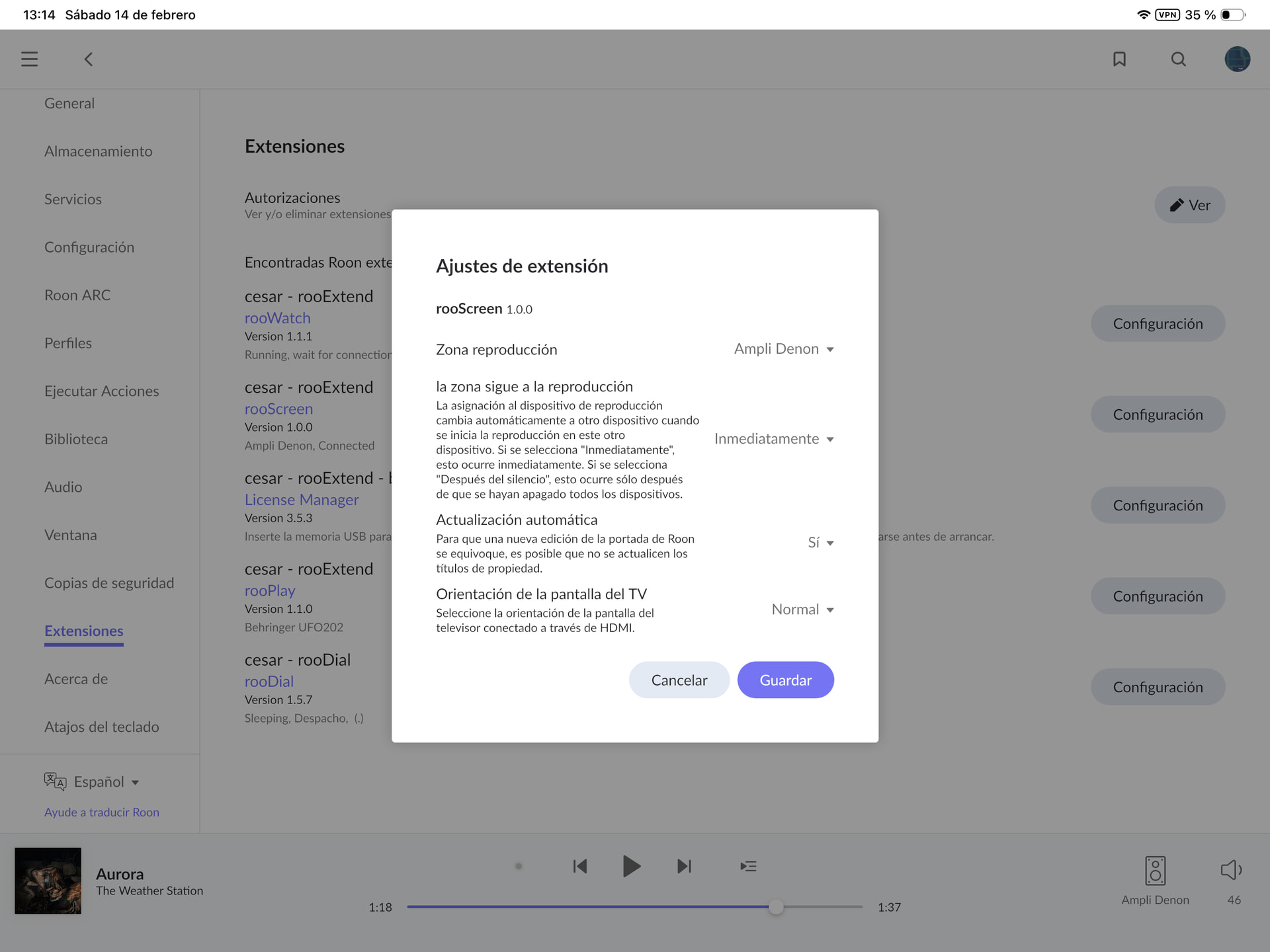
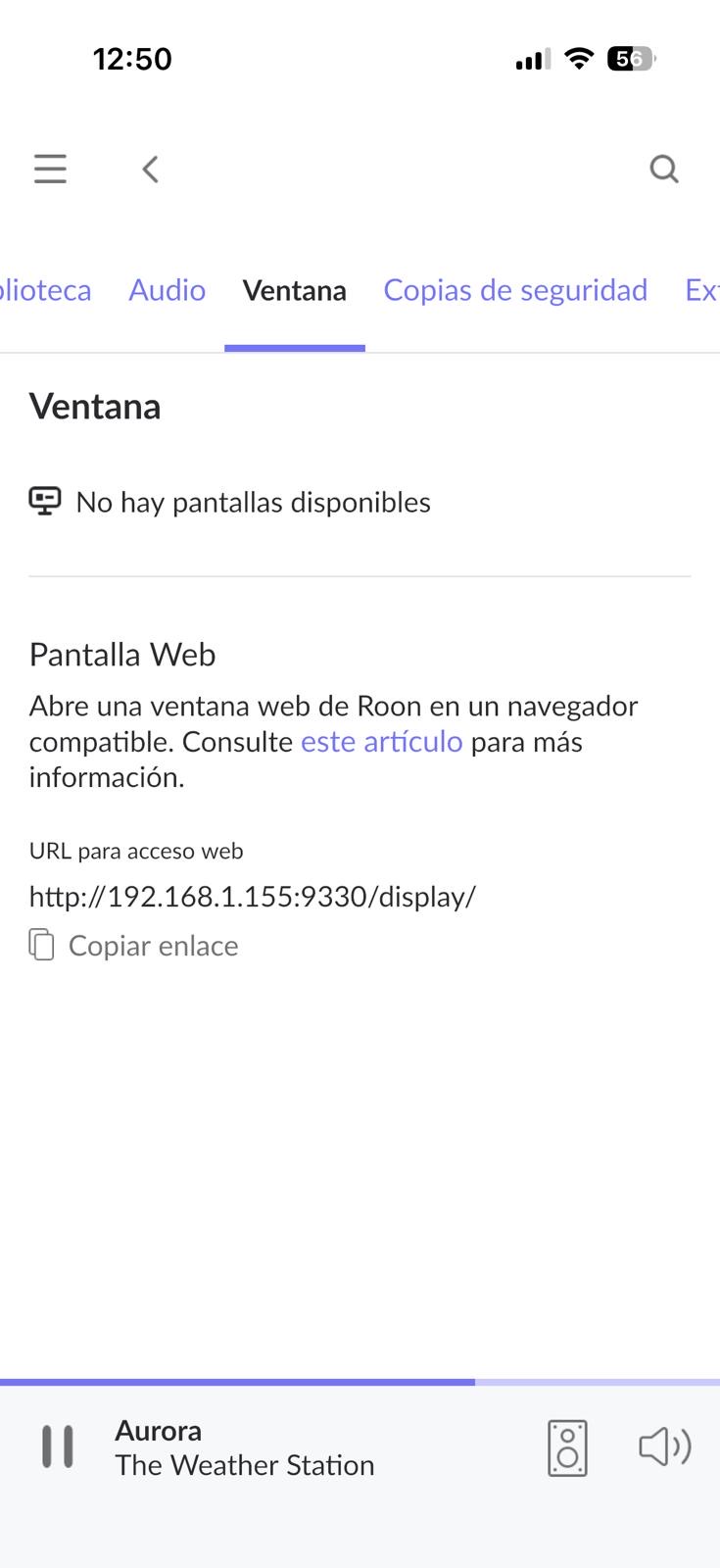
I’m trying to use the RooScreen extension (version 1.0.0) but my rooExtend is not appearing as an available display in the “Display” tab. The message I see is “No hay pantallas disponibles” (No displays available).
What I’ve already tried:
∙  Restarted the router
∙ Restarted rooExtend
∙ Restarted Chromium browser on rooExtend
∙ Tried LAN connection
∙ Tried WiFi connection
∙ Verified that I CAN use displays from other computers and smart TVs on my local network
My system specifications:
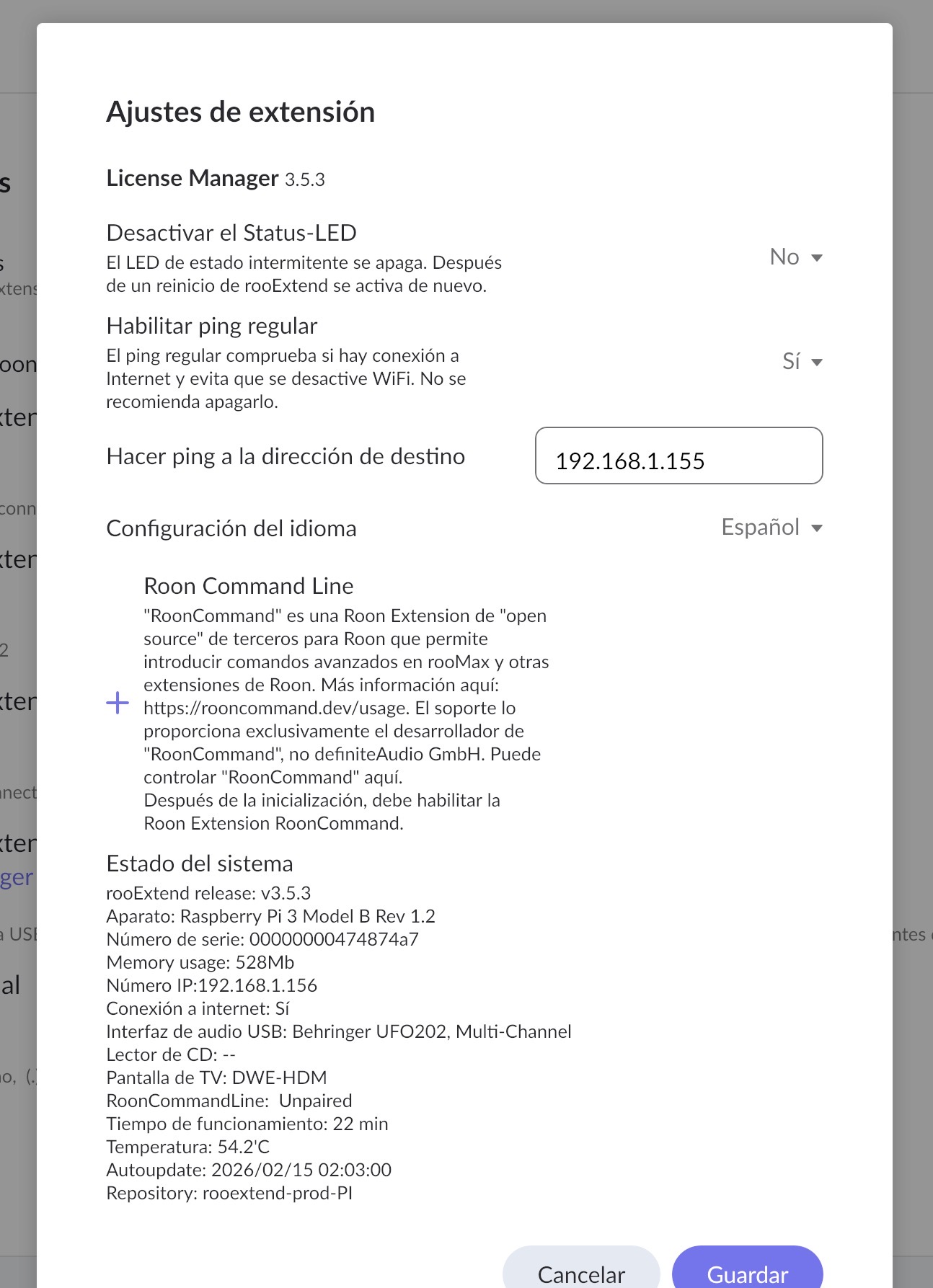
∙ rooExtend release: v3.5.3
∙ Hardware: Raspberry Pi 3 Model B Rev 1.2
∙ IP Number: 192.168.1.156
∙ Memory usage: 528Mb
∙ USB Audio Interface: Behringer UFO202, Multi-Channel
∙ TV Display: DWE-HDM
∙ RoonCommandLine: Unpaired
∙ Internet connection: Yes
∙ Repository: rooextend-prod-PI
The rooExtend works perfectly for music playback, I only have this issue with RooScreen.
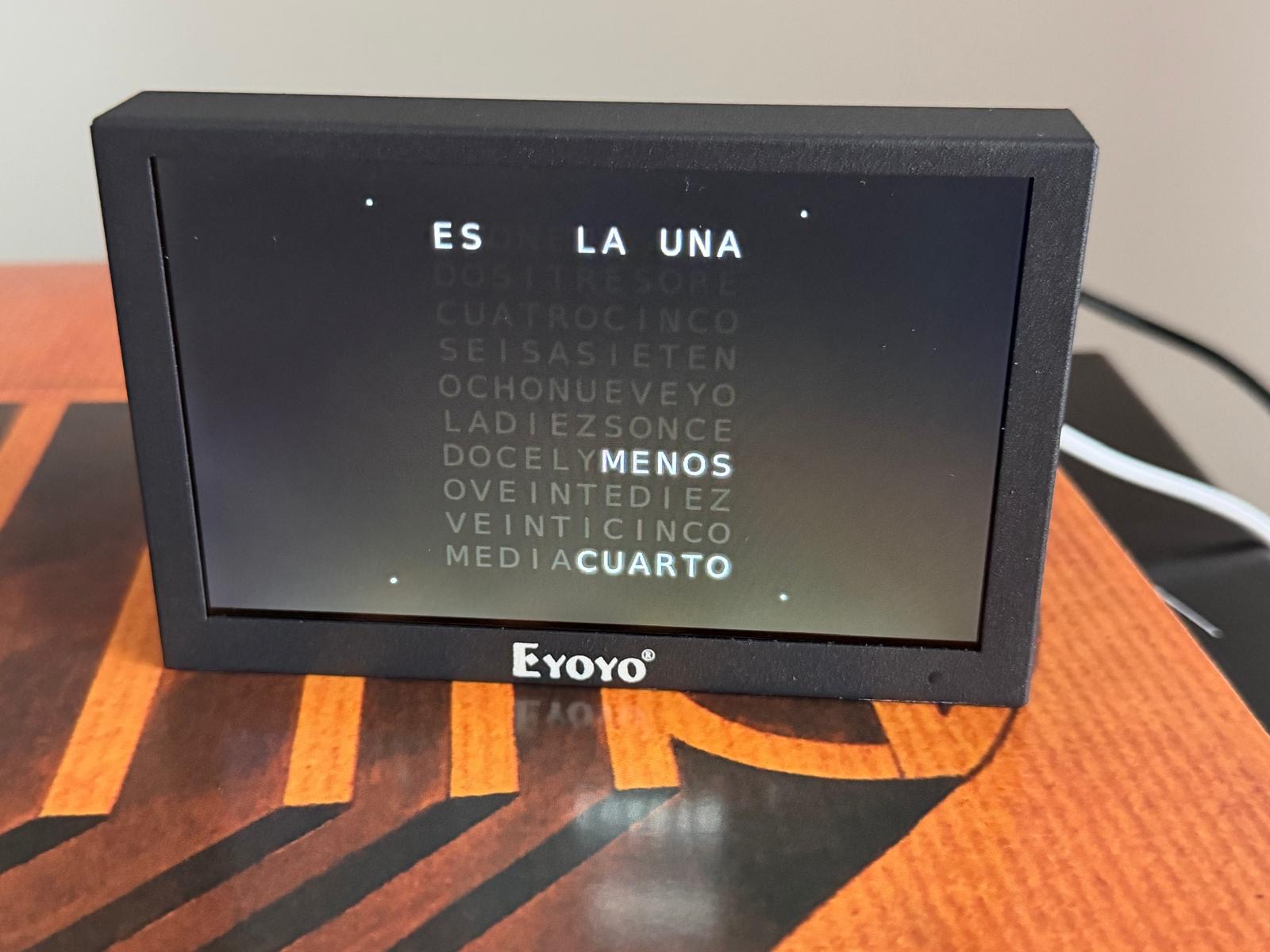
I’m attaching screenshots and photos of my configuration for reference.
I’m willing to run any tests you suggest and provide any additional information you may need.
Thank you very much in advance for your help!
Dear César,
you are the second one reporting this issue 
With the other user I tried a lot of things but until now with no success. The problem is I have to be able to reproduce the issue but I can’t.
Two questions:
- Which hardware and Software (ROCK?) you use to run the Roon Core?
- Before going to use your current Roon Core did you install and run Roon as Roon Core) on any other PC or MAC that is currently powered on?
- Have you ever tried to find the “Chrome” display in Roon before upgrading to v3.5.x?
I’d be glad to help and so I appreciate your support a lot.
Best DrCWO
Hi @DrCWO,
Thank you so much for your quick response and willingness to help!
Here are the answers to your questions:
Question 1: Which hardware and software do I use to run the Roon Core?
I’m running ROCK (RoonOS 2.1 build 271 production) on a GMKtec G10 Mini PC with Ryzen 5 3500U, 16 GB RAM, 256 GB SSD at IP address 192.168.1.155. The Roon Server version is 2.59 (build 1625) earlyaccess.
Question 2: Before using my current Roon Core, did I install and run Roon Core on any other PC or Mac?
Yes, I had Roon Core installed on a PC a long time ago (about 18 months ago), but that PC is currently turned off and has been for quite some time.
Question 3: Have I ever tried to find the “Chrome” display in Roon before upgrading to v3.5.x?
No, I only started trying to use the Chrome display feature after upgrading to v3.5.x. This is my first time attempting to use RooScreen.
I understand this makes troubleshooting more difficult since you can’t reproduce the issue on your end. I’m completely available to run any diagnostics, provide logs, or test any potential solutions you might suggest.
Thank you again for your support!
Best regards,
César
Thanks’ for your feedback, much appreciated 

As far as I can see until now the issue with the missing Chrome display only happen with ROCK cores.
It would be very helpful to me - but is will be some effort on your side : - If you copy the v3.4.x image from my download area to a SD-Card and try with this configuration. I need to know if you can see the Chromium with this release. You don’t have to license anything only connect HDMI with a screen on power up.
Thanks’ a lot DrCWO
Dear DrCWO,
as I have the same issue with rooScreen you asked me to attend this discussion.
I just checked with rooExtend 3.4.0. and Chrome-Display is available in Roon! 
Thanks’ for the test. Great work
And if you now update via Hotfix to v3.5.x it’s gone? Please retest.
I wonder what happens here. I did not change anything regarding the chromium browser???
Best DrCWO
rooScreen works on 3.4.0. after hotfix!
I now have to reject the rooADI and rooPlay License on the previous SD-Card. Can’t activate on 3.4.0.
Dear @DrCWO
after rejecting all licenses on the 3.5.3-SD-Card everything is running under 3.4.0. Including Chrome-Display!
Next step would be to force updates. Should I start?
Hi @DrCWO I’ve done the same test that @Aaron_Lang and I have the same results with 3.4. The Chrome Display was working perfectly. I have applied the patch. First Upgrade to 3.4.3 and the Chrome display it was still there. Second upgrade to 3.4.4 and the Chrome display it’s still there. (BTW it has taken me two or three reboots of my PI to get each release to be upgraded). And At last i’m stuck in 3.4.4 I haven’t been able to upgrade it to 3.5.x, I don’t know why…. aditionally the rooextend keeps on rebooting every few minutes, but the funny thing is that the Chrome Display is working even though…..
I’ve tested this in an additional SD so I’m back to the one with 3.5.3 and I wiil keep this one just in case you want me to provide you with any logs or more testing.
Rgds!
Have you installed the hotfix? https://rooExtend.com/hotfix/
After the hotfix it should update the next night.
Rebooting is not good. I need the System log. Please e-mail to info@definiteAudio.de
Best DrCWO
Yes please. Install the hotfix from https://rooExtend.com/hotfix/.
After that it should upgrade to 3.5.x during the next night.
Best DrCWO
Dear DrCWO,
I installed the hotfix already yesterday, but overnight rooExtend remained on 3.4.0.
I installed the hotfix again today, just to be save. We’ll see if it updates next night automatically.
Kind regards
Aaron
Would you please send me the update log from the service side you can open in the browser at http://[ip of rooExtend] to info@definiteaudio.de
@DrCWO Done!
So funny, @Aaron_Lang reinstalled and now no more issues with the display.
To be quite frank. I have still no idea what goes wrong here 
Best DrCWO
@Cesar_Mejias @DrCWO after installing rooExtend 3.4.0. and the hotfix yesterday, rooScreen worked perfectly,
But rooExtend didn’t update overnight, so I installed the hotfix again today.
After that I checked for Updates on the rooExtend-Service-Site http://[rooExtend-ip] „Look for Software update“. Now rooExtend 3.5.3. is running and the rooScreen works perfectly!
Thank you @DrCWO for your individual support! 
In the end a “reinstall” did the job!
Thanks!! I’ve just applied The patch. I will wait overnight to see it upgrades to 3.5.3.
I will let you know tomorrow @DrCWO & @Aaron_Lang
Hi @DrCWO, I’ve just sent to you the logs, the system is stuck on 3.4.4 and keeps on rebooting (Rooextend, not the PI) every few minutes, I applied the patch update yesterday evening but the system has not bee updated to 3.5.x . The Chrome Display works. I still have my other SD with 3.5.3
Rgds
Hi @Cesar_Mejias ,
I could update directly from 3.4.0. to 3.5.3.
In between I installed the hotfix and tested the rooScreen.
3.4.0. → hotfix → rooScreen-Testing → manual update to 3.5.3. the next day
Not sure what makes the difference.
Kind regards
Aaron
probably, just guessing, it’s the update from 3.4.4 to 3.5.3 what is not working