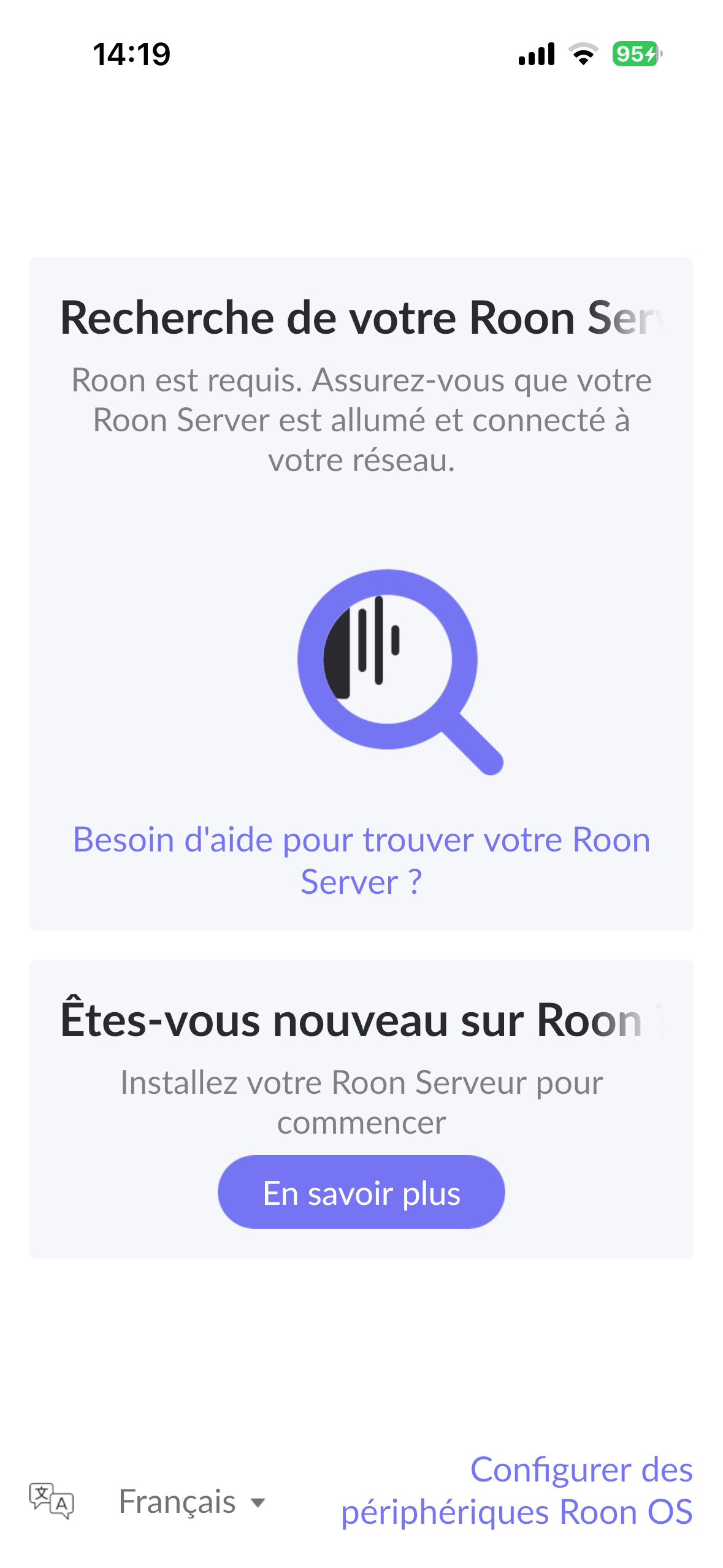
· Mon système a fonctionné parfaitement jusqu’à ce que j’essaie de faire la mise à jour publiée le 27 avril 2026. Le système s’ouvre normalement. On m’a alors demandé de mettre à jour tous les devis et je l’ai fait. Quand j’ai relancé j’ai eu le message qui disait que “ impossible de trouver votre serveur”. J’ai attendu 10 min et toujours pas de connexion réseau. J’ai ensuite essayé de me connecter Roon sur Mon Mac, là il le trouve mais quand n’arrive pas à se connecter.
J’ai redémarré tout mon équipement numérique sans succès. Comme dernier effort de fossé, j’ai supprimé l’application roon de mon MAC et j’ai réinstallé et toujours aucune connexion réseau positive. Mon serveur de base est un EVO 432 avec un noyau Linux OS Version: Fedora release 20
Tell us about your home network
· Mon serveur de base est un EVO 432 avec un noyau Linux OS Version: Fedora release 20. Je n'ai pas de VPN
Please don’t hi-jack other users support threads with your own issues.
Please create your own tickets instead if a forum search doesn’t already reveal a solution.
There are currently two OS versions in the field for 432 EVO music servers:
a now discontinued OS based on fedora linux which we have supported for 10+ years, and for which we cannot provide a patch to satisfy the glibc and openssl requirements. Support for the old OS has concluded end of 2025.
a more recent enterprise grade Linux OS since the summer of 2024, which fully supports Roon’s Linux requirements = 432OS, and which 432 EVO will keep supporting.
Users need to contact 432 EVO or their reseller for this upgrade, and this upgrade will be possible for any user even going back to servers sold since day 1.
Both @BlackJack and @Frederic_Vanden_Poel are correct here. You’ll need to get in touch with 432 Evo directly, since they are the only ones who can provide the firmware update you need for your server.
There is nothing Roon can do on our side in this case, unfortunately. If you can, please continue working with 432 Evo on the upgrade path for your EVO. We know this has left you without music, and that is a rough place to be.
Once that update is in place, the Roon connection issue should be resolved.
Following the dealer’s instructions, I went to VortexBox, clicked on VortexBox Upgrade > Start Upgrade. After a couple of minutes, it said “Update Complete. No need to reboot; nothing was updated.” I rebooted anyway, checked the configuration page and it said Roon was not running.
So what now?
J’ai réussi à l’avoir par mail il y a 3 jours à info@klinktbeter.be. Normalement il faut voir avec le revendeur. Vous avez acheté le EVO dans quel magasin ?
What happens if you press the "Select a different Roon Server" button?
· I don't see Roon Server.
Please try to restart your network setup by unplugging, waiting 30 seconds and then replugging in your networking gear.
· No, the issue remains the same
Please select how you've connected your Roon Server to the internet
· Roon Server is connected by *Ethernet*
Have you checked your firewall settings to ensure that Roon is allowed through?
· Roon still won't connect even after checking this aspect
Have you verified that Roon Server is on the same subnet as your Remotes?
· My Remotes and Server are on the same subnet and I still can't connect
Sometimes the issues can be resolved with a reinstall of your Roon Remote app. Let's try to perform a reinstall and see if it helps.
· I've reinstalled the Roon Remote but it did not help
What is the operating system of your Roon Server host machine?
· *MacOS*
Select any of the following components that are present in your local network setup
· None of the above
Describe the issue
Roon remote is unable to locate Roon server. Had been working fine yesterday. I've tried all the suggested fixes: I've rebooted the host computer, the iphone controller, the Roon device, the wifi router. I've checked the subnets and masks on the iphone and computer (though not the Roon device, which I don't know how to do). I've reinstalled a fresh version of Roon on my phone.
Describe your network setup
My Roon Core device is a 432 Evo Standard music server, remote is an iPhone 17 Pro running iOS 26.3.1, host computer is a Macbook Pro M1 running Sequoia 15.6.1. Router is Xfinity X.B8.T.