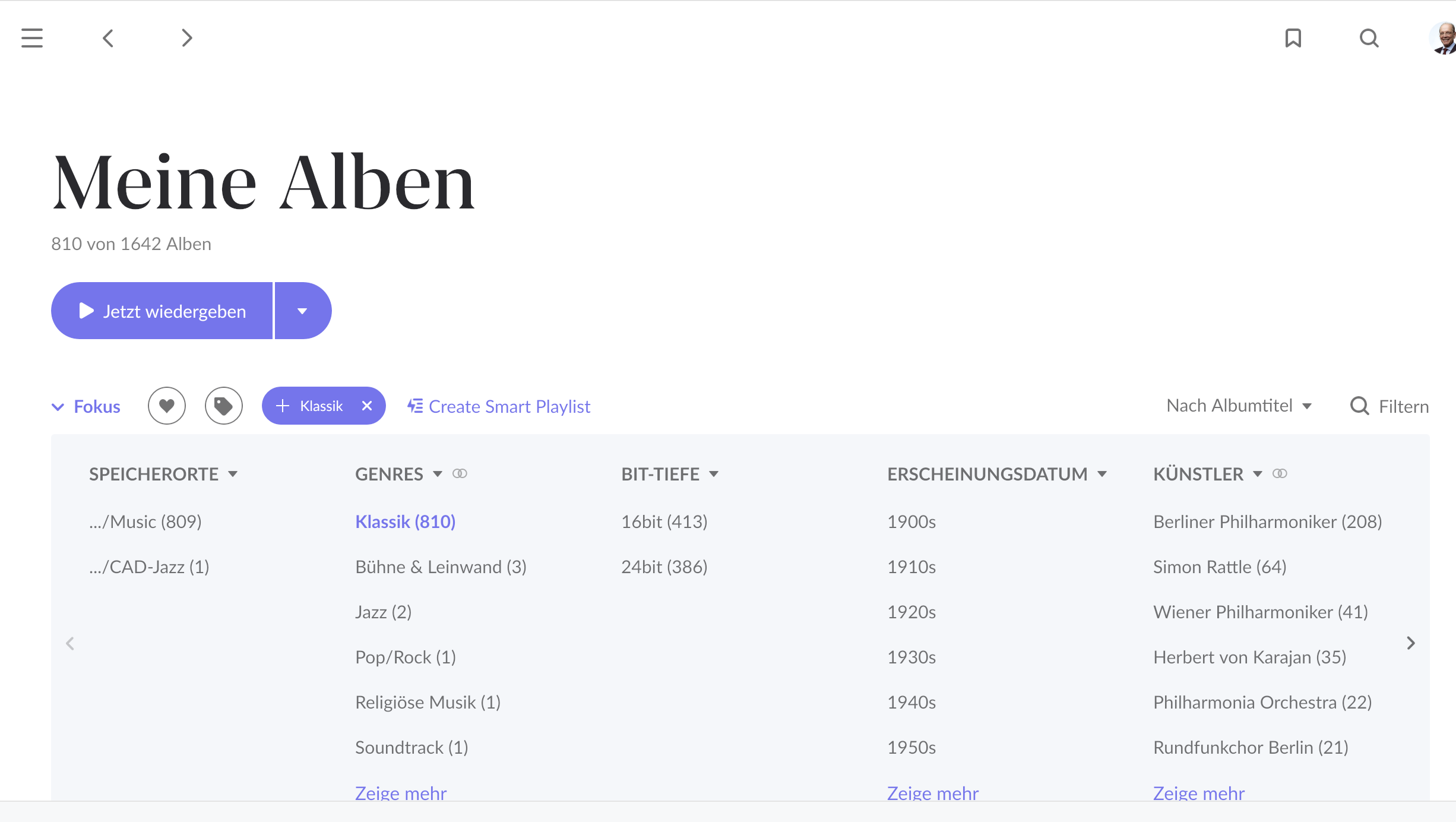
Roon wiped my 9.000+ Qobuz Álbuns from my Library today
Describe your network setup
Wired 1GB Ethernet connection to Router. Roon working properly and accessing Qobuz. Tried several reboots. Did Restore from Backup 3 times. From different backups for 3 different previous days. All cases recover previous situation with all albums, but after a few minutes Roon Starts deleting all Qobuz álbuns from Library. Logout & Login Qobuz Services a few times as well, forced sync a few times but nothing results.
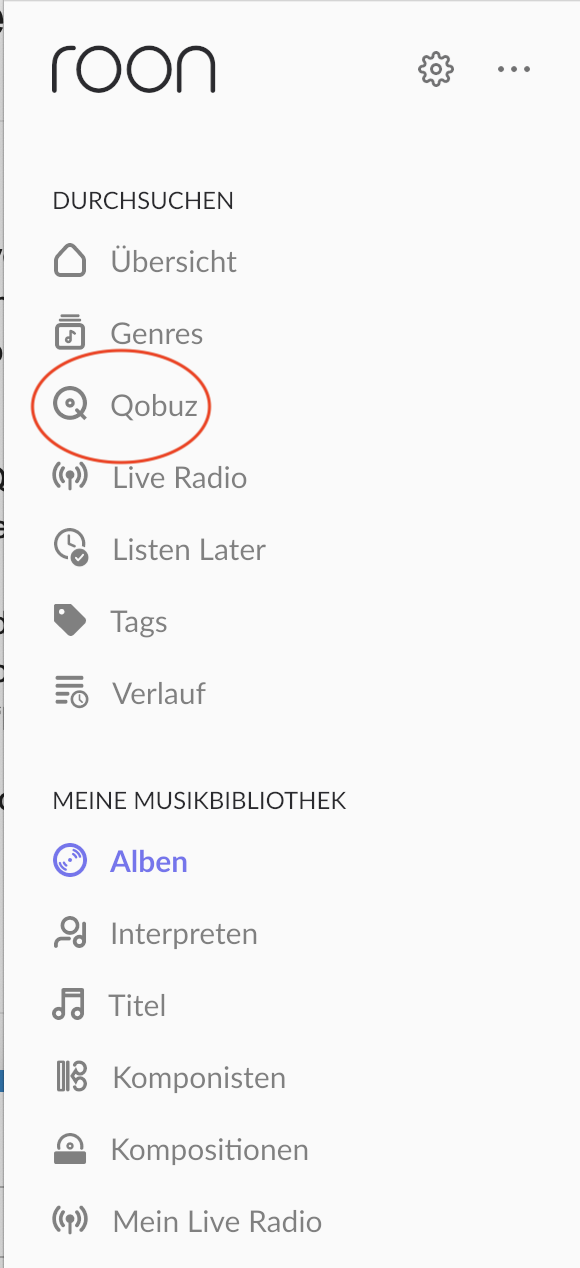
I have exactly the same problem since this morning. Strangely, all my album are there under the Qobuz sub menu, “my qobuz”. But not in the main library anymore.
When looking at the logs, I have this error coming again and again, even when I try to force a new sync :
01/18 19:57:15 Trace: [Broker:Media] [storage/streaming] [Qobuz] sync force=False, isplaylistonly = False
01/18 19:57:15 Trace: [Broker:Media] [storage/streaming] [Qobuz] sync starting, read_seq=0, write_seq=0, dofullupdate=False, isplaylistonly=False, cachedlibrary.LastScanned=18/01/2025 14:52:15
01/18 19:57:15 Trace: [Broker:Media] [storage/streaming] [Qobuz] Syncing non-playlist items
01/18 19:57:16 Debug: [.NET ThreadPool Worker] [easyhttp] [10385] GET to https://www.qobuz.com/api.json/0.2/userLibrary/syncTracks?limit=1000&request_sig=XXX&request_ts=XXX&sync_token=XXX returned after 634 ms, status code: 500
01/18 19:57:16 Warn: [Broker:Media] [qobuz] [http] error result from http request: {“status”:“error”,“code”:500,“message”:“Technical error occured resultCode = 204”}
01/18 19:57:16 Warn: [Broker:Media] [storage/streaming] [Qobuz] got error while attempting to get changes from Qobuz: Result[Status=UnexpectedError, ErrorText=got http status code: 500]
01/18 19:57:16 Warn: [Broker:Media] [storage/streaming] [Qobuz] sync failed, status: UnexpectedError
01/18 19:57:16 Warn: [Broker:Media] [storage/streaming] [Qobuz] error text: got http status code: 500
I would like to report a bug concerning the sudden removal of Qobuz albums from my local library. The issue occurred while streaming from Qobuz using Roon Radio, and the following symptoms were observed:
Playback unexpectedly stopped, displaying an error message stating that the album was deleted.
All Qobuz albums were removed from the local library.
Qobuz remained connected, and playback was still possible.
Upon restarting Roon, a message indicated that the database was upgrading. However, I have automatic updates enabled and am already using the latest version (B1497).
After restarting, Qobuz albums do not appear in the local library.
Re-logging into Qobuz did not resolve the issue.
Previously added albums remain in Qobuz favorites.
Please let me know if any additional information or documentation is required to investigate this issue. Additionally, I would appreciate guidance on how to restore the local Qobuz album registrations.
My Qobuz favorites no longer show up as part of my Roon library. It happened suddenly last night. I restarted my Roon Core multiple times and nothing changes. My Roon Core is a 2009 MacBook Unibody running MacOS Catalina transmitting to a Bluesound Node N130. I have tried re-syncing Qobuz, and tried logging out and logging back in multiple times. This is unacceptable at this price point. I can't even speak to someone and am being asked to write an essay for something that should work. To be clear, the favorites show up correctly in Qobuz.
Describe your network setup
2009 MacBook running macOS Catalina connected to a Google Mesh wireless network in the same room. This is transmitting to a Bluesound Node N130.
Same here… just went to play some Jazz and I have a total of 2 albums in my Qobuz library according to Roon! It seems the team know about this (Qobuz albums missing from library but present in My Qobuz [Ticket In] - #91) as can be seen further up the thread… will try a few suggestions and await a more permanent cure
Edit: No difference after trying suggestions, I do notice that the 2 albums that are shown when selecting Focus/Qobuz Library have only recently been added today. As others have suggested all the albums are still in the Qobuz/My Qobuz section.
Typical, just as I was going to have pleasant afternoon sorting out the mess that is Jazz genres right across my library!
We have tried all the workarounds and nothing seems to work. It would be great if you can just admit you have a problem and be more transparent. It’s really discouraging when you pay $129/yr for a software to manage your library and it fails at that. And then you keep trying to blame us for being too stupid to use computers. We have tried all the usual workaround, and it’s YOUR problem. Please be sympathetic. Roon is a luxury product for us, and if it doesn’t work, I’ll gladly leave.
Erm, hello… a) I don’t work for Roon Labs - I’m a customer just like you and b) @connor of the support team has replied to say that Roon Labs are working on a fix.
After a few years of hassle free use I Roon overnight has lost all my favorite Qobuz titles and whatever I search for, it doesn’t return any results. I can however find albums and artists via history. So Roon DID hold on to my last played history and will allow me to link back to albums that way but the rest is gone and can’t be gotten to via the search function.
I tried a reboot and I have the same issue on the 2 macbooks I use as my cores.
It appears that if I go to the Qobuz tab in the left nav, and then go to “My Qobuz,” I’m able to see all the Qobuz albums that were previously in my library under “Favorite Albums.” (Even if I never clicked the heart icon to “favorite” them.)
Edited to add: When I play an album and it starts playing Roon Radio after, and I limit it to my library, it does play Qobuz tracks from albums in my library. So it knows they are there!
Since yesterday, my Qobuz favorites are no longer displayed under “My albums”. Restarting Roon did nothing. The menu entry “Qobuz” is available and works as usual - with all the inconveniences (sorting of favorites not possible, focus on a genre is forgotten after Application Quit).
Background: I interrupted my Qobuz subscription for a few months. I renewed it yesterday.
Problem 1: The favorites created in Qobuz in the meantime were not synchronized to Roon. I had to explicitly add the favorites to my album view (Search → Open → Add). Then they were visible in the “My albums” view. I could focus on my own albums, on Qobuz favorites and on both.
Problem 2: Today Qobuzu is not visible at all in the focus application selection. None of my Qobuz favorites appear in the “My albums” view. There are no focus restrictions.
In the playback view, compositions and albums that I played from the Qobuz Favorite Submenue are listed, but not counted in the statistics.
 It seems the team know about this (