Hi @Ron_van_de_Leijgraaf,
Thank you for your post. We wanted to follow up after examing logs.
First off, we’ve noticed that some of the failures with Live Radio in logs were particular to the VST (Belgian Public Radio) station URLs. While these stations did migrate their URLs recently, users have more recently reported that the AAC streams load successfully (see here:
Roon radio stations Belgium not playing).
Can you please elaborate on which Live Radio stations in particular are not currently loading?
Other dropouts occur with Live Radio stations, but they are the direct result of dropouts in the local network between Roon Server and a BlueSound endpoint:
Trace: [Bluesound N130 @ xxx.xxx.xxx.xxx:xxxxx] [raatclient] GOT [3520] {"status":"Dropout","samples":10338}
Trace: [Bluesound N130 @ xxx.xxx.xxx.xxx:xxxxx] [raatclient] GOT [3520] {"status":"Dropout","samples":22022}
Trace: [Bluesound N130 @ xxx.xxx.xxx.xxx:xxxxx] [raatclient] GOT [3520] {"status":"Dropout","samples":22022}
Trace: [Bluesound N130 @ xxx.xxx.xxx.xxx:xxxxx] [raatclient] GOT [3520] {"status":"Dropout","samples":22022}
Trace: [Bluesound N130 @ xxx.xxx.xxx.xxx:xxxxx] [raatclient] GOT [3520] {"status":"Dropout","samples":22022}
Trace: [Bluesound N130 @ xxx.xxx.xxx.xxx:xxxxx] [raatclient] GOT [3520] {"status":"Dropout","samples":22264}
...
Trace: [Bluesound N130 @ xxx.xxx.xxx.xxx:xxxxx] [raatclient] GOT [3520] {"status":"Dropout","samples":22022}
Warn: [Krien] [zoneplayer/raat] Too many dropouts (>3s dropped out in the last 30s). Killing stream
Trace: [Krien] [zoneplayer/raat] too many dropouts. stopping stream
Warn: [zone Krien] Track Stopped Due to Slow Media
Trace: [Krien] [zoneplayer/raat] Endpoint Bluesound NODE State Changed: Playing => Prepared
Trace: [Bluesound N130 @ xxx.xxx.xxx.xxx:xxxxx] [raatclient] SENT [5346]{"request":"end_stream"}
Info: [audio/env] [zoneplayer -> stream] All streams were disposed
Debug: [raat/tcpaudiosource] disconnecting
Info: [audio/env] [zoneplayer -> stream -> endpoint] All streams were disposed
Trace: Attempting to play channel URL: icy://quantumcast.vrtcdn.be/klara/aac-128
Info: [zone Krien] OnPlayFeedback StoppedEndOfMediaUnnatural
This sample loss eventually overwhelms the buffer; the endpoint can’t keep up with the Live Radio stream because it’s re-requesting too much data that goes missing.
Is this Bluesound endpoint hardwired via ethernet or relying on WiFi? How many mesh nodes sit between this endpoint and the main router?
Another quick note:
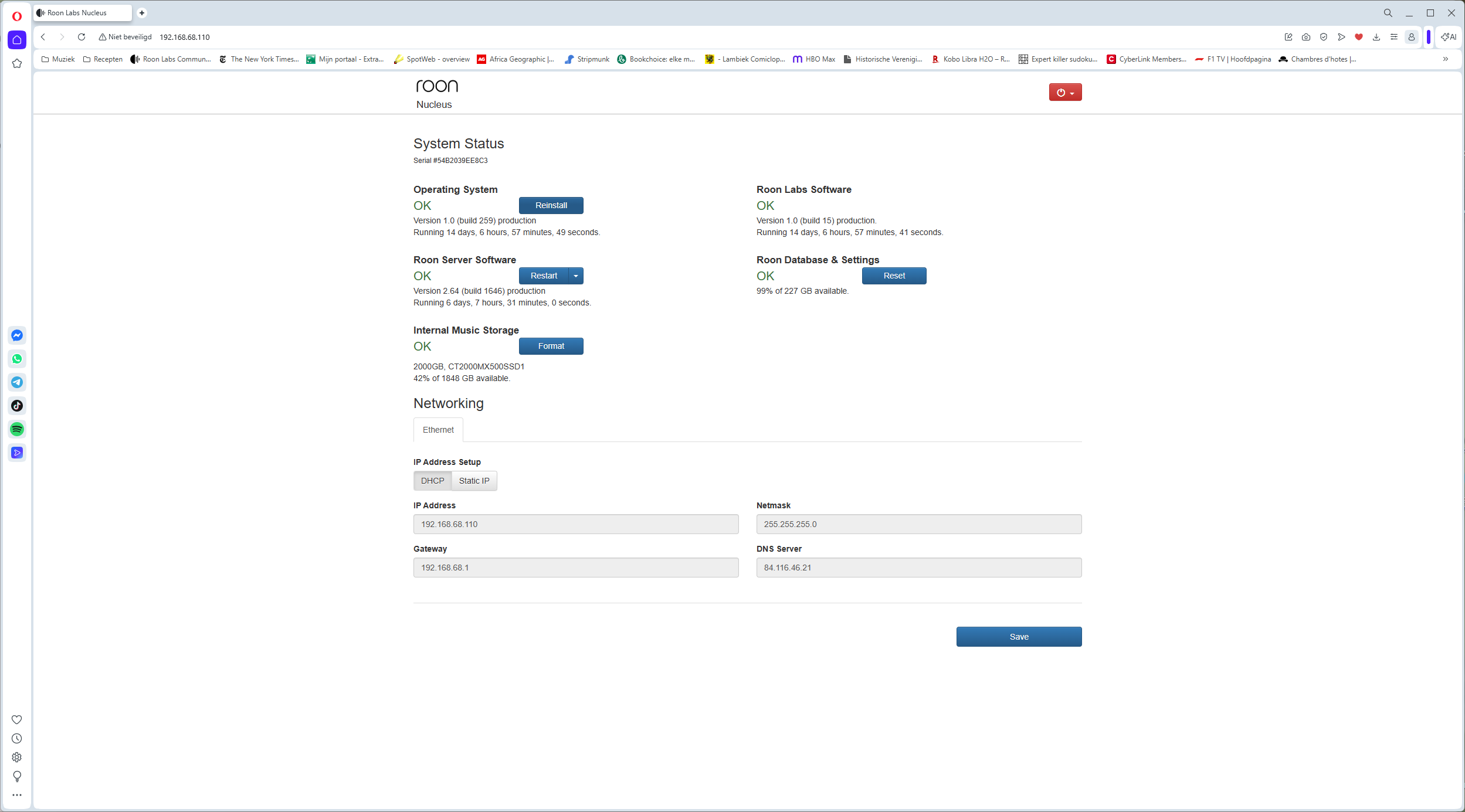
Our diagnostics servers show a PC-hosted Roon Server instance that is active as frequently as the Nucleus. Can you please confirm which machine is actually hosting Roon Server in your current setup, or whether you’ve migrated server machines while travelling?
A note about your firewall warnings: port scanning is not uncommon if you have a device relying on port forwarding, but it’s harmless as long as your router firewall is active and your Roon credentials aren’t compromised.
We’ll watch for your reply.