No problem, I give it up and use Logitech Harmony (Deep Harmony extension) with success.
If your extension will work on my Ubuntu Server some day and the dial will get the additional layers I will reconsider my decision maybe but for now I cannot see any comfort gain.
Are there any plans to update the DietPi version of RooExtend?
It currently runs on version 8.10.x, while the latest DietPi release is 9.15, and support for Trixie is just around the corner.
Additionally, are there any plans to add support for watchOS 26?
Lastly, is there any form of trial version available — especially for rooWatch?
rooExtend is a highly customized appliance so just updating to latest DietPi is not as simple as with an un-costomized system. I will do it some day but not in near future. I guess it will come if I add support for Pi5.
rooWatch is always updated by @Klaus_Engel to the latest watchOS if it is released
There is no trial but fell free to get the license
If you don’t like it send me the License key and I will refund.
Dear rooExtend users,
as rooExtend is based on Debian Linux I rely on their system packages.
During the last few days debian changed the location of one of their repositories. This affects the update process in rooExtend in a way that no more updates will be automatically installed. Also in certain circumstances it may stop rooExtend at all!
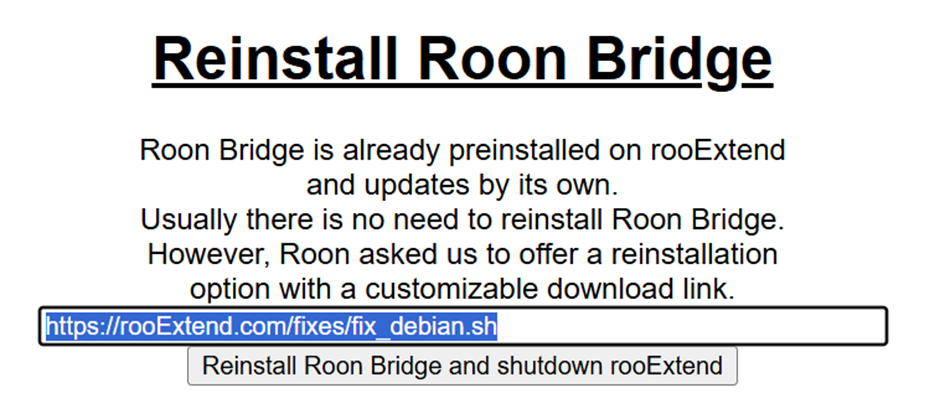
It is absolutely important for ALL rooExtend users to install the fix I provide with this post.
This fix is for all rooExtend instances also for the rooExtend-Box.
So, I followed the fix instructions and it seemed to work as expected with one exception, The change to the URL in the “Reinstall Roon Bridge” section did not stick…i.e. after the reboot and power off/on, the reinstall URL in the rooExtend UI went back to the original URL (not the new one). Is that the correct behavior?
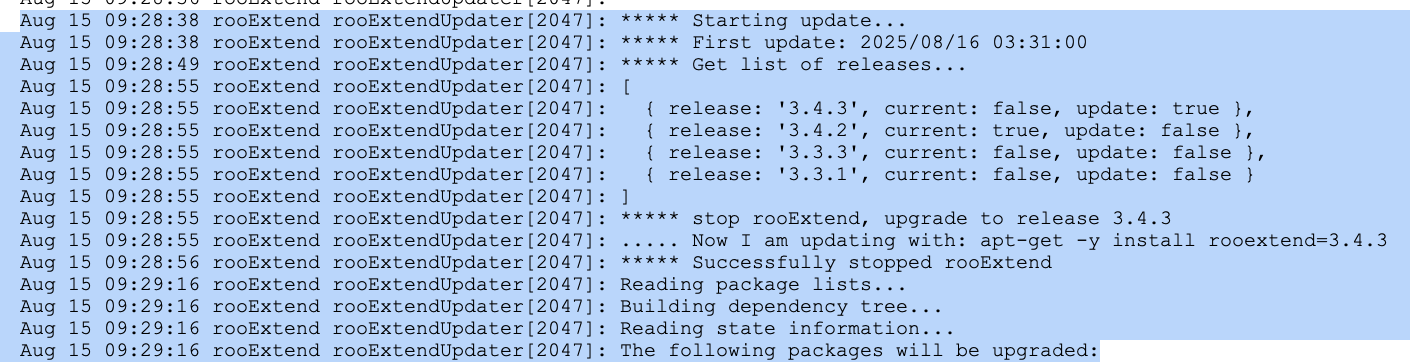
To check if it now works you can force an update via the rooExtend Service Page and after approx. one minute look at the update log also available there. You should see no error message and the last line should be:
I also only get version 3.4.3 after aplying the fix. After trying a manual software update the update log says this:
 Aug 13 11:24:23 rooExtend rooExtendUpdater[1941]: ***** Manual update request from /tmp/updateRequest.txt
    Aug 13 11:24:23 rooExtend rooExtendUpdater[1941]: Apt local file:   /etc/apt/sources.list.d/rooextend.list
    Aug 13 11:24:23 rooExtend rooExtendUpdater[1941]: Apt source:       deb https://rooextend.com/rooextend-prod-PI agnostic main
    Aug 13 11:24:23 rooExtend rooExtendUpdater[1941]: --------------------------------------------------
    Aug 13 11:24:25 rooExtend rooExtendUpdater[1941]: ***** Starting update...
    Aug 13 11:24:25 rooExtend rooExtendUpdater[1941]: ***** First update: 2025/08/14 02:55:00
    Aug 13 11:24:36 rooExtend rooExtendUpdater[1941]: ***** Error with: apt-get update, Error: Command failed: apt-get update
    Aug 13 11:24:36 rooExtend rooExtendUpdater[1941]: E: Repository 'https://deb.debian.org/debian bullseye InRelease' changed its 'Codename' value from 'bullseye-updates' to 'bullseye'
    Aug 13 11:24:36 rooExtend rooExtendUpdater[1941]: E: Repository 'https://deb.debian.org/debian bullseye-updates InRelease' changed its 'Origin' value from 'Raspberry Pi Foundation' to 'Debian'
    Aug 13 11:24:36 rooExtend rooExtendUpdater[1941]: E: Repository 'https://deb.debian.org/debian bullseye-updates InRelease' changed its 'Label' value from 'Raspberry Pi Foundation' to 'Debian'
    Aug 13 11:24:36 rooExtend rooExtendUpdater[1941]: E: Repository 'https://deb.debian.org/debian bullseye-updates InRelease' changed its 'Codename' value from 'bullseye' to 'bullseye-updates'
The fix doesn’t work, as far as I can tell. I’ve tried it three times now. I used the URL (http://rooextend.com/fixes/fix_debian.sh), which is correct, since you can download the script from there. I also tried it once by downloading the script to my PC and entering the directory as the URL (file:///C:/Temp/fix_debian.sh). At the same time, I monitored the progress on the screen. The script is apparently being executed, because this part of it (sync, sleep 10s, exit) works to the second. But the result remains: rooExtend release: v3.4.3, the manually initiated update doesn’t deliver an updated version (v3.4.4). Hmm…
To check if the Fix worked you have to read the Update Log and check if you find this in the last line: ***** Nothing to do, release 3.4.3 is up to date at it’s end.
Hi @Mike_Calodoucas,
I see this device for the first time and have no idea if it works with Roon.
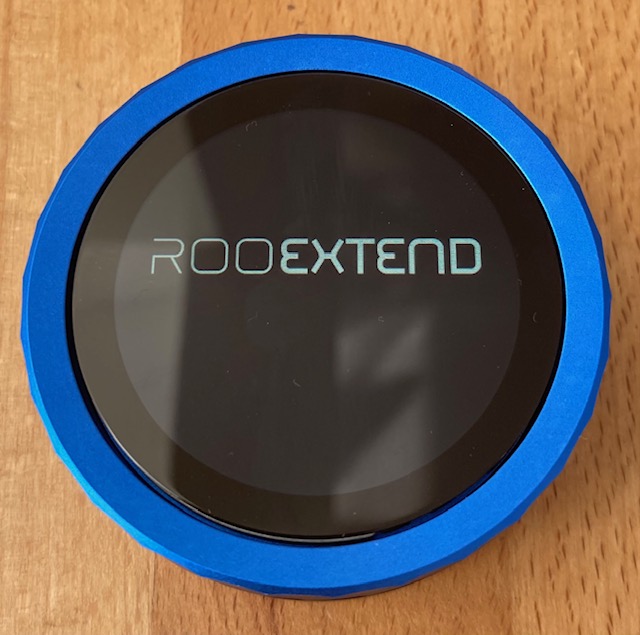
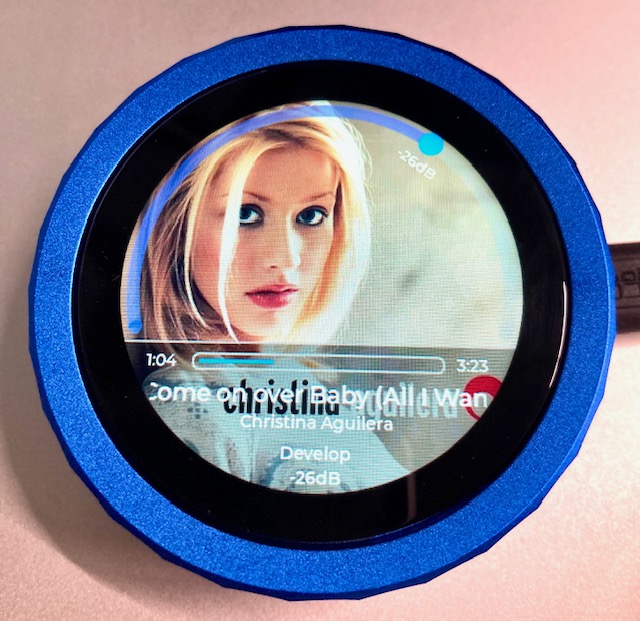
@Klaus_Engel and me we are currently working at at firmware for this knob with a screen device to run with Roon. It is a really nice device, full machined metal case and a crystal clear high resolution display.
It can connect to WiFi so no more trouble with BT coverage or separate BT antennas. You can use it in your complete WiFi Zone. A prototype is up and running but still with a lot of bugs
Here some first impressions of the display capabilities
I copy/pasted from your post so I’m pretty sure it’s the right url and I have tried twice. What else could cause the manual update to fail after the fix? Is there another way to check if the fix gets applied?
As a new user … give it some time… I was also a little hasty when I first tried it.
In the update.log (accessible via the web interface) you should see something like this:
Looks like a very nice device, and a great addition to rooExtend,
but please don’t forget rooIR. For some of us, without rooIR, it makes all of the rooExtend devices very limited in function. In my case, I run everything through a preamp. So I have no volume control with any rooExtend device.