@Greg_Wilding Hi Greg,
I’m using Open Baffle speakers, so I’m mostly concerned about below 300hz. As, apparently, trying to eq anything above ruins the nature of OB speakers. I have a 1st order LPF at 290hz on the woofer and run the mid fullrange. Is this correct in my configuration?
Which settings would you suggest for the coherence blanking, peq or fir, stereo measurement vs dual mono measurement, allow only cuts, allow shelf filters, etc?
last question:) I read MMM is best suited for OB speakers at below Schroeder. Is this true? and would taking multiple mini-MMM measurements with the short pink noise amount to a quasi real MMM measurement?
Hi @Cenk_Isil, I can’t speak to the woofer/mid crossover, it would depend on the specs of the system. It’s important to get this right though, EQ can’t fix everything. You can measure to see what each element does, pick a crossover point, time align. The gist is explained here: Tuning - HouseCurve
As for measurement & EQ - the blanking setting is for display, it won’t impact filter generation. I would try stereo measurement + PEQ first (easiest) and just see what happens. If you get clipping, maybe allow only cuts. If the room is asymmetrical, separate channel measurement / EQ might help.
So, yeah, you’ll just have to experiment - which is what HouseCurve was designed for
Technique probably matters more. I would think averaged sweep measurements will be very similar to MMM in a typical living room.
HouseCurve’s pink noise “sweep” is a legacy feature from the very first releases. It’s too short to really use for MMM. I’m currently working on replacing it with a real time analysis tool. This will enable MMM, live tuning of EQs using pink noise, etc.
I have only just discovered HouseCurve. I just wanted to say how very impressed I am with your amazing app. I have been trying for some years to counter a bass issue in my living room and have had varying results.
I use a Linn Klimax Streamer, Lejonklou Amplifiers and Q-Acoustics Concept 500 loudspeakers. I have found Linn’s Space Optimisation has delivered quite well, but I could not entireley deal with the bass issue without someow losing some of the overall richness in the music.
I have also tried to create DSP in Roon, but not managed to get ideal results.
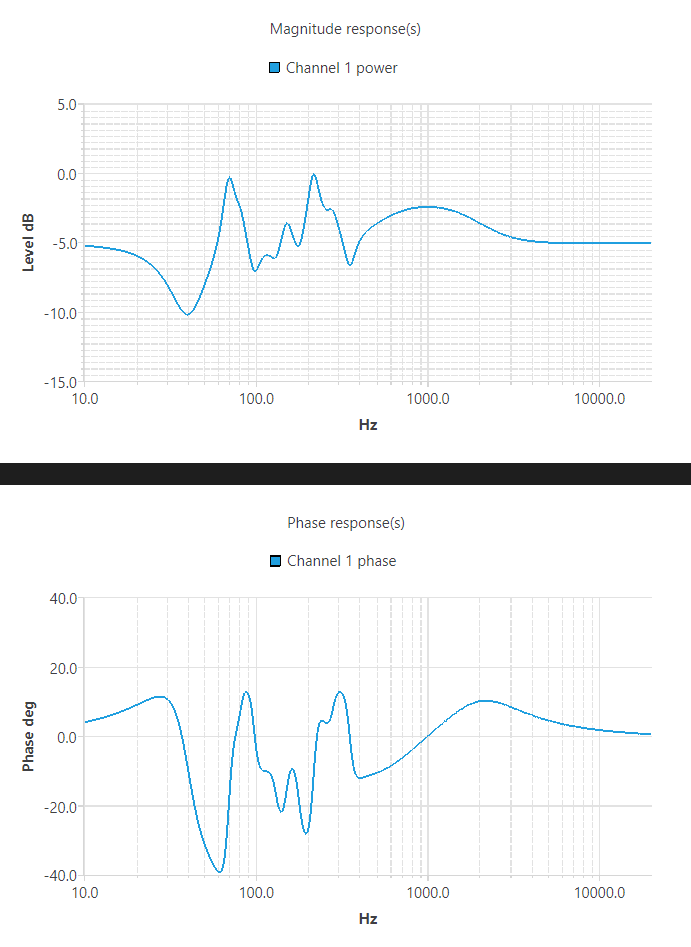
With quite some experimenting in HouseCurve I have managed to get a fantastic result. The bass issue is well under control (at 59hz according to the sweeps) and, crucially, the overall music is rich and detailed with great timing. I used the standard Mic in my Apple iPhone15pro.
I am using the filter in Roon and it is really amazing. Getting it in there via Convolution is a doddle using your guide. Thanks very much for developing such a great app.
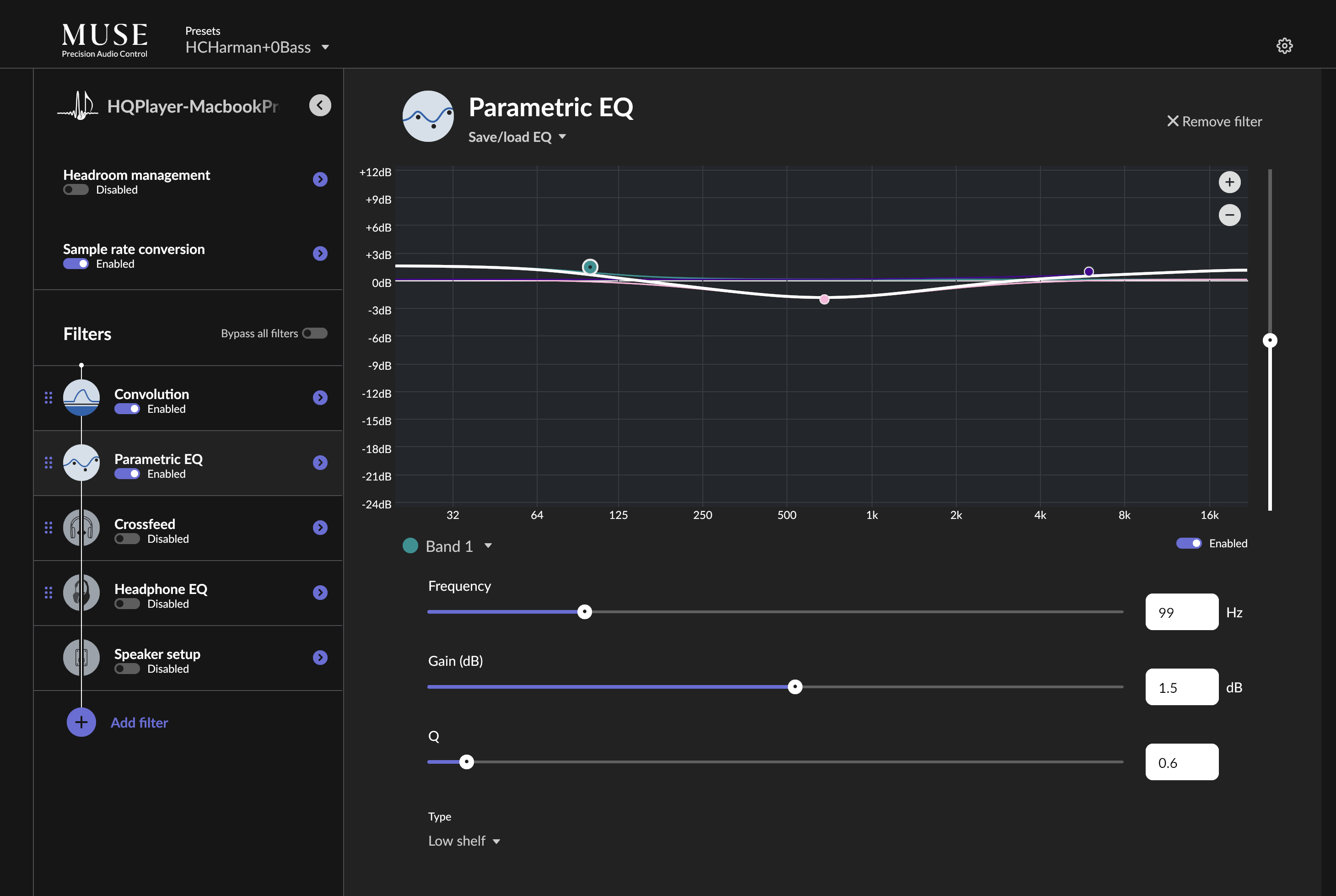
@Greg_Wilding I generated a convolution filter using the Harman curve in the app. And then fine tuned it by several PEQ. Is there anyway I can combine these PEQ to the convolution filter? What exactly the settings of that Harman target curve? Using my finger to edit the Harman target curve in the app is not precise enough.
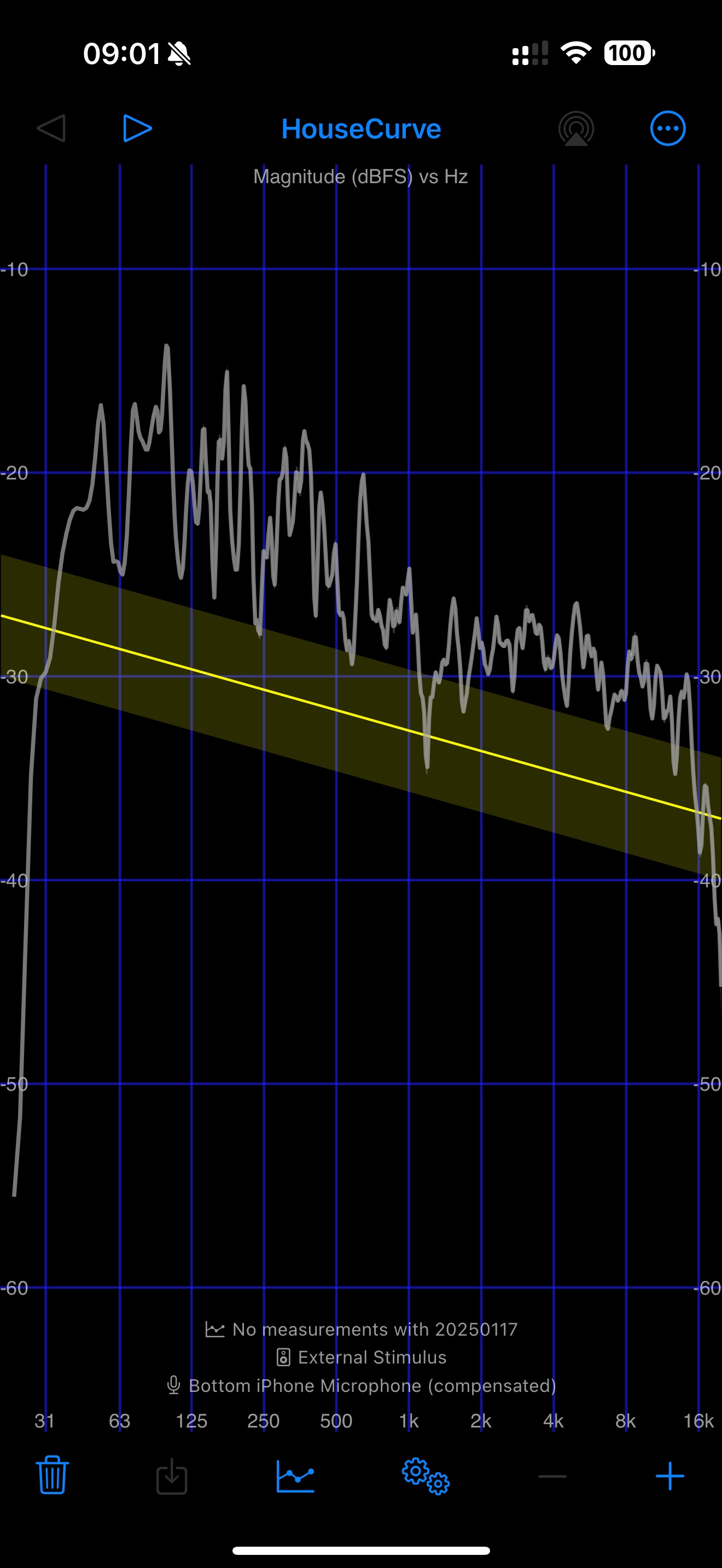
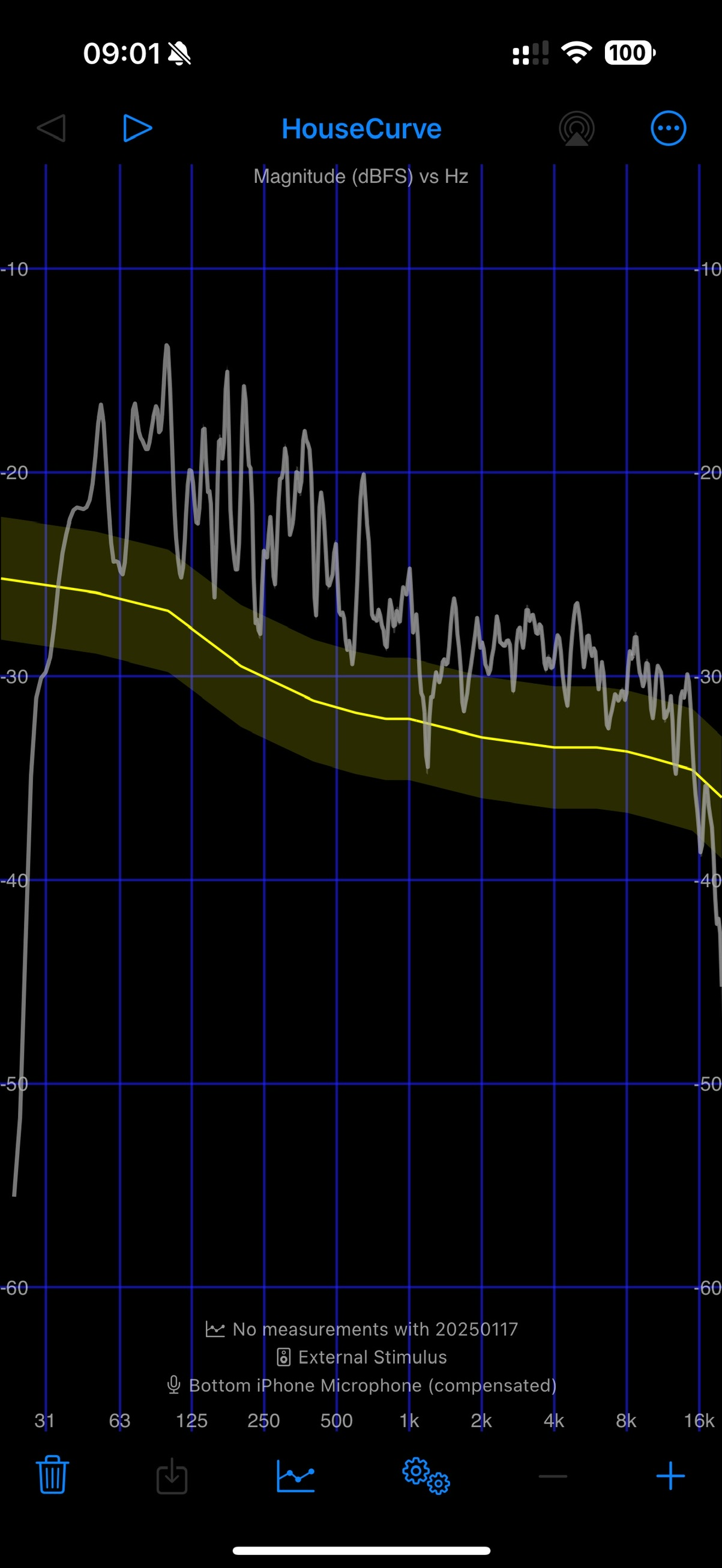
Yep, In the Curve Editor, tap the “curve source” button to view / edit the raw points. The format for this file is described here: File Formats - HouseCurve. Don’t forget to save your new curve.
For your information I have done it by Grok AI, for your reference below
Q1:
can you convert the following PEQ
iir:type=lshelf;f=99;g=1.8;q =0.6,iir:type=peak;f=678;g=-2;q=0.4,iir:type=hshelf;f=5961;g=1;q=0.4
to target curve with the example format below?
Hz dB
20 2.0
200 1.0
2000 0.0
20000 -4.0
Result:
Hz dB
20 1.8
200 -1.0
2000 -1.0
20000 1.0
Q2: The target curve converted seems rough, can you fine tune the smoothness with more settings?
Result:
Hz dB
20 1.8
50 1.8
100 1.5
200 -0.5
400 -1.5
600 -1.9
800 -1.8
1000 -1.4
2000 -0.7
4000 0.2
6000 0.8
8000 1.0
10000 1.0
15000 1.0
20000 1.0
Q3:
Can you combine these with
Hz Offset
20.0 2.0
20000.0 -8.0
Result:
Hz dB
20 3.8
50 3.1
100 2.2
200 -0.5
400 -2.2
600 -2.8
800 -3.1
1000 -3.1
2000 -4.0
4000 -4.5
6000 -4.5
8000 -4.7
10000 -5.0
15000 -5.6
20000 -7.0
Good afternoon, could someone help me with the House Curve? I read the entire initial topic on generating the curve using an iPhone. I generate the curve on it and click “save.” It says it saved on the iPhone, but I can’t find where to transfer this file to Roon. I haven’t purchased the software yet and I’m using the trial version. Could this be the problem?
I managed to understand how it works, I bought the license… but now a very strange problem has arisen. The first curve I created, and I even ended up deleting it, was very good… but it was the first one, and I thought I need to do it more carefully now, etc.
Well, after that, all the curves I generate, at first the sound comes out muffled and very strange. I’ve reset it, tried various microphone settings, etc., nothing. I even took my iPad and installed it there to see if it was something on the iPhone, etc. The same thing. The sound gets lower and muffled. Both on the iPad and iPhone. I don’t know what it could be. The first curve… when I heard it… I said "great, that’s very good… and now I’ve done it about 20 times and still the same thing. I use a Synology NAS. I’ve already reset it and turned the KEF LSX II on and off, but nothing. Even in the NAS I saw that there were a lot of curves there… I even deleted them all, because I thought it could cause confusion… it didn’t solve the problem… Any tips?
It’s hard to say based on that description what you did. Do the new curves look different from the first one? Maybe post a screenshot of the new curve (after correction) and ideally step-by-step what you did.
@Greg_Wilding I bought a key years ago but I no longer use a Iphone but my wife does any chance of a Second User Discount so I can use her phone for setup first time ive moved rooms in years
Hi Kelton, if you have family sharing enabled, the purchase will work on your wife’s phone too. For more help, please reach out to support@housecurve.com.
Hello, I released a new version of HouseCurve earlier this week, version 6.0, which I think will be of interest to Roon users.
The biggest change is a real time measurement tool, which can be used for moving microphone measurements (MMM). With this, you can capture an average measurement of your listening area just by moving the microphone around. If you paid for HouseCurve in the past, you’ll get this feature for free, all you need to do is update. Enjoy
In my tests, MMM is way faster, especially for multi-channel. The resulting room corrections seem as good as ones based on average sweeps.
If any of you give this a try, I’d love to hear how it worked for you. Thanks!