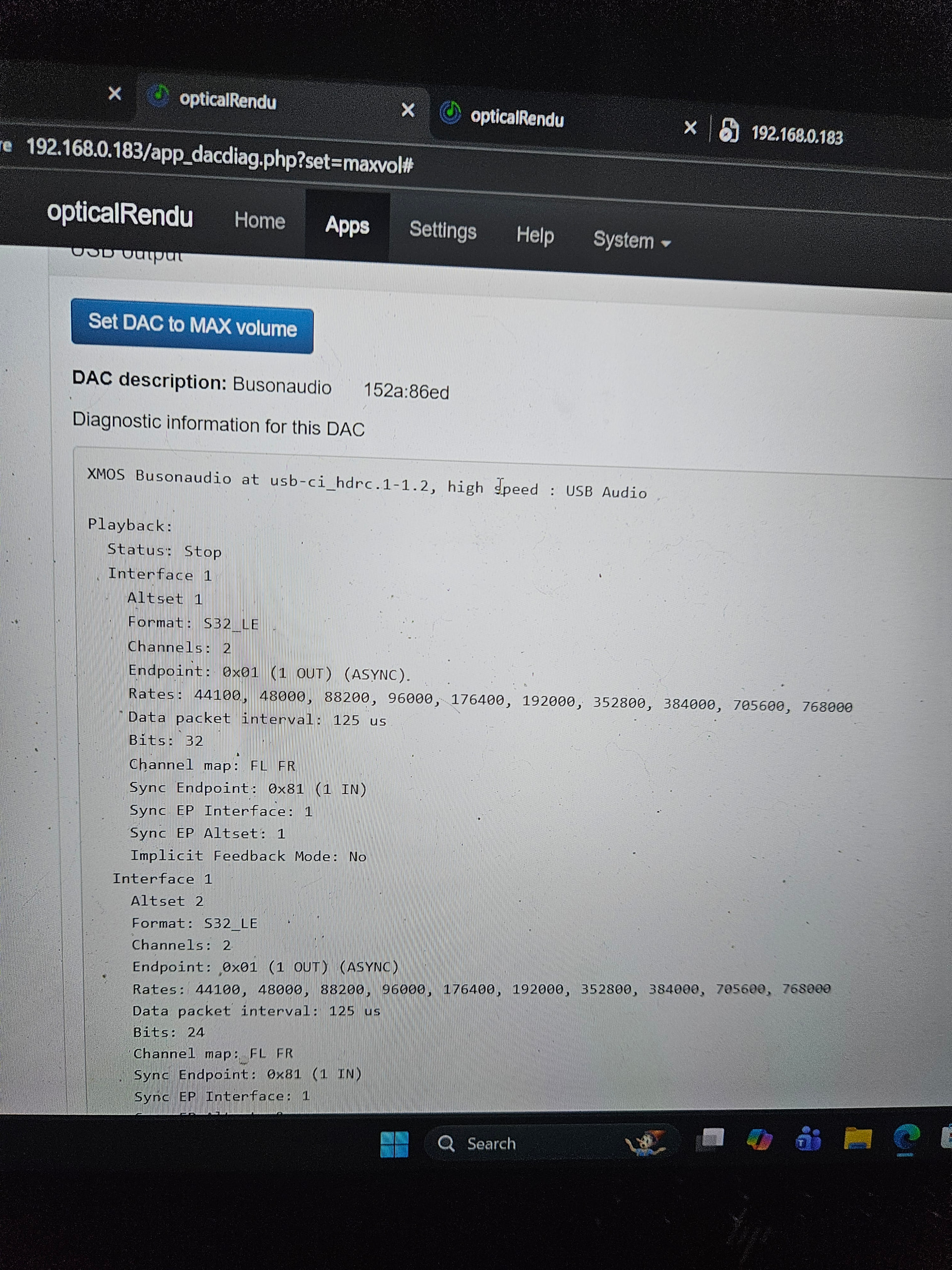
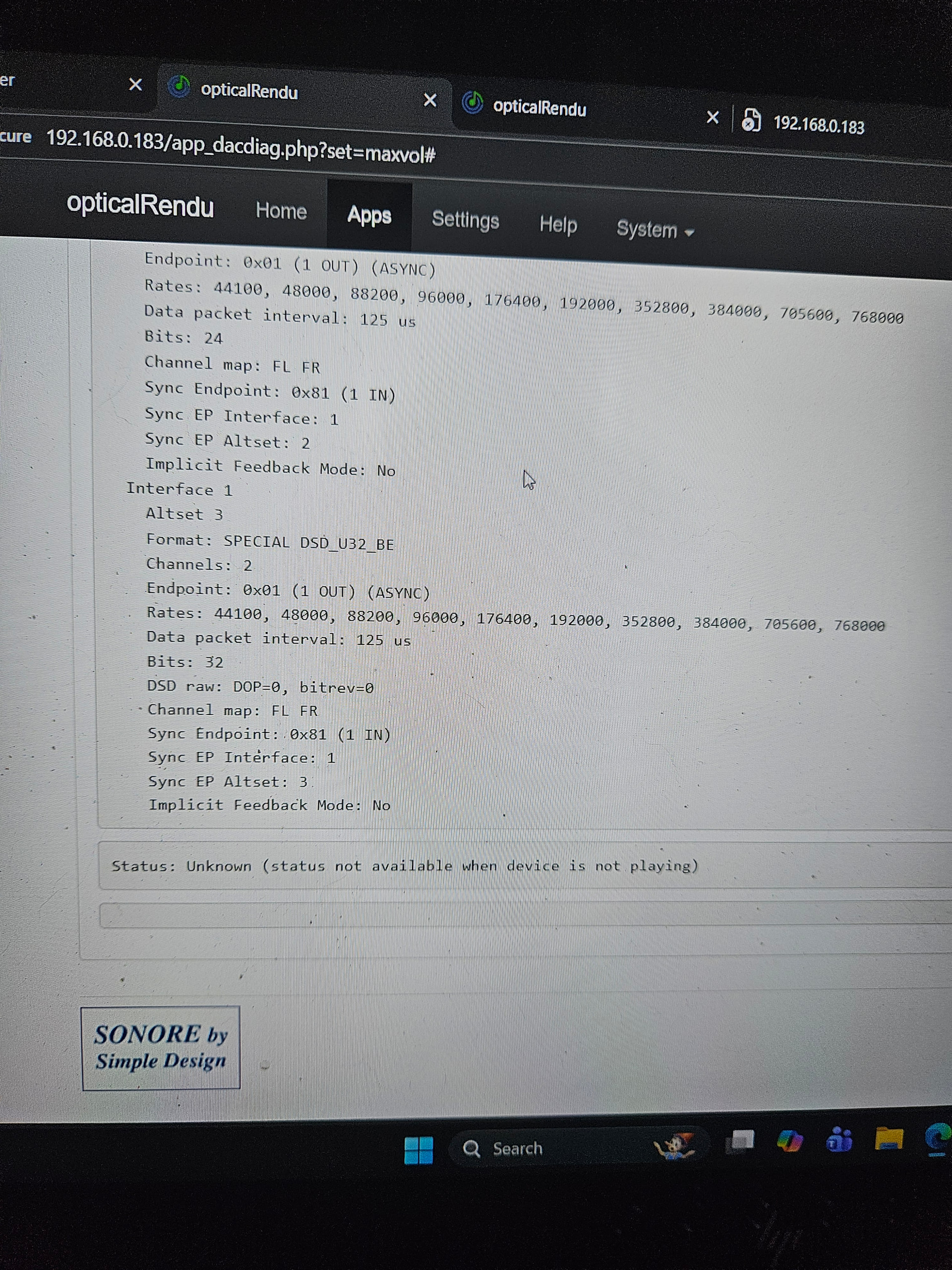
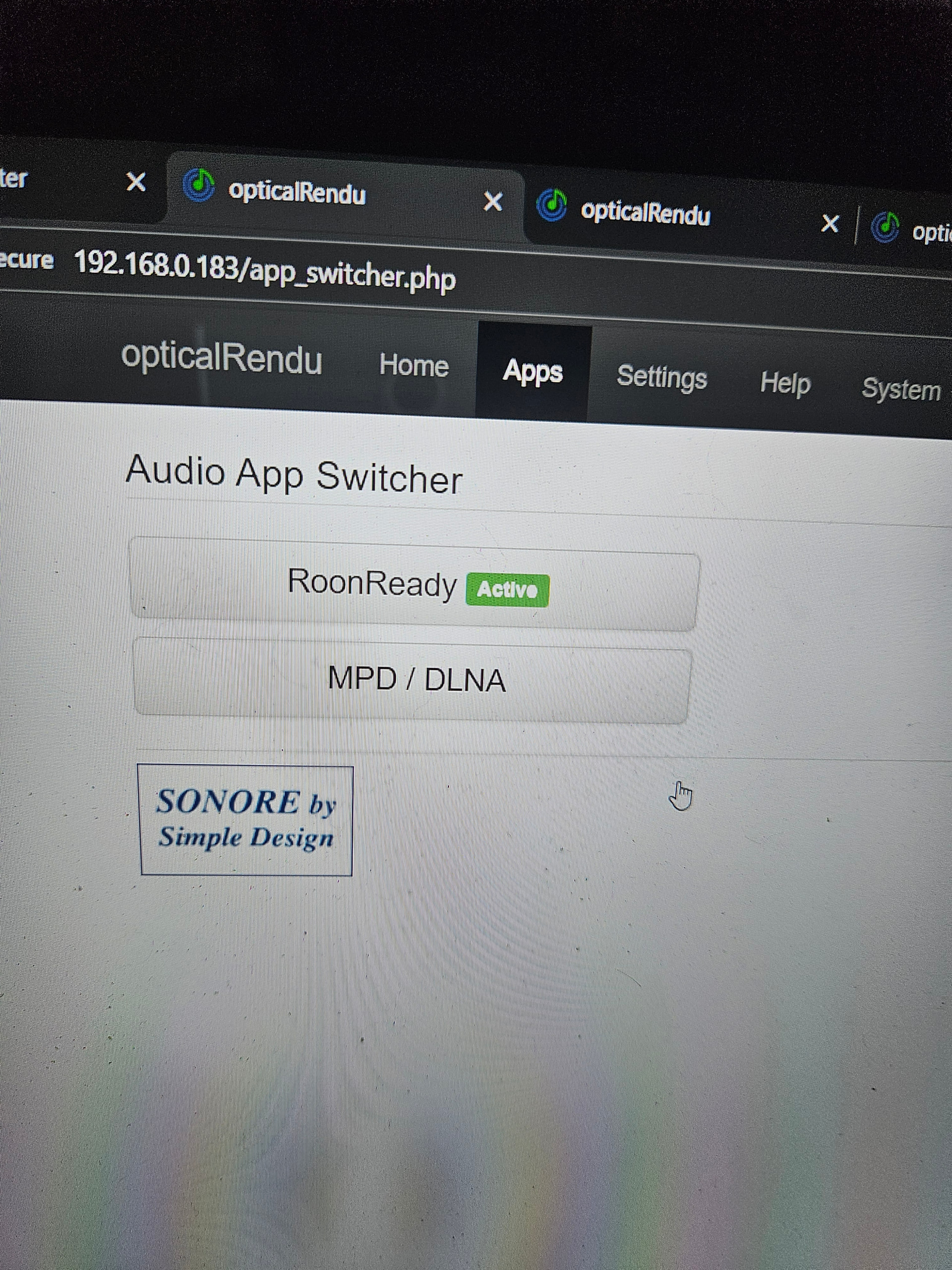
· I have a new optical rendu deluxe, connecting theough optical module deluxe. All leds are green. Sonicorbiter can see the optical rendu as a network player, not as a music server. Dac diagnostics in sonic orbiter can see my burson audio dac connected via USB. I have enabled roon ready output in sonic orbiter. I have disabled all firewalls. And yet roon still cannot see my optical rendu?
Tell us about your home network
· I do not know my router make and model. It came from telstra (au)
Thanks for writing in and sharing your report! Based on what you’ve described so far, I believe you may be experiencing side effects of a known issue we’re tracking below:
If you could, please bring your server back online and we’ll enable diagnostic mode to take a closer look.
Hello? Do you just want me to keep everything on permanently? Given its not working, id like to return to my previous microrendu setup which I know does work, but this request is making it difficult. Please advise.
Ok my equipment has been left on in a configuration that doesnt work for more than 55 hours, non-stop, since your only message to me, which in any event did not in any way respond to the problem i raised, and nor did the problem you alerted me that you were tracking resemble the problem i raised with you, whatsoever.
In the mean time ive been through all of the support options via sonore and they have confirmed that the problem is on the roon side, with no issues in the hardware I have received.
I raised this ticket 4 days ago. My roon implementation has not been working in that entire time, as you told me to leave it in the configuration that i advised you does not work, so you could run diagnostics your end. That was more than 55 hours ago. Since then ive heard nothing from you, and my frustration has been building. I have asked you to advise of a timeframe that you can get to me, (so at least I can return roon to a functional configuration, whilst I wait to hear back from you), and still nothing.
Im tearing my hair out here. Please advise of timeframe for your response so I can turn my non working equipment off, and start listening to my older equipment that i know does work, whilst I wait for your support. I do not believe this request to be unreasonable.
Thanks for the additional information! Please note that we are a small team, and we work as fast as we can to respond to each support thread. We appreciate your ongoing patience here.
Device discovery is very much being affected by the upstream services outage I’ve shared above, so I apologize for any confusion there. Specifically, your note:
This is the core of the problem. If the Rendu’s own internal diagnostic page can’t load its own Roon service, your server will never see it. The “RAAT” (Roon’s talking language) isn’t even starting up on the Rendu.
I can further verify you are experiencing the known issue above from reviewing a fresh diagnostic report via your Roon Server:
Warn: [fiveaccountserver] Error in web request https://accounts5.roonlabs.com/accounts/3/login (530): error code: 1016
I’m sorry you’re dealing with this, and our team is actively investigating potential solutions.
Outside of the above, we’re not seeing any other instances of the Rendu Deluxe appearing in server logs. While our team continues to investigate the above issue, here are some additional troubleshooting steps you can try:
Unplug the USB cable between the Rendu and the Burson DAC.
Reboot the Rendu without the DAC connected.
Once it's back up, check the Roon Ready diagnostics.
Does the Roon Ready diagnostics page still give an Error 500 after you toggle the App Switcher to MPD and back?
Try - If you have a standard Ethernet cable, try bypassing the Optical Module briefly by plugging the Rendu directly into your router/switch. If Roon sees it immediately, we know the issue is the optical fiber link or the SFP modules.
Feel free to switch back to your functional version - apologies for not being clearer there. Thanks, John!
Ok have rebooted without dac connected, problem remains.
Yes have switched in app switcher and problem remains, with same timeout error still seen in roon ready diagnostics.
I cant bypass the optical module to connect the optical rendu directly to the router, as it is an optical rendu and not an optical router. There is no ethernet port on the optical rendu.
The problem is persisting, despite your asvice in roon forums that the known issue you were tracking is resolved?
Also, I have restarted the previous configuration, (with a microrendu instead of an optical rendu) and it works flawlessly. Im not sure how the cloudflare issue would only impact on the optical rendu, but not the microrendu?
Hi. If you mean the roon ready version, I posted it in one of the screenshots above: it is 1.1.44
There is no option to update the roon ready version on sonicorbiter. Only to delete it (and, I would hope, to reinstall it if I did so, but I have not done that).
6 days in, problem persists. The otpical rendu seems to be visible in every way to sonic orbiter, my modem, and my pc. Its just not visible to roon
Ok im making progress. lve managed to get opticalrendu seen and working in roon (with some ‘too many faulures’ errors, so far dealt with on both occasions by rebooting router). I got it working by connecting it to the dac in an astell and kern ca1000t.
So im thinking burson audio conductor 3gt usb input is at fault? But dac diagnostics in sonicorbiter seemed fine.
Can you advise if it is a known problem with burson audio dacs not recognising roon devices?
As part of this update, Roon Bridge versions older than 1.8 are no longer able to connect to the server. If the “Roon Ready” output in your Sonore software relies on an outdated Roon Bridge version, it will be incompatible and will not work with your Roon system.
We highly recommend reaching out to Sonore support and requesting that they update the Roon Bridge software on your Optical Rendu to the latest version.
As far as im aware, sonore products do not use RoonBridge. They use RoonReady (RAAT protocol). The latest version iffered by sonore is 1.44, but I believe there is no issue with that version, even with new version of roon, as evidenced by the fact that I can access roon via the same opticalrendu connected to the astell and kern ca1000t dac, just not the burson audio dac.