Started using Roon this morning after I was gone for a short time on a trip.
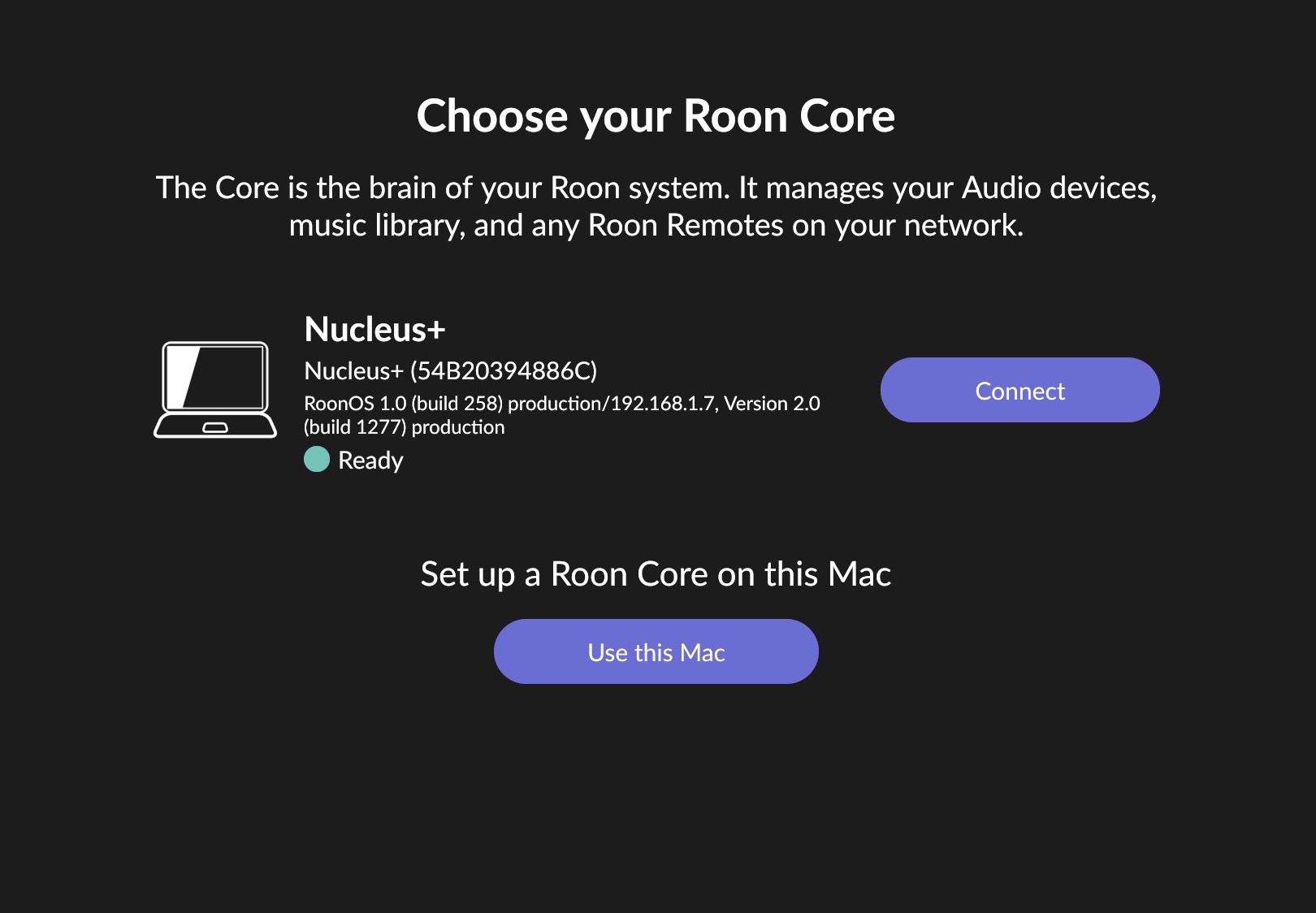
Roon / Nucleus is unstable. Connects, then disconnects and is in a loop.
I have restarted my modem, my router, my laptop, the Nucleus itself. Have checked for router updates, have updated BluOS nodes, have checked Roon for any software updates.
hey robert, i believe so. i can’t get roon to stay open long enough before it goes into the waiting for core / something is not right screen on my other devices.
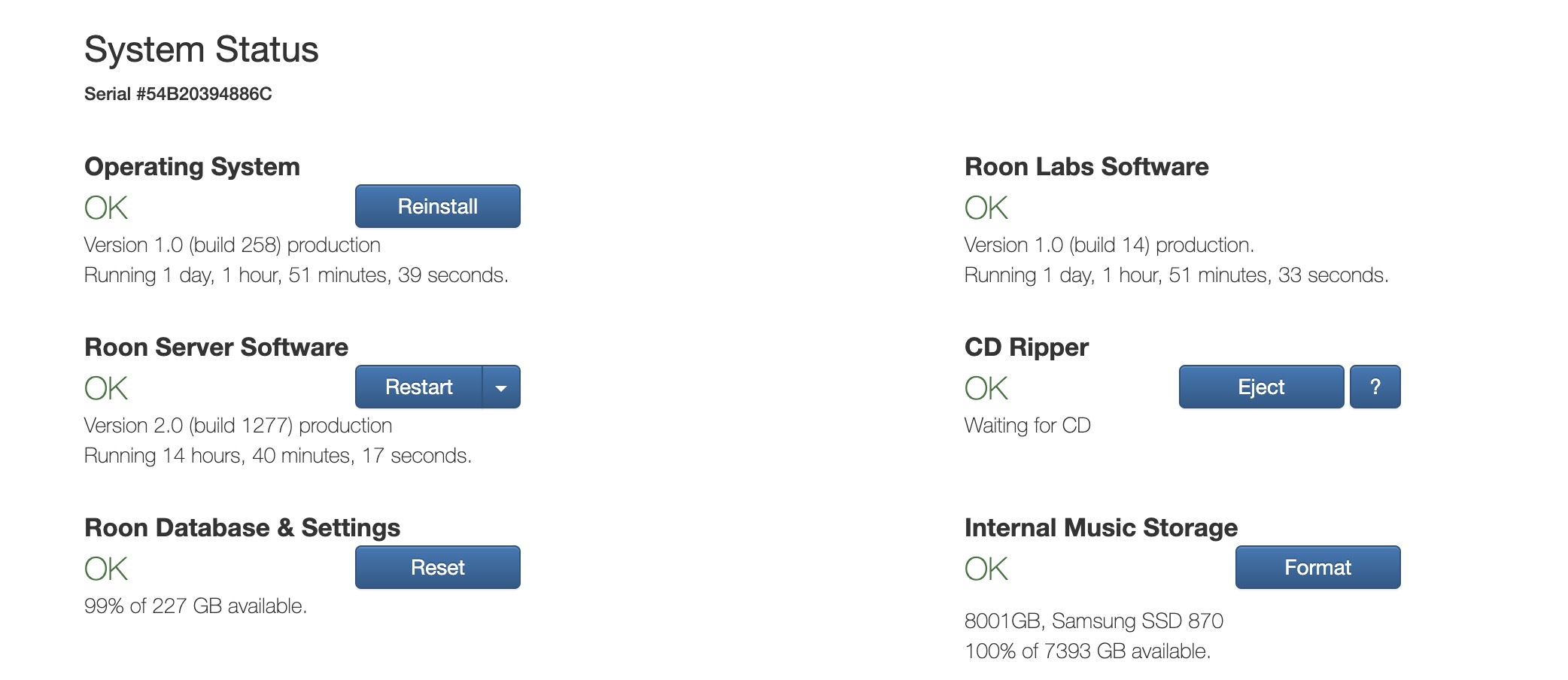
Thanks @Maxwell_Gosling, appreciate sharing this. Everything seems correct, but do you know why Roon Server has been running about 15 hours but the OS and Roon software has been running for over a day?
Sorry to hear you’re stuck in a Core disconnection loop.
Our servers show your Nucleus+ is online and certain in/outbound calls are going through. However, we weren’t able to pull diagnostics despite the device advertising as online. So, we want to rule out the possibility that a network firewall (perhaps automatically installed via a router firmware security update (like this one, released in May).
If you’ve checked out router updates and four your XR1000 to be current, then your router has taken this recent security update. It might be worth checking in the Netgear web GUI firewall settings to verify that Roon remains excepted, in case it’s being filtered out.
This may or may not resolve the issue - however, it will hopefully allow our diagnostic request to go through. In the meantime, do you have an external display handy? If so, you can plug in the Nucleus+ via HDMI to see some diagnostic info. Please share a photo or screenshot of these diagnostics with the team - until logs are available, they can give us a basic sense of whether we’re dealing with a hardware issue.
Another immediate step is to rebuild the database and restore from Backup. If you have a recent Backup handy, this step isn’t very laborious. See below:
Thanks Connor, can you elaborate on the firewall settings I need to investigate? I don’t recall if there is an open port needed for Roon - I opened up the port for ARC already. My thinking is that the power went down and something happen that caused this while I was away as everything was working fine before.
The device comes online and then drops, I will see if I can find an HDMI cable for direct connection.
You’d want to check in the web administration page for the router whether or not there is a list of permitted processes/software or safelisted port ranges. If so, you’ll want to include RoonServer and RAATServer are on this list.
Roon will listen on ports 9330 and 9333, in general, but additionally, UDP 9003 and TCP 9100 - 9200 ports. Multicast and broadcast communication must also be allowed in the firewall - these will depend on your own network but will likely be listed in the router as templated settings.