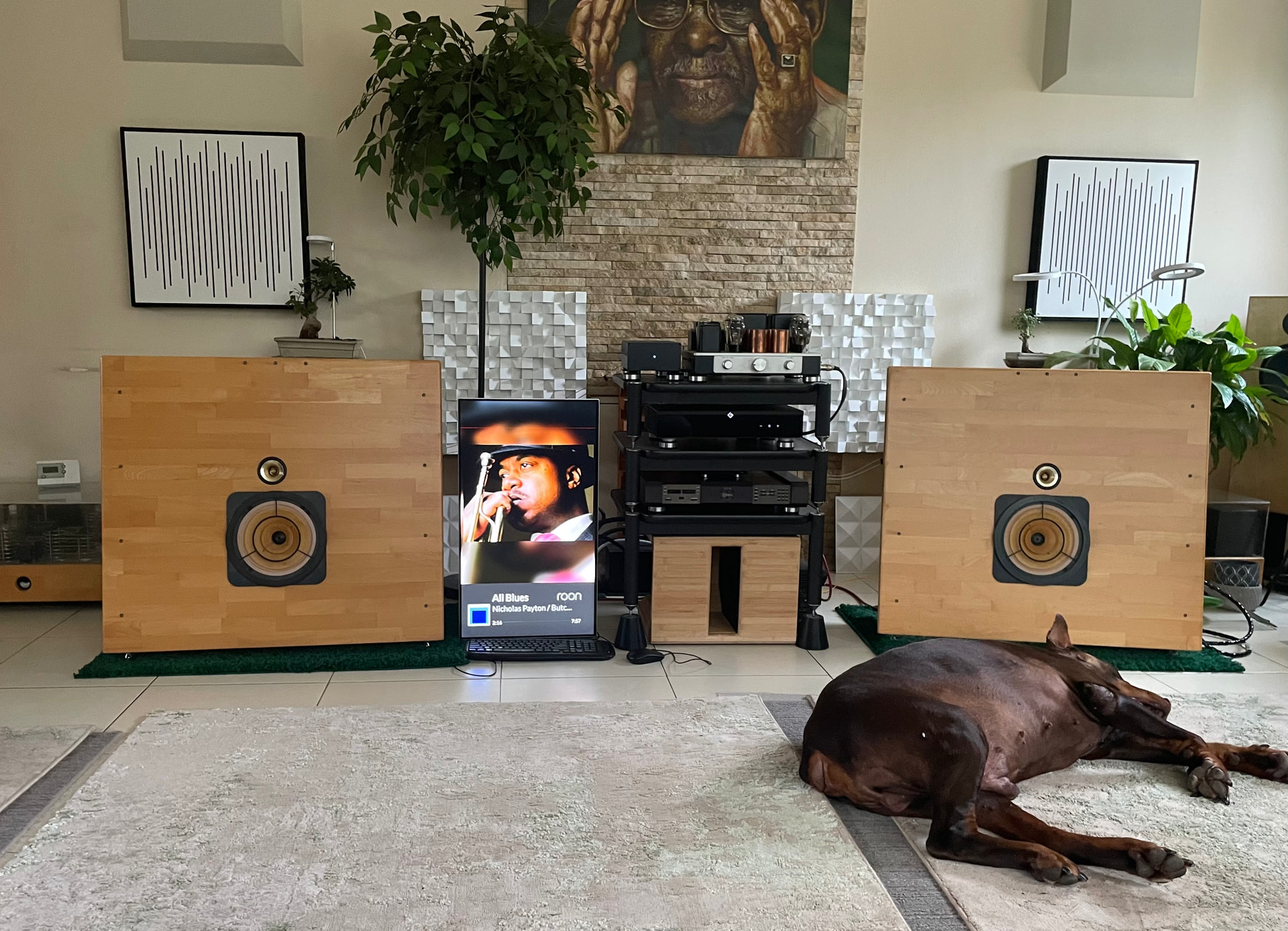
Hello,
What could be the simplest way to send Roon display to a portrait monitor, without using an aditional pc, or rasbery pi?
Hello,
What could be the simplest way to send Roon display to a portrait monitor, without using an aditional pc, or rasbery pi?
Is Roon on a VM?
Why can’t you attach a monitor to the Roon server?
Is wireless networking available?
A little more information on your Roon configuration would be helpful so options can be provided.
Thank you Allen,
I have Roon Rock nuc + HQ Player pc in another room and I use fiber to the listening area
Yes, wifi is on and I tried every combination of Chromecast/Apple tv that I could think of
The monitor would need to support chromecast, or something attached to it would. Then you can use the Display feature.
Rock based pc only displays it’s ip address if you plug a monitor into it.
On the Apple TV you can install the Roon TV Remote third-party app:
Not sure how well it (or a Chromecast dongle, for that matter) works in portrait mode, though.
As you have the monitor in Portrait you’d need something to generate the Roon Display to that orientation.
Apple TV not Chromecast to my knowledge will support a portrait monitor.
Is this a true monitor or a smart TV?
I’m not even sure if the current Roon Display IP would work in portrait.
A Roon extension specific to portrait screen would work. Also very easy and quick to make.
If you could run a docker container and host a local webpage, there you could use the Roon Web Display functionality to show the active playing information.
If you’d like more customization, you could use the Bridge API to gather that info and render it within some fitting HTML and CSS.