→ 12/10/2024, 01:42:09.106 PM RHEOS: ACTIVATED : OUTPUT - Patio-AVR
file:///home/node/app.mjs:1670
if (zone.now_playing?.seek_position >1 && player.now_playing?.three_line?.line1 == zone.now_playing?.three_line?.line1 && (Math.abs(zone.now_playing?.seek_position - player.position) > 5)){
^
TypeError: Cannot read properties of undefined (reading ‘now_playing’)
at update_position (file:///home/node/app.mjs:1670:52)
at process.processTicksAndRejections (node:internal/process/task_queues:95:5)
Node.js v19.9.0
/bin/sh: 1: pkill: not found
→ 12/10/2024, 01:42:17.508 PM RHEOS: STARTING RHEOS
built a new folder and put a blank config.json there, started docker pull and launch…
went and enabled your addon
went to audio and started reseting each device to default, crashed during this process it appears - not docker crash but it blips and then in Extensions i get a new rheos instance that wants to be enable but i didnt see docker restart the image
tested with full reboots - note - tried with using a copy of my production rheos config.json…
what i notice is when there is some change then your rheos hiccups - not docker reboot, but hiccups - i can see it happen on the extension screen - and on the roon ui, the select device flickers…
go into extensions setting area and i now have a new rheos instance that wants to be enabled… its duplicating itself (some guid/id is lost?)
i plugged in my office heos-5 speaker after roon/rheos were running a few min - once heos found the speaker, rheos “burped”
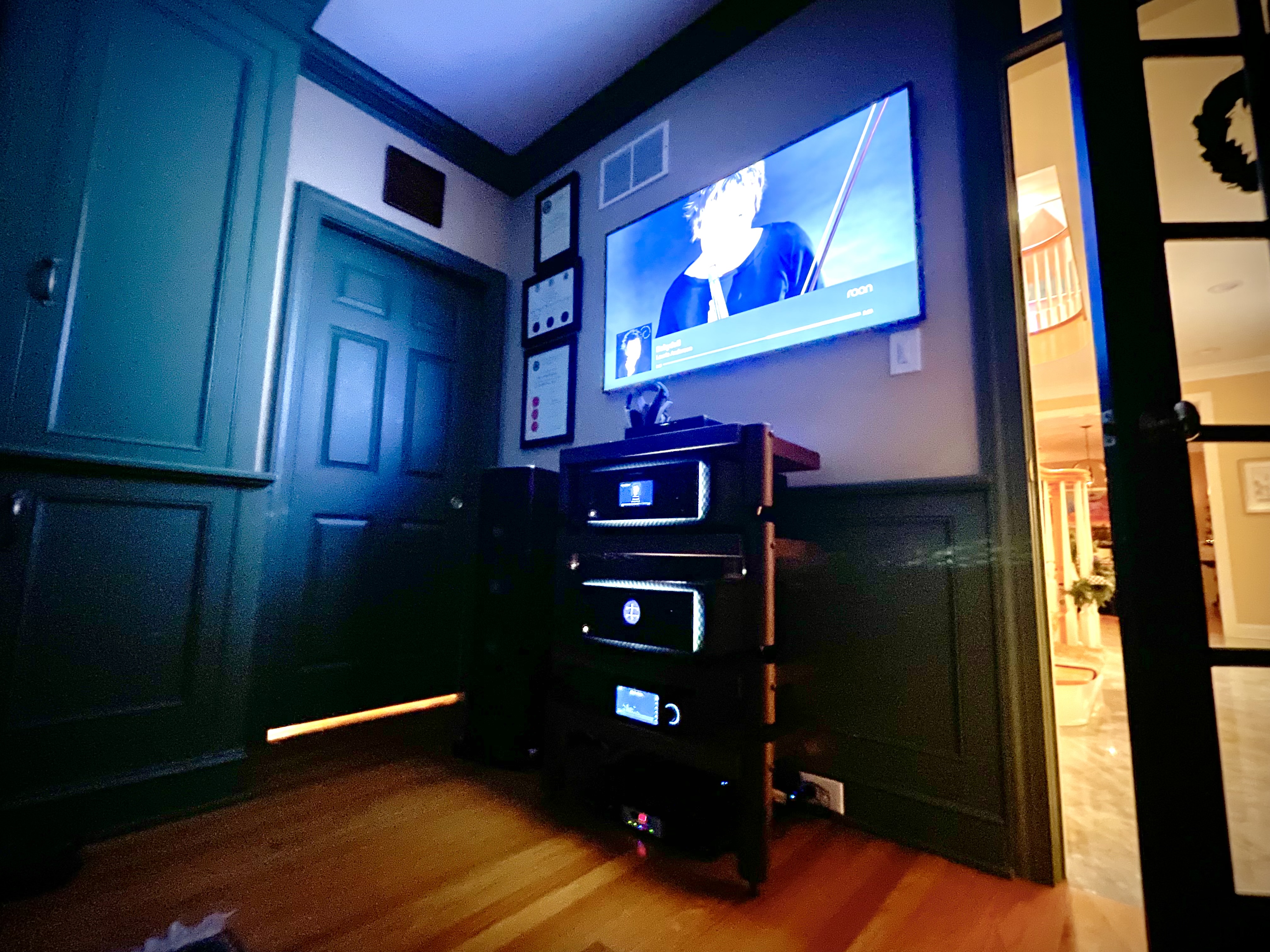
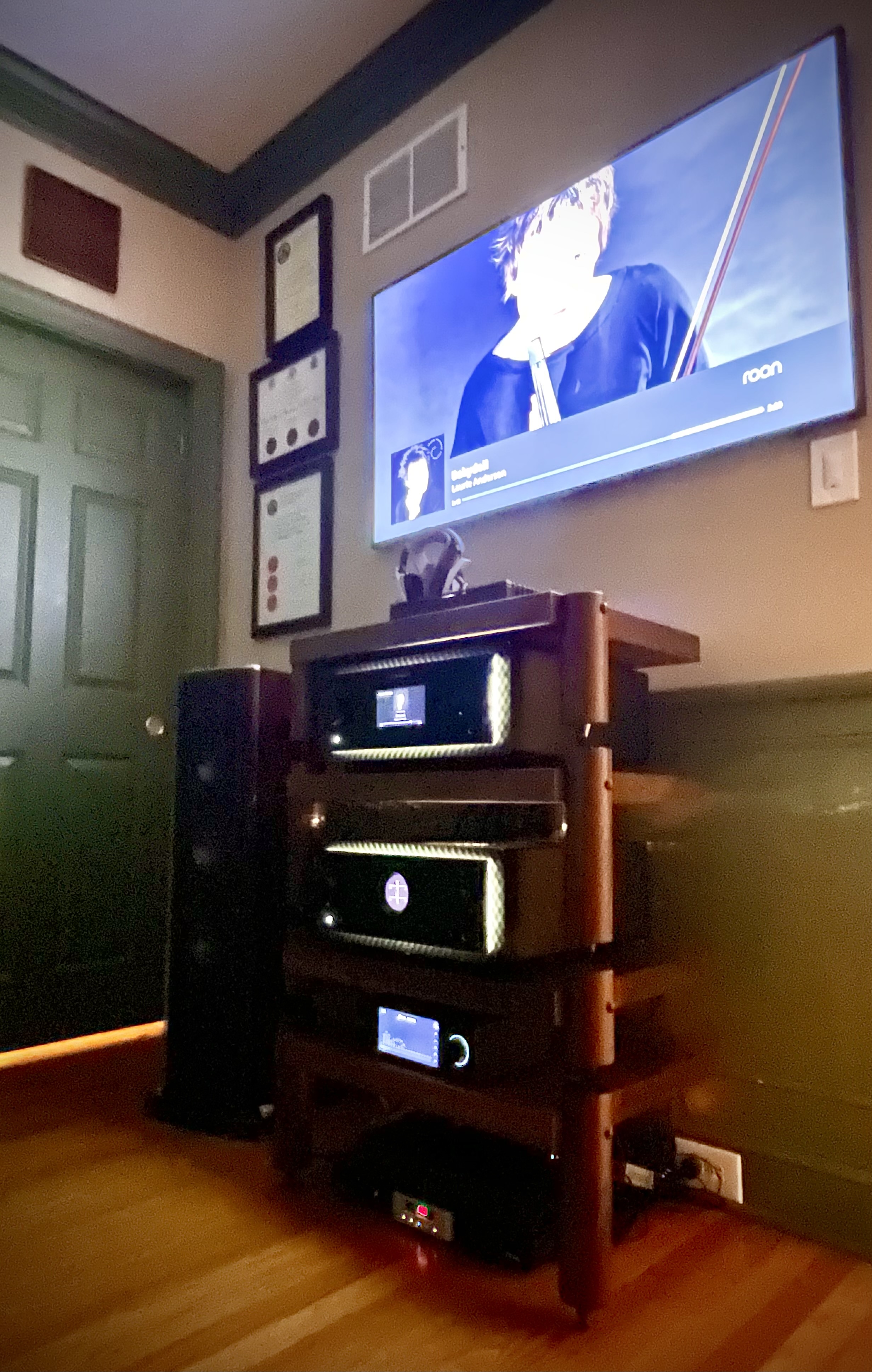
Happy New Year! For those of you wondering why I have been quiet (and waiting for the next version of RHEOS), I have been working on making sure that RHEOS is compatible with the new Roon Ready HEOS players which, is not as simple as might appear. I want to ensure that RHEOS is backwards compatible with legacy devices but behaves nicely with the Roon Ready capabilities now offered. A major deficit is that they have not allowed grouping with legacy HEOS players, and that is how I use ROON 90% of the time. A major treat this holiday, was to get the top of range Marantz gear with which to play. This has a beautiful screen display for album art. So happy to be sitting here playing this tonight and doing the necessary work for a release for testing in the near future. Thank you for your patience. Cheers , Peter
Yes - found a couple of deals on eBay and will be selling the Devialet 220 and Denon Streamer shortly .
Significant upgrade IMO.
I think the new display will be featured on future Marantz Denon Streamers so want to make sure RHEOS supports it for those with old HEOS players they want to group but be able to have the features of ROON READY.
No audible difference between ROON READY and RHEOS when using pass thru mode (of course).
50 years ago I bought my first Superscope by Marantz receiver and cassette deck. I thought I’d better get to the top of the range before presbycusis makes it completely pointless. I got them for a steal compared with MSRP!
Having lived with them for a few days, I’d say they are well worth it - each one weighs over 70lbs - and, of course RHEOS, allows me to integrate with the older players…
Should be pushing a new version in the next couple of days - I think I squashed the bug causing intermittent stops…
I am new to both Roon and dockers and am feeling lost. For background I recently installed Roon on my qnap nas. I am happy to scrap that installation and switch to a windows pc that i also use for a plex server if that would simplify things.
My setup consists of 1 marantz receiver that has 7 speakers set to it. i denon receiver that has 4 speakers and is used exclusively for heos. 1 heos drive hs1.
From what i have seen so far I need to utilize RHEOS in order to unify and recognize all these speaker groups on ROON. I have spent several hours reading through explanations and attempting to setup on my QNAP but so far am failing miserably to get this going.
Would greatly appreciate any help and ideally a walk-through using the current version of qnap container station (or whatever outside app is recommended and compatible with qnap)
I am enjoying roon but will not be able to justify it if I cannot integrate with my heos setup
Hello @Ryan_Glock - we will all see if we can help you.
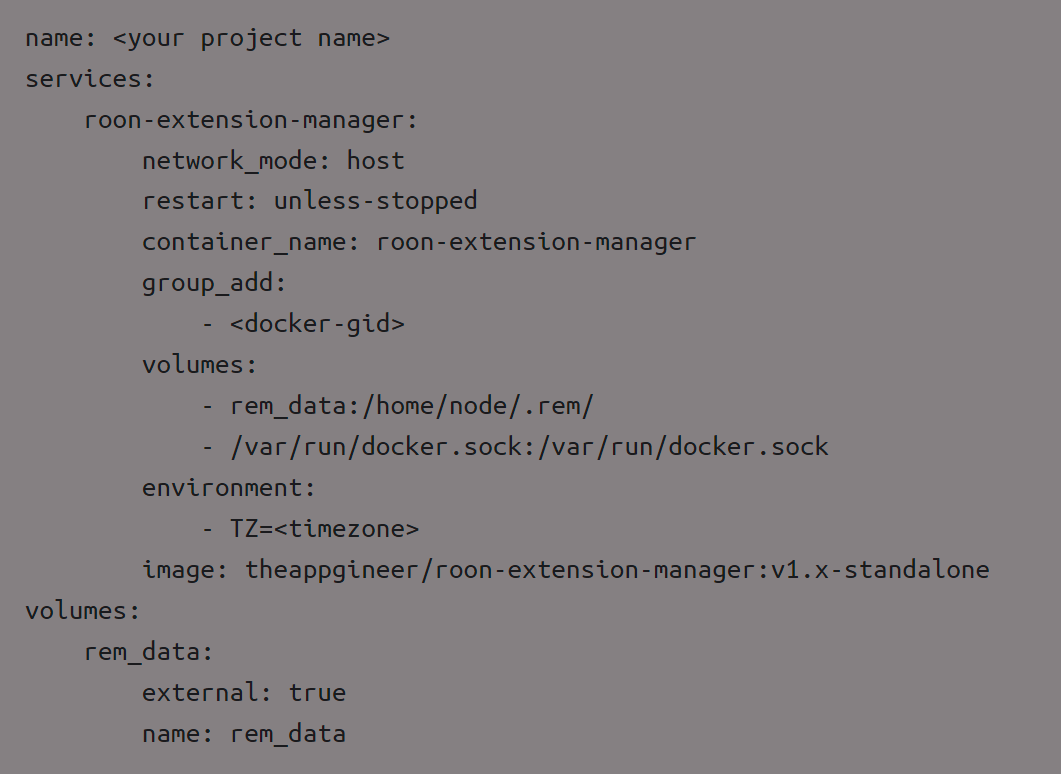
There is a possible quick option and that is installing one docker image called " Roon Extension Manager" - this tool installs other tools - Peter has his RHEOS as an option in that tool. Home · TheAppgineer/roon-extension-manager Wiki
so the one thing we need to do is have the RHEOS use the HOST network and not a bridge network so it can find you ROON (assuming roon is also on the host network too)
If you are running Roon bridged, then we need to change it to host or build a macvlan [bit more complicated] [now, someone may know how to configure both Roon and RHEOS bridged, but I do not as it seems overly complicated for min benefit to do so]
best solution i can see is to install PORTAINER in qnap then you can manage all your docker images graphically and never have to go to the qnap ssh command line again… this is how I run 15+ docker images on my Synology… so easy…[once you have portainer running i can share my compose file with you for rheos too]
the reddit has this link but i cannot get registered (i have too much in my firewall blocking so it wont finish loading the page and i am too lazy to trace what tracking discord is trying to do… but it does look like a promising article: QNAP Unofficial
and an older roonlabs community thread on roon extension manager on qnap - if you install this, then there are tons of extensions you can turn on and off via this tool…

 For those of you wondering why I have been quiet (and waiting for the next version of RHEOS), I have been working on making sure that RHEOS is compatible with the new Roon Ready HEOS players which, is not as simple as might appear. I want to ensure that RHEOS is backwards compatible with legacy devices but behaves nicely with the Roon Ready capabilities now offered. A major deficit is that they have not allowed grouping with legacy HEOS players, and that is how I use ROON 90% of the time. A major treat this holiday, was to get the top of range Marantz gear with which to play. This has a beautiful screen display for album art. So happy to be sitting here playing this tonight and doing the necessary work for a release for testing in the near future. Thank you for your patience. Cheers
  , Peter