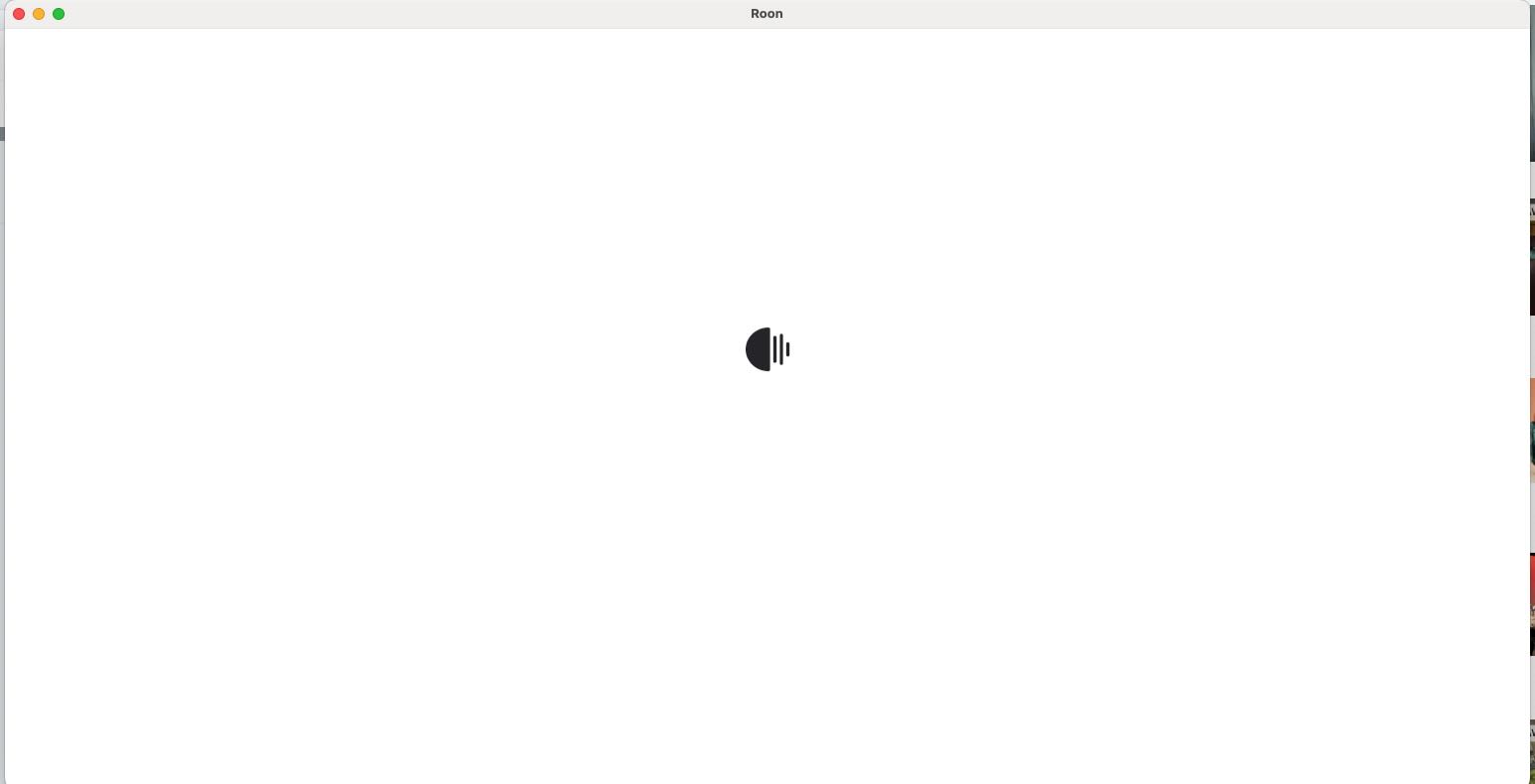
I have a Roon Server running on a pretty loaded brand new M4 Mac Mini and everything with the application had been fine, but recently it sits and spins and I have to Force Close it. I Uninstalled Roon and Reinstalled, and still had this issue. At the current moment, I cannot get the Roon MacOS app to load at all. I submitted Logs last night.
Thanks for taking the time to write in, and I’m sorry to hear about the connectivity issues you are having with your new Mac!
The first place I’d investigate would be your Mac firewall - if you temporarily disable it, are you able to connect? It may be good to double-check you have the proper permissions for Roon and Roon Server - here’s more info:
Be sure to restart Roon and Roon Server (and potentially reboot your Mac) and let me know if you run into the same issue. Thank you!
We’ve been informed that you’re set up with a trial account - let us know how the above goes, we’d be happy to continue troubleshooting things with you!
We don’t offer phone or remote support, but we’ll be more than happy to assist you right here on the Community site.
Resolving issues here ensures our entire team — including Support, QA, Developers, and Senior Staff — can review and contribute to the discussion as needed.
From the email history, we only see a request to extend your trial period to address the issue with firewall exceptions. Could you please confirm whether you’ve been able to review your firewall settings?
Additionally, please let us know the macOS version currently installed on your Mac Mini.
Have you also been able to upload the logs we requested in the previous topic?
You can either try moving to the EA build or wait until these changes are introduced in the production build. More information about the Early Access program is available here: Roon Early Access Program
For macos it says in Test Flight that the builder removed it. Guys, this is crazy, I just want a functioning system and I paid for a year or whatever for nothing.