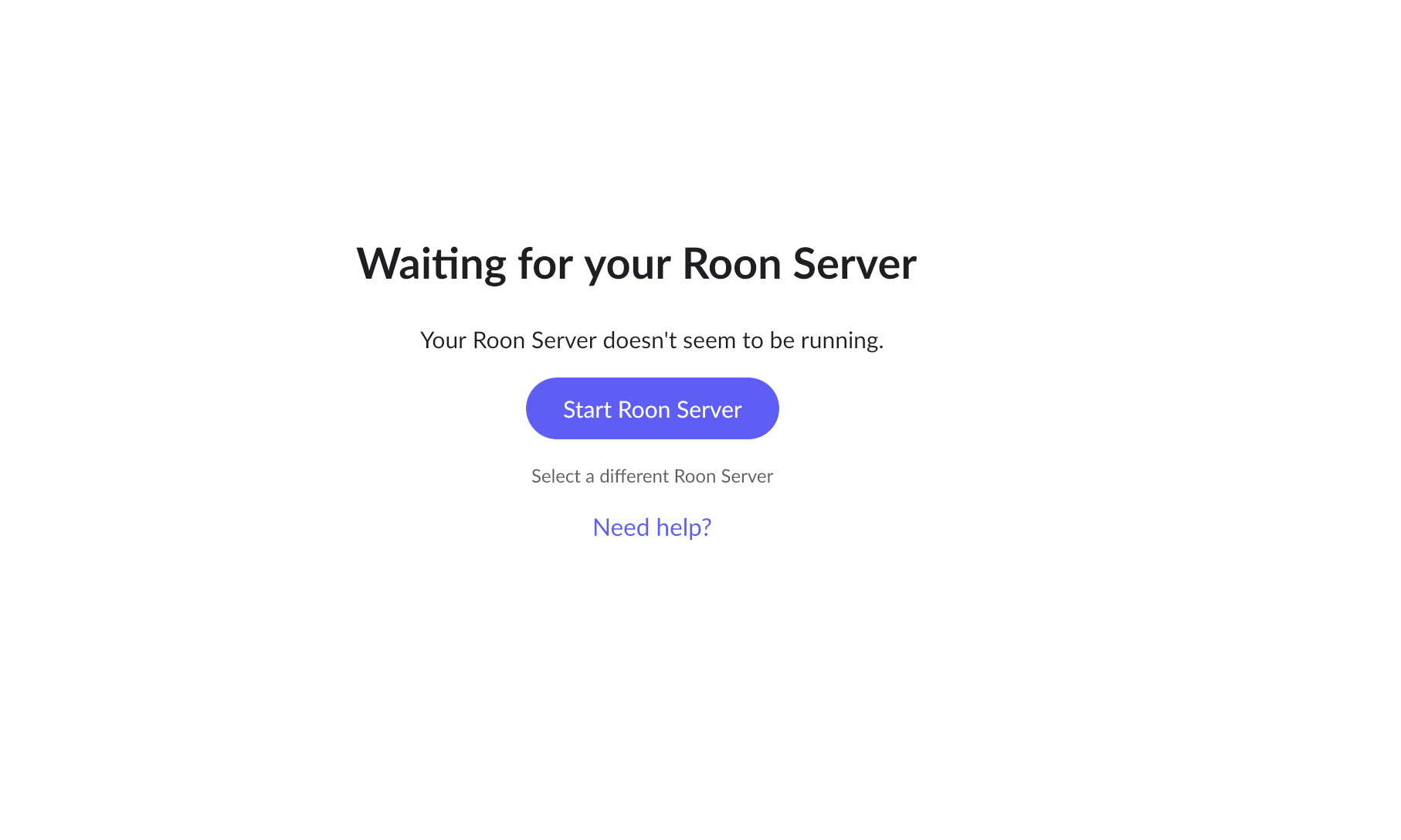
Since the last update, Roon does not start anymore. It’s trying to look for the Roon server (which is in running state, on the same machine - Mac). I tested all suggestions in the community forum around this issue and nothing worked. Roon is currently not usable due to this update. Reinstalling the latest downloadable version and temporarily removing the Roon and RAATServer library directories has not helped either.
Unfortunately none of the supposed solutions work.
The server appears to be running fine, but the client cannot connect to it/find it.
Waiting and then selecting the local server again yields no results.
Considering the numerous similar cases that have been posted here immediately after the update was published, I think you probably want to look into a patch update that resolves this issue.
Apologies for the delayed response here, I was doing a review of cases from last year and I noticed we missed your post here. Are you still having this issue even on the latest Roon version or has there been an improvement? If you’d like to try to reinstall Roon completely, please see the below instructions:
I previously did try to reinstall a couple of times, including deleting all folders without success.
I since have stopped using Roon. Might come back in the future but for now don’t want to spend more time on this.