Is the Nucleus showing up after pressing the Configure RoonOS button?
· Yes
We can try to reinstall the Nucleus Operating System via the [Nucleus Web Administration Interface](https://help.roonlabs.com/portal/en/kb/articles/nucleus-web-administration-interface) to see if this clears the issue up.
· false
Please try to reboot your Nucleus
· false
Please try rebooting your network equipment
· false
Nucleus Factory Reset
· false
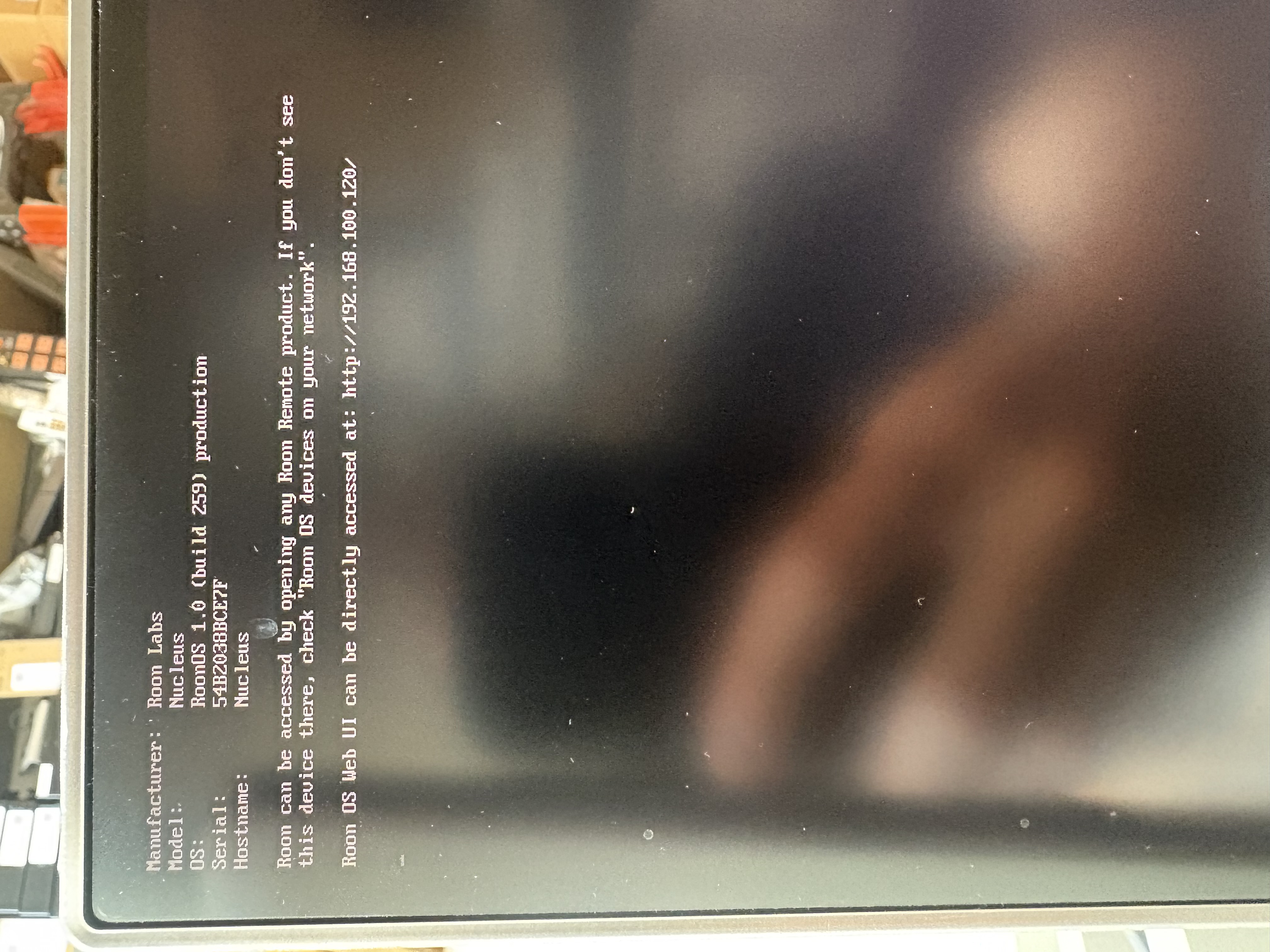
The Nucleus HDMI output can provide very useful diagnostic information. This process will involve connecting the Nucleus via HDMI to a TV or monitor and then checking to see what is being displayed.
· Yes, I am willing to try the HDMI test
When you plug in the HDMI cable to the TV or Monitor, is there something being displayed on the screen?
· true
On the Nucleus HDMI output, what do you see?
· "Roon OS Web UI can be directly accessed at [https://xxx.xxx.xxx.xxx/](https://xxx.xxx.xxx.xxx/)" and the address is NOT http://169.254.XX.YY/
In the Roon app, please try to click on the "Select a different Roon Server" button. Are you able to reconnect to Nucleus from the list?
·
Describe the issue
Roon Nucleus not connecting. The device tells me status is fine on web gui, HDMI output looks okay and it is getting valid IP address on my network.
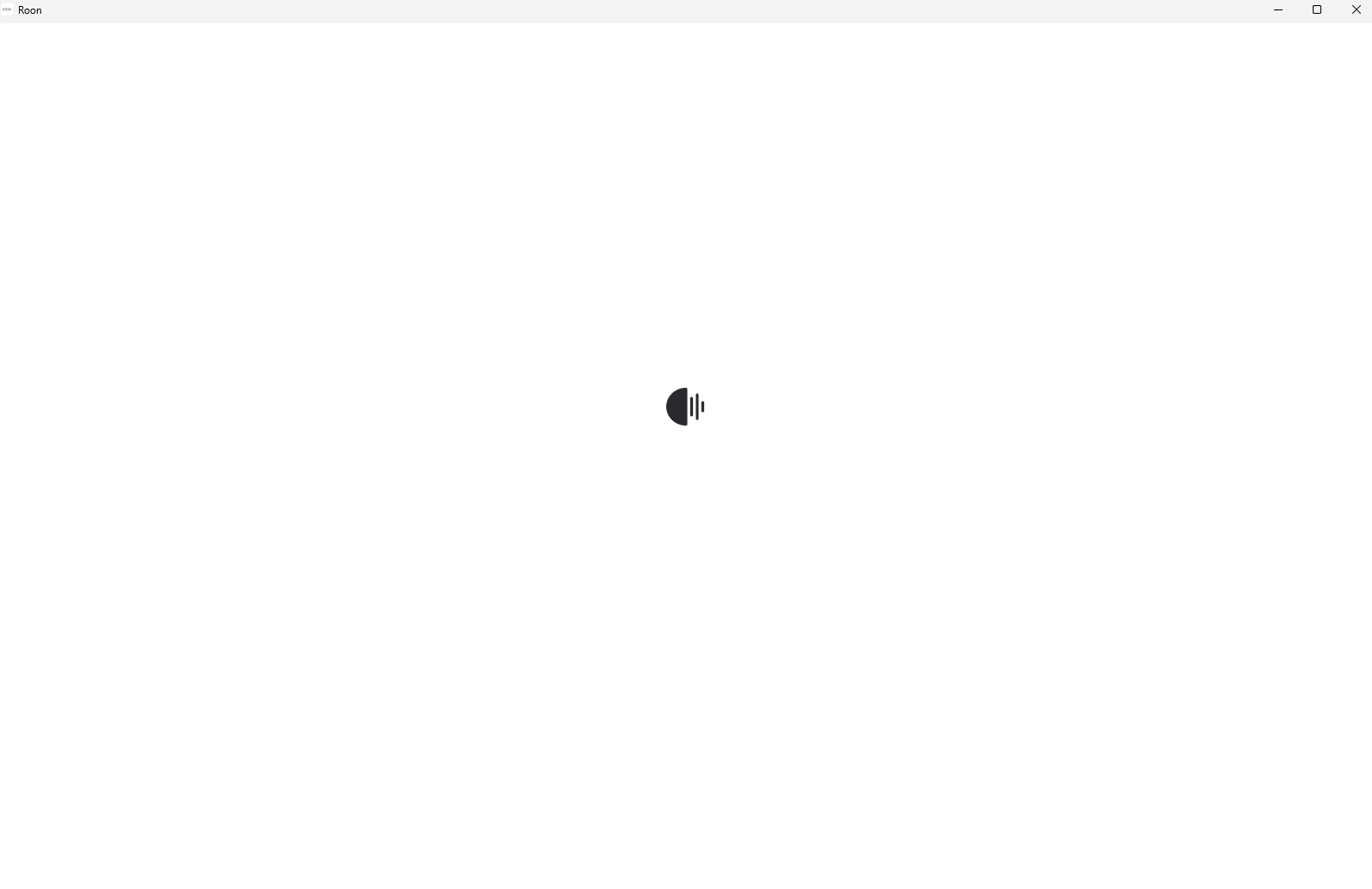
When I select the Nucleus to connect in the roon app, I get stuck on a loading screen and it maybe connects one out of every 10 times. Even once connected, which happens infrequently, it cannot see any of the audio output devices on my network (all of which work fine independently).
To make sure it was not my Network configuration, I tested it on a different, small local network but the issue has persisted. I have tried multiple devices with the app, reinstalling the OS on the Nucleus etc.
I am at a loss and wondering if anybody else has seen the same behavior and has some insight. The unit is only 3 years old and was barely used previously.
According to your pic the address for the Nucleus is 192.168.100.120 have you tried the web address displayed on the screen you posted in a web browser and does it pull up the Nucleus Web UI?
you tested the IP address with a PC and it too is directly connected via Ethernet
What is the OS? I’m going to use Windows as I’m not sure of the Mac equivalent.
When you start the Roon software on that PC, what happens? Can you post a pic?
If it doesn’t connect some things to check..
Check to make sure you’re network is Private and not Public. If it is Public, change it to Private and try again.
Temporarily turn off Windows Anti-virus and try again. If it works, then turn the anti-virus back on, and you will need to set exemptions for Roon in that service.
Hope that helps, btw, just a fellow user offering advice, not official support.
So yes everything is directly connected via ethernet.
For the OS I am talking about the Roon Nucleus OS itself. I have tried re-installing this from the Web GUI but no luck there as well.
I am having the same issue both when launching Roon App from my Iphone and also from my Windows computer - so I don’t believe it would be a setting issue with either of my machines I am using to connect.
Network is private.
Attached is a photo of the issue - it is literallly just the loading screen not going away after I select Nucleus from my list of Roon servers on the app.
Thanks for writing in and for sharing your report! @Rugby is spot on with next troubleshooting steps. You’re in good hands here!
I also wanted to mention you may be running multiple local subnets within your local network. If you access your router settings > devices list, do you see different IPs across your devices?
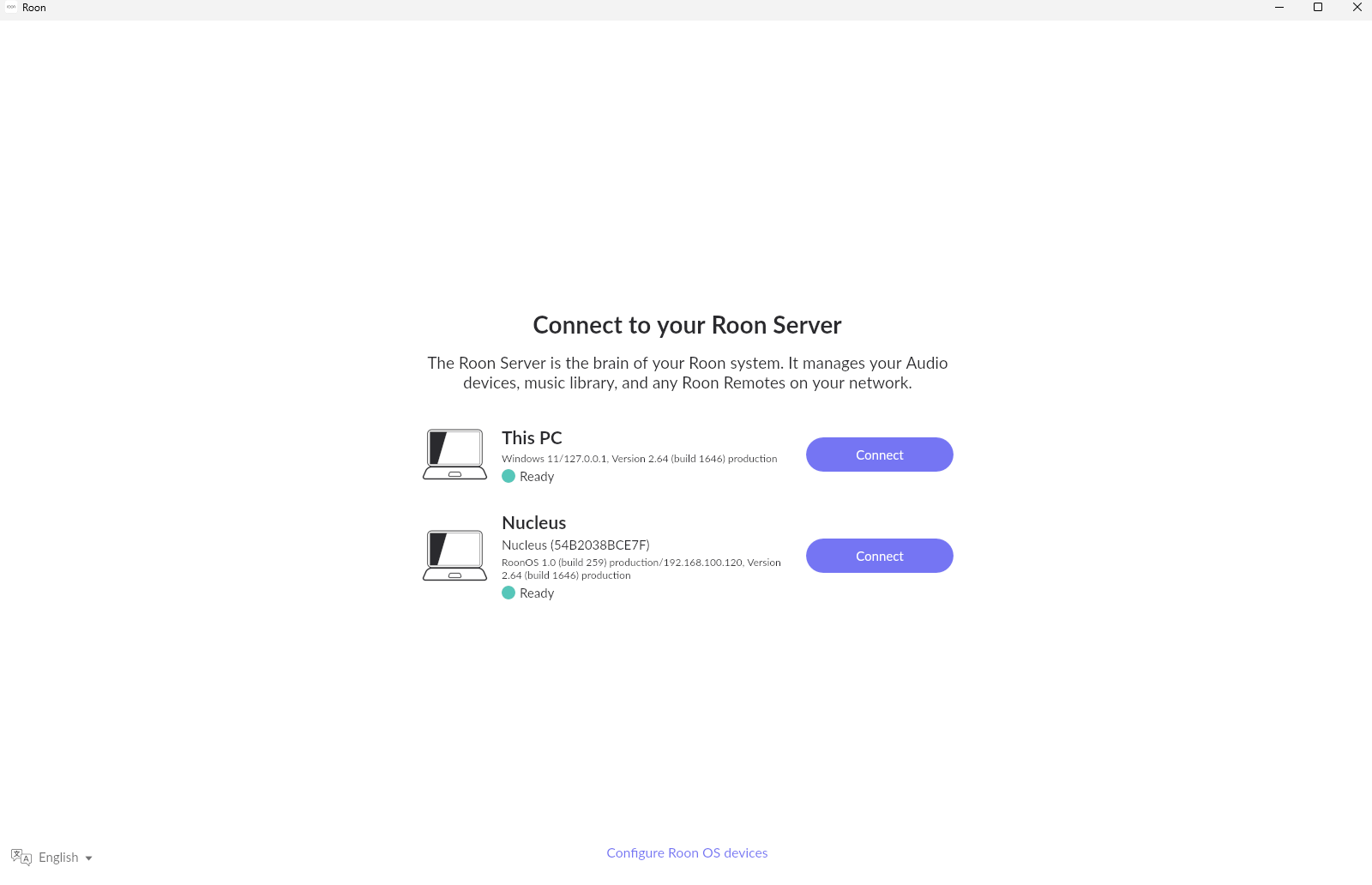
I’ll bow out now that Benjamin’s here, but, if you are getting that screen listing two RoonServers, that means you are running a Roonserver ON your PC as well as the Nucleus, you should really not run any servers that are not being used. (Note Roon the application is NOT the same software as RoonServer, although both are installed).
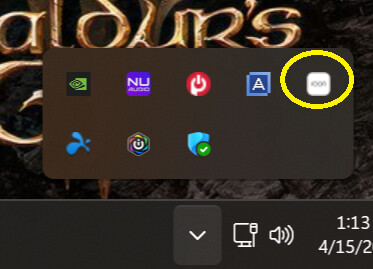
How to do that …
On your Windows PC go to the Notification section and find the little Roon icon. Like this..