Thank you for reaching out. A big thanks to BlackJack for stepping in quickly with the correct information!
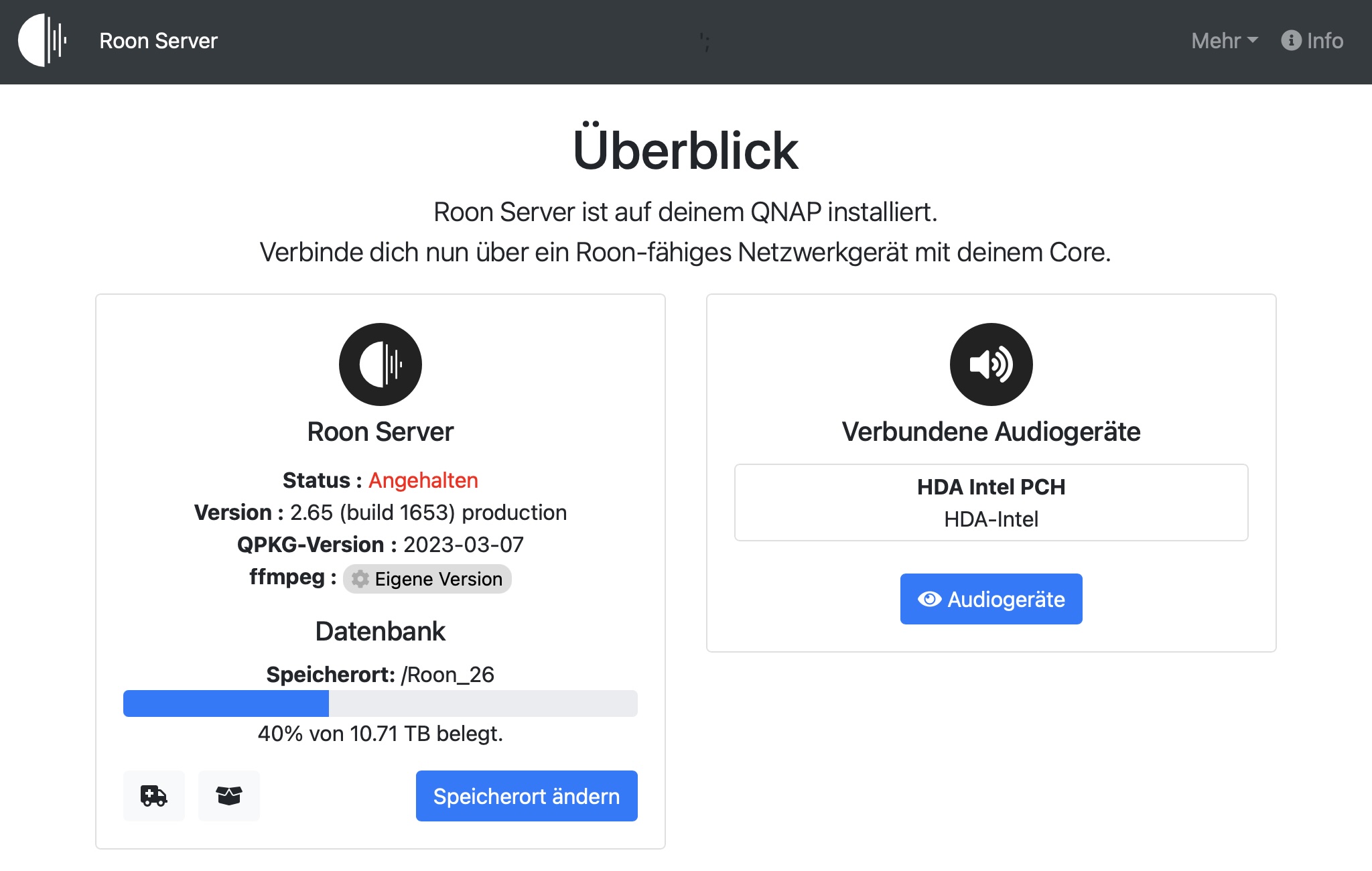
As mentioned above, the recent Roon update introduced new minimum system requirements. Because the native QNAP operating system relies on older software libraries that Roon can no longer support, the standard Roon Server package will no longer run and shows as “Stopped.”
To get your system back up and running, you will need to transition your Roon Server to our new, official Docker-based installation. Docker allows Roon to run in an isolated environment with all the modern libraries it requires, ensuring stability and performance on your NAS.
A quick tip for your migration: You do not have to start from scratch! Before setting up the Docker container, make sure you know where your previous Roon backups are stored on your NAS. Once the new Docker container is up and running, simply click the “Restore from backup” link on the initial Roon login screen to bring back all your playlists, metadata, and settings exactly as they were.
Please take a look at the guide, and let us know if you have any questions or run into any trouble during the setup. We are here to help!