Hi! What’s not quite right with Roon?
· None of the above quite fits
None of the above quite fits
· None of these quite match
Tell us what's going on
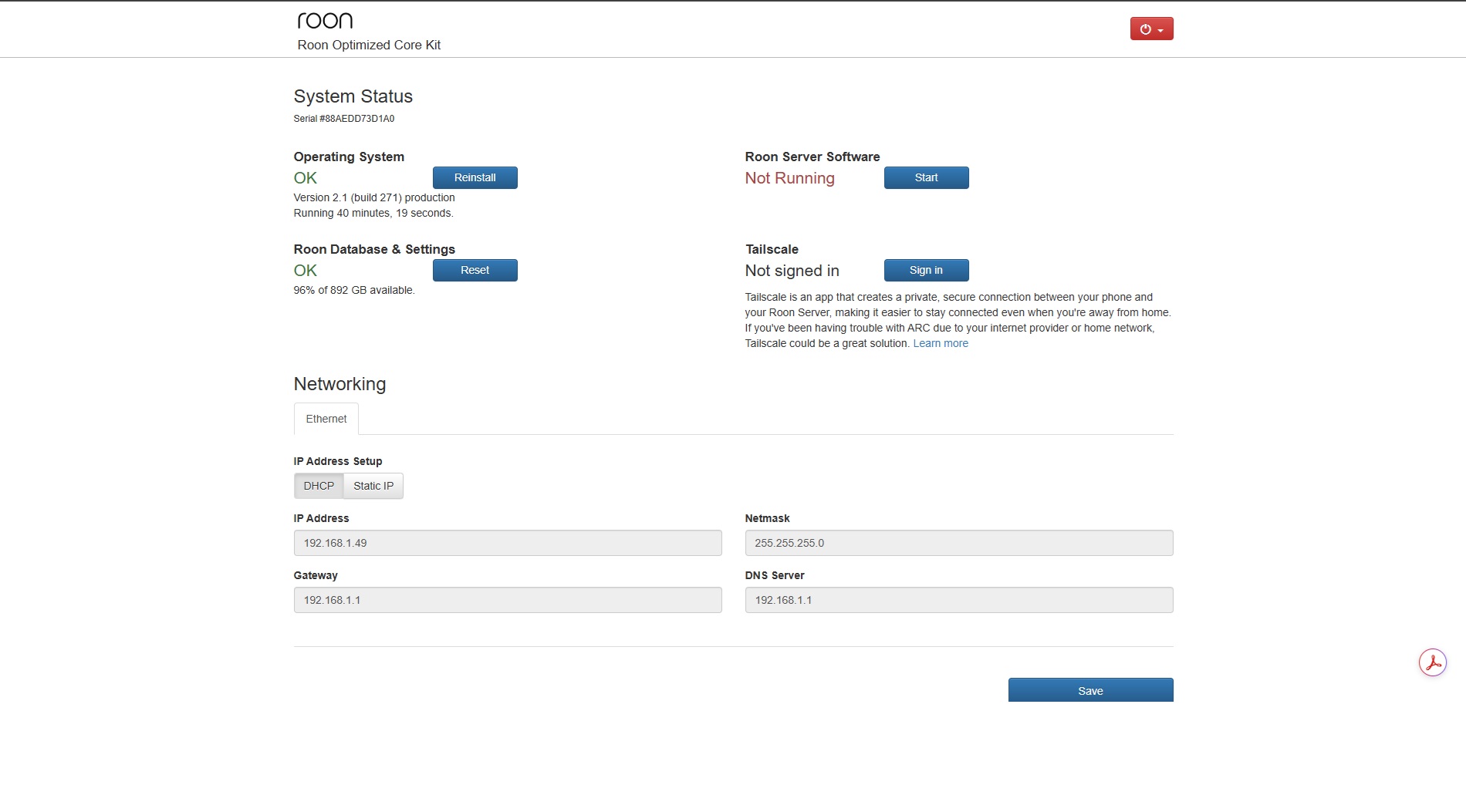
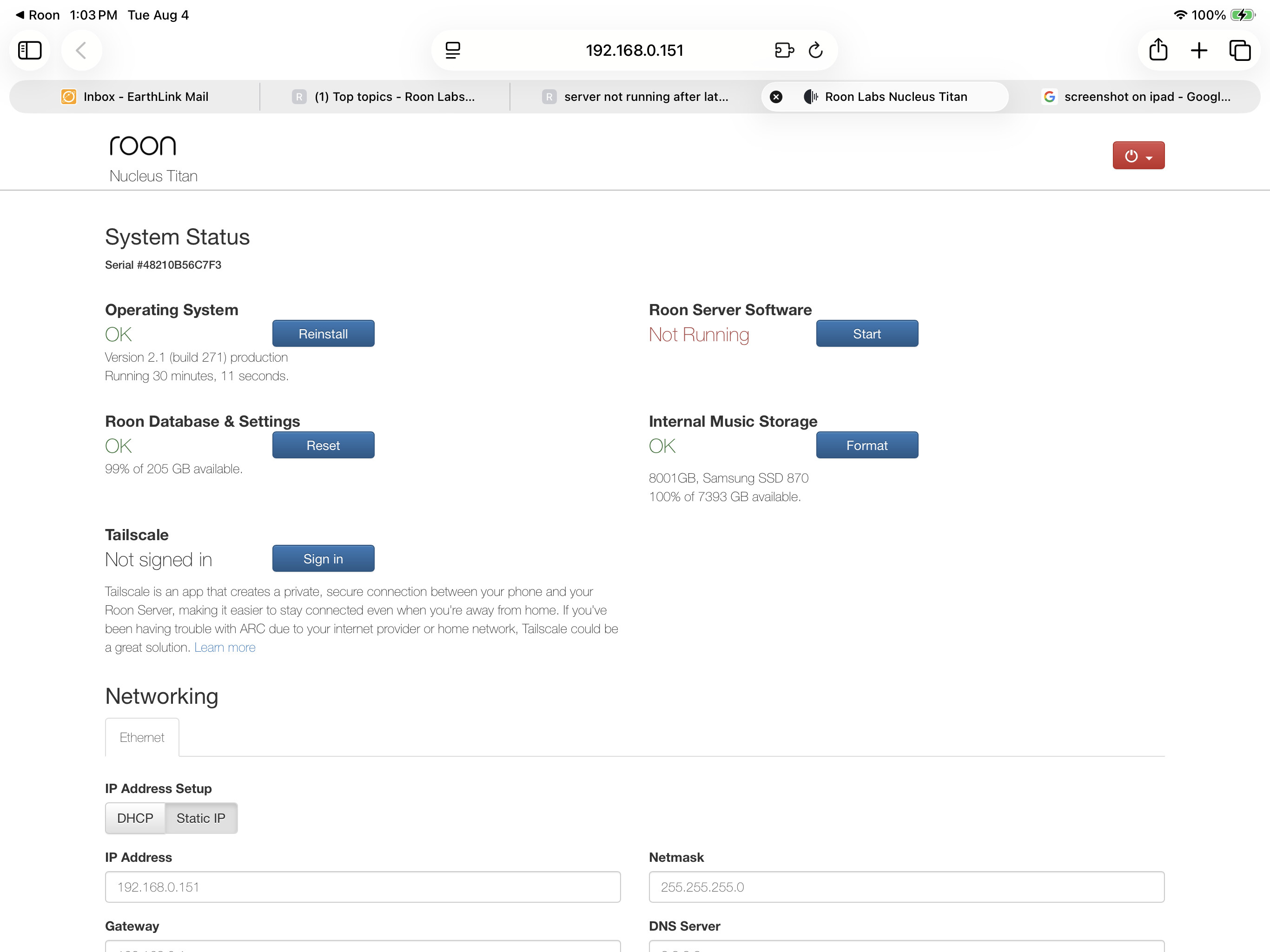
· Rock systems status reports server isn't running, but it is
Tell us about your home network
· NA

· None of the above quite fits
· None of these quite match
· Rock systems status reports server isn't running, but it is
· NA
· None of the above quite fits
· None of these quite match
· Roon server software not running with latest software and restarting does nothing as well as rebooting
· None of the equipment is the problem only the new software issued to day and the necleus titan
Hey @Michael_Gill,
Thanks for writing in and for sharing your report! Based on your account admin, we can see your Nucleus Titan running Roon Server is currently online and connecting to our servers properly, are you still having issues?
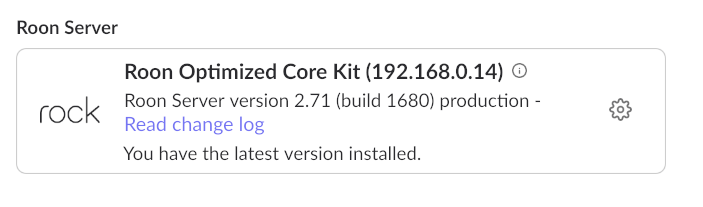
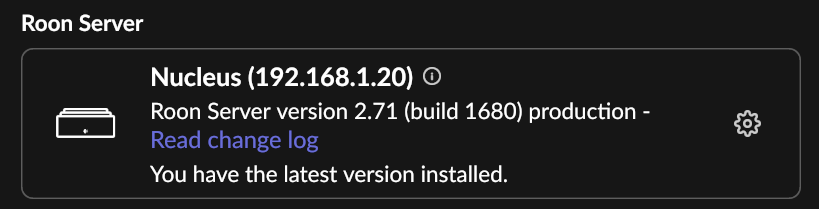
It also looks like your Titan is running the latest version of Roon as well, so I’d just make sure you update your Roon Remote devices as well.
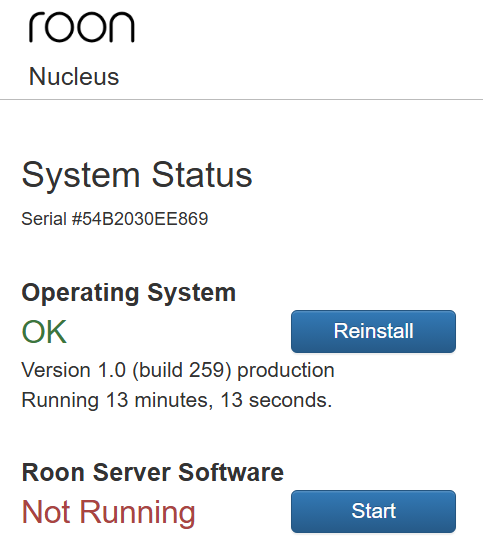
If you’re still having issues, could you please snap a screenshot of your Nucleus Titan webUI?
Here is more info on how to access the webUI:
You can also navigate directly to your device by entering one of the following in a web browser:
Thank you!
Hello @Olaf_Jungen ,
Thanks for reaching out. I’ve activated diagnostics for your ROCK, and it looks like you recently reset the database, which unfortunately also wiped the previous logs. Is Roon working as expected following the database reset? Do you happen to have the previous logs manually saved before you reset the database?
Yes I had this is issue with latest early release, went back to production with .bin file. But this issue was still there. So I did a full wipe and installed from scratch with USB install and backup. But the problem is still there. I wasn’t aware Roon Server was actually running at that moment. So in the end I could better wait with a clean install. Have to check if I have the logfiles. Will let you know soon.
I have found logfiles with the early release. So if you want them please let me know how because I am not allowed to attach them in this message.
Same problem here after installing new software update!
You can check my logs, same problem.
Same problem here. First time for me, as far as I know. It’s playing as if everything is normal.
@benjamin this is a bug in the web UI with the new version and it says stopped even though the server is running
Please put up a forum banner, there are already lots of threads being opened.
I’ve pinned the “tracking” topic … but a banner would be beneficial.
· None of the above quite fits
· None of these quite match
· Roon server software failed to restart. I rebooted the Nucleus as instructed and tried to restart the server software again and it failed again. Please advise.
· My Nucleus is connected via ethernet using a Melco ethernet switch. I have no VPN.
Did you try if it’s actually working? There is a bug in the latest update that makes the web UI show „not running“ even if it is.
See the pinned central tracking thread for this:
Thank you everyone for sharing your report of this issue. Our development team is taking a closer look and we should have more information to share shortly. 
Thank you so much. It is working. I would have never thought of trying that!
· None of the above quite fits
· None of these quite match
· ROCK status shows "Not Running" after update
· Asus NUC 13 Pro