-
Roon is not resampling anything in this signal path
-
You seem to be using the OS Mixer output. This means that the operating system will/can still do things at the stage after Roon can control it. Therefore, the OS Mixer output is always classified as “high quality”. See here:
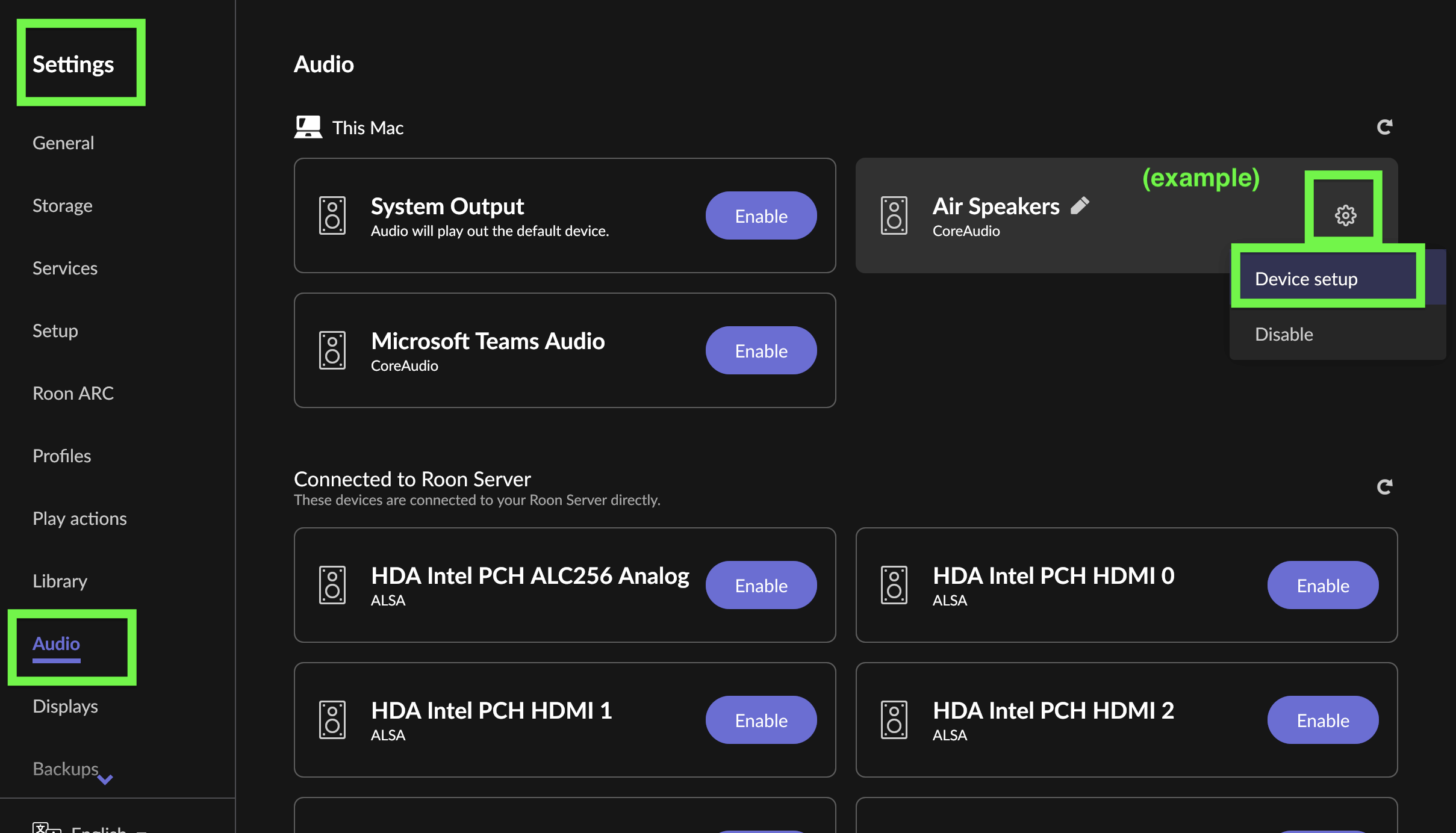
I think you need to enable Exclusive Mode for the output device. Go to Settings > Audio, click the gear icon for the device, enable Exclusive Mode:

In addition, Tahoe, did break exclusive mode in certain ways, in particular the device is lost when the sample rate changes. This is fixed in Roon’s Early Access version. You can switch to this for now or wait a bit until it is released in production.