Saved albums in Roon disappear after a few seconds (ref#7XG3G4)

Hi! What’s not quite right with Roon?

· None of the above quite fits

None of the above quite fits

· None of these quite match

Tell us what's going on

· When saving albums in Roon they show up for a few seconds and then disappear.
Albums saved in Tidal are showing in Roon after synchronized.
My Roon Server is updated with the last version and installed on Windows 10.

Tell us about your home network

· Telenor Wi-Fi Router i4882
No VPN and no switches or extenders.

Hello @Robert_Lidstrom

I think the next step here is to enable some diagnostics on your account so our technical staff can get some more insight into what’s going on here.

However, before I enable this feature, I’d like to ask for your help ensuring we gather the right information.

First, can you please reproduce the issue once more and note the time at which the error occurs. Then respond here with that time, and I’ll make sure we review the diagnostics related to that timestamp.

Hi,

I added Ghosts in the Machinery - Head and the Heart

at 2.20 PM local time (8.20 AM your time ?)

After one minute it disappeared.

Hey @Robert_Lidstrom,

Thanks for the update! We were able to capture the relevant information from the timestamp you’ve shared.

I’m curious, if you safely stop Roon Server from running, and then reboot both your server and remote devices, do you still run into the same issues?

There have been a few upstream services issues with our DNS provider, and it appears that it could be affecting connections to streaming services like Tidal and Qobuz.

Things appear to be clearing up, so we’re confident rebooting and clearing any stale cache may help.

We’ll be monitoring for your reply and results, thank you! :raising_hands:

I have tried to turn off my laptop and even delete my app from my IPad

but the problem is still there.

I have two icons on my desktop. Roon and Roon Server. How do I reboot Roon Server ?

Hey @Robert_Lidstrom,

If Roon Server is running, you’ll usually find a small Roon icon in the Windows System Tray (the area near your clock in the bottom right).

  1. Look for the Roon icon (it looks like a black and white square with a "pulse" logo). You might need to click the up arrow to show hidden icons.
  2. Right-click the icon.
  3. Select Quit or Exit.
  4. Wait a few seconds, then reopen Roon Server from your Start Menu or desktop shortcut.
Let me know if this helps! 🙏

The issue is still there.

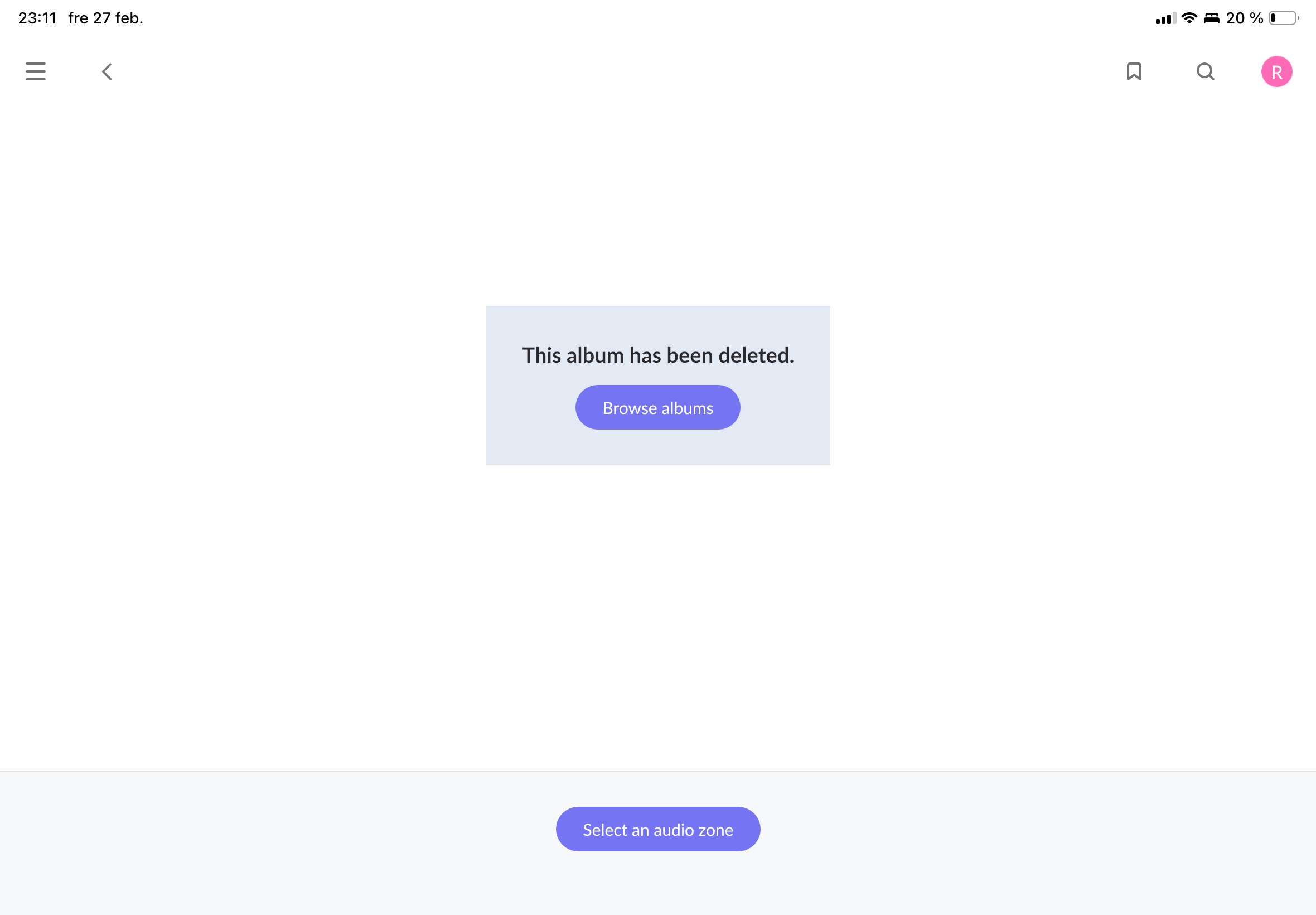
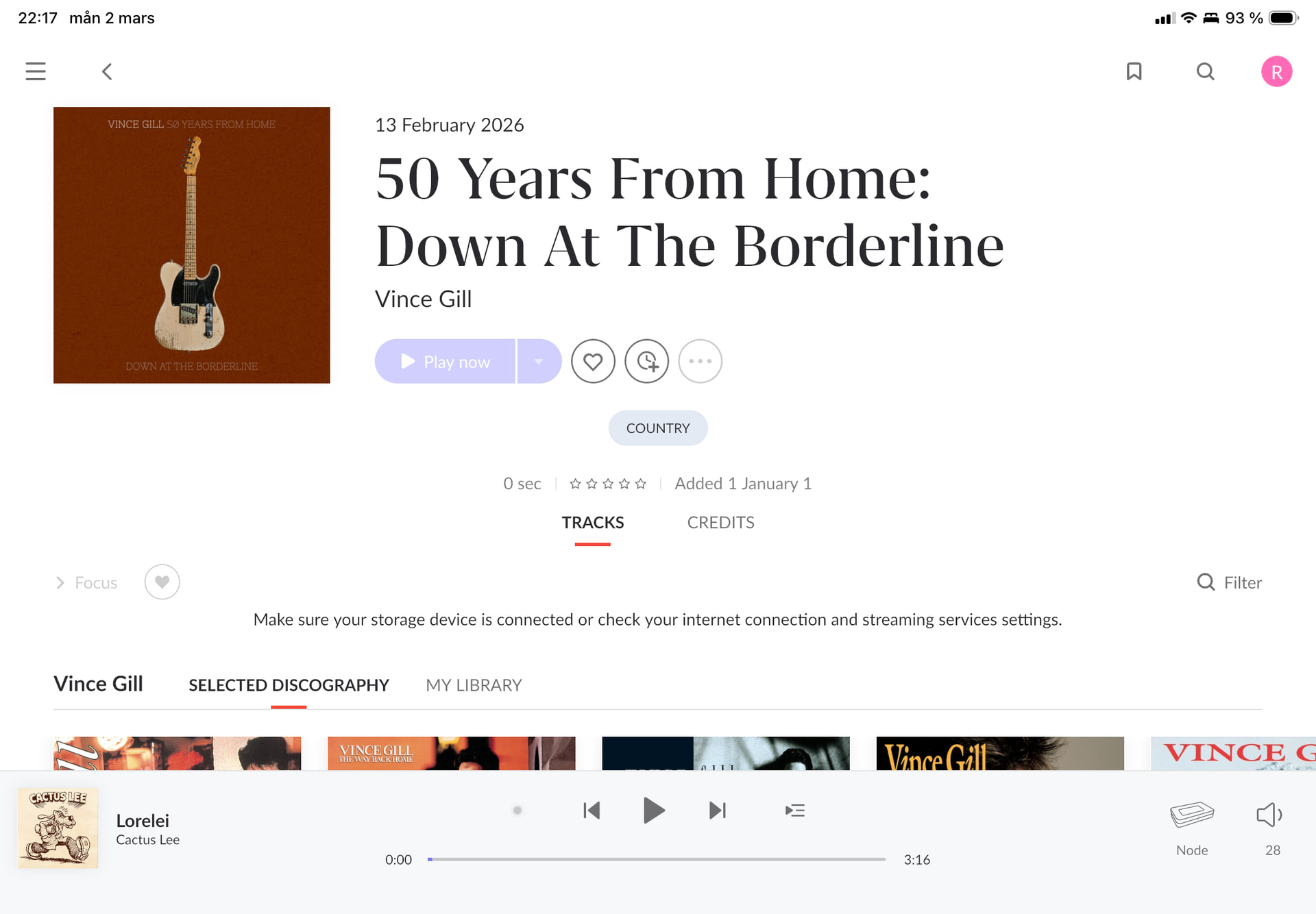
This time the album is sort of extinguished and grey as you can see below.

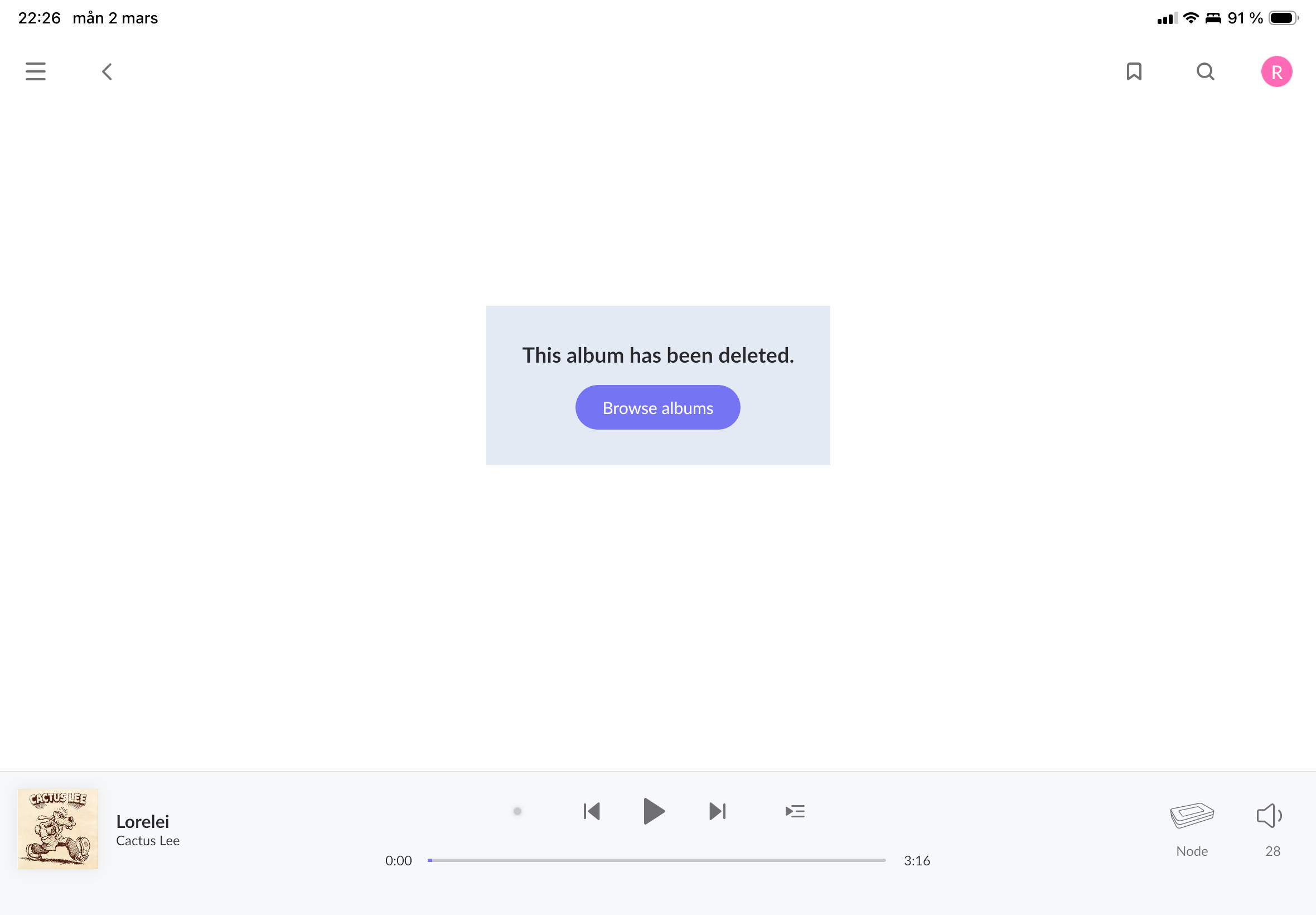
Other times I get this message.Just after saving the album.

Hello @Robert_Lidstrom

I’m hoping you could take two minutes to send us your corrupt database.

Here’s how you can perform this:

  1. Allocate the database folder.
  2. Zip up your Roon folder (right-click it and select “Compress…”):
  3. Submit the .zip file to us through our Database portal

After updating the database pleases let us know here.

Hi,

The zip file is now submitted.

Kind regards

Robert

Thanks @Robert_Lidstrom, we’ve passed this to our development team, who will take a closer look.

If you haven’t yet, I’d also update to the latest version of Roon across your devices and test to see if the issue persists.

Thank you! :folded_hands:

This topic was automatically closed 7 days after the last reply. New replies are no longer allowed.

Hi,

https://community.roonlabs.com/t/saved-albums-in-roon-disappear-after-a-few-seconds-ref-7xg3g4/316363

was wrongfully closed as I was waiting for your response regarding the database folder I forwarded last week.

Kind regards

Robert

I’ve merged your post into the original thread.

I don’t think that the thread was “wrongfully closed”… I see that @benjamin said that your zip file has been passed to the development team for further investigation. He will re-open the thread when he has news to share.