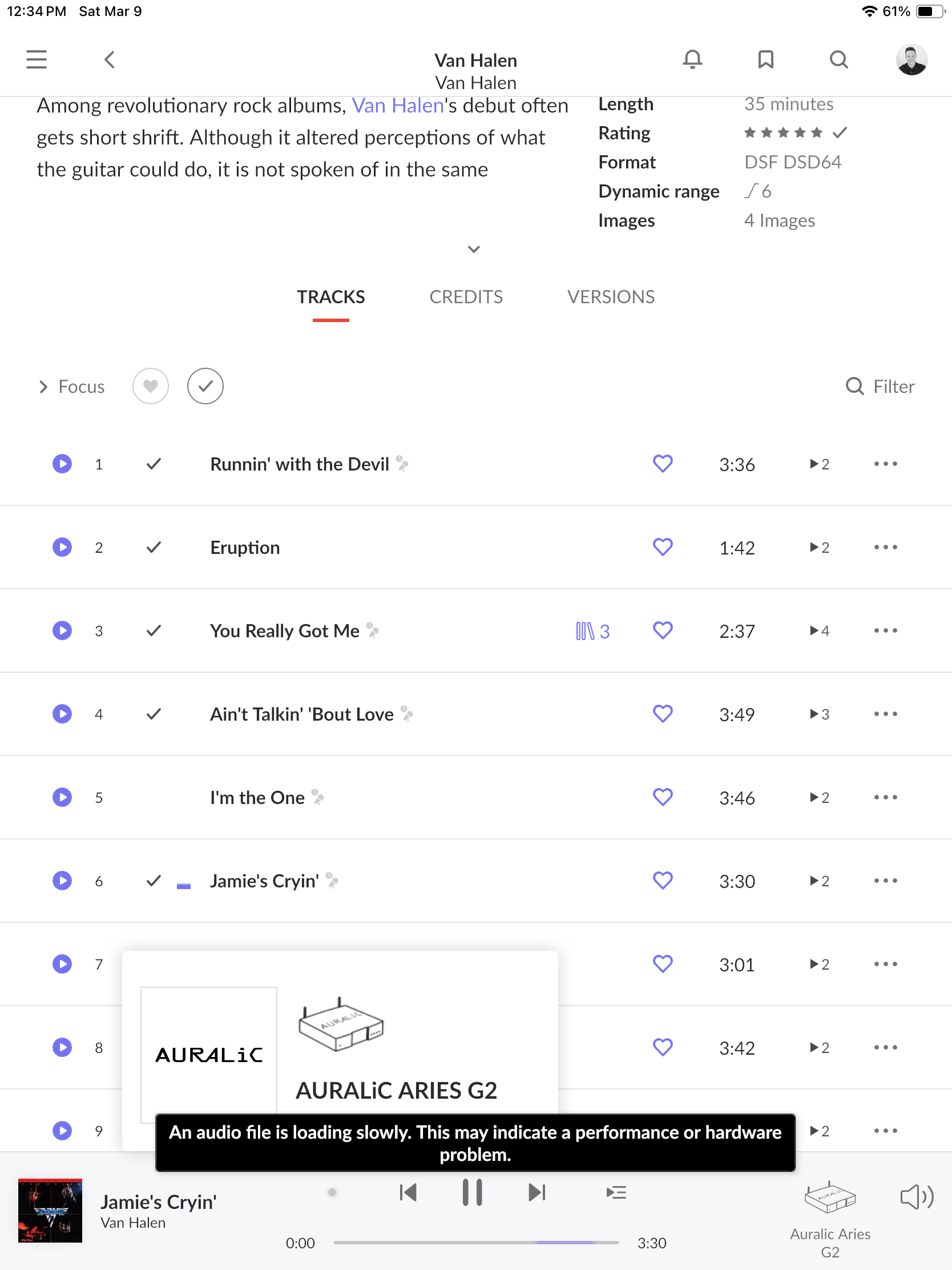
Every time I attempt to play DSD files of any bitrate, the file plays for a short time and then stutters and then stops with the error message “An audio file isolating slowly. This may indicate a performance or hardware problem.” And when I select the signal path of the DSD file, the Processing speed starts as high as 33x and then starts to progressively decrease down to 6.7-7.1x before the files stutters and stops completely.
Model: Intel NUC Mini PC Kit NUC8i7BEH Core i7 in a Asaka fanless case
CPU Specifications:
Total Cores: 4
Total Threads: 8
Max Turbo Frequency: 4.50 GHz
Processor Base Frequency: 2.70 GHz
RAM: 32GB
Networking Gear & Setup Details
Verizon FIOS 1 Gig
Verizon Router Model: CR1000A
Verizon Wifi Extender Model: E3200 located in upstairs office
Roon Core Machine connected to Wifi Extender via Ethernet
Connected Audio Devices
Apple MacBook Pro connected both wirelessly and Ethernet
Apple iPhone 12 Pro Max connected wirelessly
Apple 10" iPad connected wirelessly
Auralic Aries G2 connected wirelessly
Google Nest Hub connected wirelessly
Therein lies your likely problem. Roon cores rely on a direct Ethernet connection to your core switching / internet connection for reliable performance. It’s considered recommended practice to try this on a temporary basis in situations such as yours to rule out your WiFi uplink as an issue.
So i guess i have to move from upstairs office to downstairs into my a//v rack where my router is located? Seemed to have worked fine for the most part.
I should also point out that I only have this problem when I try to play DSD files on my Auralic Aries G2 streamer. All other endpoints such as my iphone, apple tvs, ipad, google smart displays, and my macbook can play dsd files fine. Weird.
As an update, I brought my ROCK NUC downstairs from my office upstairs and connected directly to my Fios Router via Ethernet cable. And I’m happy to report that all files especially DSD files now play fine with no stuttering or stopping on my Aries G2. Didn’t want to keep in my a/v rack, but now that’s it’s in a fanless case, I guess it’s okay. Thanks for everyone’s help.