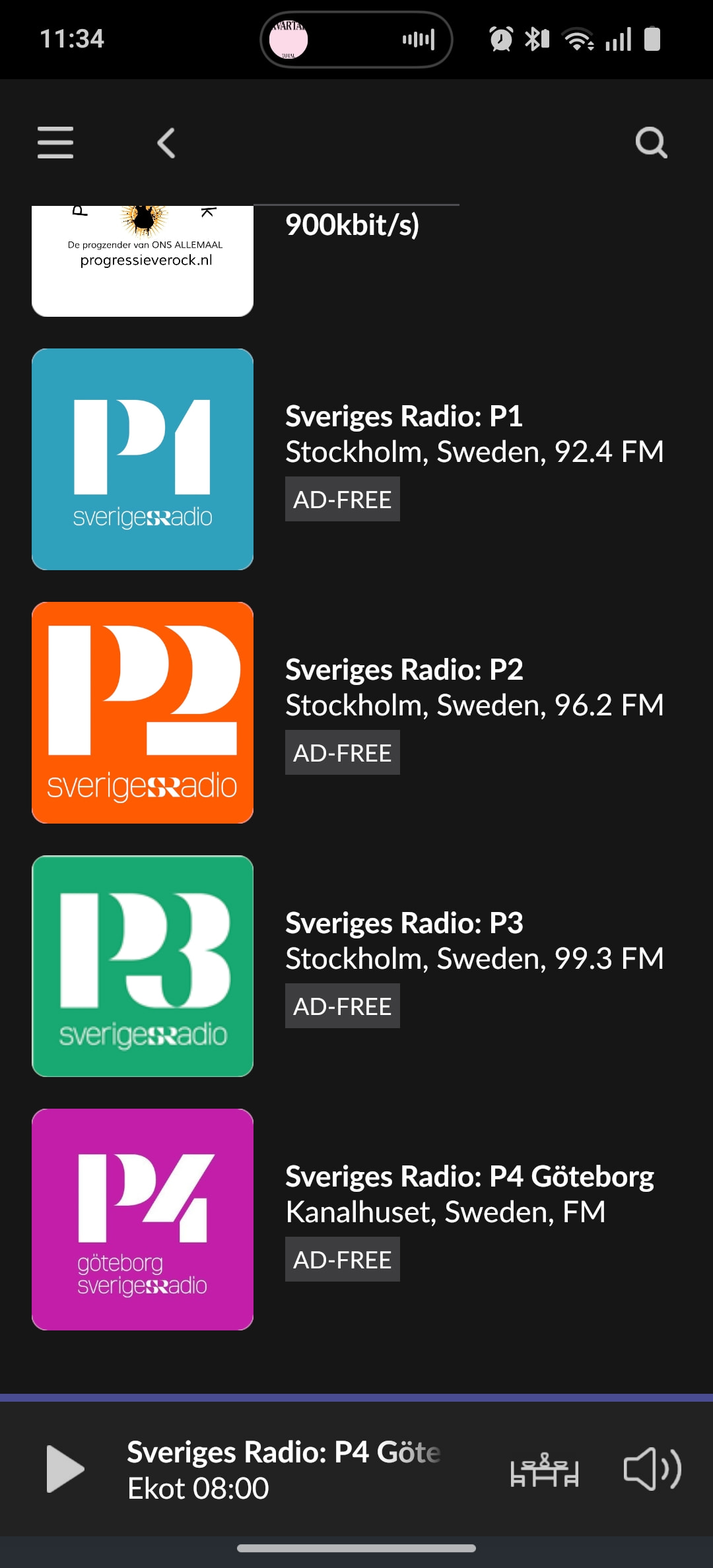
· Lately Swedish National Radio (Sveriges Radio P1, etc) doesnt stream more than a few minutes. This has been going on just before, and after latest updates of Roon. Have tried to remove and re-enter the stations and tried different resolutions, no change. Qonuz streaming works fine, excellent fiber network connection. These radiostations works fine on PC's and mobile devices on same network.
Tell us about your home network
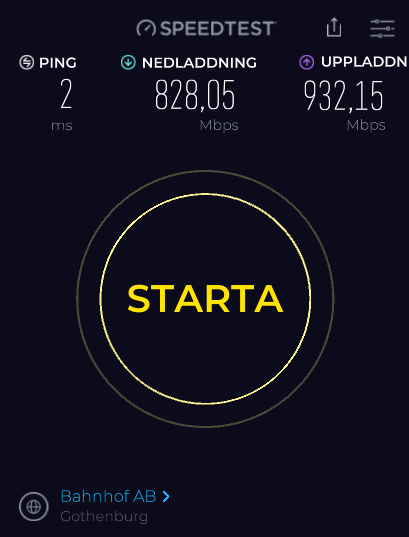
· Local 1gb wired network, WAN connection via fiber 1Gb/1Gb to Internet.
Which radio station are you particularly interested in? I ask because they use CDN to decide which stream to use for you (geographically nearest one).
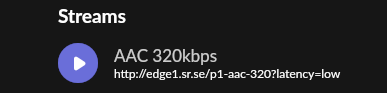
For historical reasons Roon uses edge1 directly, but I can add a different node for your stream and we can see if that improves things.
This shouldn’t distract from the fact that other services don’t fail for this station.
Thanks for the detailed testing. We’ve analysed your logs thoroughly.
We were able to reproduce the stream on our end and it played without interruption for 40+ minutes, which tells us the issue is not with Roon itself but with the network path between your location and SR’s streaming infrastructure.
What the logs show:
edge1.sr.se is completely unreachable from your connection (timing out on all bitrates)
edge2.sr.se connects successfully but the TCP connection is being reset every ~4-5 minutes
This causes the dropout cascade that kills the stream
Since this works fine from a different geographic location, we suspect a CDN routing or DNS issue specific to your ISP in Stockholm.
Please try the following:
Change your DNS server — try Google (8.8.8.8) or Cloudflare (1.1.1.1) instead of your ISP’s default DNS. SR’s edge servers are resolved via DNS, and your ISP may be directing you to a problematic CDN node.
Test with a VPN — connect to any VPN server (even within Sweden) and try playing the SR streams. If they play without dropping, this confirms the issue is with your ISP’s routing to SR’s CDN, and we can investigate further from there.
Please let us know the results of both tests, and we’ll go from there.
Sorry to hear you’re still having issues. Feel free to share a fresh track name and or date / time the next time playback stops and we’ll take another look.
I think the next step here is to enable some diagnostics on your account so our technical staff can get some more insight into what’s going on here.
However, before I enable this feature, I’d like to ask for your help ensuring we gather the right information.
First, can you please reproduce the issue once more and note the time at which the error occurs. Then respond here with that time, and I’ll make sure we review the diagnostics related to that timestamp.
Ok, im not able to provoke this to happen as it is very intermittent. How do I enable logging?
I have started playback no on my Office PC zone and will let it play on.
The issue sometimes appear a short while, and it starts playing again, but sometimes it stops playing and the player goes into stop mode, and I have to manually restart playing. Then it can take up to a minute to play again. That is regardles of which of the different bitrates I choose.This has been an issue during the last three updates.