Roon originally resided on another server, I sold that--and forgot to back up my Library of flac files loaded on the other server. Bought a Nucleus Rev. b and another Streamer. How do I get a copy of my flac files that resides on my Windows laptop/ext USB drive on to the Nucleus. I have read day's worth of Roon's help threads and notes and cannot find the help I need.
As a long time account holder I am asking for some direct help, avoiding more research and time.
I can add any details necessary. Previous server was Linux based and used squeeze box..I see a file called vortexbox, but since the other server doesn't exist I can't access it.
If you are trying to copy your files to an internal drive in the Nucleus you can open windows file explorer (Windows key + E) and then enter ‘\\nucleus’ in the address bar. You should then be able to navigate to ‘Data\Storage\InternalStorage’ you can the use fire explorer to copy the music files to this location.
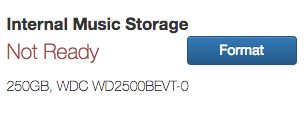
If you don’t see the InternalStorage folder inside Storage you may have to format the Nucleus internal storage using the Nucleus Web UI. On opening the Web UI at http://nucleus you should see an indication of the state of your internal storage (whether it’s formatted and if so how much space is available).
Alternatively, you can just connect a exFAT or ext4 formatted USB drive to your Nucleus and add the USB drive as a watched folder in Roon → Settings → Storage. This way you can use the copy of you files that you already have.
My usb already has the flac on them, would the formatting you suggest hurt those existing files?
Also, being technically deficient asuming I can format…this drive is a stand alone Toshiba ssd drive w/ usb pigtail.
Lastly are there any places where I can get screenshots of the windowsxprocess.
My flac files are so large…my cd collection pre ROON, that I can’t make another copy…they already exist on the laptop’s directory.
You can easily see how little I know-understand about the process…I need ROON for Dummies, seriously.
Any further clarification, you can offer or a way to get screenshots of the process/to get more information for more help would be extremely wonderful.Thank you again for taking the time to answer
Add images
would the exFAT route alo me to copy the files so they reside on the Nucleus
I still don’t understand how I can move the files on my external USB hard drive to the Nucleus. That’s the big problem for me. Anyway, I don’t understand what I need to do I have the flag files on the USB drive and I also have them on my laptop. I’m just trying to move them permanently to my nucleus.
To copy the entire contents of your USB drive to the internal storage on the Nucleus, you need to:
On your Windows computer, open a web browser (Edge, Chrome Firefox ect) to browse to the Nucleus Web UI at http://nucleus
Look at the status of your internal storage - is it formatted or not? If (and only if) it is not formatted, then format the Nucleus Internal storage using the button on the web UI. Edit: Not necessary because the OP has shown that the Nucleus internal storage is already formatted.
Use the Nucleus Web UI to stop Roon Server (don’t shut down the Nucleus).
Connect your USB drive with the FLAC files on it to your Windows Computer.
On the Windows computer open a file explorer window (Win key + E). Enter \\nucleus in the address bar. You should see a single folder item called Data. Open the Data folder and you will see a further set of folders. Open the Storage folder and then open the InternalStorage folder. You are now looking at the contents of the Nucleus internal storage SSD.
On the Windows computer, open another file explorer window and navigate to your USB drive
Select all files and folders in the explorer windows opened in Step 6 using CTRL+A. Drag the selected files and folders to the explorer Windows opened in step 5.
When the copying is complete, you can unmount the USB drive and disconnect it from your Computer. It is not needed any more.
Use the Nucleus Web UI (opened in the browser in step 1) to restart Roon Server.
The copying of your files to the internal storage on the Nucleus is then complete.
If you have files on your USB drive other than the media FLAC files, cover art images and sleeve notes, these should not be copied as part of step 7.
The stopping and starting of the Roon Server is advisable on any Roon Server (not just Nucleus devices) when copying large numbers of files to the Roon watched folders to stop the file analysis being confused by partially copied files and albums.
I’m sorry, I can’t accompany this guide with screen shots because I don’t have a RoonOS device to hand any more.
Well, the steps didn’t quite match up, but I muddled through them…it looks like the folder is in Roon but it didn’t transfer to the Nucleus.
It didn’t tell me whether the Nucleus drive was formatted or not. There are a few recent additions to run that are on the Nuclear so I assume that it must have been formatted to accept additions to my library… Some recent and some I just put on there to save them.
When I heard music that I wanted to keep. Tried to go back and verify redo any steps and now my laptop froze when I tried to move the FLAC files to more closely match your instructions.
Assuming you have not got any USB storage connected to your Nucleus, the only valid place to put your media files is in the folder at (with possible corrections to capitalisation):
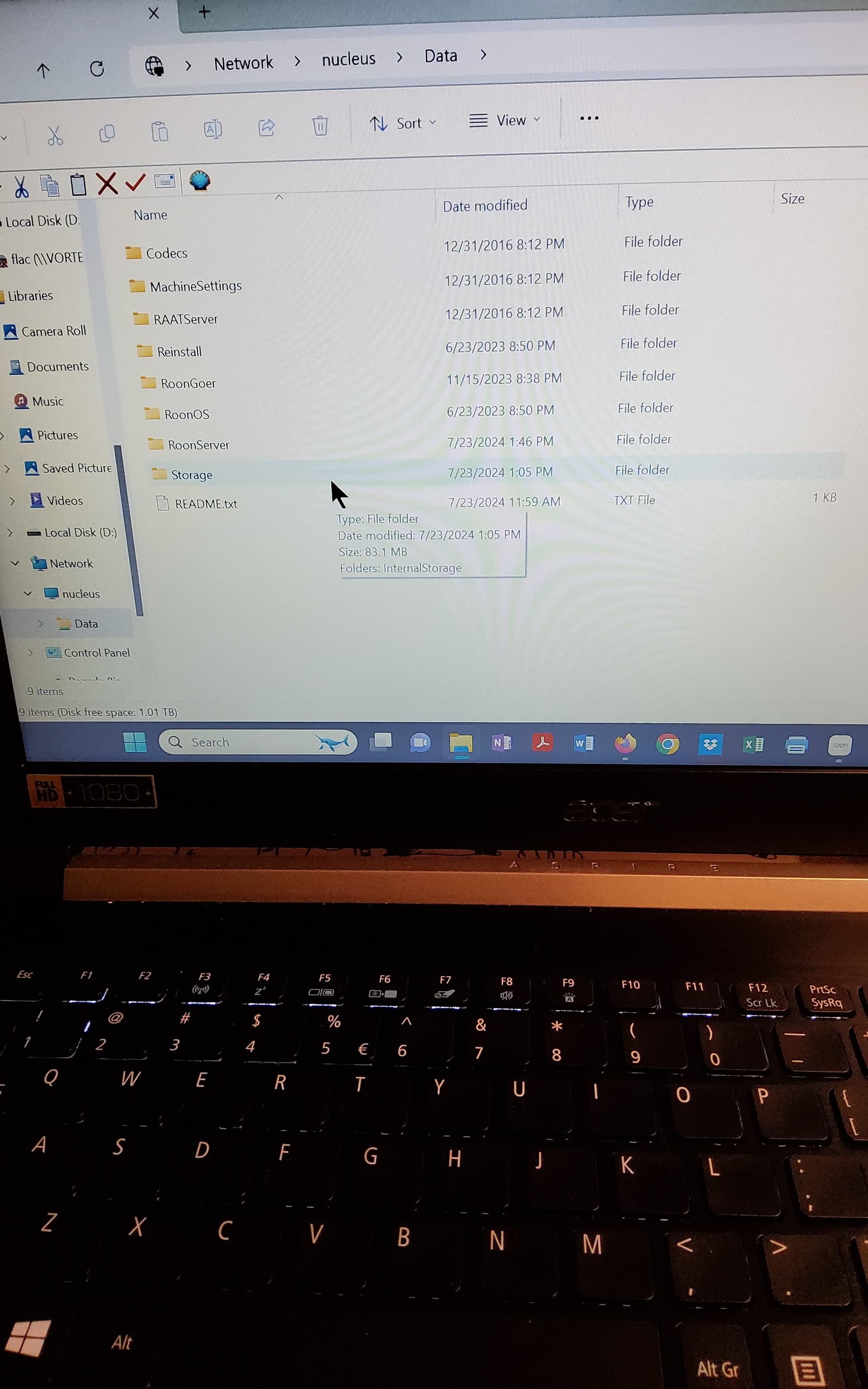
\\nucleus\Data\Storage\InternalStorage
copying files to any other location should not be done.
Can you post a screen shot of your windows machine when you open a web browser and go to http://nucleus
Can you also post a screen shot of your Windows file explorer when you open
You have to plug your drive into a PC and copy them over the network to the internal drive of the Nucleus. There is no way to plug the external drive to the Nucleus and copy them directly. As Wade has mentioned.
However, this copy can take a long time, especially if there is WiFi connection.
Alternative, I would suggest just using the current external USB drive. The Nucleus cannot make database backups to the internal drive, unlike a Windows PC running RoonServer. So, you will need to have an external drive plugged to do database backups, or, setup a network location on another PC and backup to that. The external drive is less hassle.
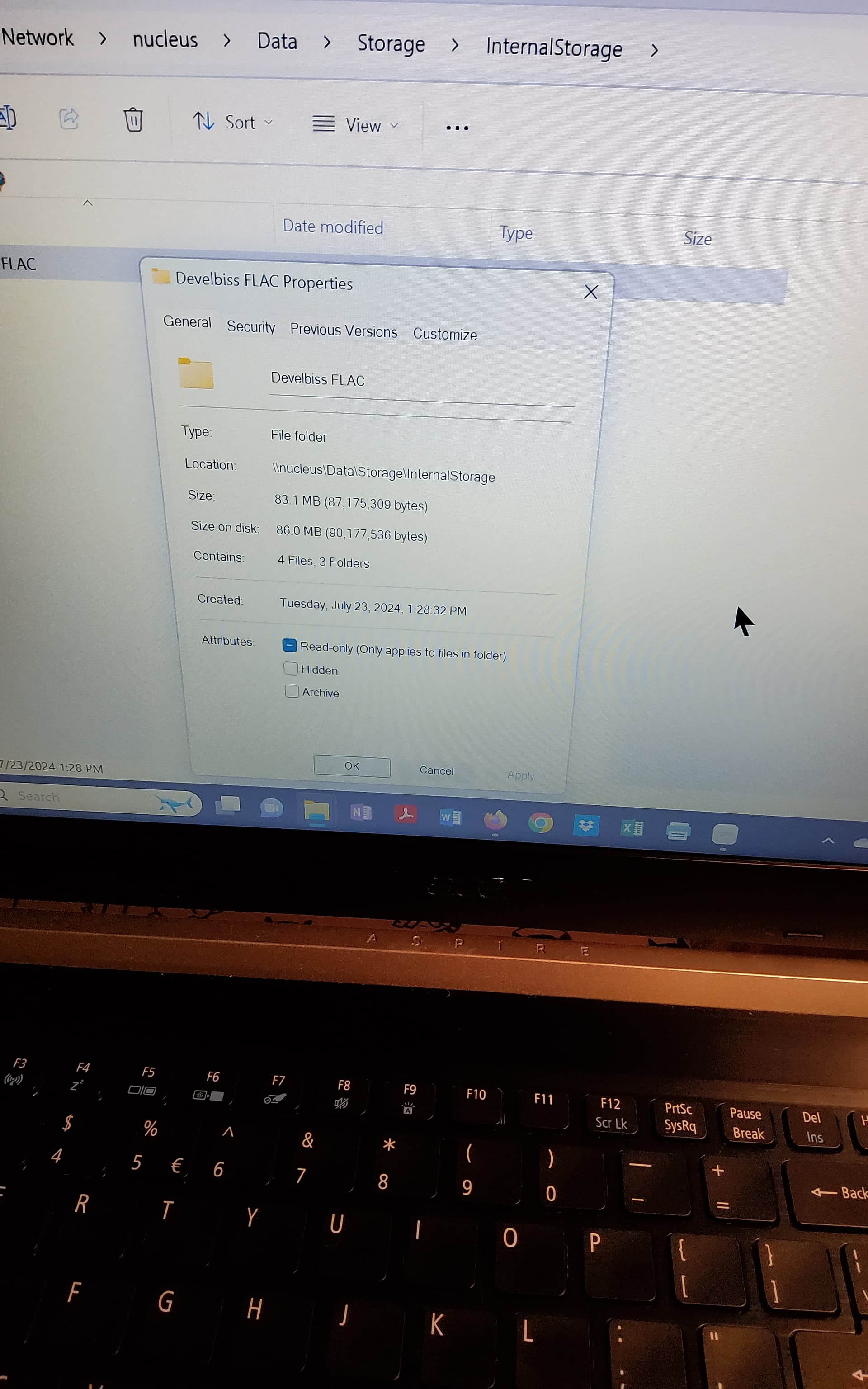
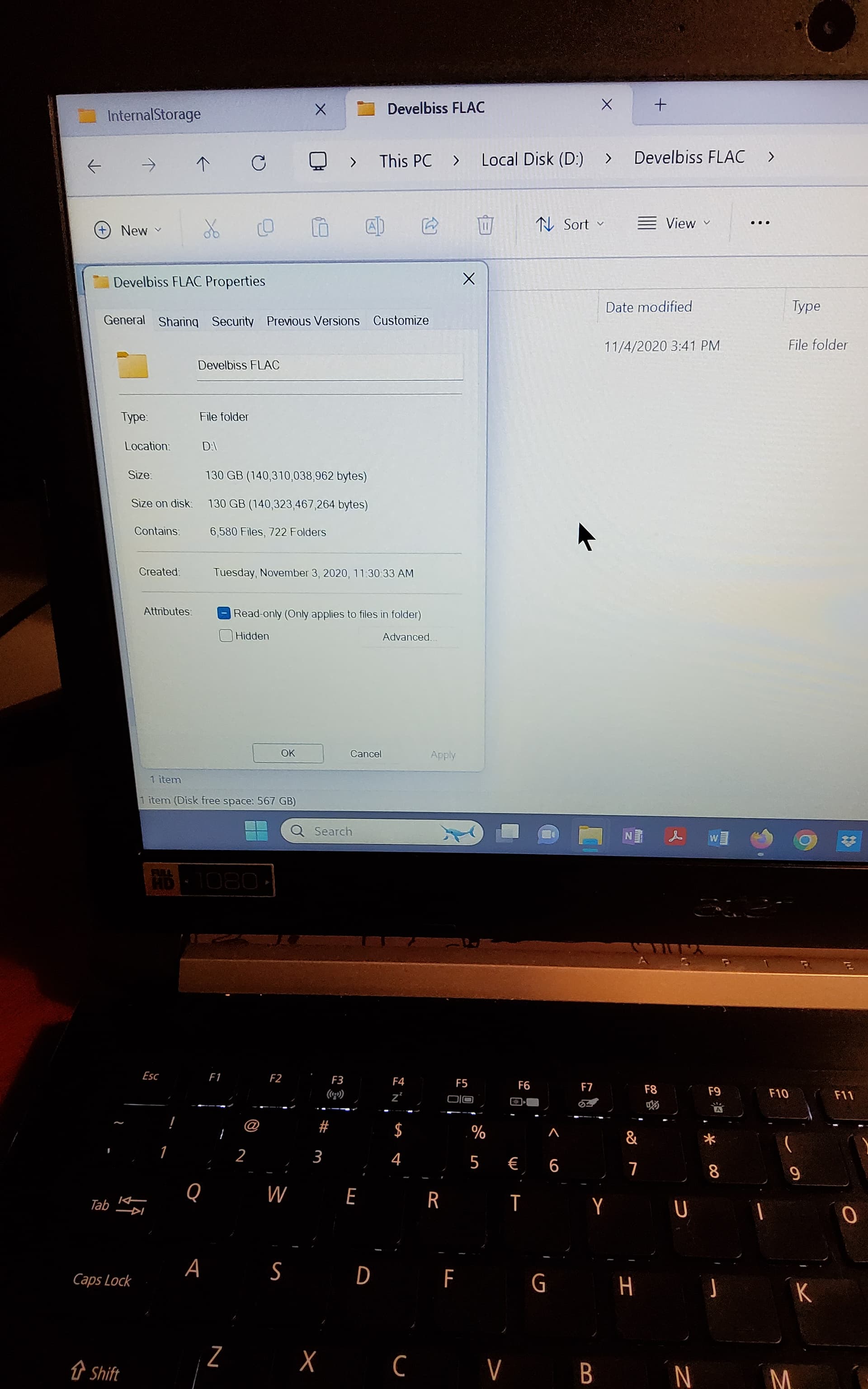
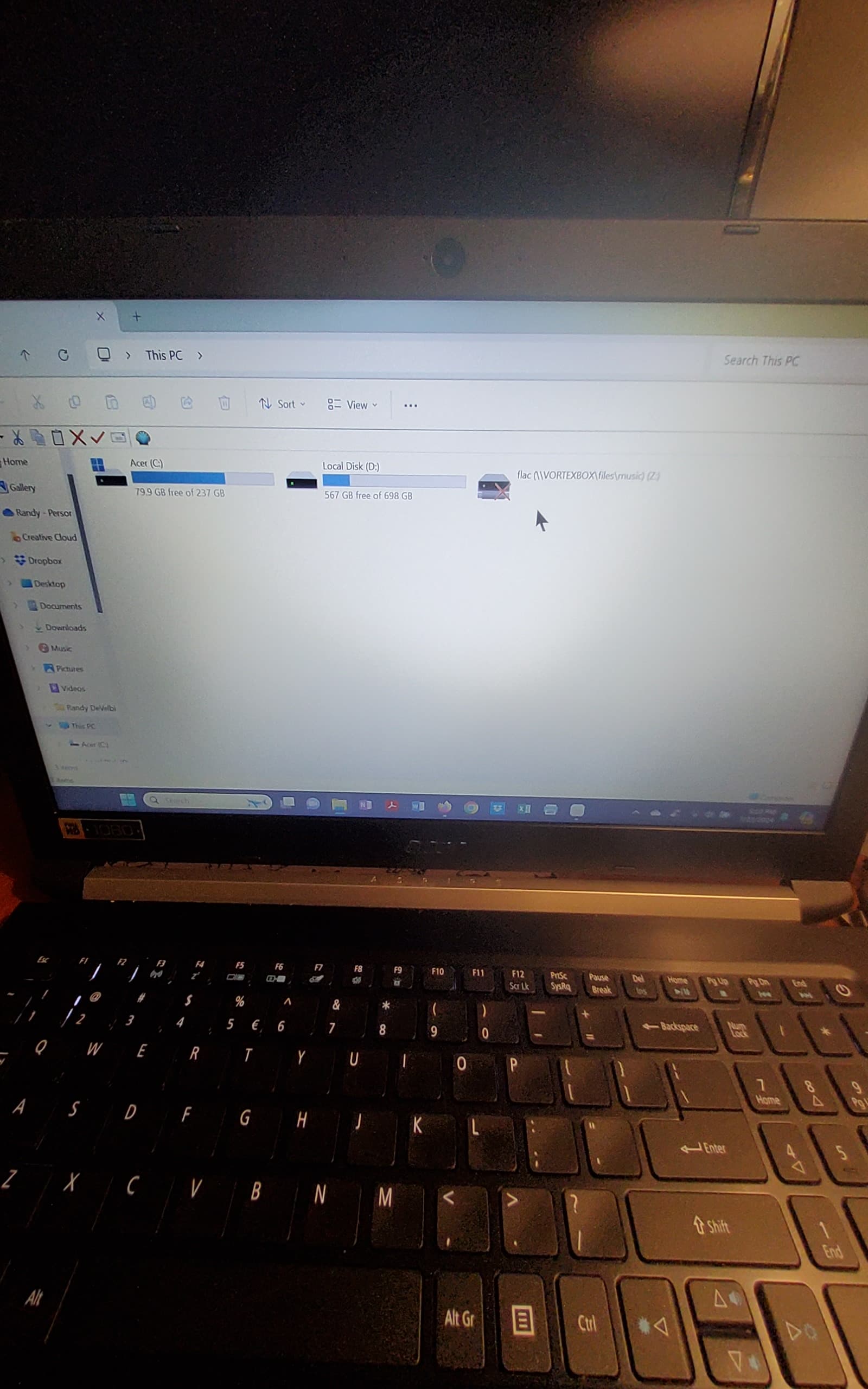
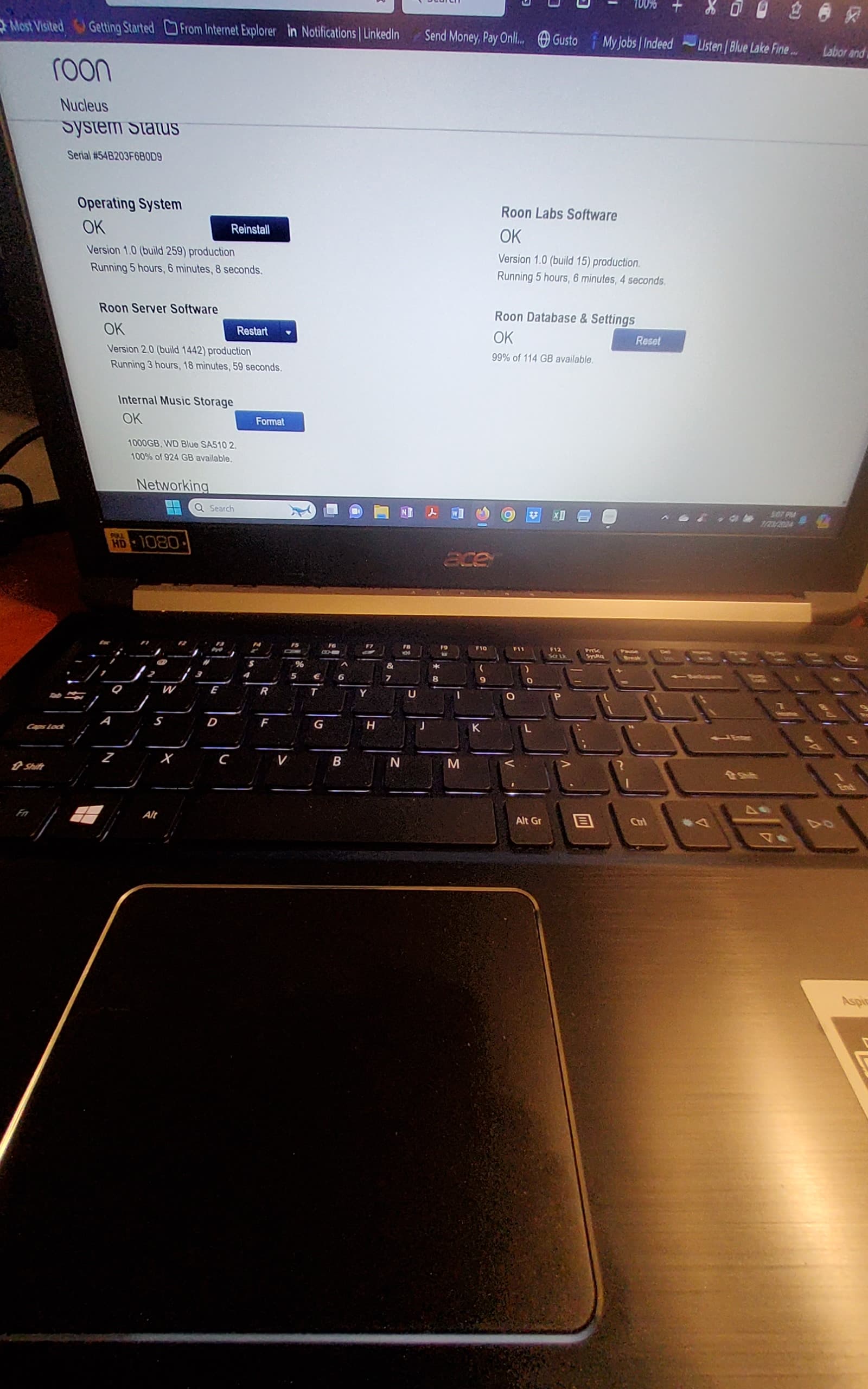
Here are the screenshots…2 things to point out:
1.The button from the roon ui, says to format, unless after doing so the button looks the same( that would be different that the others, but…
2. Notice the difference of the “develbiss flac” folders…one shoews 4 files, which were copied after my first attempt, and one with 722 folders that is the original on my d drive, that is the file I want on the nucleus.
This file/path/directory was on my previous server, a copy of the flac file I’m trying to copy to nucleus, I wanted you to have the complete picture of what this looks like in case there’s something I missing.Thank you so much again for all your help and patients.Hopefully, I can get this thing solved.It’s driving me crazy
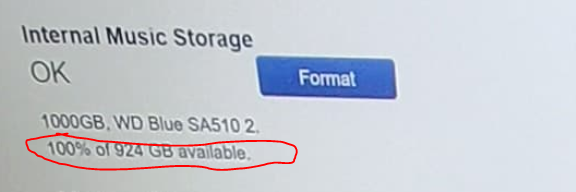
According to your last screen pic, you have a 1 tb WD blue drive that has been formatted. And yes, the button will not change. If you look under the drive it is showing OK, which means ready to use, and I’ve circled in red, that 100% of the drive is available for storage. That percentage will go down as you copy data to it.
It is recommended that you turn OFF RoonServer while you do the copying. Otherwise, the server will be trying to identify the music while the copy is in progress. The down arrow by the Restart button under Roon Server, has an option to Stop.
When you are done copying and verified it has copied everything, then turn it back on.