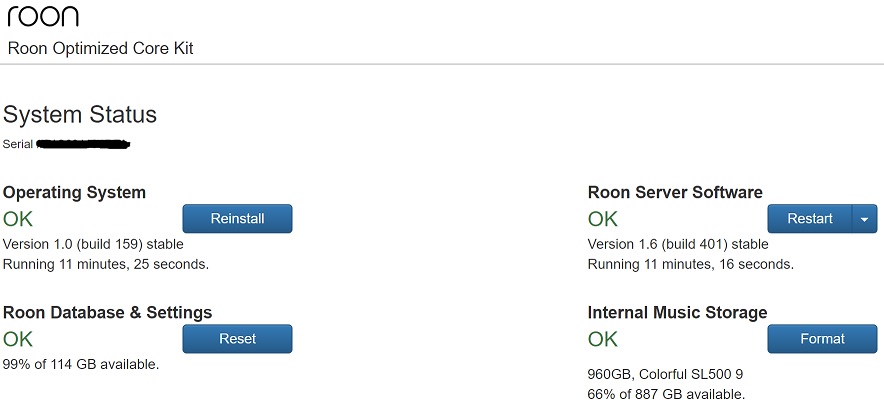
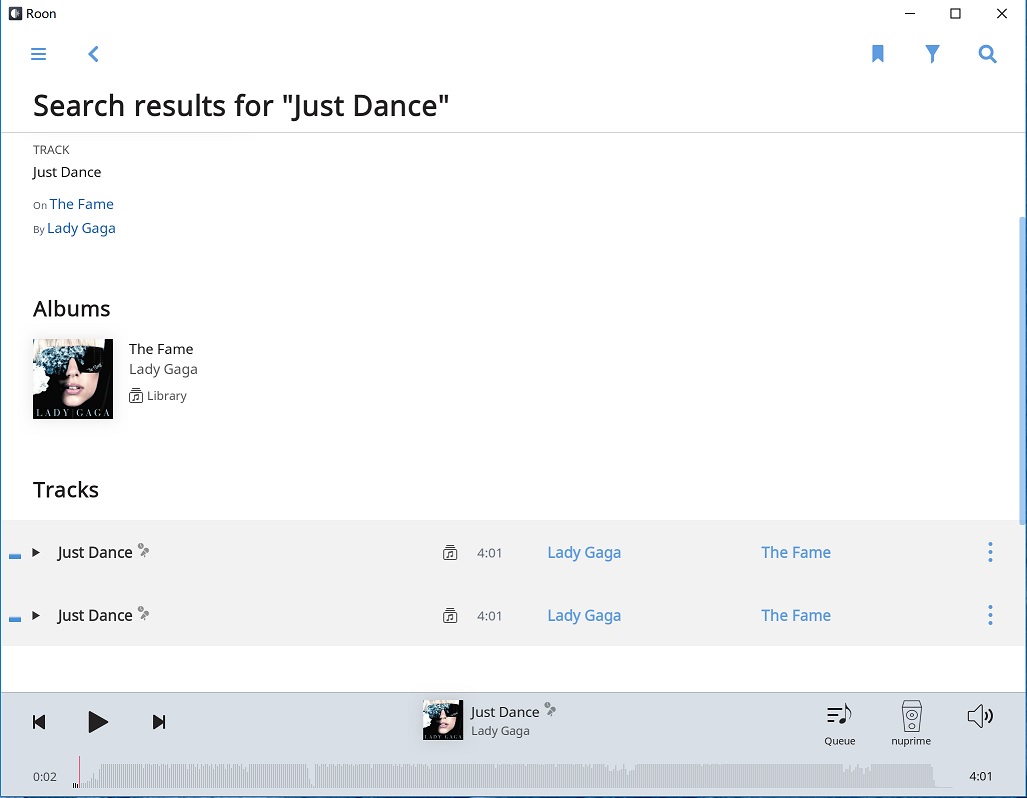
Hello, I’m using a nuc7i5bnh with rock 1.0(build 159), roon version is 1.6, music is in a usb HDD plugged to the nuc. When I search for a track there are two same results, but only one track stored on the disk, if I click view all, one same track is displayed three times, whats the problem?
Hi @Shaohua_Liu,
Can you share a screenshot of what you’re seeing here?
Do you have a TIDAL or Qobuz account linked in Roon? If so, searching will yield results from them as well, not just results from your library.
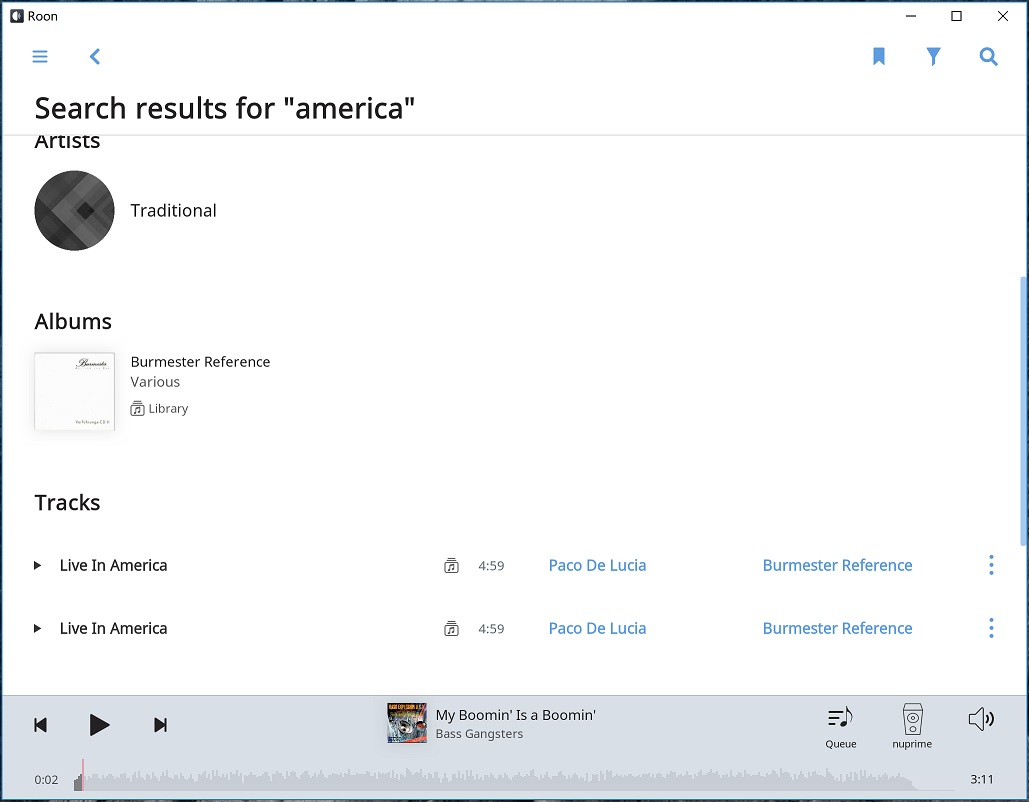
thanks for your reply
Thank you for the info, @Shaohua_Liu!
If you navigate to this album do you see the Versions tab? Are there multiple versions of this album / track in your library or just the one?
Thanks, I don’t see any versions tab, there is only one version of this track in my library. When I click “view file info” of the two search results and each one shows the same file info. When I right click any one of the two results, they are selected both, and “1 selected” shows on the top left. This is not the case with this track, it’s the case with any search of any track.
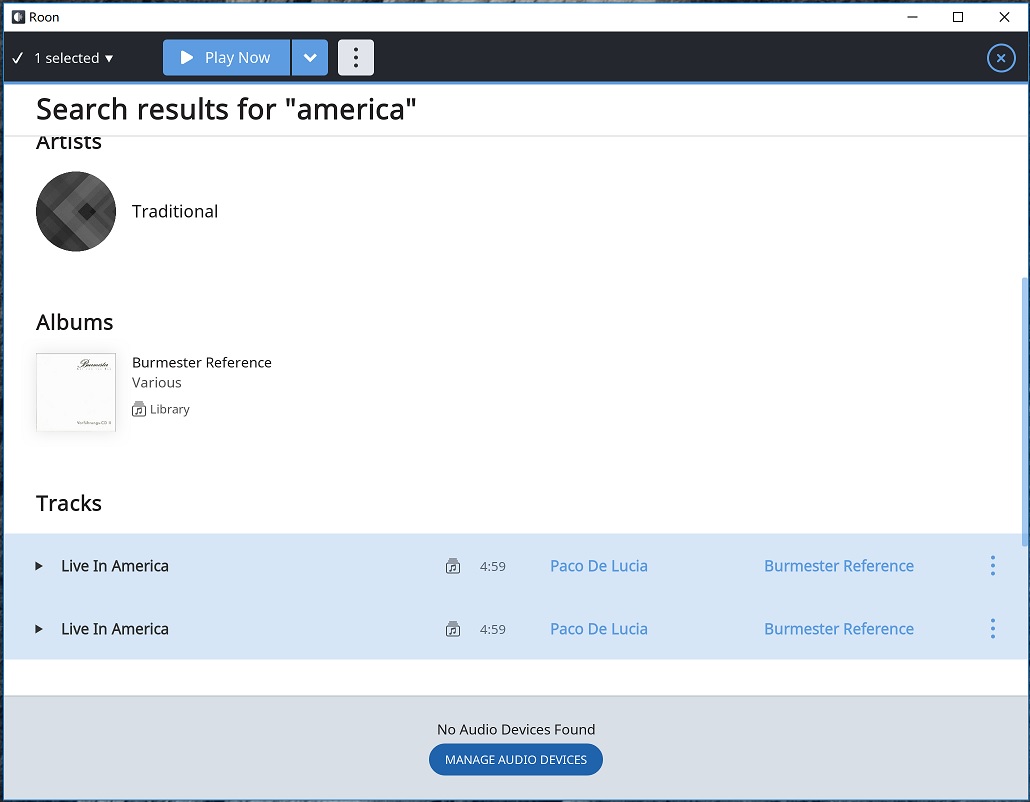

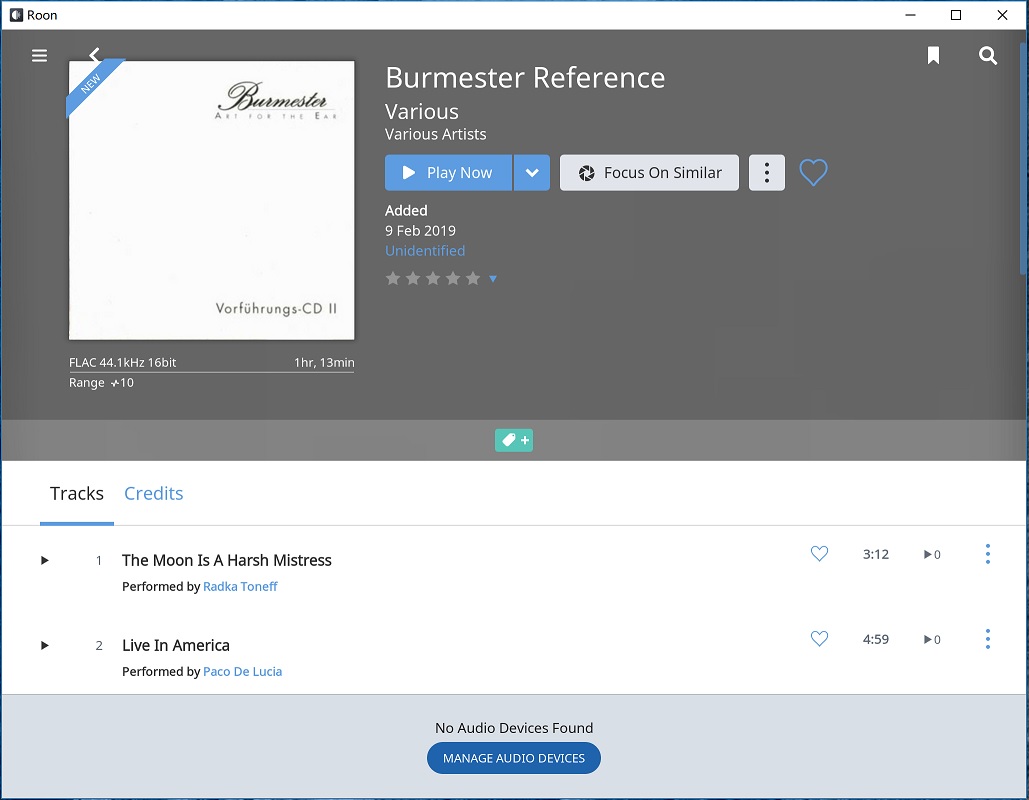
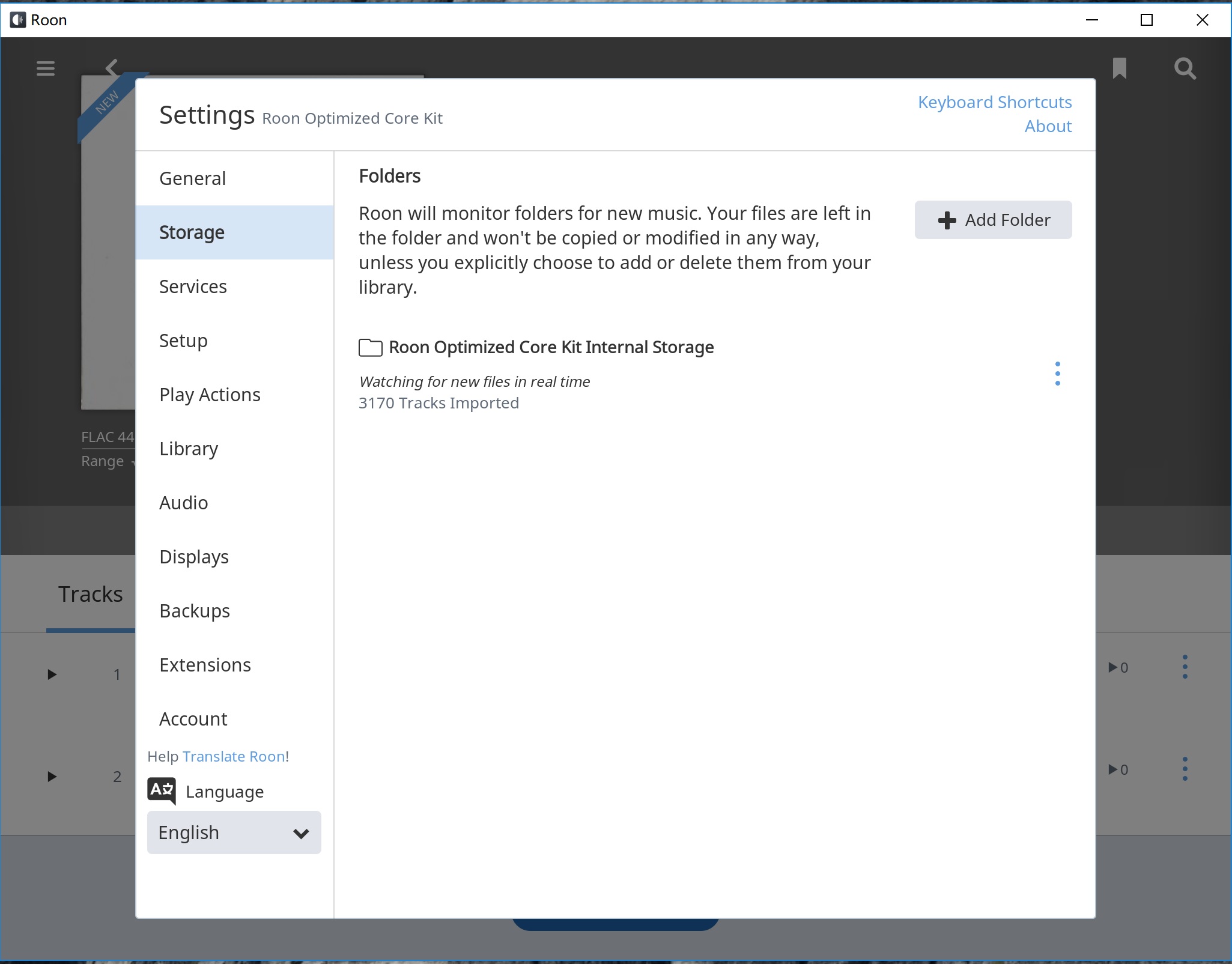
Hmm…you’ve reached the limits of my ability to assist. It’s likely that @dylan will be back to help out!
Hi @Shaohua_Liu,
I spoke with the technical team about this and confirmed that we currently have a ticket in with our development team for this behavior. I can’t provide any specific timeframes for when this will be resolved, but I’ll be sure to update you here once more news is available.
Thanks for the report, we always appreciate the feedback!
OK, thanks a lot!
Hi @Shaohua_Liu,
I wanted to reach out and let you know that this has been resolved in our latest update, Build 401. You can read more about the update here:
Hi @Shaohua_Liu,
Can you share a screenshot of what you’re seeing here?
Hi @Shaohua_Liu,
Can you navigate to Settings > About and confirm that your remote device is also updated to Version 1.6 (build 401) and not just the Core?
Thanks!
Oh, the remote device is still in updating, I’ll try after it complete.
It’s ok now, thanks:smiley: