Interesting - I’m using EA 2.65 build 1648 and my scheduled backups last worked on the 12th April. They have failed since then, and a manual backup also fails.
Backups are held on a USB drive attached to my ROCK/NUC and this has plenty of free space left.
The fact that backups have started failing since I installed build 1648 may be a coincidence, but on the other hand…
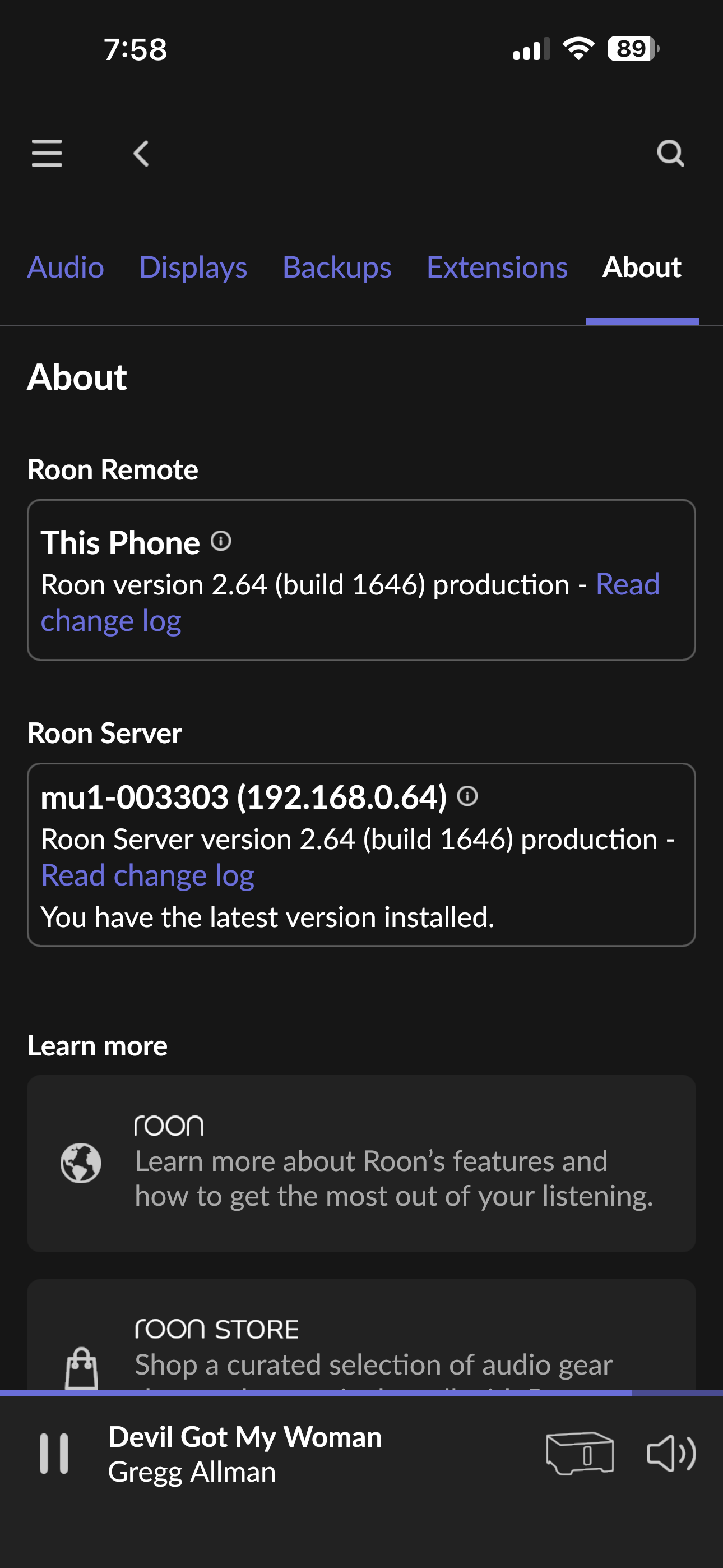
This is my info. It says that I have the latest version but your information says there is a 2.65 and 1648 Any guidance is appreciated I see another user had backups fail as well and commented on my thread
Hi Mark, I’m not trying to hijack your thread. I am running the Early Access stream….hence the variation in versions, you are on the most up to date production version.
I’m having this problem, too, and Roon or the ever-helpful @Suedkiez said that backing up to an SSD is more reliable. Give it a shot; you’ve got nothing to lose.
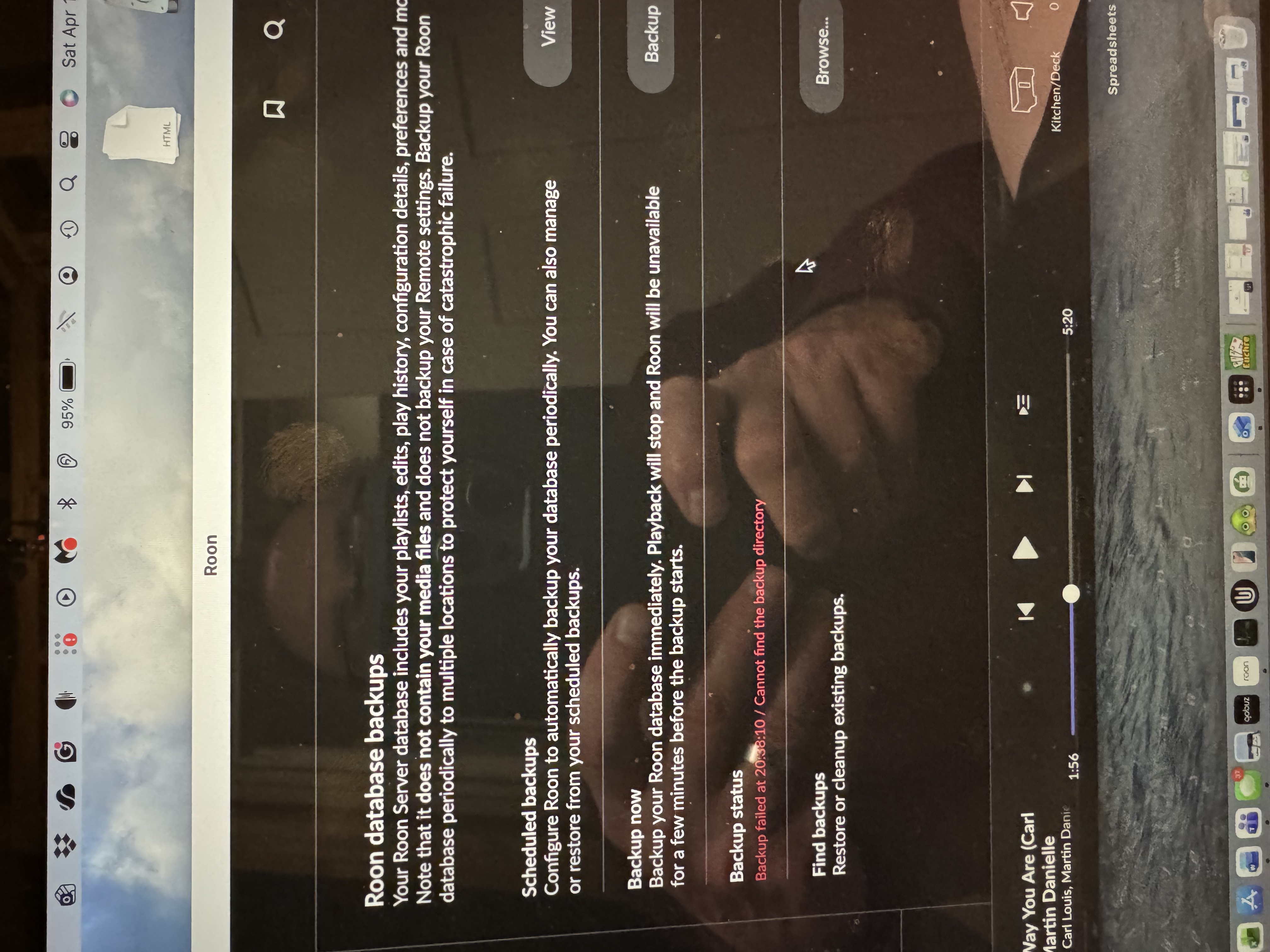
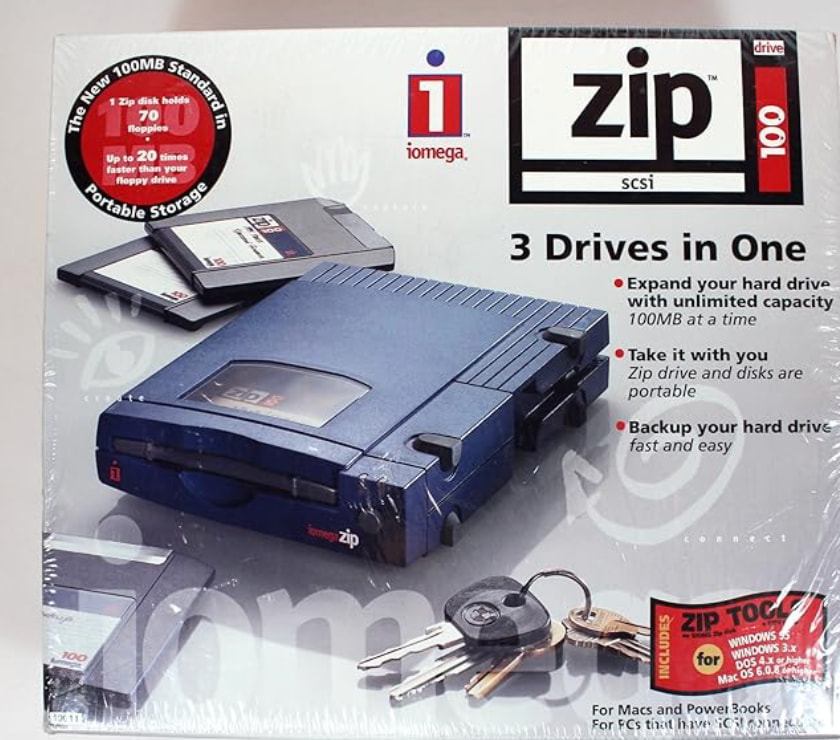
I only have 50K songs. I’m trying to back up from my Grimm MU1 and test the new NUC I just built. I received guidance from 3 Roon staffers with instructions on how to do it, but I couldn’t get past step 1. I had a blank Zip drive and was able to see the drive on my network and set up a folder, etc. But when I stick the drive in and hit start the backup, I get the message "Backup failed / Cannot find the backup.” I back up to my NAS every 4 days, but creating a new folder, etc., seems like a waste when it should work perfectly fine with the zip drive. @suezkid is probably right. Do you just get a bigger drive / SSD and plug it into your Roon device and download it, then plug it into my NUC? The zip drive should be working;
Thanks for writing in and for sharing your report! Sorry to hear about your backup issues.
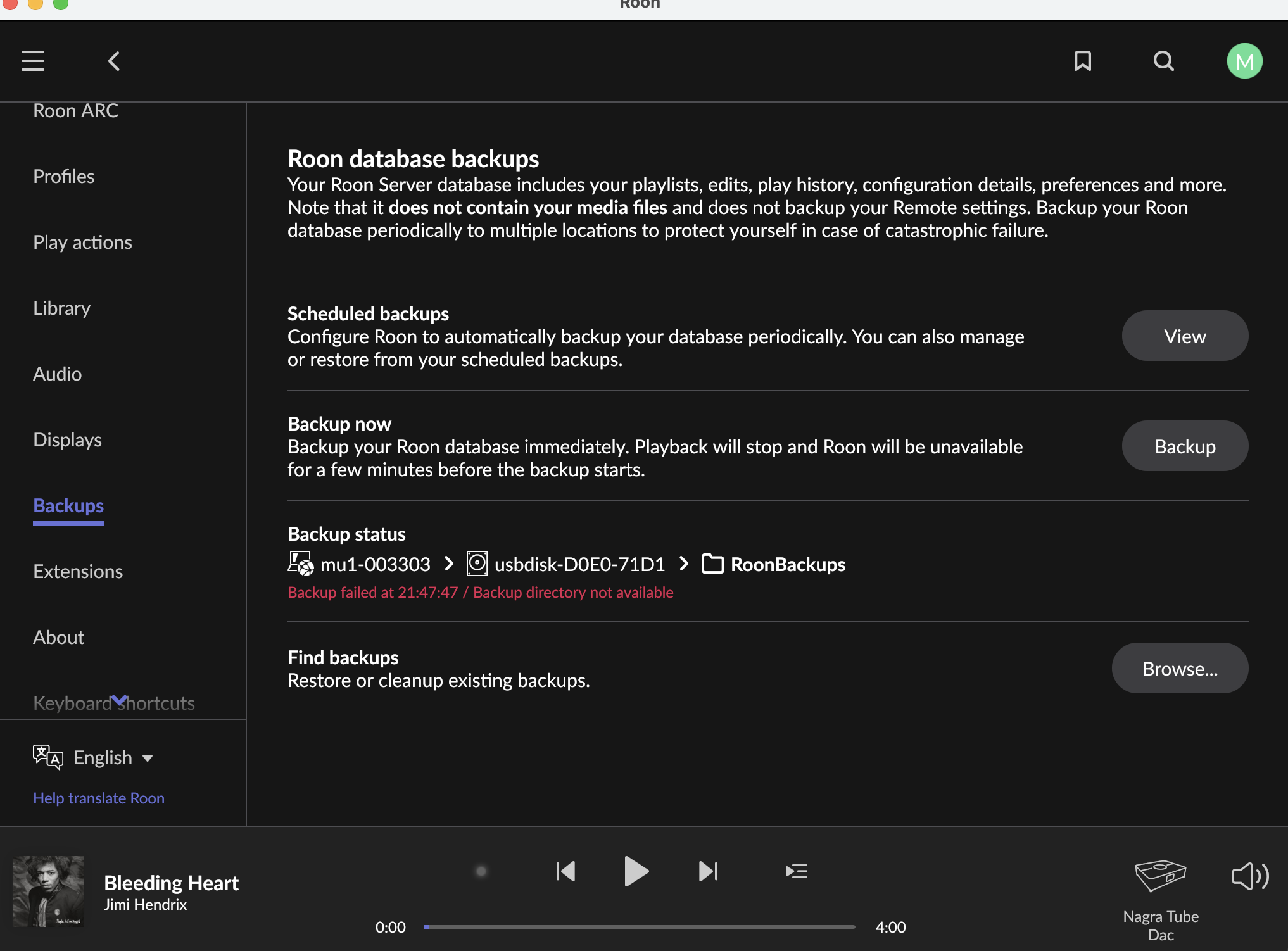
From a fresh Roon Server diagnostic report, we can see the primary cause of failure here is a missing backup subdirectory on the USB drive.
The backup target looks like a USB drive (usbdisk-D0E0-71D1) mounted at /mnt/usbdisk-D0E0-71D1/RoonBackups. The drive itself is accessible, so Roon can see it, and successfully lists the /RoonBackups directory.
However, when it actually tries to run the backup, it fails because it cannot find (or create) the expected database-specific subdirectory inside that folder.
A few next steps to try:
Check that the USB drive is properly mounted and writable (try creating a test file on it manually).
In Roon Settings → Backups, remove the existing backup location and re-add it. This will let Roon reinitialize the UUID directory cleanly.
I have been getting no where with you last request so I decided to email Eelco Grimm on a whim earlier today and see if his team could give an assist. Long story short was that the USB port on the back of the Grimm will NOT allow for download of a backup and suggested I use a NAS. The good news is that I am several hours into a backup on my NAS. Will keep you posted on how the disconnect from Grimm and the switch to the NUC go.
One curious question is since I back up every 4 days to the NAS anyway could I have just used my last backup for the “Restore a Backup” piece. Let me know. Good to do a full backup in a new spot anyway.