Is Roon Server running? · Yes, Roon Server is turned on and running.
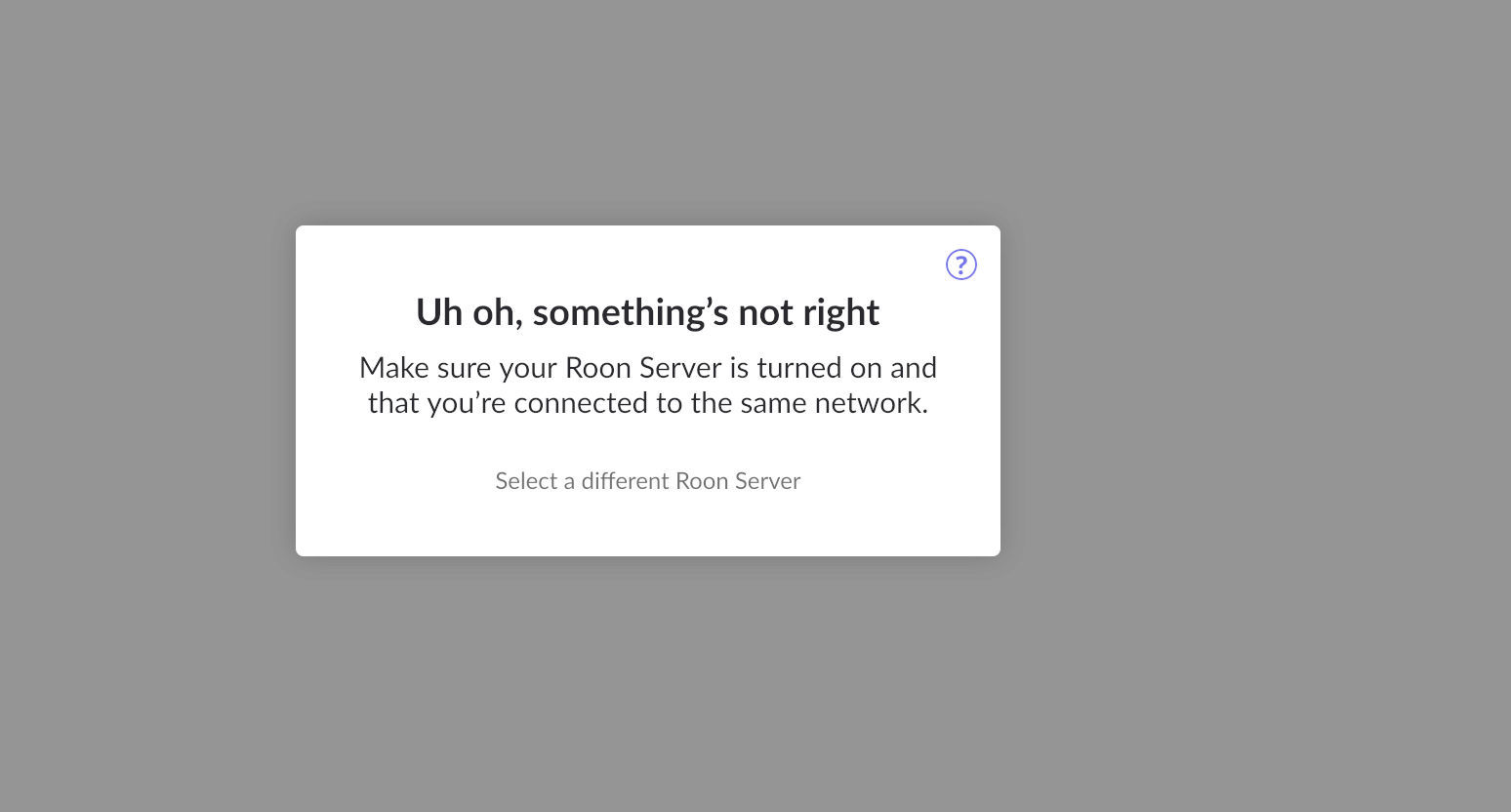
What do you see on your screen? · "Waiting for your Roon Server"
What happens if you press the "Select a different Roon Server" button? · I don't see Roon Server.
Please try to restart your network setup by unplugging, waiting 30 seconds and then replugging in your networking gear. · No, the issue remains the same
Please select how you've connected your Roon Server to the internet · Roon Server is connected by *Ethernet*
Have you checked your firewall settings to ensure that Roon is allowed through? · Roon still won't connect even after checking this aspect
Have you verified that Roon Server is on the same subnet as your Remotes? · My Remotes and Server are on the same subnet and I still can't connect
Sometimes the issues can be resolved with a reinstall of your Roon Remote app. Let's try to perform a reinstall and see if it helps. · I've reinstalled the Roon Remote but it did not help
What is the operating system of your Roon Server host machine? · *Nucleus*
Select any of the following components that are present in your local network setup · None of the above
Describe the issue I cannot connect to my Nucleus Titan for some reason I cannot determine.
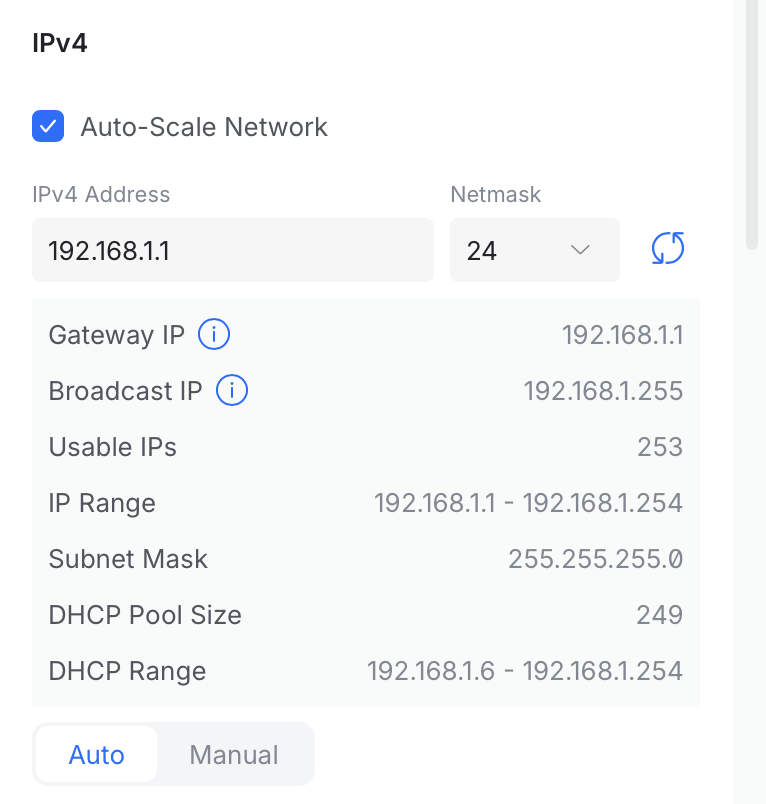
Describe your network setup Unifi Wifi System running UNiFi OS UDM Pro Version 5.1.19
Carl
July 25, 2026, 5:49pm
2
Hi @Mark_Stein
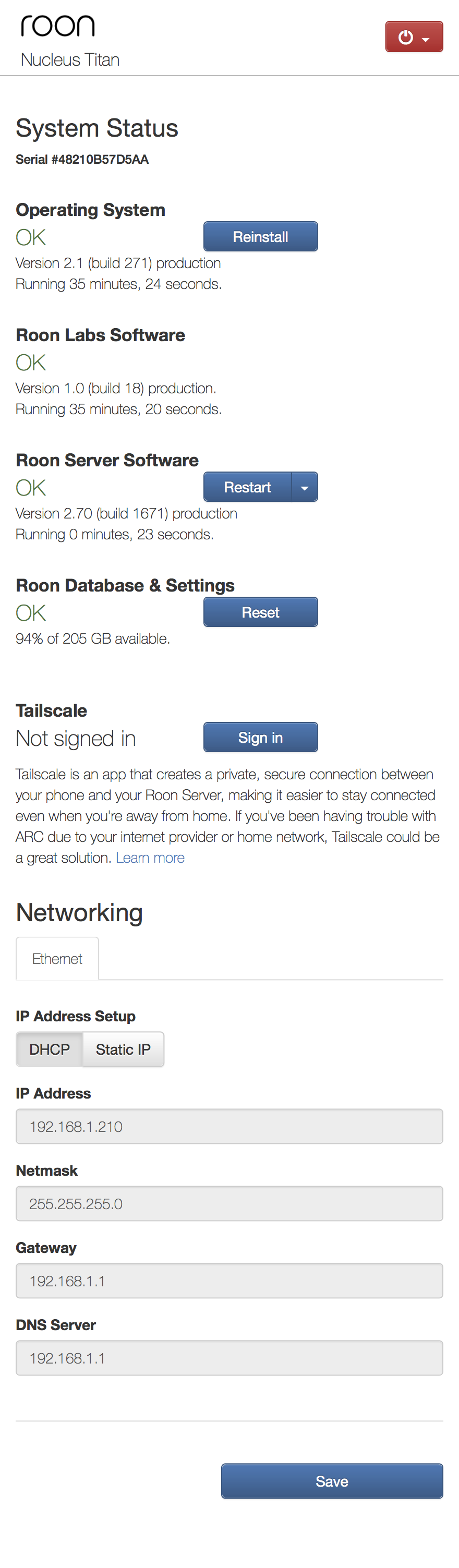
Are you able to access the Web Admin Interface, if so can you post a screenshot?
What is the Web Administration Interface The Nucleus Web Administration Interface (the "Nucleus Web UI" for short) is a built-in control panel, accessible from any web browser on your network, that lets you manage your Nucleus at the system level. It...
Carl - any ideas? I really appreciate any help/guidance you might have.
Carl
July 26, 2026, 9:38pm
5
Hi @Mark_Stein ,
Unfortunately not, the screenshot you shared suggests all is ok with RoonOS and RoonServer … and you’ve tried the troubleshooting steps I’d suggest.
This one will need Roon to diagnose, when they start working again after the weekend.
Sorry I couldn’t help further, I hope Roon get to root cause promptly and get the system up and running for you.
Nepherte
July 27, 2026, 12:07am
6
The Roon Server software seems to have been only started a few seconds before taking the screenshot, whereas the server was started much longer ago. That seems suspicious to me. Unless you just restarted it manually?
Carl
July 27, 2026, 3:21pm
7
@Nepherte ,
That’s good spot I had overlooked it … I only saw the 35 mins of RoonOS uptime.
If Roon Server is continuously crashing and restarting a reinstallation might help … and if that failed a RoonOS reinstall would be my next action.
noris
July 27, 2026, 8:02pm
9
Hello @Mark_Stein ,
Thank you for reaching out. I’ve activated diagnostics on your Nucleus, and I see that your library size is quite large (consisting over half a million tracks), and this is unfortunately causing the Nucleus to run out of available hardware resources. The two options forward are to either reduce the library size, or to upgrade the RAM on the unit.
If you’d like for us to walk you through how to reduce the library size, please let us know here, or if you’d rather upgrade the Nucleus to support a library of this size, you can reach out to our Nucleus hardware team at the link below, and they can assist with this:
Let us know how you’d rather proceed, thank you.
Yes - need assist to upgrade ram. Suggestion on next step?
vadim
August 4, 2026, 9:34am
11
Hello @Mark_Stein
Thank you for the update. Our team will contact you directly via email regarding the next steps.
Easy way to determine the current RAM level?
vadim
August 4, 2026, 5:37pm
14
Hello @Mark_Stein
Nucleus Titan shipped with 8 GB of RAM.
Is Roon Server running? · Yes, Roon Server is turned on and running.
What do you see on your screen? · "Waiting for your Roon Server"
What happens if you press the "Select a different Roon Server" button? · I see my Roon Server, but I still can't connect.
When you try to connect, what screen do you see? · Just the Roon logo
Please try to restart your network setup by unplugging, waiting 30 seconds and then replugging in your networking gear. · No, the issue remains the same
Please select how you've connected your Roon Server to the internet · Roon Server is connected by *Ethernet*
Have you checked your firewall settings to ensure that Roon is allowed through? · Roon still won't connect even after checking this aspect
Have you verified that Roon Server is on the same subnet as your Remotes? · My Remotes and Server are on the same subnet and I still can't connect
Sometimes the issues can be resolved with a reinstall of your Roon Remote app. Let's try to perform a reinstall and see if it helps. · I've reinstalled the Roon Remote but it did not help
What is the operating system of your Roon Server host machine? · *Nucleus*
Select any of the following components that are present in your local network setup · None of the above
Describe the issue Can not connect my Roon Remote Server to my Nucleus Titan. Titan is connected to my Router via Ethernet. I can see the Titan via the Web interface.
Describe your network setup Using Unify UDM Pro Gateway for Home Network
What is the current status of your previous ticket about the same issue?
Is Roon Server running? · Yes, Roon Server is turned on and running. What do you see on your screen? · "Waiting for your Roon Server" What happens if you press the "Select a different Roon Server" button? · I don't see Roon Server. Please try to restart your network setup by unplugging, waiting 30 seconds and then replugging in your networking gear. · No, the issue remains the same Please select how you've connected your Roon Server to the internet · Roon Server is connected by *Ethernet* …
How are the two related and / or different from each other?
It looks like someone from Roon closed it. But still having same problem.
Please also check your spam folder, check if the promised email has ended up there.