What is the operating system of your Roon Server host machine?
· MacOS
What kind of device are you using to perform the login?
· Mac
Where are you trying to login?
· I can't log into Roon
Have you been redirected to [https://account.roon.app](https://account.roon.app) (the Roon login page) in your browser?
· Yes
Please try clearing the browser cache and cookies for the [l](https://account.roon.app/)ogin page where you have been redirected
· No, the issue remains the same
Content / Popup Blockers
· No, the issue remains the same
Temporarily try to use a different browser
· No, the issue remains the same
Please try to restart your Roon Server by closing the Roon Server app in the taskbar (MacOS), task manager (Windows) or rebooting your Roon Server machine.
· No, the issue remains the same
Different device
· I cannot switch to a different device
Are you still facing the issue on the different device
· No, the issue remains the same
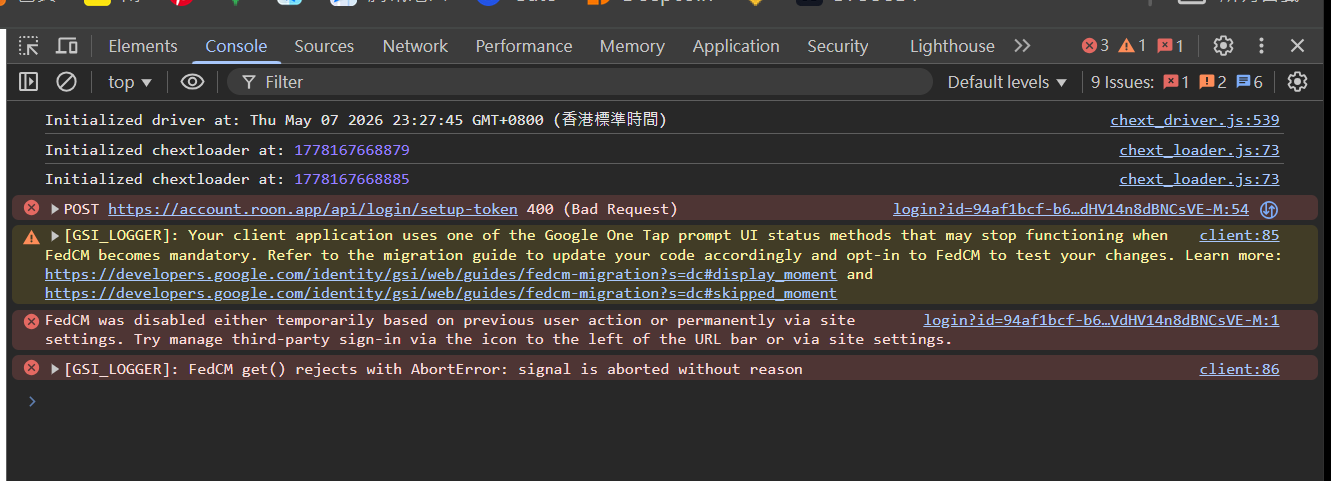
Record the timestamp
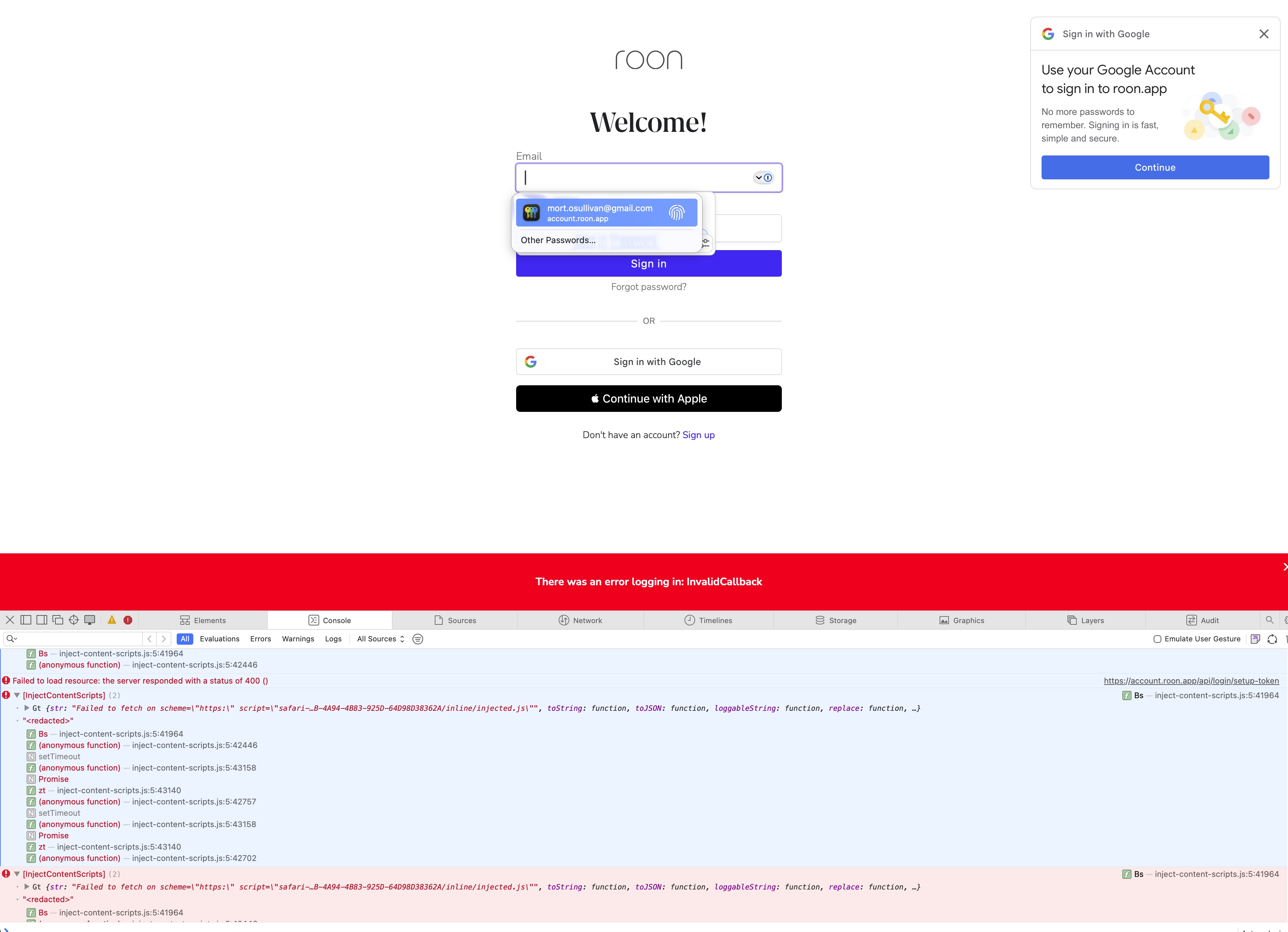
· [Error] [InjectContentScripts] (2)
Gt
""
■■ (inject-content-scripts.js:5:41964)
(anonymous function) (inject-content-scripts.js:5:42446)
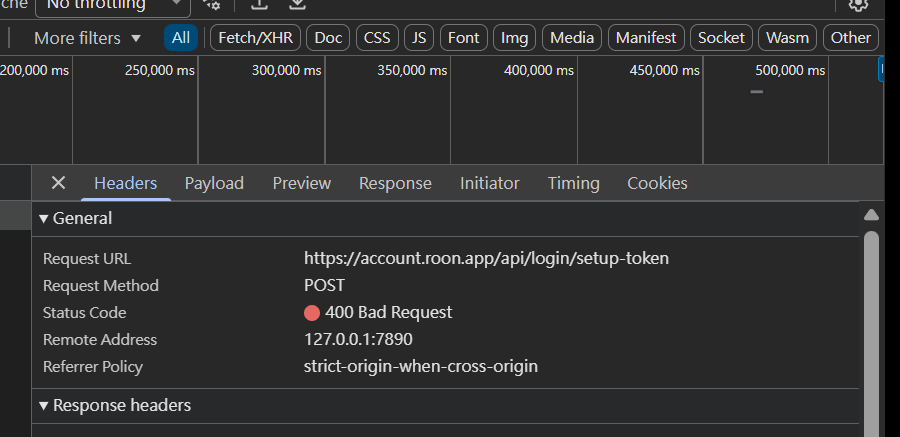
[Error] Failed to load resource: the server responded with a status of 400 () (setup-token, line 0)
[Warning] [GSI_LOGGER]: Your client application uses one of the Google One Tap prompt UI status methods that may stop functioning when FedCM becomes mandatory. Refer to the migration guide to update your code accordingly and opt-in to FedCM to test your changes. Learn more: https://developers.google.com/identity/gsi/web/guides/fedcm-migration?s=dc#display_moment and https://developers.google.com/identity/gsi/web/guides/fedcm-migration?s=dc#skipped_moment (client, line 85)
[Error] [InjectContentScripts]
■■ (inject-content-scripts.js:5:41964)
(anonymous function) (inject-content-scripts.js:5:42446)
[Error] [InjectContentScripts]
■■ (inject-content-scripts.js:5:41964)
(anonymous function) (inject-content-scripts.js:5:42446)
[Error] Failed to load resource: the server responded with a status of 400 () (setup-token, line 0)
[Error] [InjectContentScripts]
■■ (inject-content-scripts.js:5:41964)
(anonymous function) (inject-content-scripts.js:5:42446)
[Error] [InjectContentScripts]
■■ (inject-content-scripts.js:5:41964)
(anonymous function) (inject-content-scripts.js:5:42446)
[Error] Cancelled load to https://play.google.com/log?hasfast=true&authuser=0&format=json because it violates the resource's Cross-Origin-Resource-Policy response header.
[Error] Beacon API cannot load https://play.google.com/log?hasfast=true&authuser=0&format=json. Cancelled load to https://play.google.com/log?hasfast=true&authuser=0&format=json because it violates the resource's Cross-Origin-Resource-Policy response header.
[Error] Failed to load resource: Cancelled load to https://play.google.com/log?hasfast=true&authuser=0&format=json because it violates the resource's Cross-Origin-Resource-Policy response header. (log, line 0)
[Error] Failed to load resource: the server responded with a status of 400 () (setup-token, line 0)
[Error] [InjectContentScripts] (2)
Gt
""
■■ (inject-content-scripts.js:5:41964)
(anonymous function) (inject-content-scripts.js:5:42446)
[Error] [InjectContentScripts] (2)
Gt
""
■■ (inject-content-scripts.js:5:41964)
(anonymous function) (inject-content-scripts.js:5:42446)
[Error] Failed to load resource: the server responded with a status of 400 () (setup-token, line 0)
[Error] [InjectContentScripts] (2)
Gt {str: "Failed to fetch on scheme=\"https:\" script=\"safari-…B-4A94-4B83-925D-64D98D38362A/inline/injected.js\"", toString: function, toJSON: function, loggableString: function, replace: function, …}
""
■■ (inject-content-scripts.js:5:41964)
(anonymous function) (inject-content-scripts.js:5:42446)
Describe the issue
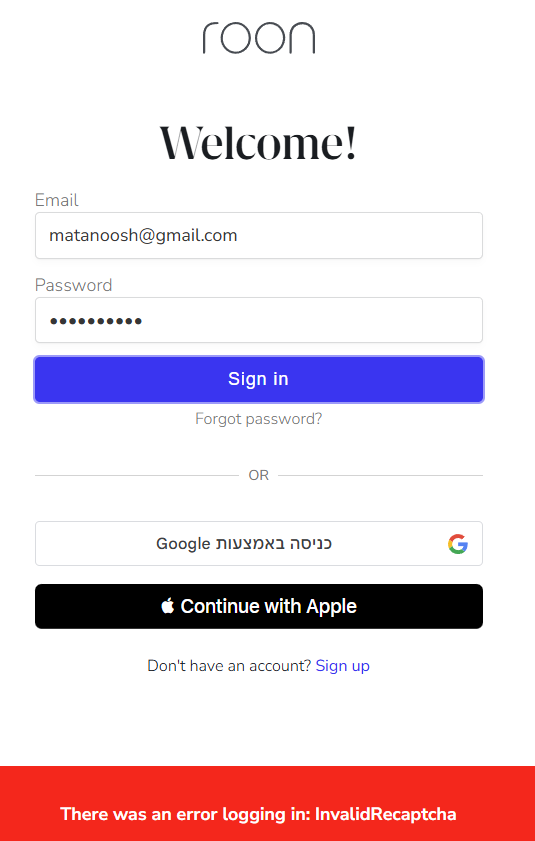
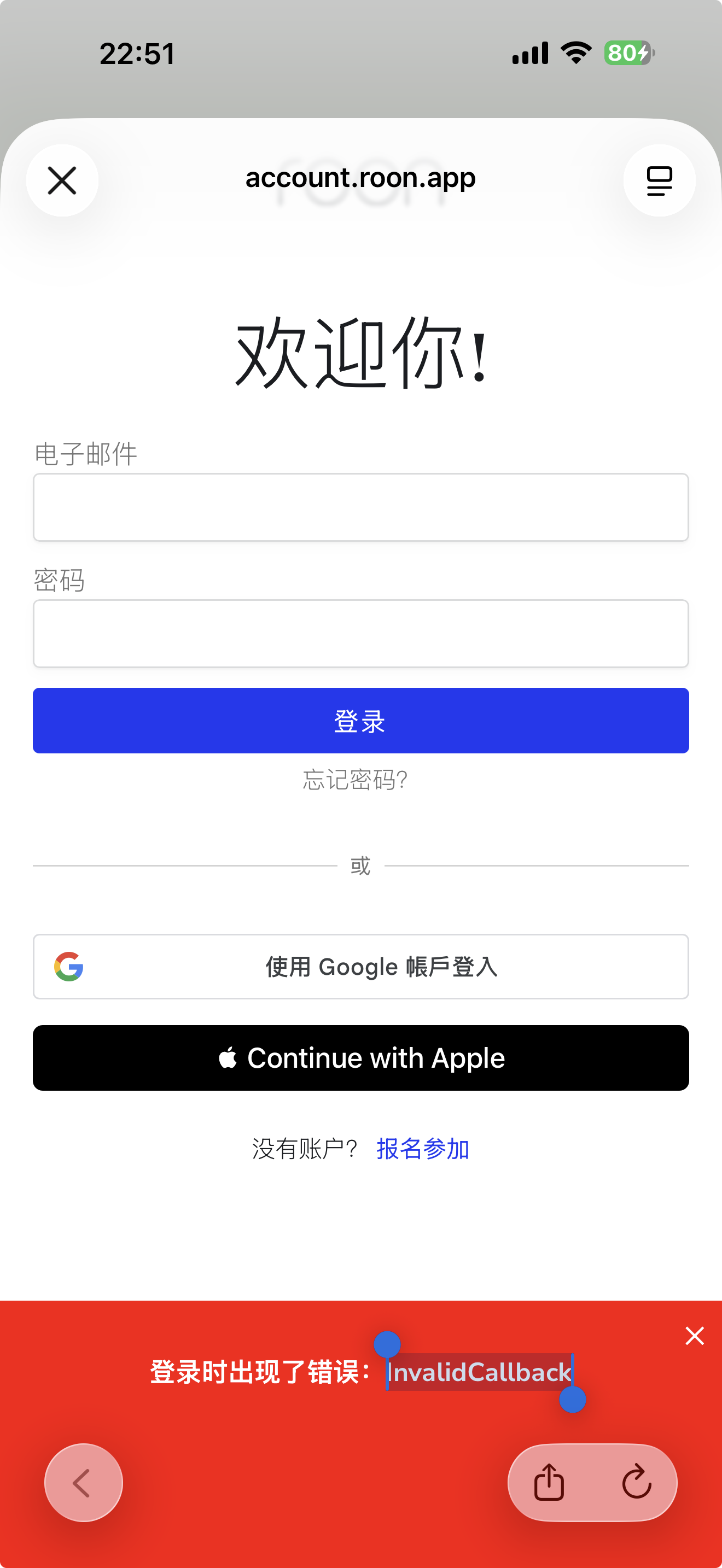
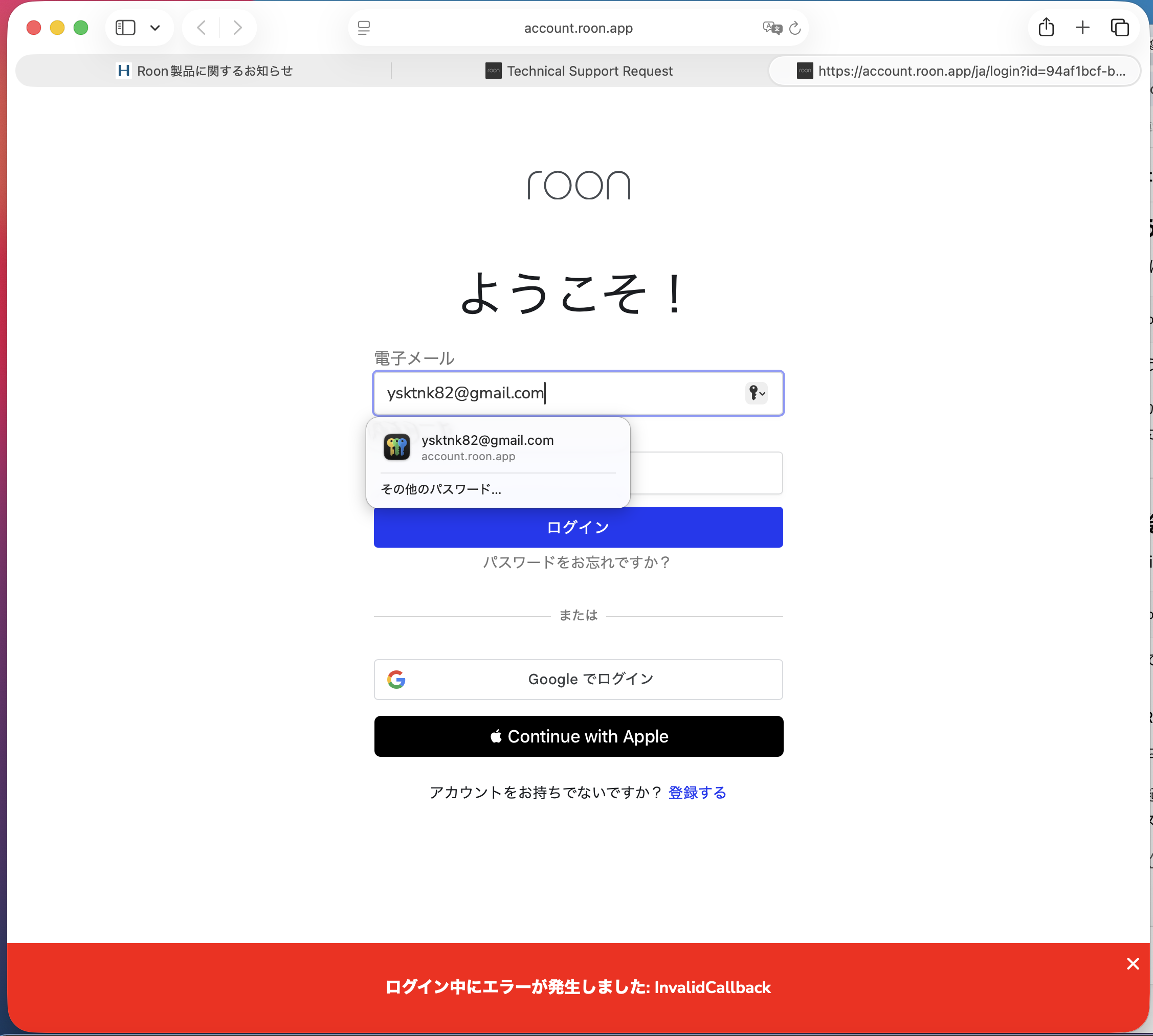
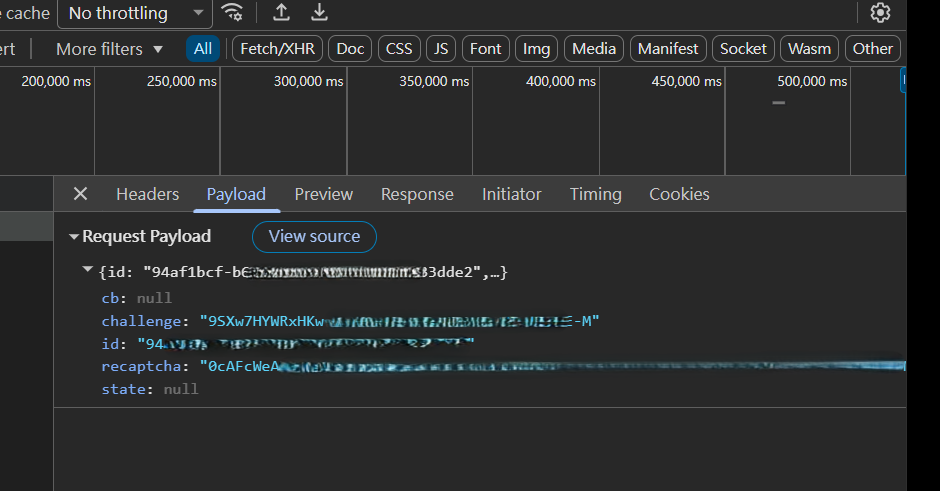
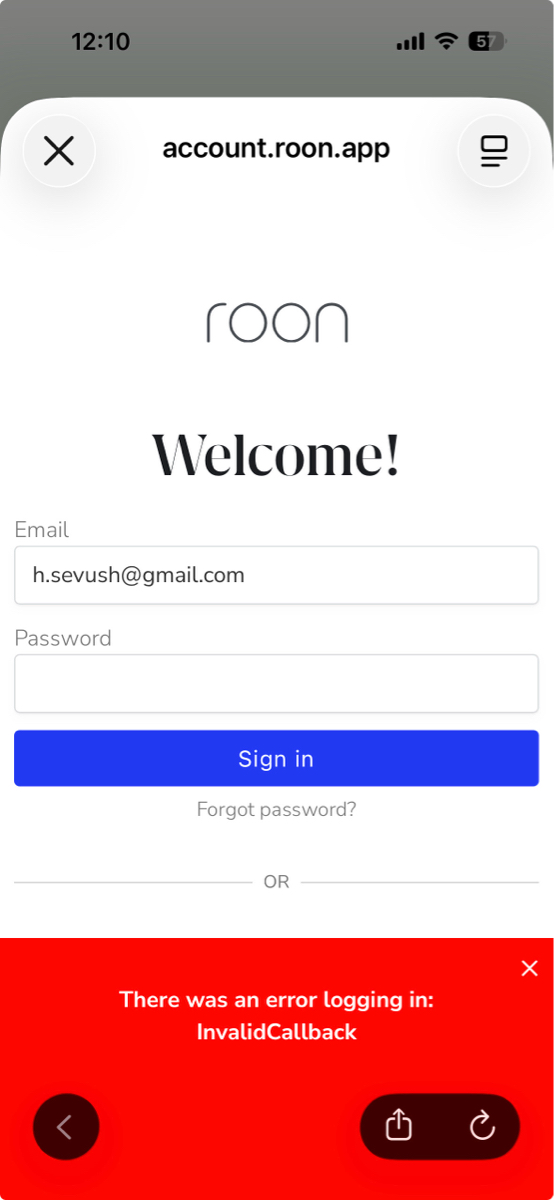
After I enter my password on the website I get either an InvalidCallback error, or sometimes InvalidRecapthca error, but I am never able to authenticate my account in the Roon Mac OS app. Logging in to my account from a web browser is no problem. I have followed all the recommended steps: clear cache, disable blockers etc. Verified no VPN running. rebooted, tried different browsers, reinstalled Roon, etc. Still can't get past problem. I am on Mac OS 26.4.1, default browser is Safari but same problem happens in Chrome.
Describe your network setup
Ubiquiti Unify network with multiple access points. Connected wirelessly.

 Staff Note