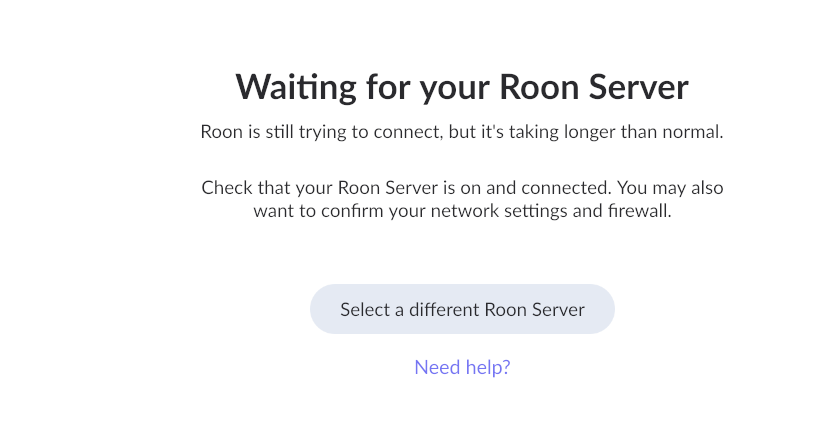
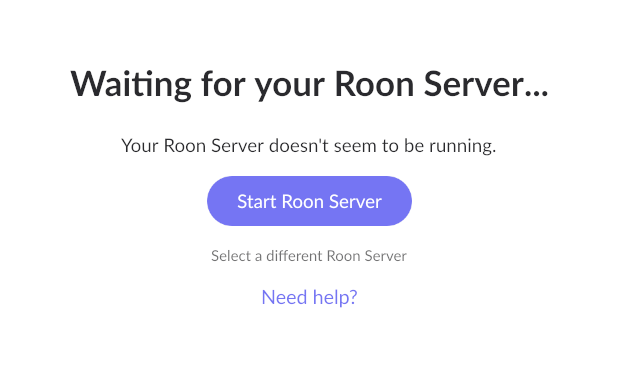
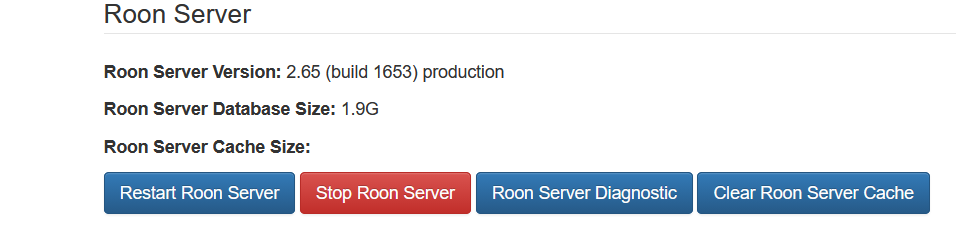
Hi Marc,
Thank you for the response.
But on what device is Roon Server running? Is it on a Windows 10 or on a Windows 11. Or is it on your NAS? It is not really clear to me.
The new Roon Server 2.65 needs additional requirements which can be read in the following article: Roon 2.65 and ARC 1.77 are Live!
Have you first tested if your server was still compliant to run Roon Server 2.65?
Kind regards, Frank.
Does this means that all is working now?
According to me ANTIPODES DS is running its own OS (Operating System). In that case, you have to check the version of glibc (must be 2.27 or later) and OpenSSL (must be 1.1.1 or later), otherwise Roon Server 2.65 will not run.
Since the OS of ANTIPODES DS is a ”proprietary Linux-based operating system”, I presume you will have to contact the vendor to see if it is compatible with the latest Roon Server 2.65.
I think that you are going to have to contact Antipodes support about this. The Antipodes DS dates from 2011, and it may not have the up to date Linux libraries required by this Roon upgrade.
See the Linux section in the Update announcement published at the beginning of the month:
Thanks for the extra detail, and for checking in with Antipodes as well. Since your Roon Server is on the Antipodes Linux machine, that’s the right place to look for the required firmware update.
As for your question, reinstalling 2.64 is not currently possible at this time, you have my apologies here.
The next steps here from Antipodes will depend on the generation of Antipodes server you own, and their team will be able to assist you from here. We’re going to allow this thread to auto-close at this time, but please reach out here if we can provide further assistande and we’ll reopen the conversation.