Has anyone thought of creating a MCP server so we can use claude or other AI agents to manage our library ?
Like:
Show me the least 1000 played songs and create a playlist with those…
or
Which albums do I miss from my top 10 artists, and when will the next one be released ?
love this idea. Right now, with Tidal populating the discography I can easily see what is in my library and what isn’t using the Tidal and Library icons. I would like to be able to do this without Tidal.
I do think Roon can benefit from some AI infusions here and there. Especially Smart Playlists - by adding some conversational generation (like you list here).
However, I think you could use the Smart Playlist feature to at least enable one of your scenarios here? “least 1000 played songs and create a playlist” would be possible by using the Inspector to filter to that group, then Create a smart playlist?
Totally agree, there’s massive benefit from integrating ai into roon even without user input - though that would be welcome too!
I only have a local library and having suggestions for playlist additions from available tracks or being able to improve roon radio to play similar songs rather than songs from artists that fall under certain genres (which can be hit and miss themselves).
There’s been some discussion on this before, along the lines of Plex’s Super Sonic (Can Roon analyse 'sonic similarity' like Plex Super Sonic?) so be sure to vote there if you have any spare…
I’ve been working on an MCP server for Roon that provides the ability to search your library. The idea is to give my Home Assistant voice agent access to it so I can have it play music and control my speakers with voice
It’s coming along.. once I have a working version I will share it here.
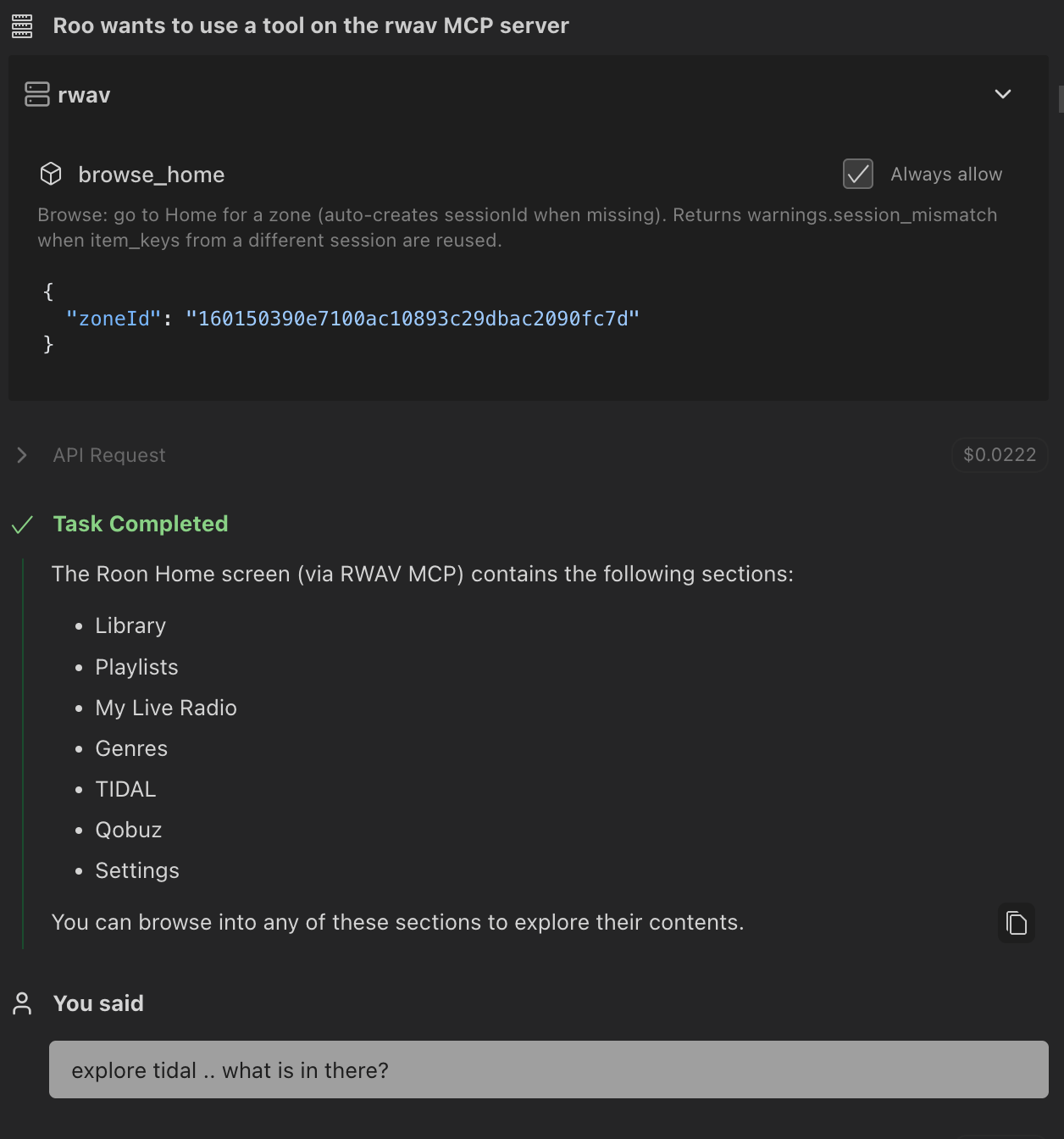
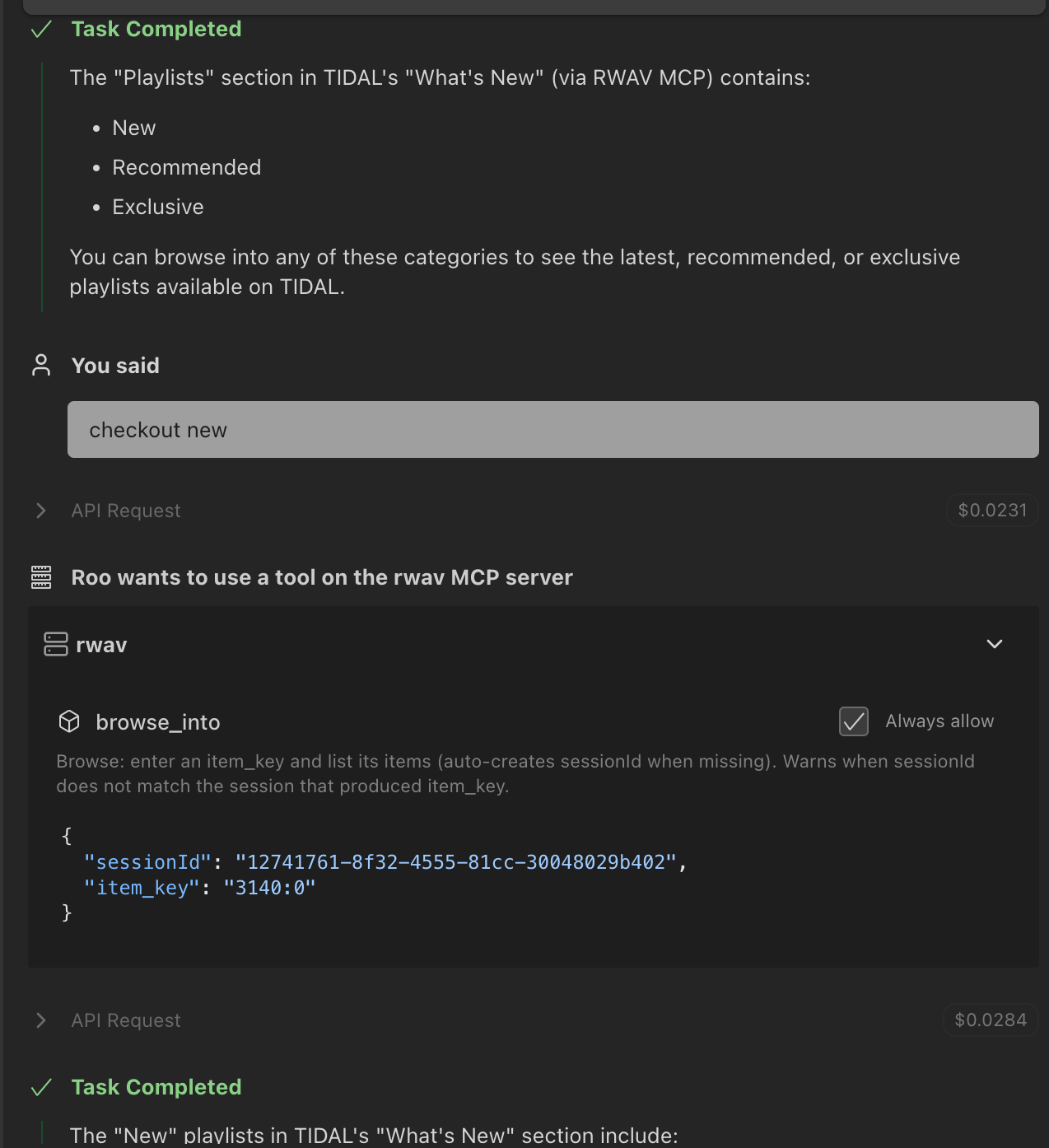
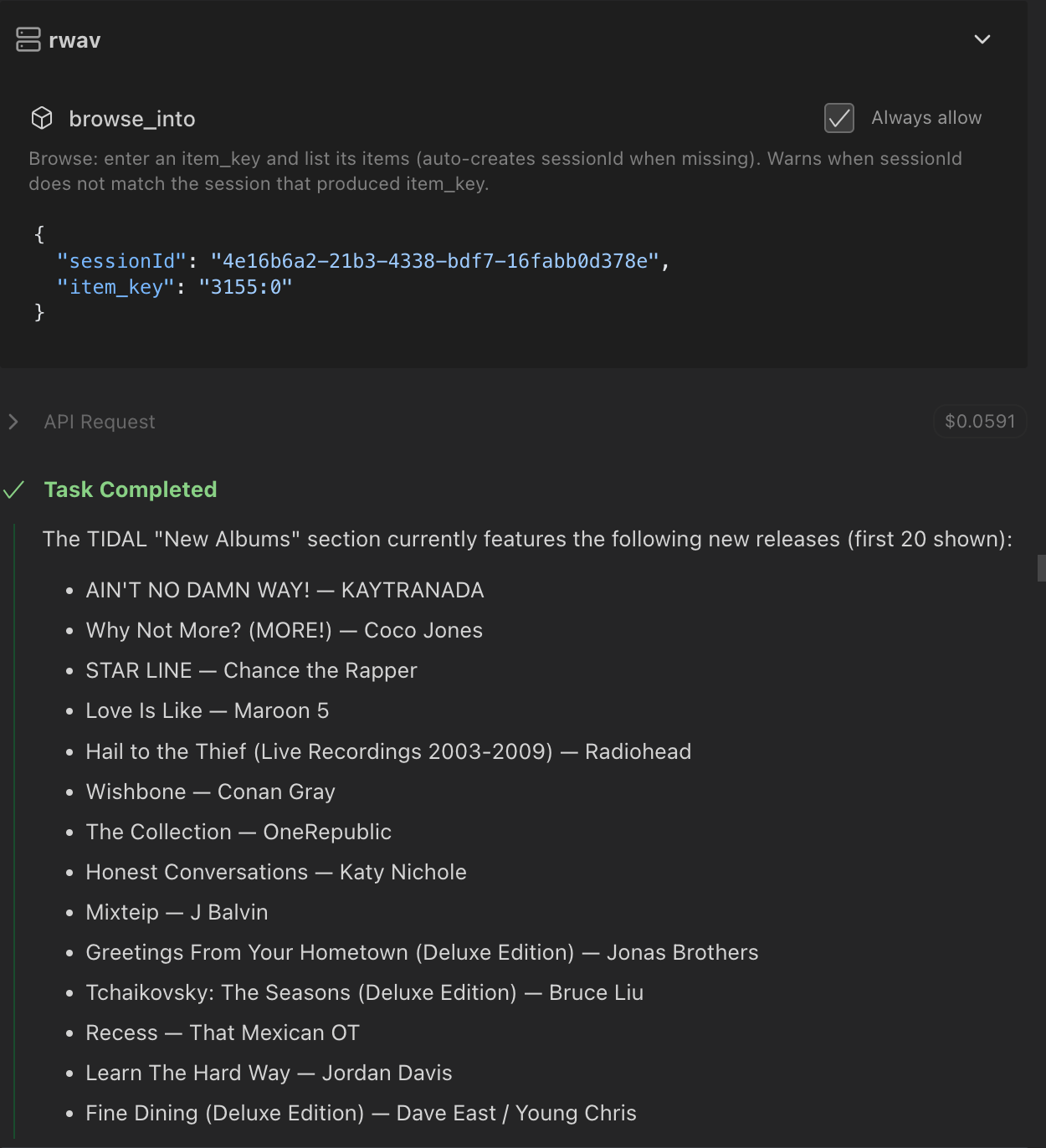
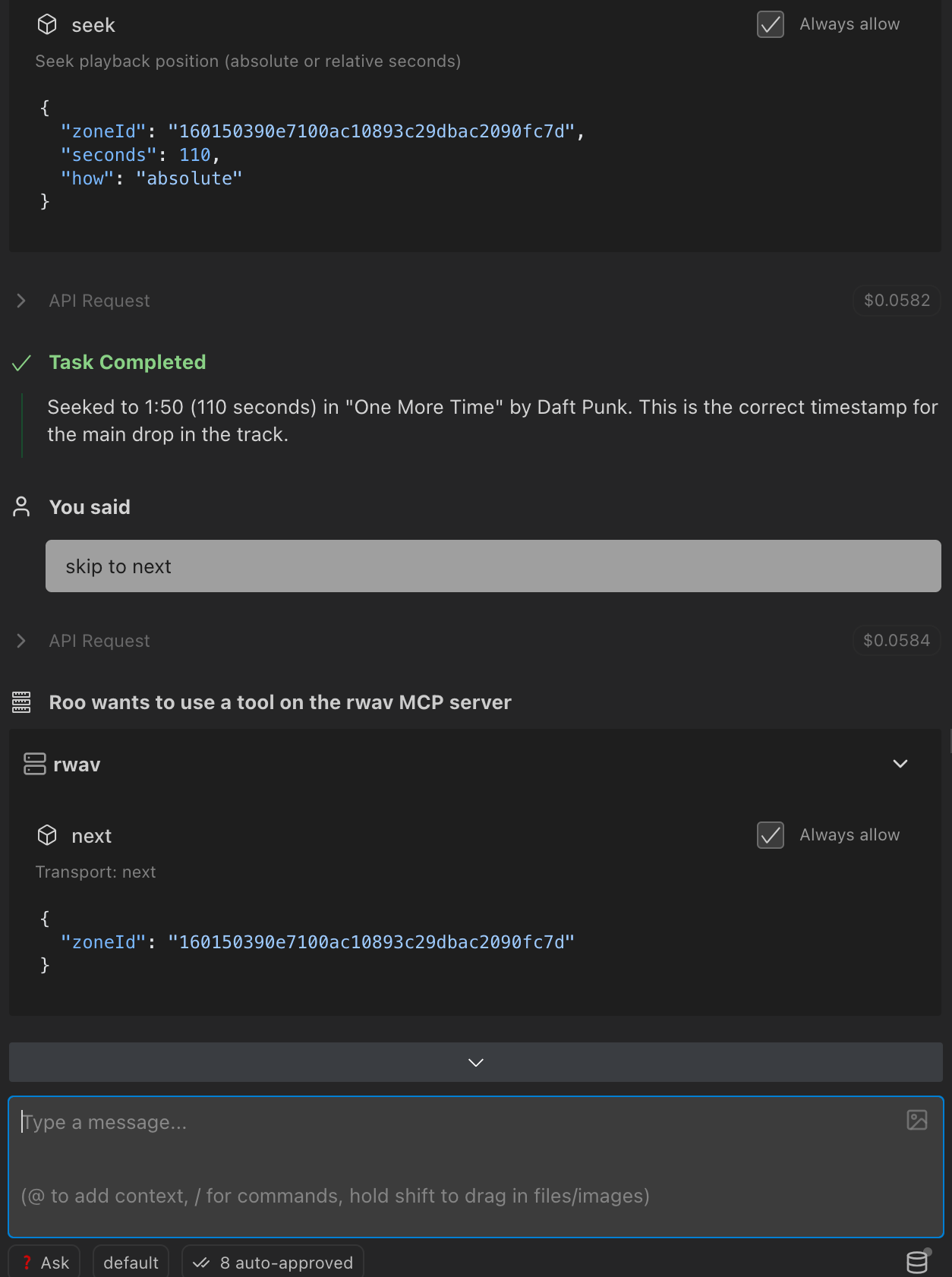
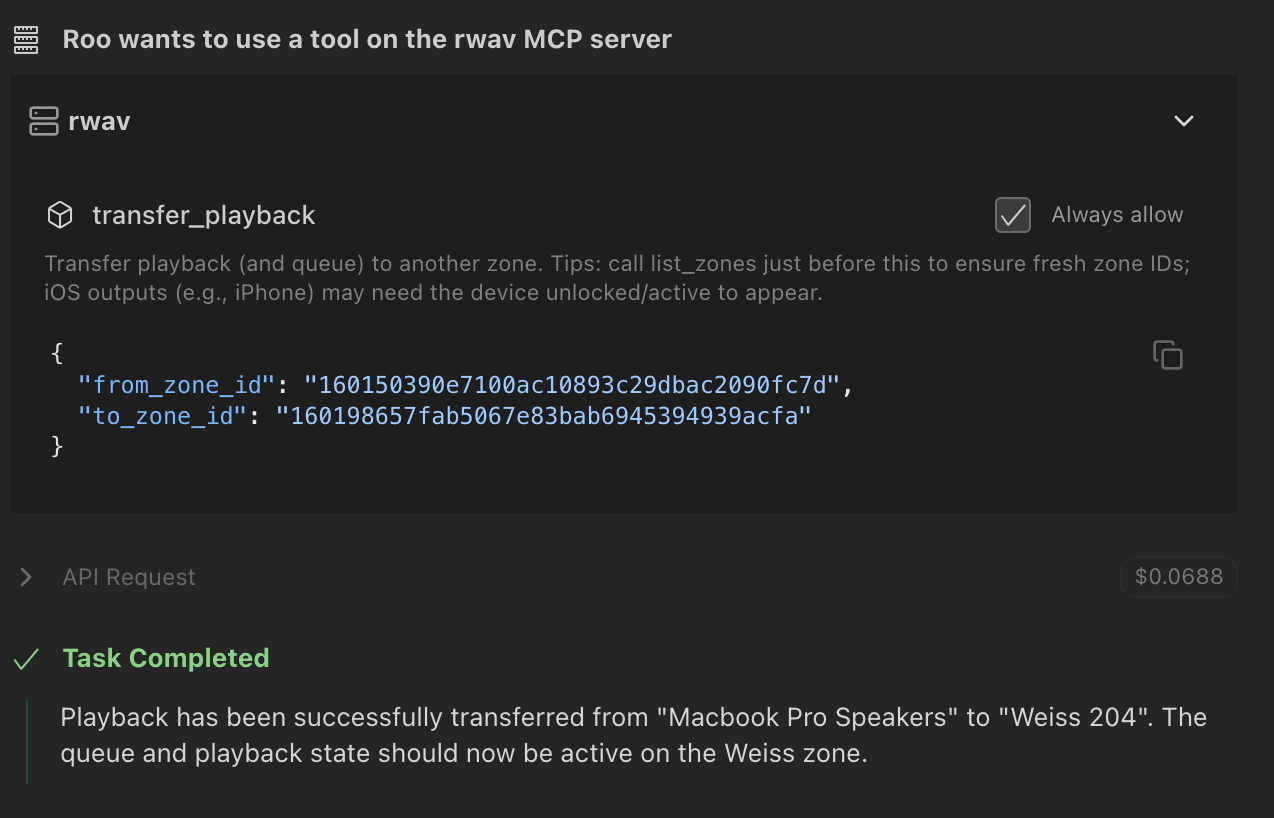
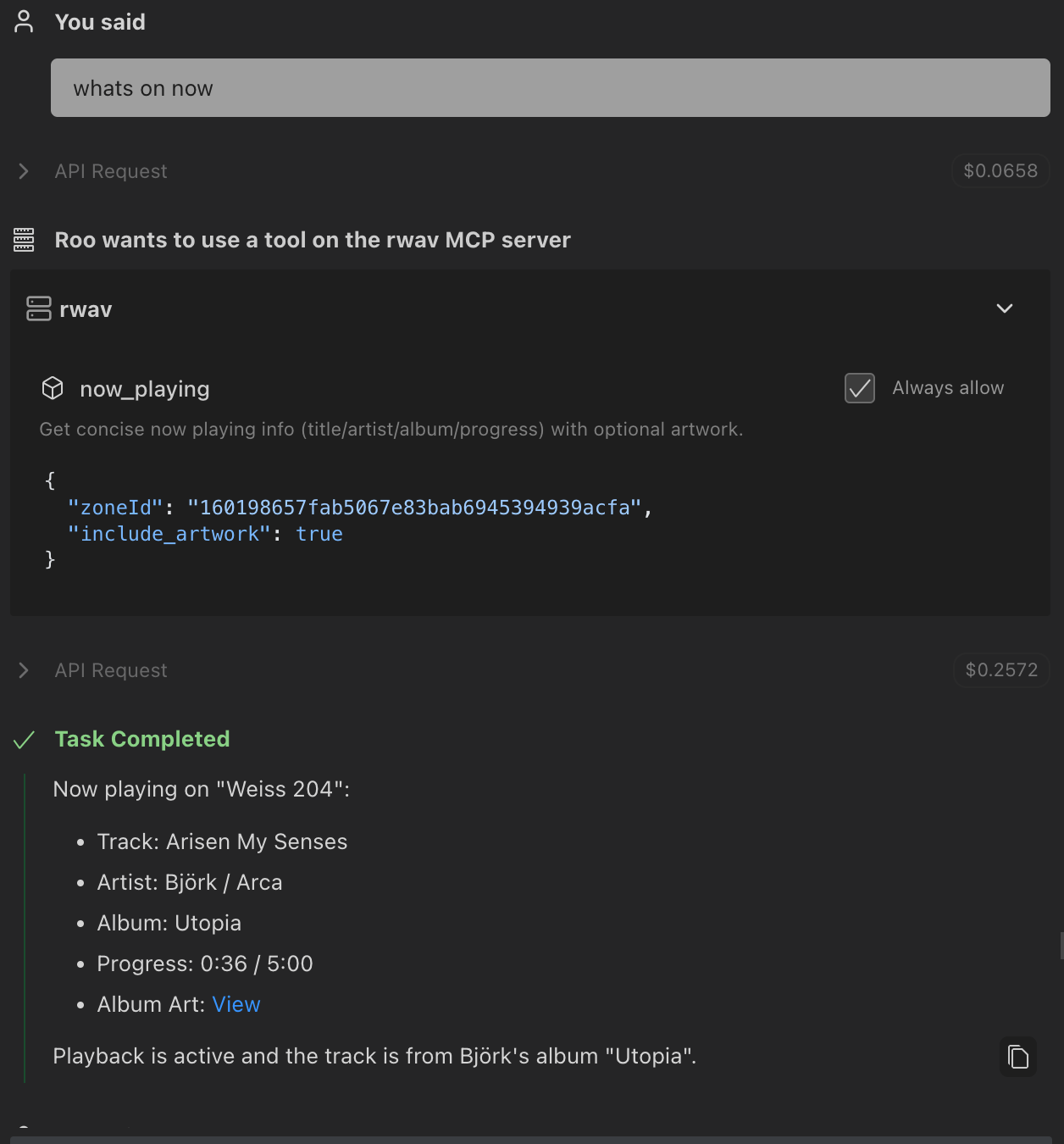
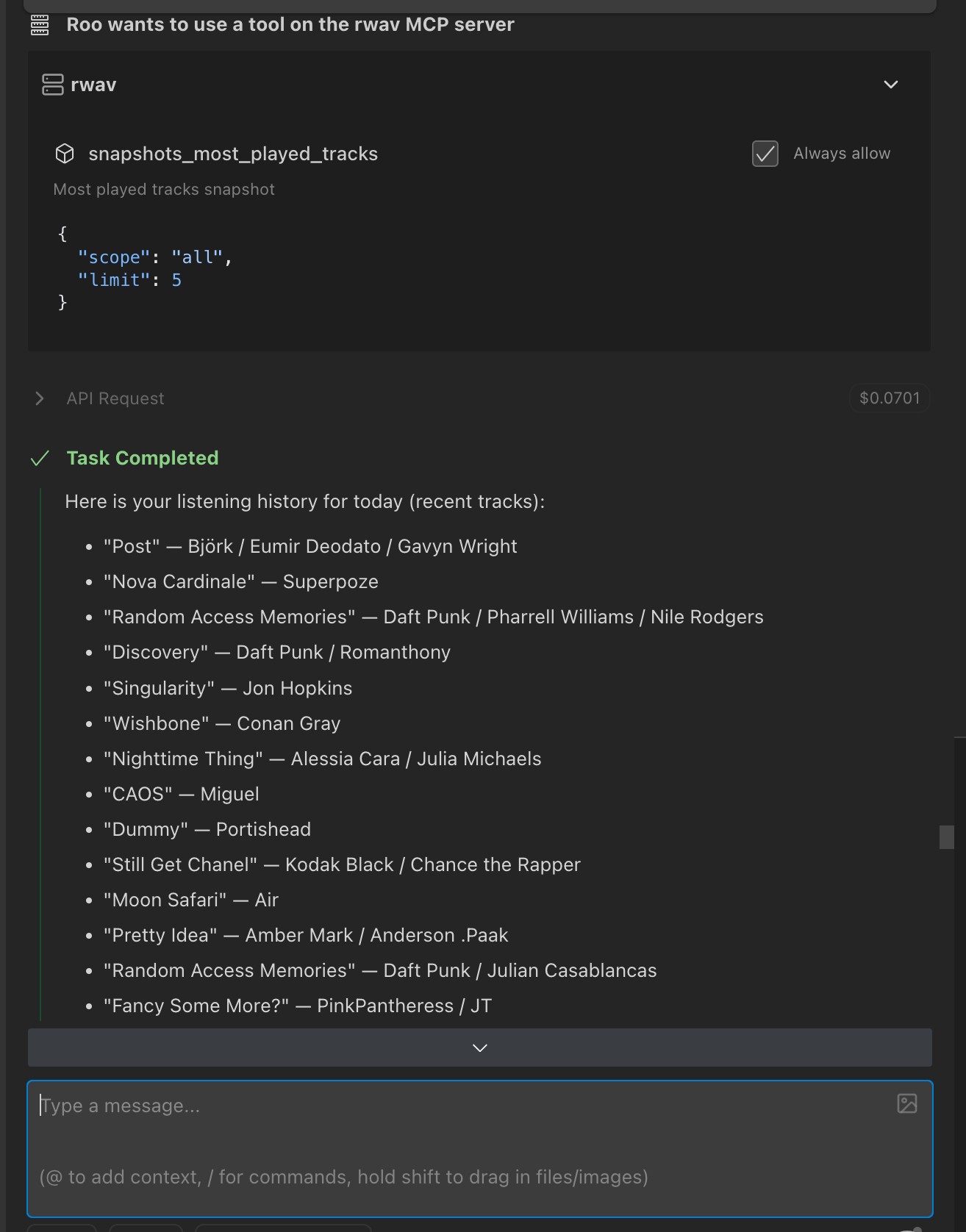
I’ve written a MCP Server for Roon and am just giving it a little more polish - although I could do with some volunteers who might want to check it out and help me catch any bugs or nonsense paths that need tidying up. I’m using it with Roo Code VS Code extension and also OpenAI Codex VS Code extension - although it should work just fine in Claude Desktop or Cursor. It needs my Bridge extension to work. If anyone is interested, I can provide a full feature set (from zones, recent history, browse library, browse streaming services, create playlist, explore artist, albums, tracks, transfer playback, group, skip, play, pause etc etc). I need a couple more days to get the deployment up and running for both the MCP Server and Bridge.Here are some screen shots of it being controlled by GPT-5 in Roo Code extension.
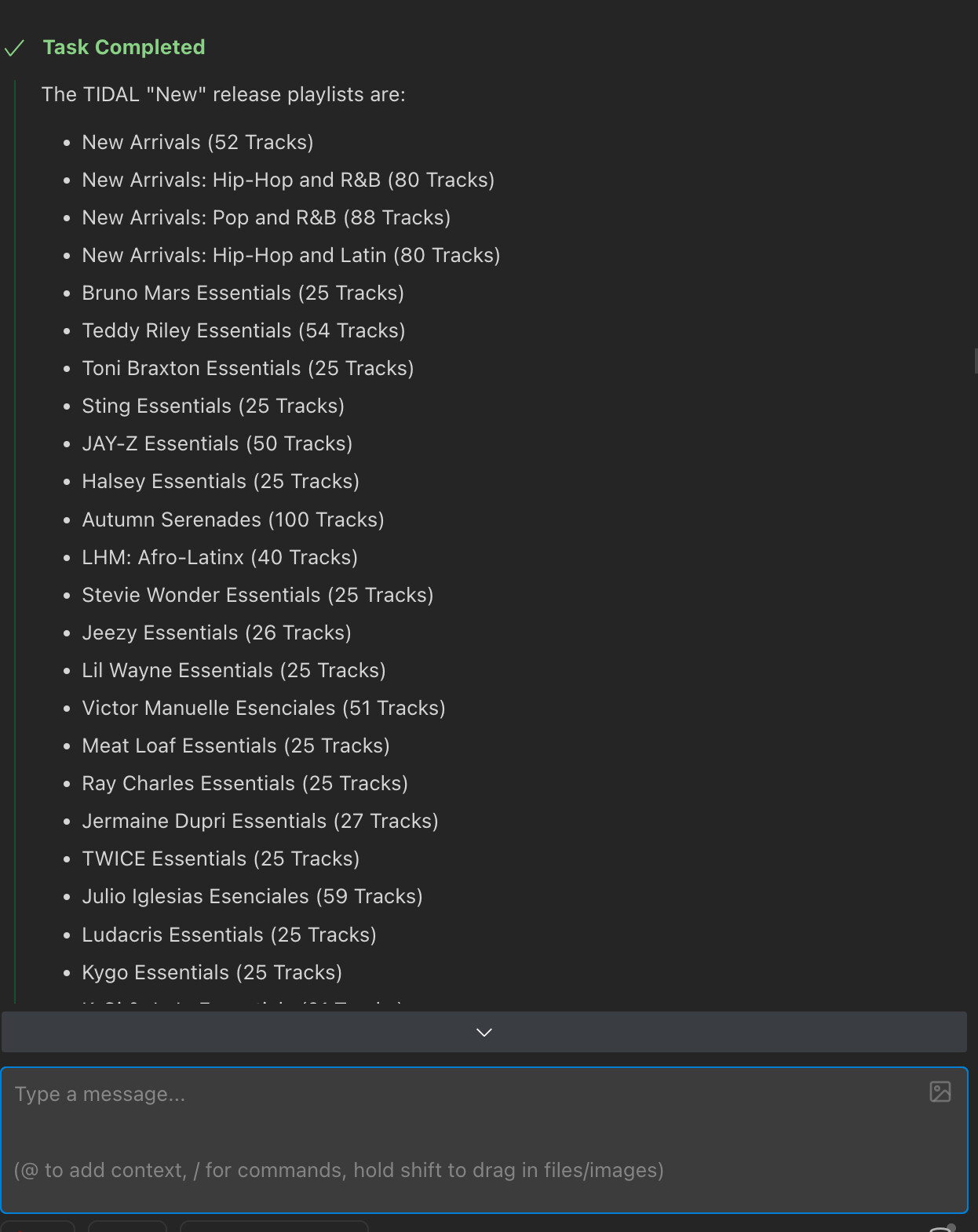
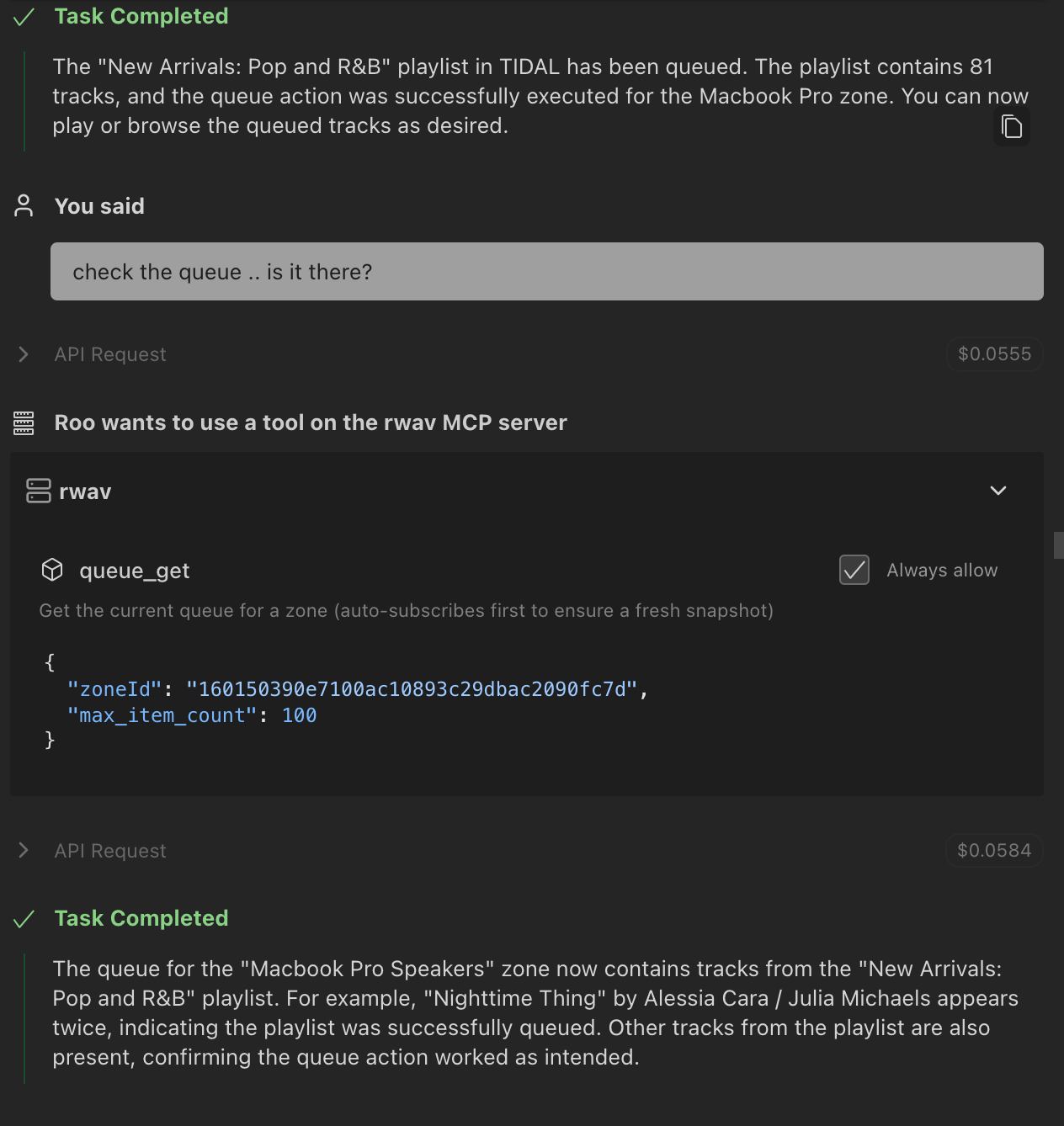
Further to my last post about my MCP Server for controlling Roon - here are a few more screen shots of it working in Roo Code VS Code extension - hopefully it will give you all a good idea of what it is capable of. I hope to get it deployed along with the bridge extension in the next few days. If anyone is interested in helping to test it in anger, could you please let me know?
There‘s already a public beta. I‘ve installed it yesterday. Basically it works, but recently Google has reduced number of Gemini API calls in free tier to 20 per day. Therefore i wasn‘t able to try out much.
Hi @FunkBrother! Thanks for checking it out - that’s not good news about the new Gemini API call restrictions. I use Fireworks AI at https://fireworks.ai which has a tiny $5 free layer - and some cheap models - KIMI is the best. I’m building an App for ChatGPT which would work just a normal ChatGPT subscription. Let me know if you have used it much since. Roo Code can work with local models that would be ‘free’.
Seems i‘ve found the perfect solution for me: Clawdbot with a RoonCommandLine skill.
The very cheap LLM „gemini-2.5-flash-lite“ is completely sufficient for this use case. The costs per request are in the tenth of a cent range. I use it via OpenRouter. There I can set a daily usage limit. Very useful, in case Clawdbot runs amok.
I’ve started playing around with Clawdbot and my RWAV-Bridge MCP server - I have a playlist issue at the moment that I am fixing. I will let you know when that is fixed. I happen to have a command line tool too that I haven’t made public yet (I found RoonCommandLine too cumbersome) - it still needs my bridge extension though. I need to make a few adjustments to it yet, as it is really just a dev tool for my own use, but I think I will release it soon - see how it works with Clawdbot. All good fun.
Today i‘ve added voice control to Clawdbot, using an Alexa skill and Home Assistant voice assist. Now i‘m able to control Roon via Clawdbot with my Alexa devices.
I don‘t have to specify the exact title to play a song.
For example: „Alexa, ask Roon to play the song by Stevie Nicks on which Prince plays keyboards. After a few seconds „Stand By“ is „automagically“ played by Roon. A dream came true