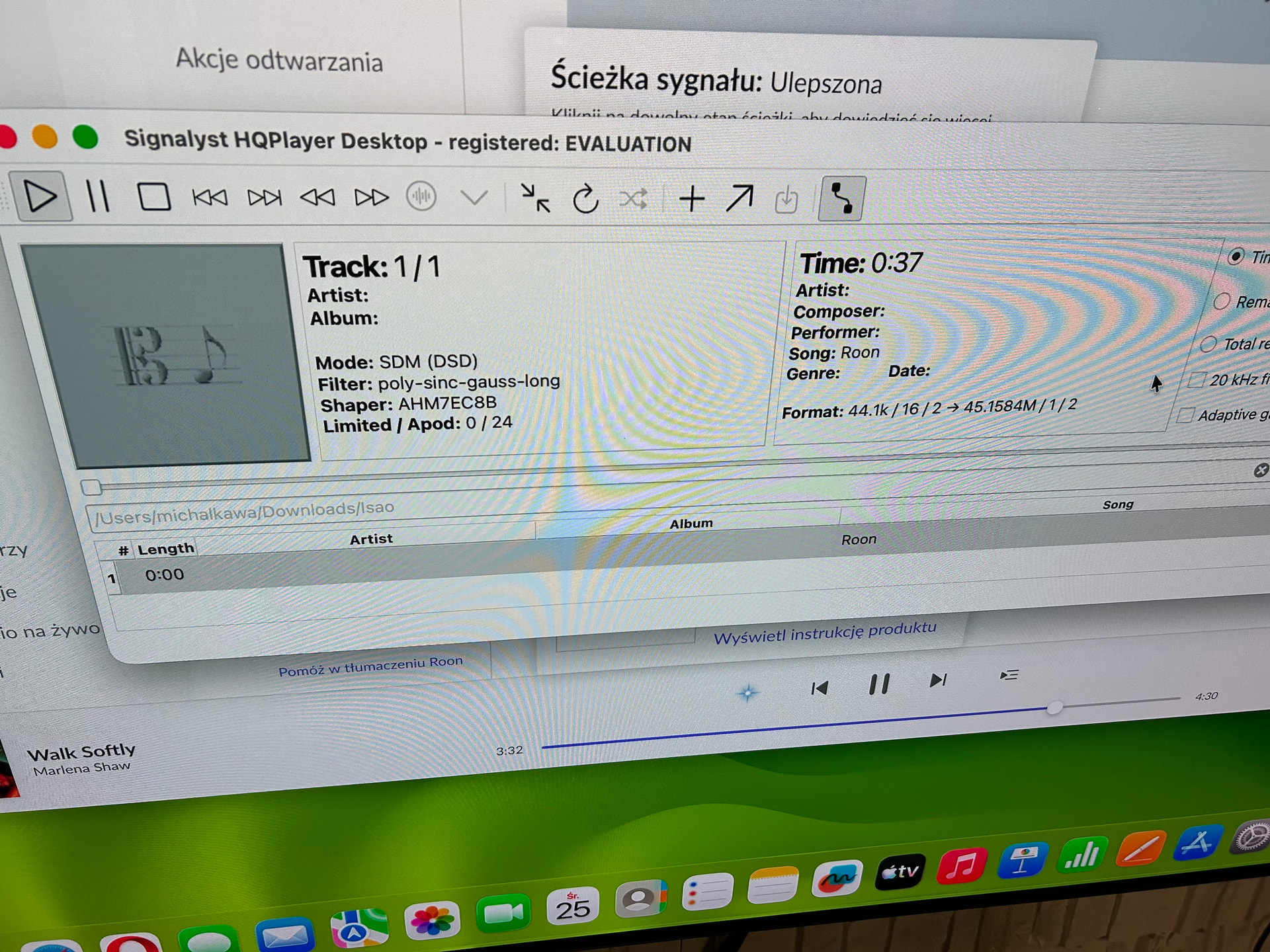
So you’re suggesting it’s a Wi-Fi connection issue? I’m having trouble with this because my router is in another room, and running cables throughout the house isn’t a good idea. So your Mac and NAA are connected to the router via cable? Thanks for your help.
This modulator is only for dsd1024 and greater but I doubt the Mac Mini M4 will be able to do it … I don’t think Wi-Fi can be the issue but the cpu can actually be
For DSD1024 you need sustained about 100 Mbps bandwidth (plus something in case you play from network). If there’s enough attenuation caused by walls, etc, the network may need to use 2.8 GHz band instead of 5.6 GHz which can have bandwidth implications, in particular if there are other wireless networks nearby.
But generally for example WiFi6 or WiFi7 should work fine. What kind of wireless network do you have?
I can play 5.1 channel DSD256 from my SMB server and output 8 channels of DSD256 to a NAA, to/from my laptop over WiFi6. So ethernet as such is not necessary.
But it requires enough channel bandwidth and modulation constellation, see the table here:
Only the memory is very demanding, as the processor is only 30%. Tomorrow I’ll connect the rest of the data to the router via cable and test whether it’s the Wi-Fi connection that’s to blame.
My router is TP Link Archer AX1500 Wifi 6 …Maybe I need to configure something additionally in my router? I’ll just say that everything plays fine up to 256 bitrate but above that it stutters.
256 is probably going to be the sweet spot. 512 and 1024 are bigger numbers but not necessarily better.
Using the default, gauss long and hi-res with 7EC-Fast and dac corrections is going to be better that 1024.
As others said, AHM7EC8B is for 1024 only.
This with the defaults gauss long and hi-res should be no problem. The combo is very efficient cpu wise but the network throughput is going to be a lot more. It should technically work over WiFi if your network is and WiFi AP’s are setup well.
I would suggest trying hardwired and if it works you can stop futzing with the Mac and start addressing the network.
It’s also good to use flow control if the network setup supports it.
So today I connected my Mac mini and NAA Ropiee to my router via cable. The sound was interrupted at 1024 bit, but not as often as it was when everything was working on Wi-Fi.
One thing surprised me: my Ropiee wasn’t seen via LAN in my Roon, but was only available when the Mac was connected via Wi-Fi. I have both Wi-Fi and LAN set up in Ropiee. I don’t understand what’s going on.
Except with AHM7EC8B (or AHM5EC8B) modulator… Point of the new modulator was to make beneficial use of the high rate capabilities with these kind of DAC hardware implementations, so it required a different modulator approach to reach that goal.
You’ve pulled me away from ASDM7ECv2 with Super. After listening in 1024 using AHM7EC8B, I still tend to lean towards 256. Very excited to see what the variations of the 1024 modulators bring.
I too discovered those exact settings recently and love the sound I’m getting with my Focal 2022 headphones. About my only knitpick is there’s an 8-10 second delay when initially starting to play music and a delay of about half that amount when the music switches resolutions. Guess I need a little more grunt than my M4 Mac Mini. What a terrible problem to have.
That’s interesting. I’ve been using those settings for such a short time I haven’t done any trouble shooting. I must have something else set wrong. I’m using a Sonore opticalRendu and a Holo May KTE.