After scouring the forum for a recent similar issue, the following might be a new issue/bug . . . feature?
My Samsung Galaxy Tab A 10.5 (model: SM-T590) Android 10 was working as a remote without any issues for the last couple of couple years. Today the tablet started hanging on "Remote Connection: Waiting for Remote Core. . . . " The tablet can access everything else on the network and Internet.
I uninstalled and reinstalled the roon labs remote application, and the tablet still hangs trying to find the core in the application. Quite annoying.
What changed recently? Android updated itself to One UI 2 Android 10 with latest security software version Jul-2020 Release 1, Android security patch level 1 July 2020.
What else changed? Nothing else changed.
Both my old mobile device and trusty old-long-in-the-tooth Windows desktop OS can access and use roon without issues.
All network switches, the router, Wi-Fi access points, and core server were “cold” booted. The Android roon labs remote application was uninstalled and reinstalled several times, ending with the same hanging "Remote Connection Waiting for Remote Core . . . " issue.
What does the community and roon labs recommend please?
Thx
g
The core shows the SM-T590 Tablet A, but the Tablet cannot connect remotely
My Galaxy Tab A 10.1, 2019 also got ONE UI 2 Android 10 a week ago and no more finding the Roon Essentials Core on the Elac Discory Music Server. I know Essentials is not full-blown Roon. But the 255.255… workaround also works for me. Ugly but works. Now I can enjoy my music with the gears I paid for instead of getting upset at Roon and Elac.
It’s so frustrating…I am living with this all the time. The only music product I have had that has these issues. Clearly Roon is doing something different to everyone else, but is it necessary for sound quality??
AFAIK not needed for SQ, it’s about different Roon devices finding each other on your LAN. Roon uses IP multicast for that, which in theory should work, but in practice trips on the fact that IP multicast support is buggy or hard to configure on some routers, switches, and endpoints. Interaction between the Android network stack and some network hardware is especially problematic, but frustratingly hard to replicate between networks, or even on a given network as software and firmware are updated.
Roon Labs know about this, I hope they are thinking of some changes/alternatives that deal better with the real mess that LANs are in practice.
I have a Samsung note10, roon nuc Rock, BT homehub router.
Not had any issues until yesterday when an android update was applied to my phone.
Now the only way I can find roon from the app is to reboot the nuc and phone. If I come off the app and look at say Facebook, when I go back to the app it can’t find roon server.
If I launch a browser and enter rock/ it will find it immediately.
The 255 trick works.
Crazy that an issue reported 2 years ago is beyond the abilities of the roon engineers.
They’ve been unable to replicate it in their lab, even though they tried hard. They even used my own personal network to try to nail it when I had the problem. No luck. The problem is that it is an interaction between some Android devices, some network configurations, and some network hardware. Any difference in any of the variables makes the problem disappear – or return. Basically, Roon device discovery relies on multicast, but consumer-grade gear has been increasingly buggy in its multicast support. There are alternatives based on mDNS, but that would be a major overhaul that requires careful development, lest it cause more problems than it solves. Having seen how many mDNS-based discovery setups go wrong, I don’t know if the medicine would be better than the cure.
Clearly a number of Android user are experiencing this issue, so why not implement a workaround until a full solution is identified? Someone on this post suggested implementing the 255 workaround, why not?
Perhaps it would be fair to advertise that they have an intermittent incompatibility with android devices and recommend only using apple?
i found the 255 workaround works and now I can find the roon server again.
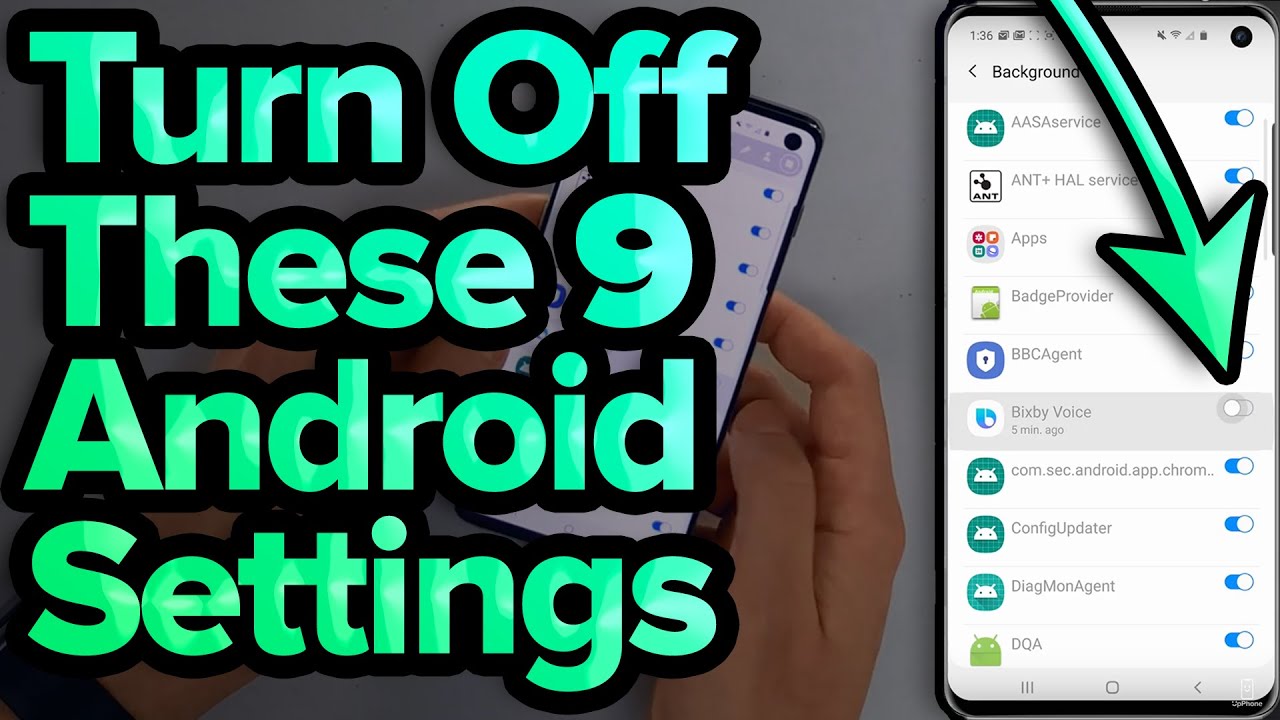
Last time I was having issues before the latest android update, I followed the changes suggested in this video and I didnt have any issues for about 3 months
Doing the manual find by putting in the IP address seems to have done the trick. I have gone through those settings in the video too though as they seemed good things to turn off.
Unable to connect to roon with my android. Restarts of roon, phone didn’t help. No problem connecting from Windows laptop and pc. It already lasts couple of months.
Just finished my trial. This exact issue has been happening to me on a new roon install. Sometimes (seems like after hours or days of uptime) I am unable to see the box from my pixel 5 unless I reboot the roon server. I also noticed that there is a memory leak in the latest version, where roon was consuming 48GB of RAM on my newly created debian based roon vm, using dynamic memory allocation. I have since set the limit to 12GB and am waiting to see this issue again. Not sure if it is related to the multicast issue. Just providing my less that .02 cents. Thanks.
I’ve been experiencing the Android connection issue for several months. I can’t tie it to any OS or Roon or network updates but memory is fallible.
Three Android devices, Pixel 10XL running Android 16 current, TCL NXTPAPER 11 Plus running 15, another test phone (Redmii) running 15.
The 255.255.255.255 trick worked.
I have Roonserver running on 4 different environments, 2 licensed.
1 current (from Roon) docker image in a Debian VM on proxmox. v2.65 - licensed
1 native Roonserver on macmini m4. v2.65 - licensed
1 docker steefdebruijn image on TrueNAS. v2.56 Current TrueNAS 26.0.0-BETA.1
1 docker (from Roon) on QNAP NAS, QuTS hero h6.0.0.3459 build 20260409 Release Candidate. v2.65
Note the wide variety of hosts and versions.
Network is all UNifi, current stuff. UDM SE gateway, Unifi wifi 7 APs, Unifi 48 port MAX switch.
No VLANs for anything related to Roon. only some IOT stuff is running on another VLAN.
IGMP snooping turned off. (this disable selective IGMP multicast So everthing should get IGMP multicasts)
mDNS Gateway Proxy on for all.
And nothing has changed here as far as configuration.
All the roonservers are wired, all static IP.
Sometimes if i leave the android device looking for server they will be found.
And as usual all my IOS tablets, macos laptops, windows laptops find the servers. Just the Android devices fail..
So finding the 255.255.255.255 ‘trick’ has been rather nice.
Thanks for whoever found the workaround. At this point there is something broken in the Android networking stack. Both Android 15 and 16 have the issue.