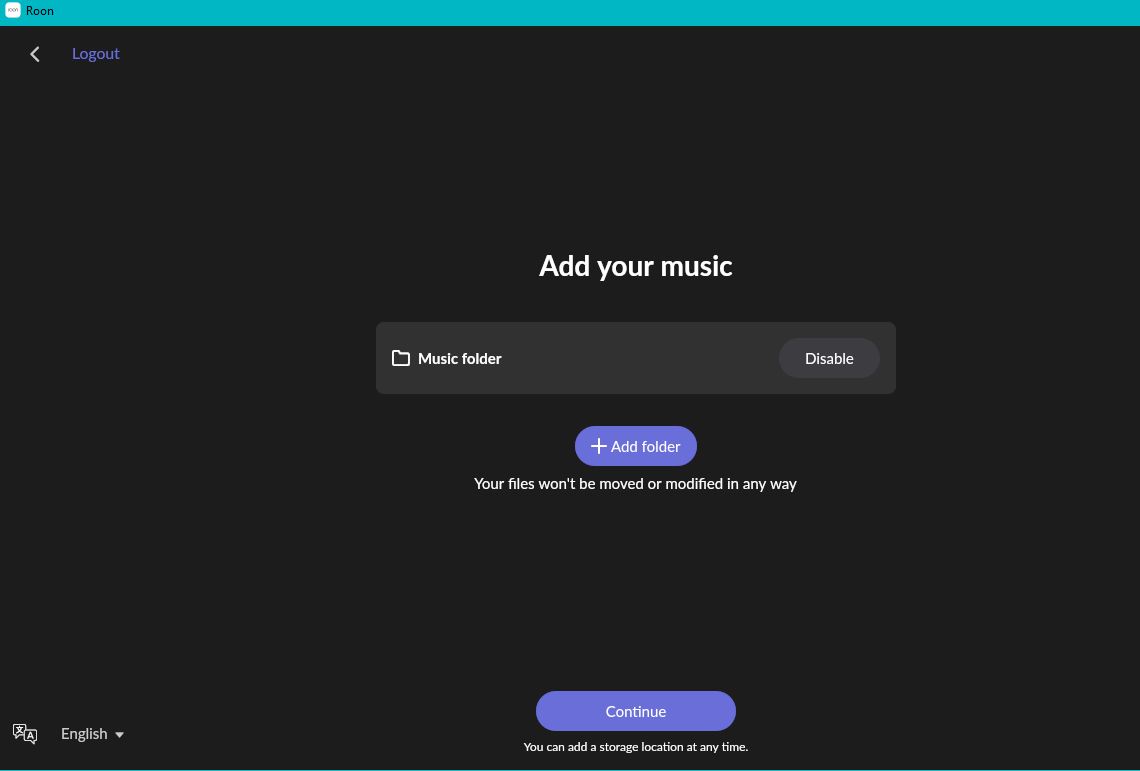
@Stephen - I made a suggestion to clean the tarball on github. Based on this, I don’t think that’s still a good idea but it’s very clear from this that what’s happening is that tar is trying to apply the permissions from inside the tarball to the local filesystem. I think if you just do in start.sh what’s already being done in entrypoing.sh (pass —no-same-owner and --no-same-permissions), that’ll fix this. That second param should get tar to not try to set permissions the way it’s doing here. We already know it works when the users and permissions aren’t carried from the tarball into the decompressed files because that’s what entrypoint.sh is doing.
Migrated my existing Roon setup on Unraid to the official Docker image today. Decided to clone my existing database and point the official docker image at that. All was up and running in under ten minutes. Been listening to music all afternoon and everything’s running perfectly so far.
If anyone’s hitting issues getting this working on Unraid, I’d be happy to help.
If you didn’t and don’t mind checking it out I’d appreciate any feedback if I got something wrong there. I don’t have an unraid setup so I was guessing at best.
Hey Stephen, I used the configuration tool to check what mappings the official image uses, then set it up via the Unraid GUI rather than using the output. From what I can see, the configurator output looks spot on and should work fine for a fresh install. I’m just more comfortable configuring Docker in Unraid’s GUI, which is why I went that route.
I would like to remove my Unraid template and mark it as archived in the GitHub repo given that there is now an official container.
Now given this, I am wondering are there plans for an official Unraid template? If no, I will point my existing template at the official container. If yes, I will remove my template. I just would like clarification on that from Roon if possible. I don’t see any point in maintaining my container anymore since there’s an official one. I’m also not really using Roon much anymore so I don’t really want to maintain a container.
We don’t currently have any plans to maintain anything like unraid templates or “templates” for other platforms. The docker stuff is available on Github (https://github.com/RoonLabs/roon-docker) so maybe it is worth centralizing a community driven collection of various platform templates?
Maybe we could create a community-templates repo? I think the concern is that it would appear like we directly support them?
Do I have your approval to point my Unraid template at the official Roon Docker? I mean this is commonly done with Unraid it’s just an XML file. All it does is simplify the installation of any container for Unraid users. It’s basically like easy mode for Docker.
Currently it’s pointing at my own docker and it would be a bit more ideal if it pointed at the official Roon docker.
Disclaimer… I don’t think I can give “official” approval.
Having said that… I think it’d be a good idea and say go for it I think there is a value in having everyone use the same image for consistency and support reasons. Since the official docker stuff is generally avaliable (and public) on Github I’d love to have all the various images out there “collapse” into the official one.
I agree. I know you can’t give official approval but as long as I have implicit “go for it” I would rather not support my own docker anymore and point people toward the official Roon supported one. It’s better for you guys and it’s better for me.
I mean my container has like 10,000 downloads according to Unraid’s App Store. It would be better to get people onto the official Roon supported one.
Installation instructions for Synology mention creation of the docker share when installing Container Manager. “If it was created on a spinning disk, you can easily move it to your SSD volume via Control Panel > Shared Folder”. I might have missed something, but DSM would not allow me to move the docker share while Container Manager was installed. I had to uninstall it, move the share, then reinstall Container Manager.
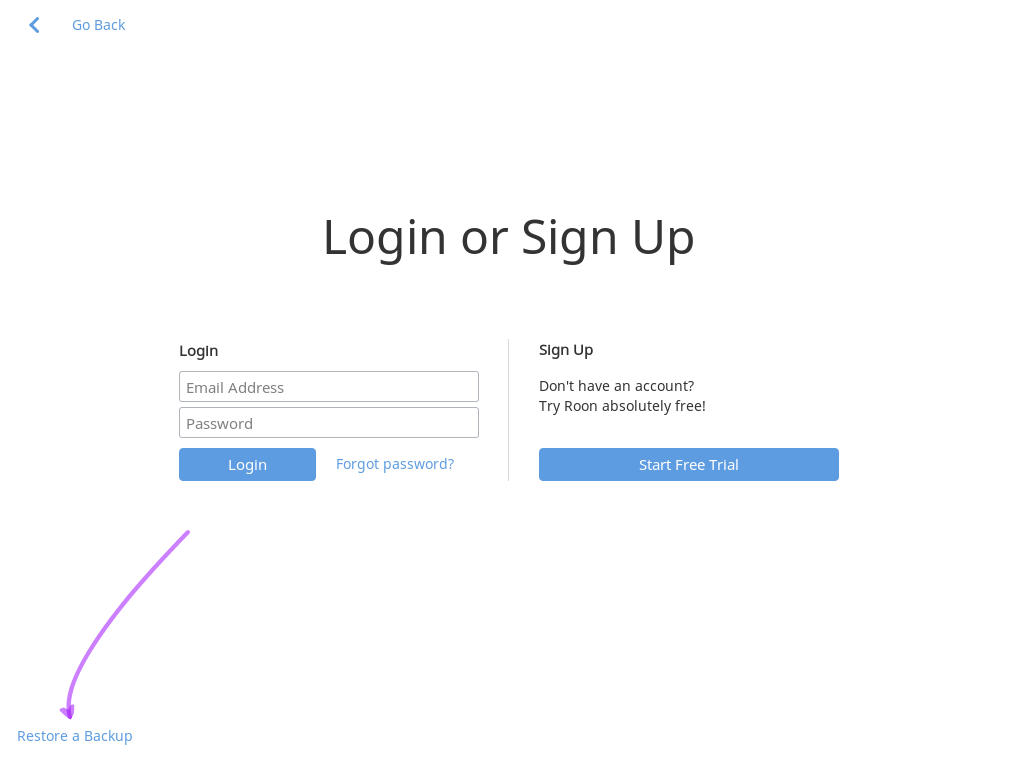
Synology database migration instructions step 6: “Look closely at the bottom of the screen and click the Restore a backup link” - what do we do if no such link is displayed?
thanks for the replies to my comments on the Synology installation steps. The updated forum-sourced guide looks great. Regarding me missing the screen with the backup restore option (and thanks to those for pointing that out), perhaps the instructions could be changed from “Look closely at the bottom of the screen and click the Restore a backup link” to “Look closely at the bottom of the Account Log-in web page…”. That way it’s clear which screen is being referred to. By the way, any particular reason why the account log-in web page has something as important as a backup restore relegated to a footnote? Why not feature this more prominently on the page?

 I think there is a value in having everyone use the same image for consistency and support reasons. Since the official docker stuff is generally avaliable (and public) on Github I’d love to have all the various images out there “collapse” into the official one.