Yes, that’s the frustrating piece since no one has the exact specs. I’ll try with some more local shops tomorrow.
Thanks again!
Even if the local shop doesn’t have exact models I suggested, they usually can suggest something equivalent in price (if you ask for such) that are all compatible
Like i said, it was quick Amazon search on my end because you specified a budget (even though your Mac order is way higher in budget  )
)
I know…lol!
Out of the quotes I shared above, which one is a good spec to have?
All have the same CPU so the one with best GPU should perform best I would guess ? The one with the 4080
I don’t much about that case and power supply.
I like local builds because for any warranty, I can just drive with one box . Not having to worry about shipping a huge box.
I’ll try micro center a local shop tomorrow.
Out of interest, I saw this laptop which is less than the desktops…I might take a look at that too.
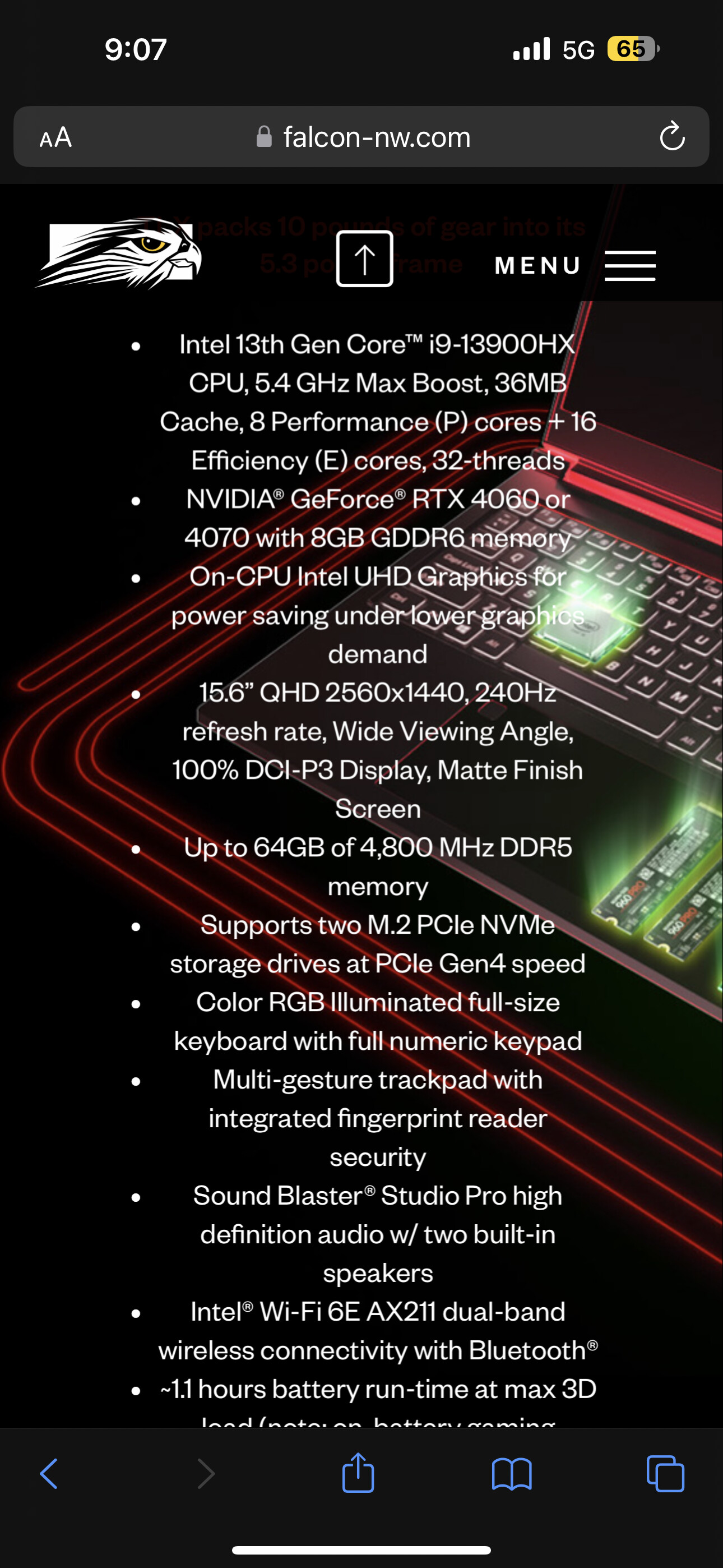
Whether the CPU can get up to its max performance will depend a lot on the cooling.
With a laptop, cooling is limited
For permanent home use for HQPlayer, not a very good price to performance ratio for what you are trying to do
And you’re paying for a screen you won’t need if using HQP OS (boots from USB stick and configured on web browser)
1 Like
Understood. Thank you for the clarification - I’m learning every day!!
I guess I was just going to have windows installed and use my HQP license as the easiest route.
I also called the Apple Store and it’s a 14 day refund policy so I may pick one up this weekend.
Stay tuned!
Interesting… @jussi_laako - is this accurate?
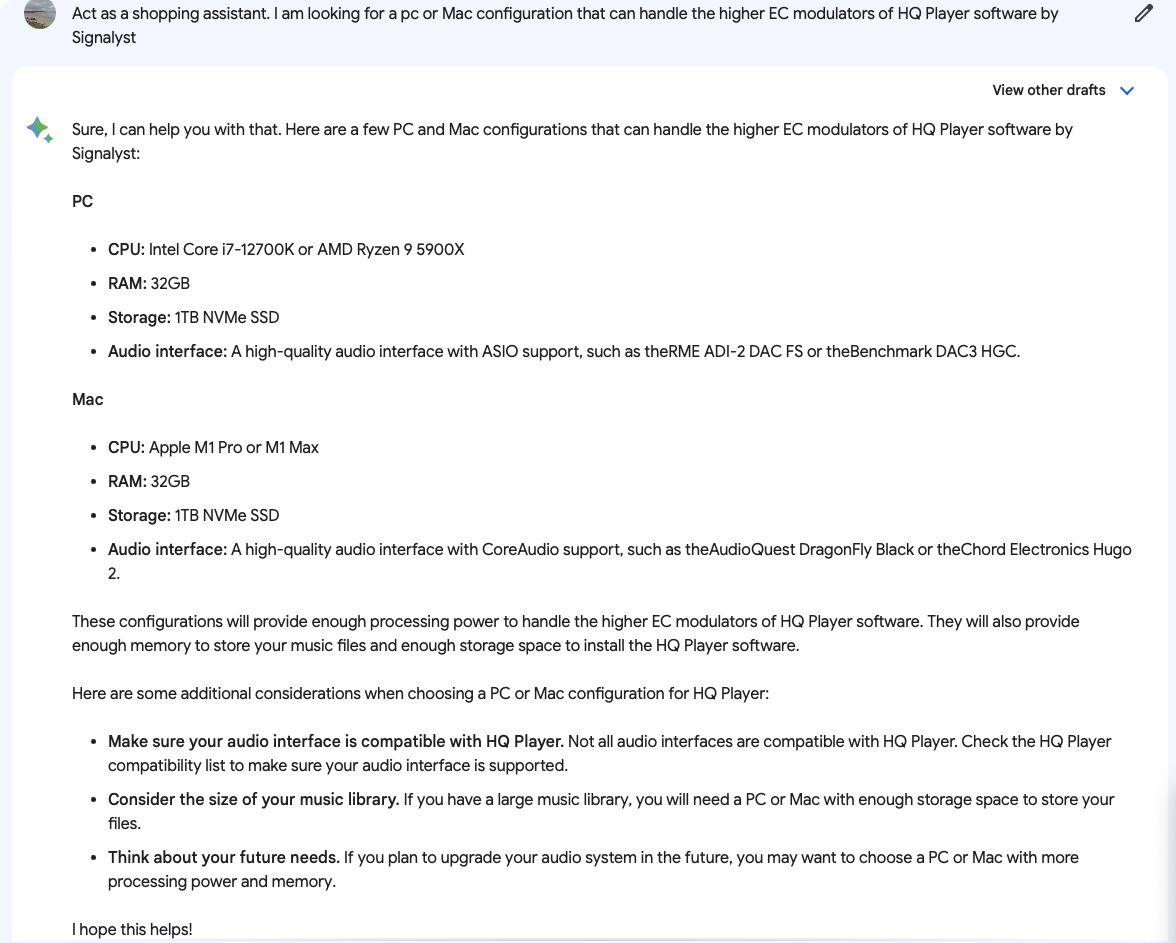
That is an AI bot
Judging by some of the DAC recommendations to be used with HQPlayer
1 Like
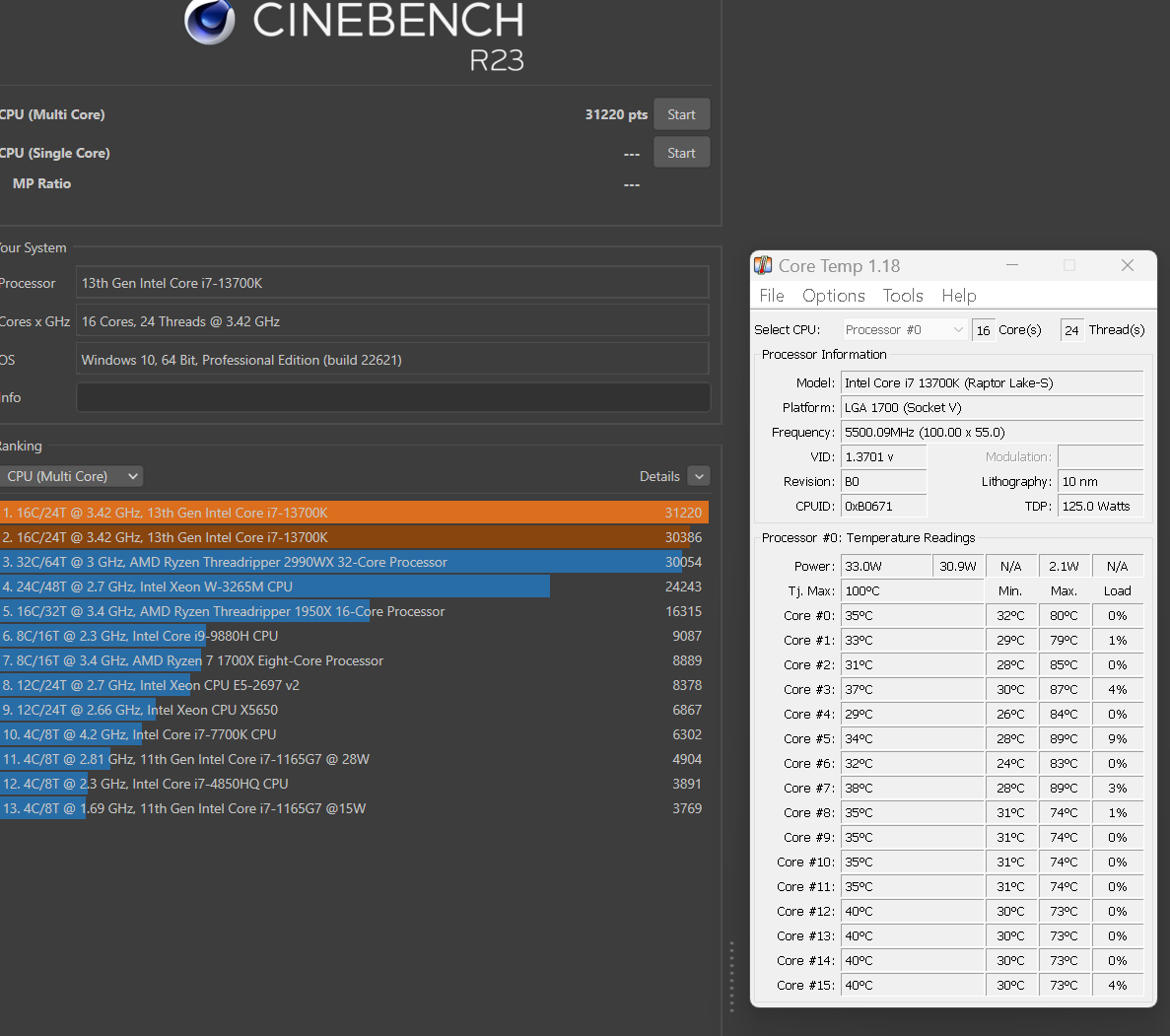
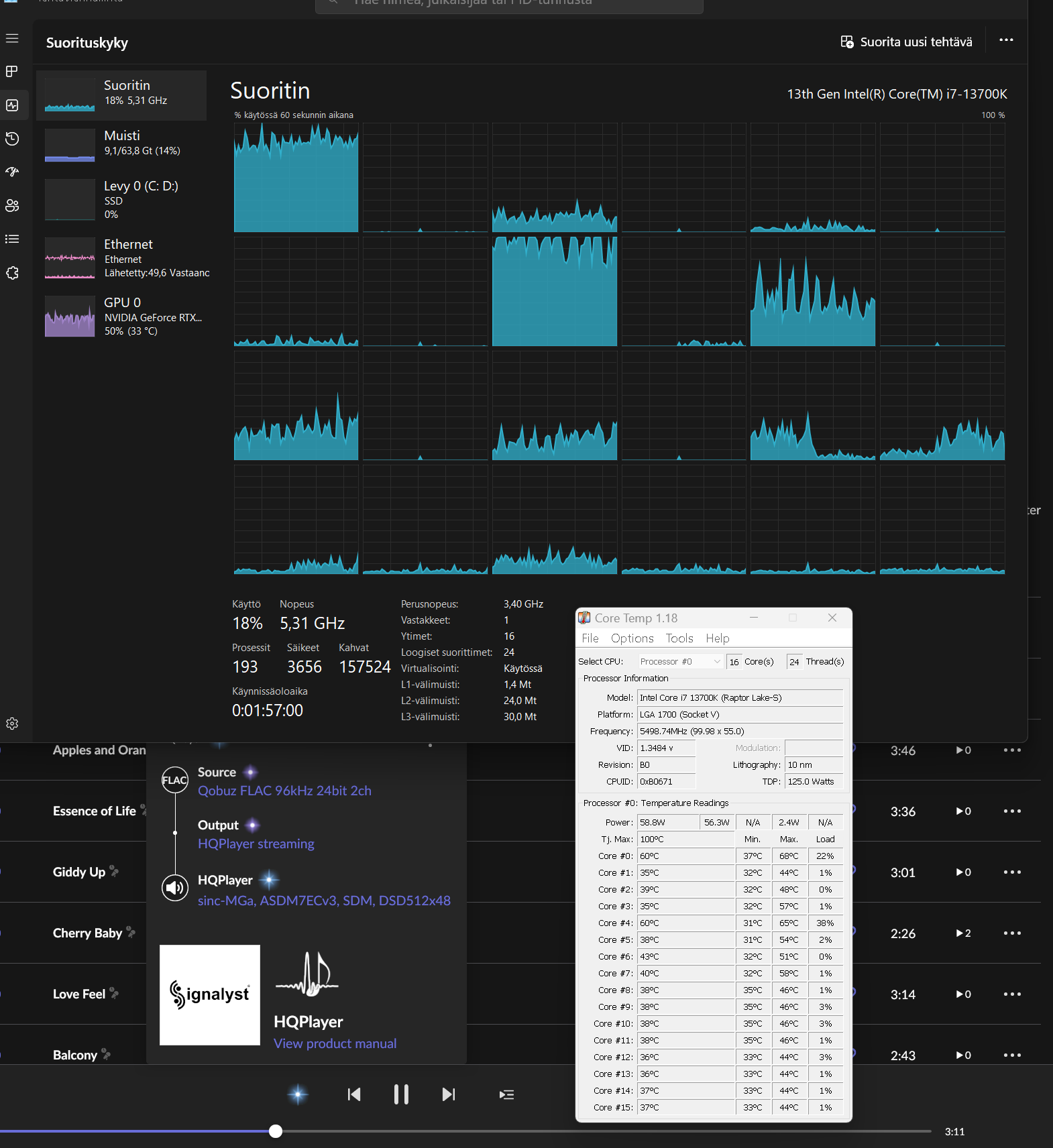
Hardware in that is last generation. But what is the intended target?
A shopping assistant recommending Dragon Fly or Chord Hugo2 specifically for HQPlayer, screams bot to me 
Especially in combination with previous gen hardware
4 Likes
So…:I’m trying the 64GB Mac Studio with M2 Ultra and Roon can’t connect to the HQ Player - just gets stuck and shows ‘nothing playing’. HQP sees my DAC200 via UPnP Gateway but Roon can’t process for some reason…. @jussi_laako – any advice??
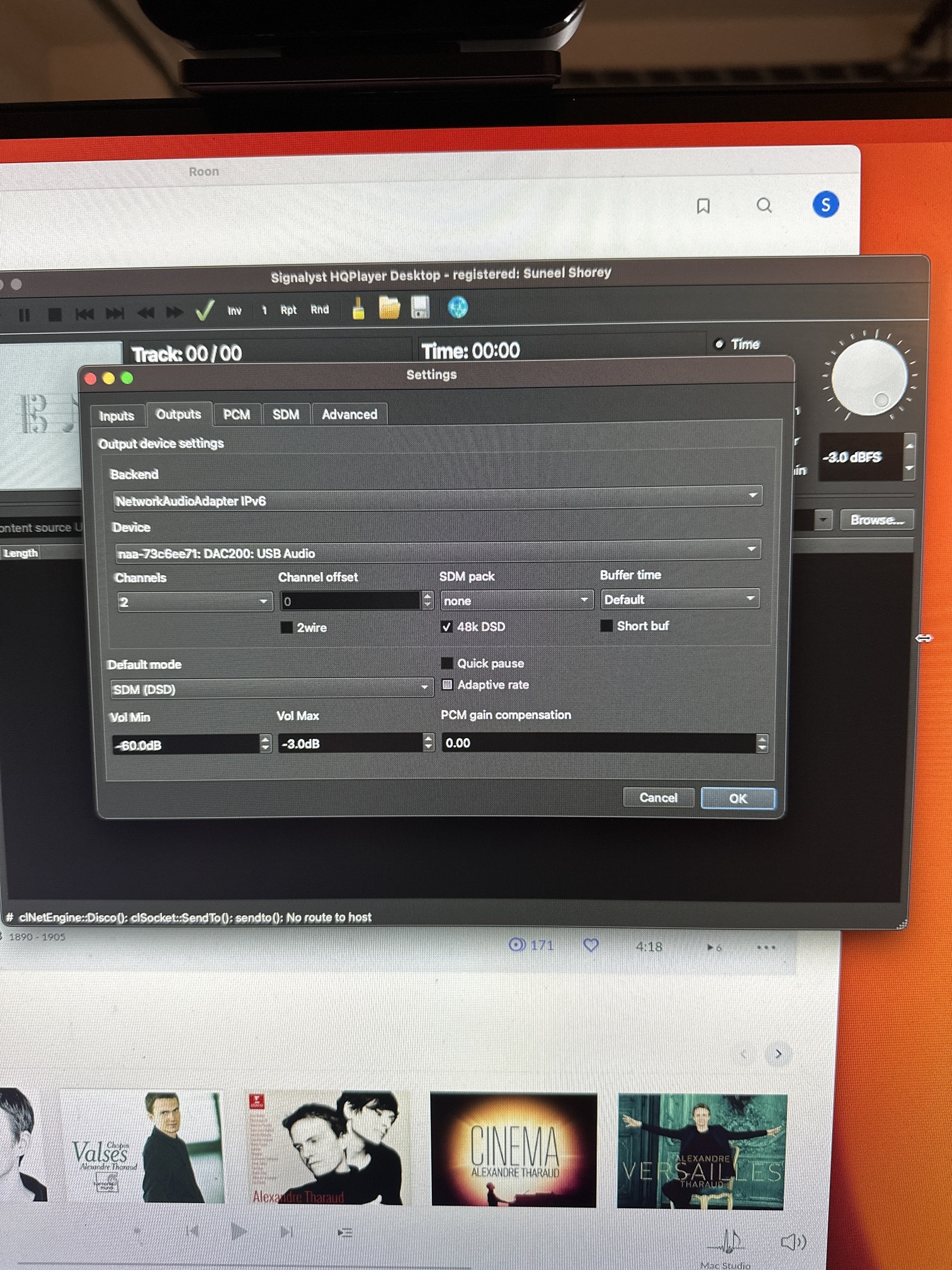
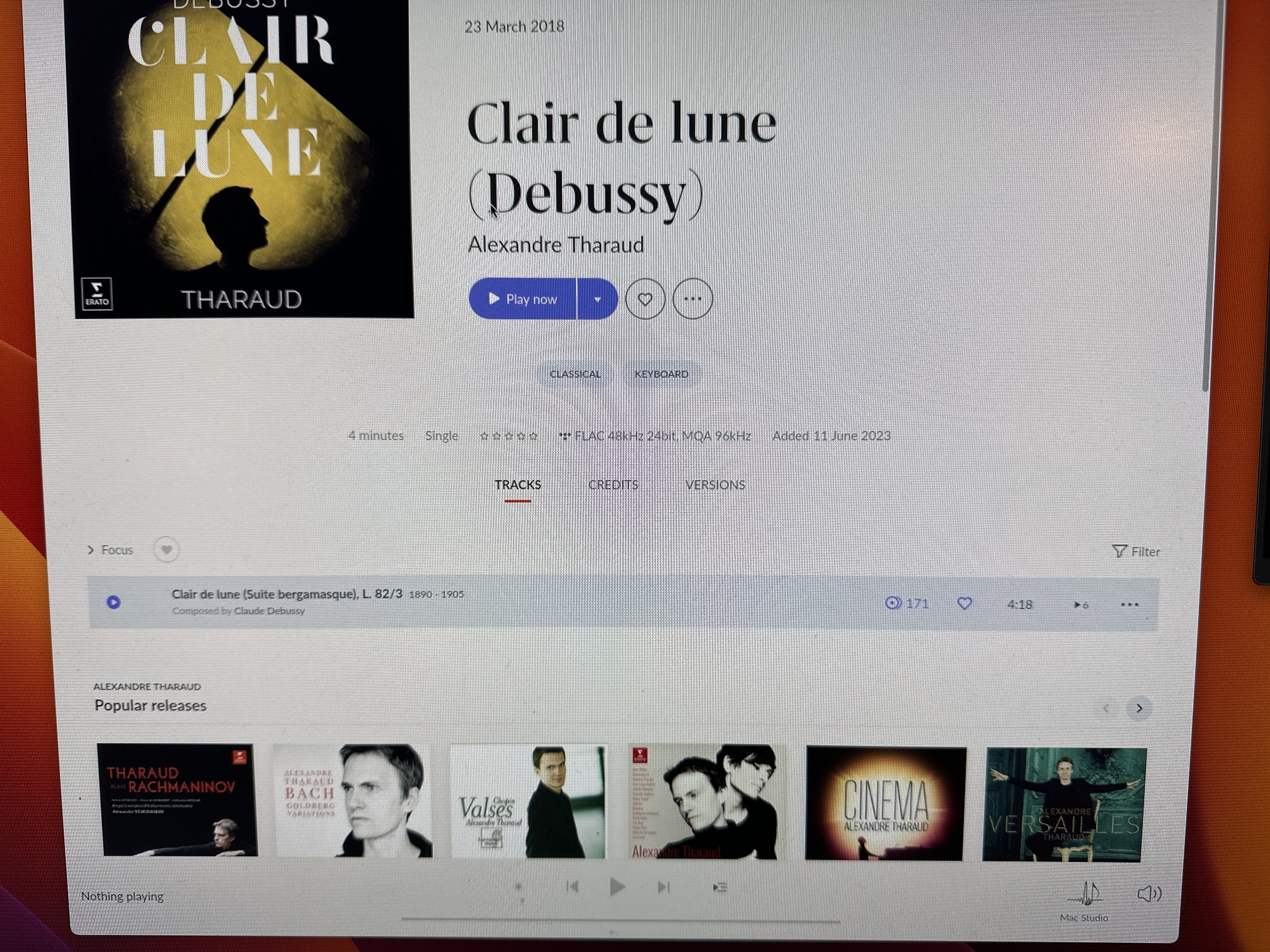
I’ve tested against my previous configuration which works perfectly. The second picture is from my M1 Pro MBP
Here’s my iPhone screen between both setups.
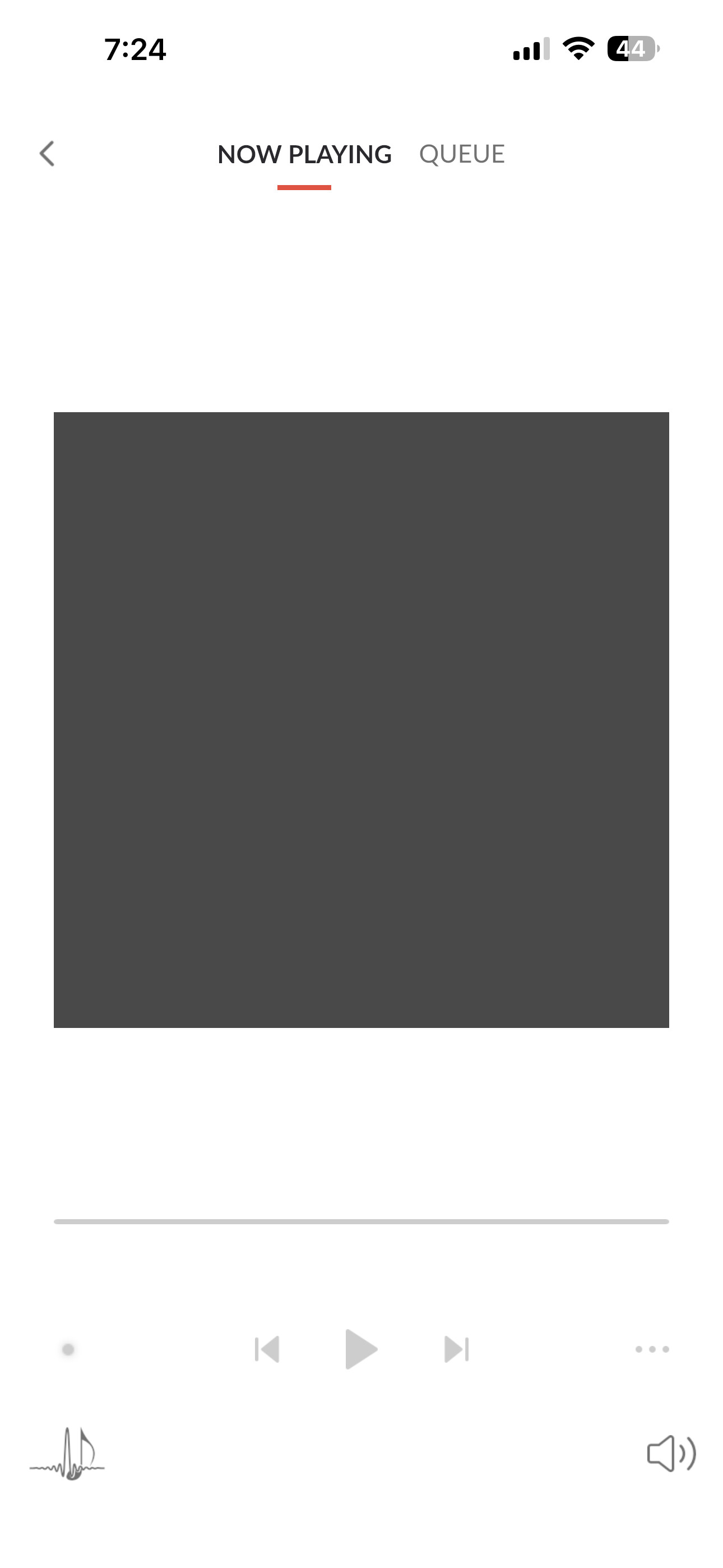
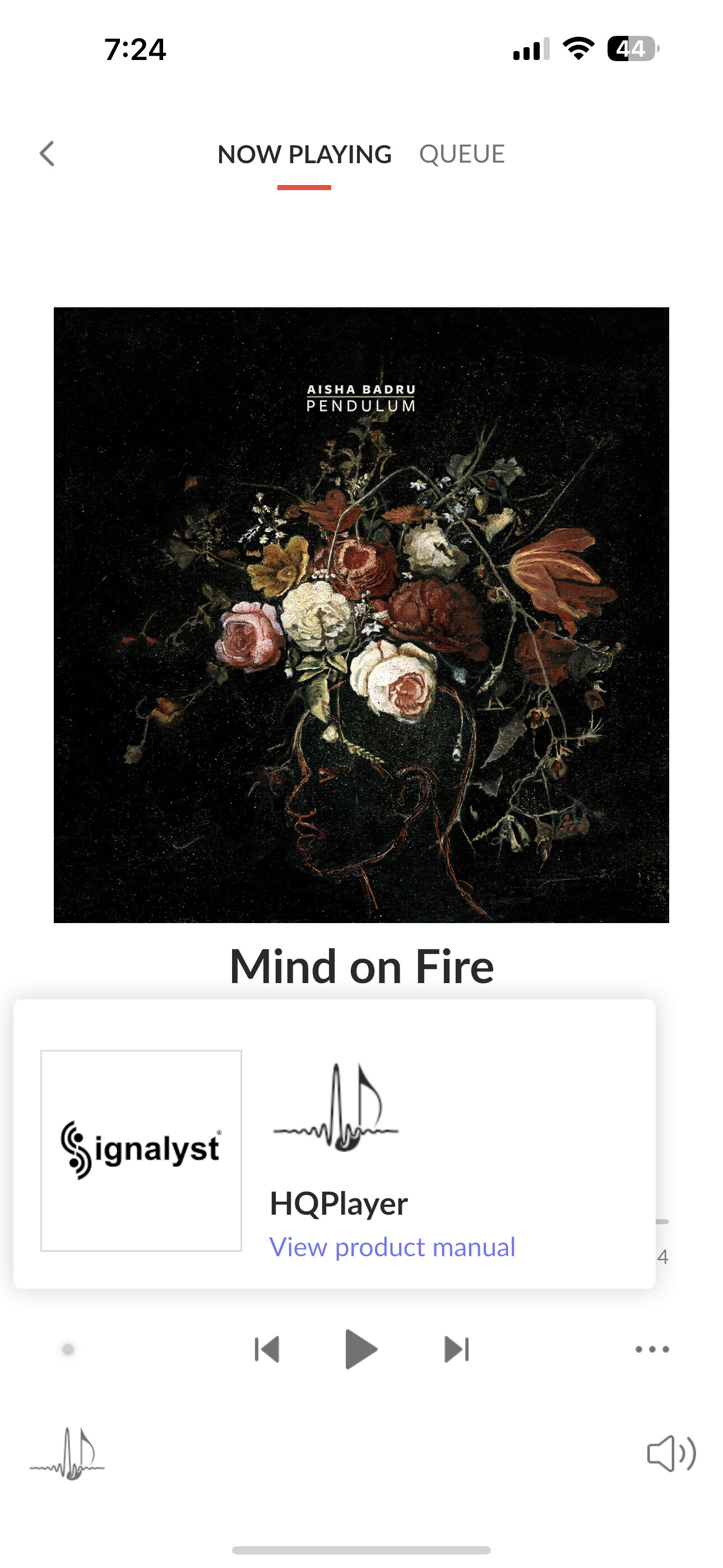
Do you have that “Allow network control” button pressed in the toolbar? If your Roon is on something else than localhost aka 127.0.0.1…
Can HQPlayer play standalone?
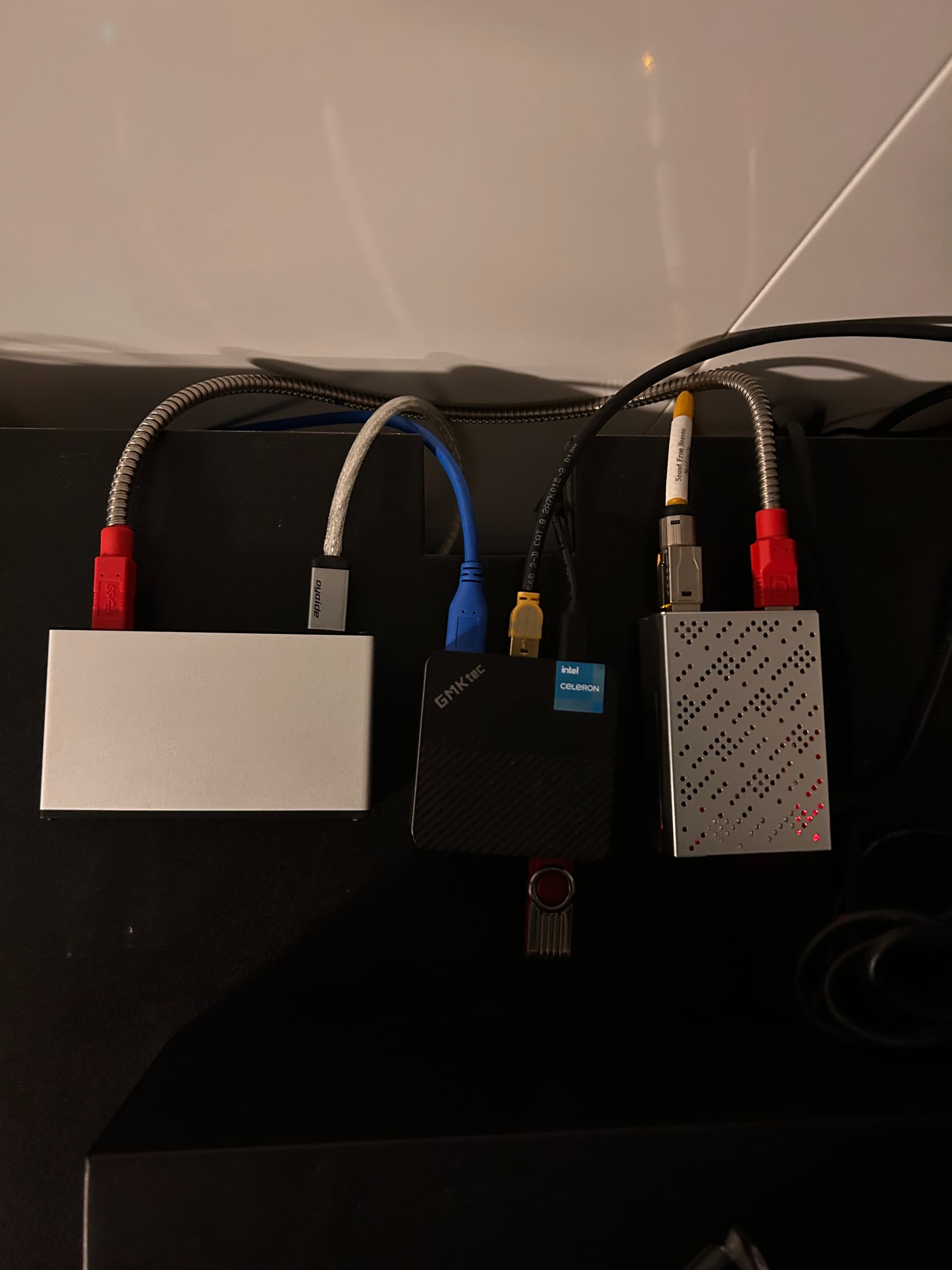
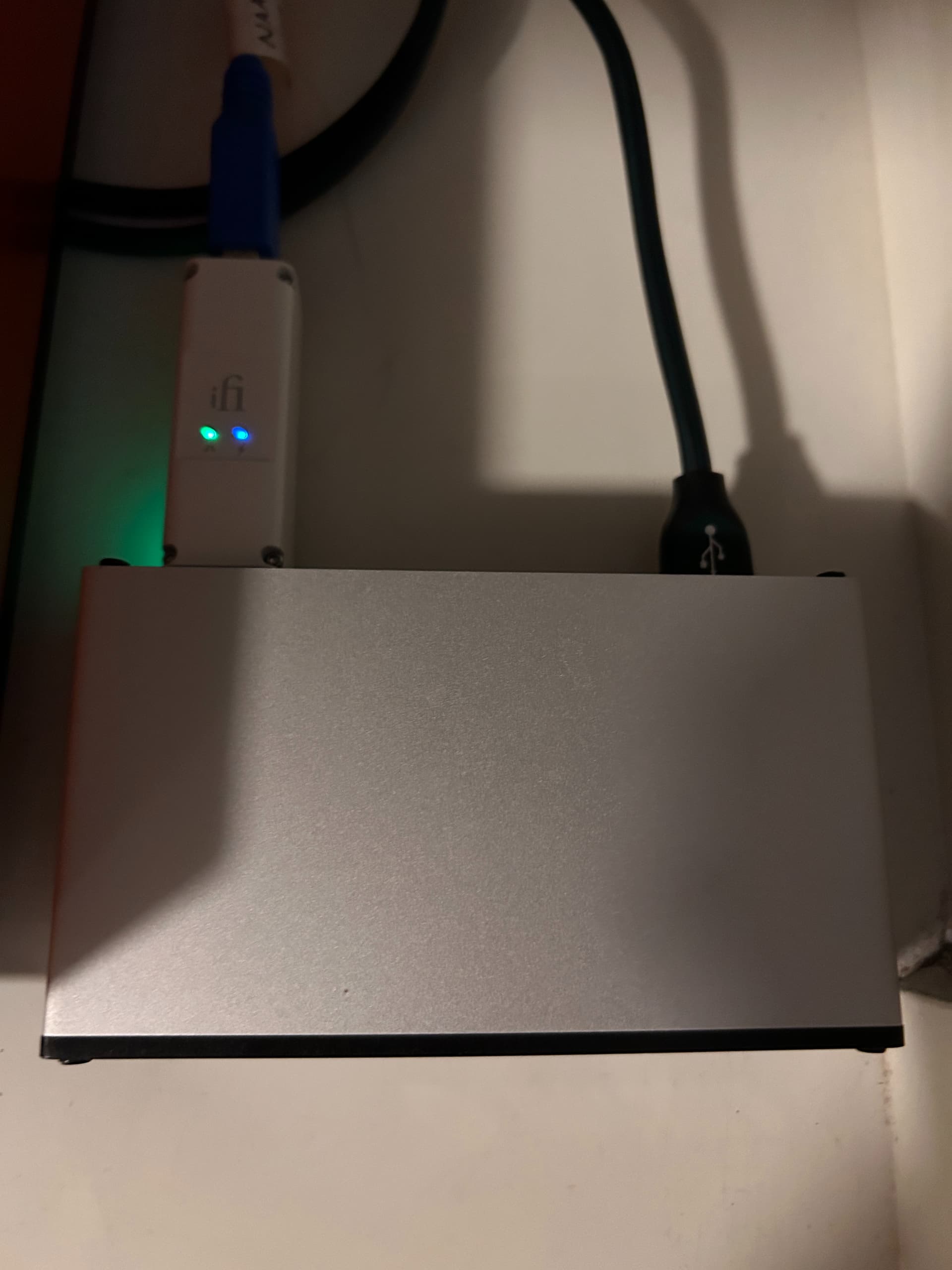
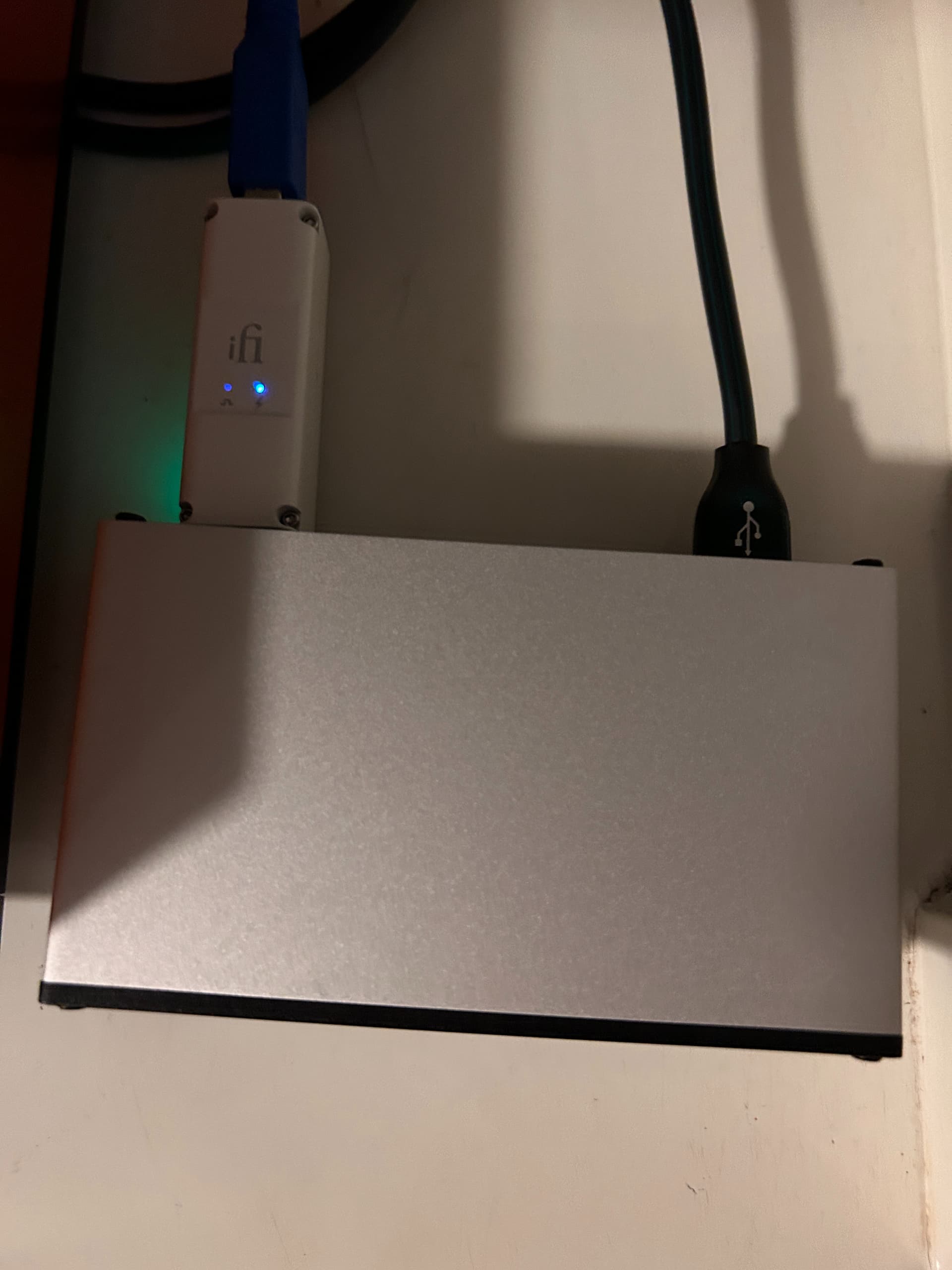
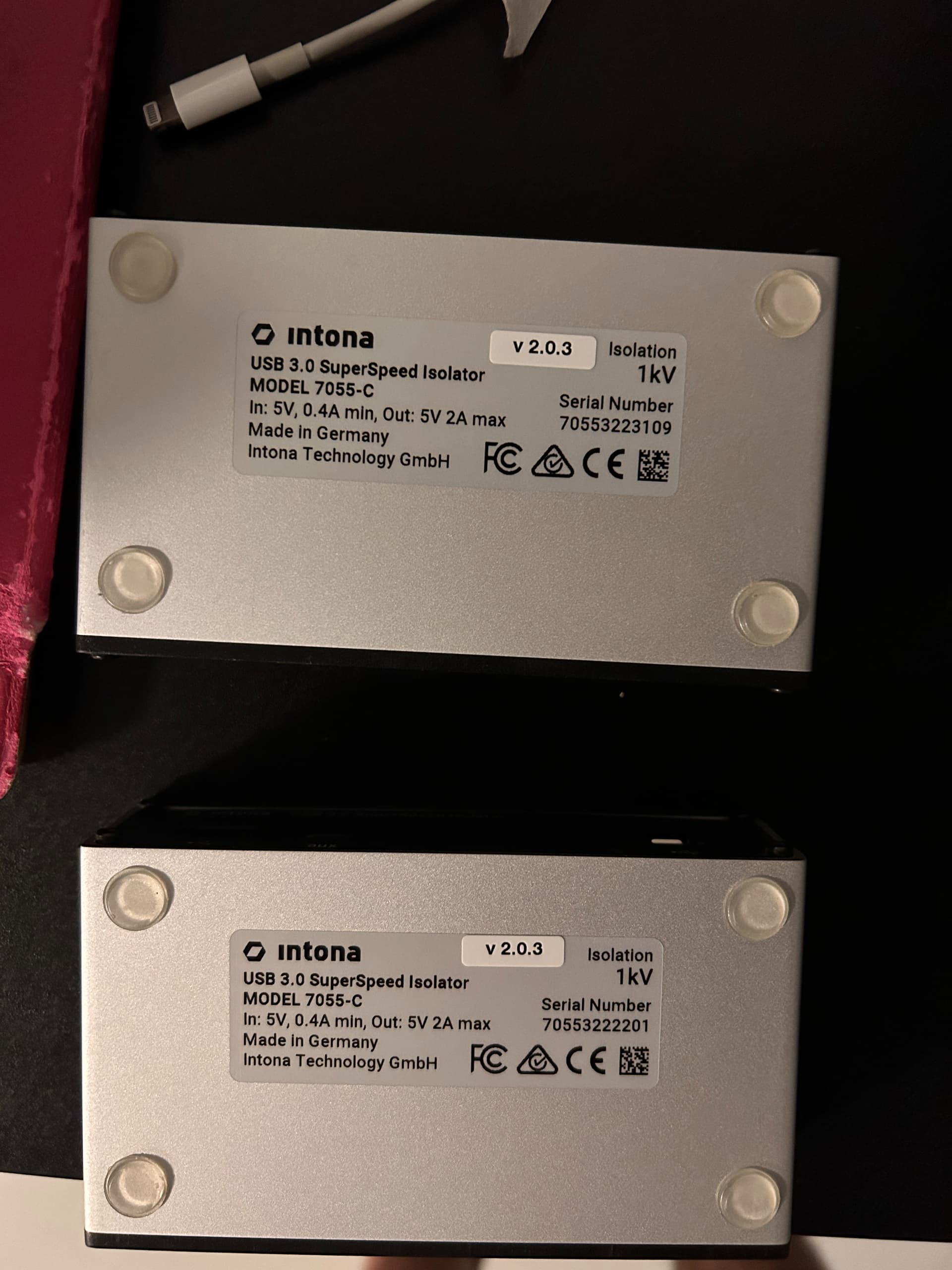
I have 2 intonas, one connected to iPurifier3 → USB 3.0 mini PC NAA to my DAC-60 using iPurifier3 because is the only way I can connect using a mini PC USB 3.0 NAA and a second one connected with a RPi4 to my Holo Spring 3 KTE.
Just recently one of the Intona stopped working (the one using the iPurifier3 green light (sound signal)
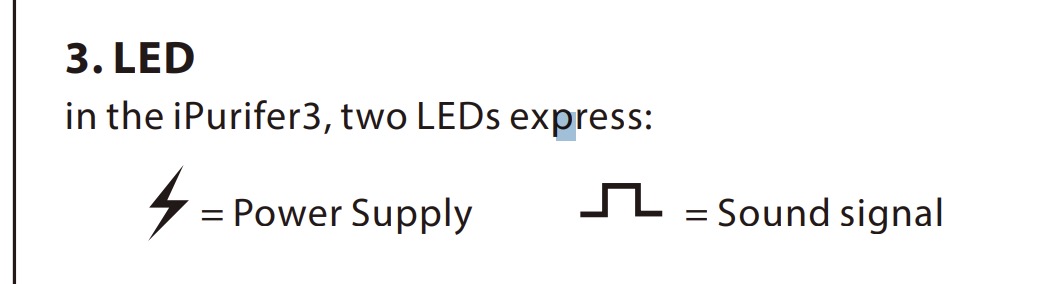
not working and DAC not getting sound signal) so I switched them and now when I connect it without the iPurifier3 to the NAA USB 2.0 works fine on the Spring KTE.
Any suggestions, should I keep on using them?
1 Like
iPurifier3 is doing absolutely nothing important, even when it is ‘working’ 
Just use Intona without iPurifier.
2 Likes
Well I should rephrase, because Intona can be funky with certain DACs.
If iPurifier3 is acting like a USB hub (I don’t know) it might actually help the same people that report they need to use a non-powered USB hub with Intona for it to work. I shared a link to Intona forum where you can read many such reports. Some need to add a hub between Intona and source and some between Intona and DAC.
But if Intona works for you without iPurifier3, then there is no need for the iFi.
1 Like
Edith:
I totally agree! I just need the iPurifier3 as a HUB only on the mini PC NAA, because it uses a weird USB 3.0 connector, I tried so many USB 3.x cables and no success, otherwise, the light green light of the intona keeps blinking.
The second intona works with no problem with a Rpi4 to NAA to Spring KTE
Waiting for a new Rpi4!
1 Like
It was the network control issue but I had to remove and then reinstall the HQ player IP address in Roon.
@musicjunkie917 was correct - surprisingly, the M2 Ultra does not play ASDM5ECv2 @ 512 without multiple dropouts.
@jussi_laako - Unless I’m doing something wrong (again) with my HQ player settings…, I’ll have to return the MacStudio back to the Apple Store.
Before you return your Ultra, can you email me a HQPlayer log file of such playback session. From HQPlayer startup to the playback. I’d just like to confirm there are no surprises there.
Since Ultra is two Max’es bonded together, there is potential issue with macOS. Optimally, one Max would handle left channel and another one right channel. But if macOS still decides to assign work differently, performance will suffer.